Larger Visual Area
A panel array can expand the visible presentation area when one commercial display does not fit the required wall size.


UVI is an indoor commercial video wall built with coordinated LCD display panels for large-format information presentation, digital window display and commercial spaces. Choose 46, 49 or 55-inch panels, landscape or portrait planning, narrow-bezel options and project-specific mounting. UVI is an LCD-based commercial video wall, not a direct-view LED wall.

A commercial video wall combines multiple professional display panels with a signal distribution system to create a larger display area. Depending on the controller and content design, it may show one coordinated image or multiple signal windows. Unlike an ordinary TV arrangement, a commercial video wall project also considers mounting structure, signal routing, maintenance access and operating environment. UVI is an indoor LCD commercial video wall for commercial information presentation.
A panel array can expand the visible presentation area when one commercial display does not fit the required wall size.
Panel count and arrangement can be planned around available space, content ratio and structural constraints.
A suitable processor may support several content windows, depending on the selected equipment and project design.
Orientation can be selected to match the available installation area and the intended content format.
Narrow bezel options can reduce the visual effect of panel grid lines, although LCD panel joints remain visible.
Wall, hanging, cart and cabinet-based approaches may be selected after mechanical and access requirements are reviewed.
A single commercial display and a commercial video wall each suit different project conditions. The practical choice depends on display size, content, structure, signal requirements and maintenance planning.
| Selection factor | Single commercial display | Commercial video wall |
|---|---|---|
| Display structure | One display | Multiple coordinated panels |
| Overall size | Limited by available screen size | Expanded through panel arrangement |
| Visible joints | No internal panel joint | Narrow joints between LCD panels |
| Signal system | Usually simpler | May require controller or processor |
| Installation | One mounting position | Multi-panel alignment and structure |
| Typical project | Menu, information or advertising screen | Large-format or multi-source presentation |
UVI is an LCD-based commercial video wall. WLED describes the backlight used inside the LCD panel. It is not a direct-view LED video wall.
| Factor | UVI LCD video wall | Direct-view LED video wall |
|---|---|---|
| Display structure | Fixed-size LCD panels | Modular LED cabinets/modules |
| Visible joints | Narrow LCD panel joints remain visible | No LCD bezel grid |
| Resolution planning | Based on panel resolution and layout | Based on pixel pitch and dimensions |
| Viewing distance | Often suitable for closer indoor viewing | Depends strongly on pixel pitch |
| Overall dimensions | Based on panel grid | More flexible custom dimensions |
| Main selection factors | Bezel, size, brightness, controller | Pixel pitch, brightness, cabinet, controller |
Use these planning steps to build a clearer request for quotation. Final configuration should be confirmed with project drawings and the selected specification.
Clarify whether the project is for window display, public information, meeting presentation or another commercial application.
Provide wall width, height, installation depth and the maintenance space available behind or around the display.
Select from 46, 49 and 55-inch LCD panels according to wall dimensions and preferred panel arrangement.
Choose landscape or portrait based on content ratio, sightlines and the physical installation environment.
Listed options are 3.5 mm, 1.8 mm and 0.99 mm. Confirm the measurement method and panel specification before ordering.
Provide input signal quantity, display modes and preferred installation approach for engineering review.
The source page lists wall-mounted, ceiling-hanging, cart-mounted, hanging-bracket and cabinet-mounting approaches. The exact mechanical structure and included mounting hardware must be confirmed for the selected project.
Suitable for fixed wall projects. Confirm wall loading, cable routing, ventilation and maintenance access before preparation.
Suitable for suspended presentation positions where professional structural assessment is available.
Suitable where a mobile or freestanding support structure is required. Cart, cabinet and hardware inclusion must be confirmed in quotation.
Matrix, splitter and graphic-processing solutions may be selected according to panel quantity, input sources and display modes. Controller specifications and whether the controller is included must be confirmed in the quotation.
A controller or processor is not automatically included unless it is listed in the final quotation.
Content preparation should follow the final panel arrangement and selected signal architecture rather than a generic screen template.
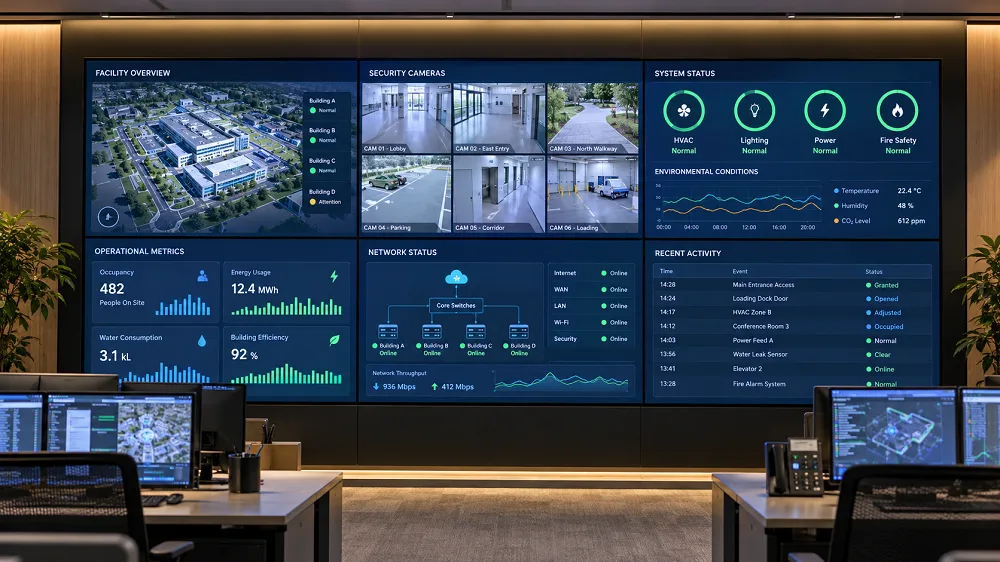
Often considered where wide information layouts, dashboards or horizontal visual presentation are required.
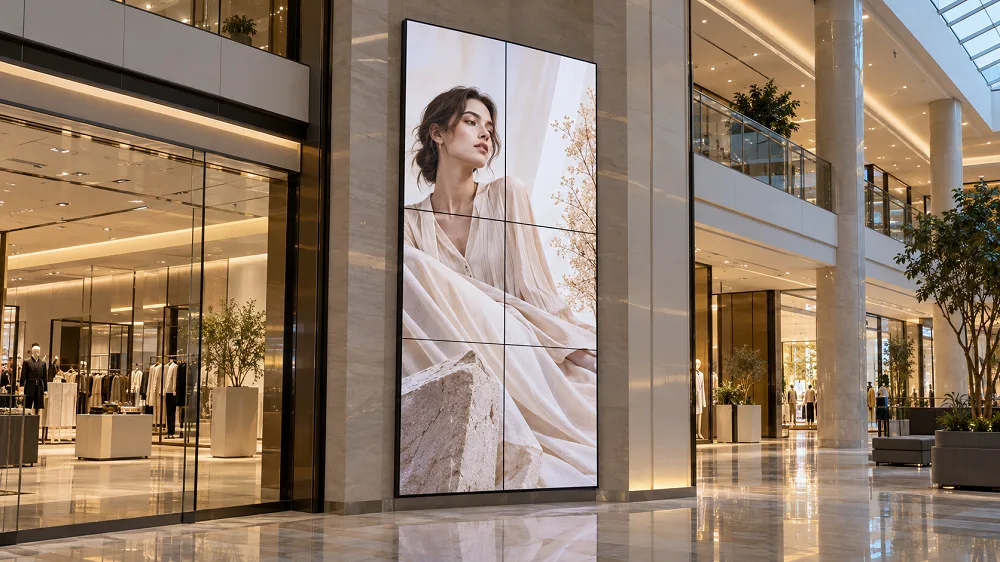
Can be considered for tall walls, vertical content and architectural display positions.
Plan content around: final aspect ratio, panel arrangement, individual-panel resolution, controller output, text size, important-content position and visible panel joints.
A narrower joint can reduce the panel-grid effect, but it does not remove LCD panel joints. Installation accuracy affects line alignment. Brightness and color consistency across panels should be reviewed during production and installation.
The source page states that displays receive factory color calibration, but no Delta E or uniformity values are provided.
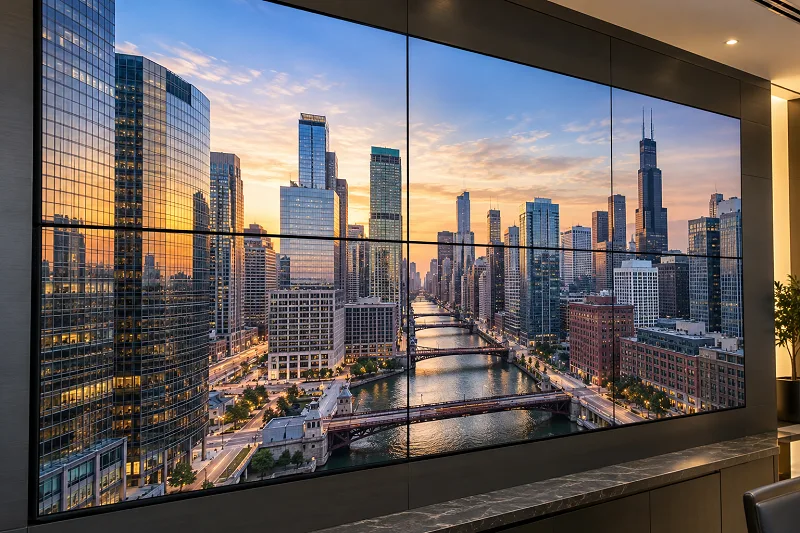
These examples illustrate possible indoor use environments and are not represented as customer case studies.

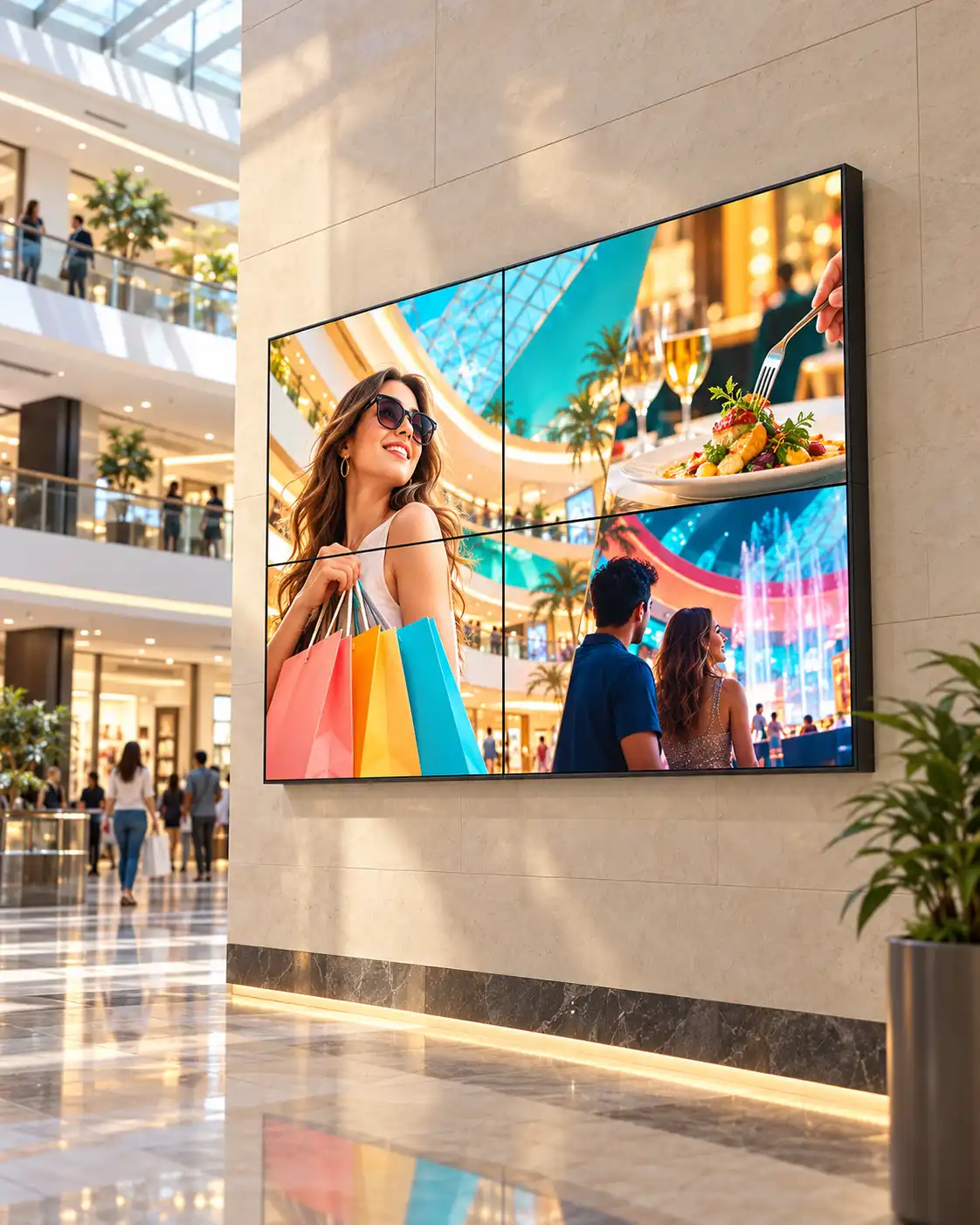


This table separates listed information from details that require final project confirmation.
| Product | |
|---|---|
| Model | UVI |
| Product type | Indoor LCD commercial video wall |
| Orientation | Landscape / Portrait |
| Panel size | 46″ / 49″ / 55″ |
| Display | |
| Resolution | 1920 × 1080 per panel listed in specification table |
| UHD availability | Ask UNIVIEW LCD to confirm whether an UHD panel configuration is available for your project. |
| Brightness | To be confirmed for the selected UVI panel configuration. Current source information contains conflicting 500/700-nit and 1000/3000-nit references. |
| Aspect ratio | 16:9 |
| Contrast ratio | Confirm with the final panel specification. |
| Response time | 8 ms |
| Viewing angle | 178° horizontal / 178° vertical |
| Backlight | WLED |
| Rated operating life | 50,000–60,000 hours |
| Bezel, Interfaces and Controller | |
| Listed bezel options | 3.5 / 1.8 / 0.99 mm |
| Measurement method | Confirm with selected panel specification. |
| Listed interfaces | HDMI / VGA / DVI / USB |
| Controller approaches | Matrix / Splitter / Graphic Processing |
| Exact quantities and capabilities | Project dependent |
| Installation and Environment | |
| Installation approaches | Wall-mounted / Ceiling-hanging / Cart-mounted / Hanging bracket / Cabinet mounting |
| Final structure and included accessories | Confirm in quotation |
| Input voltage | AC 100–240 V, 50/60 Hz |
| Operating environment | Indoor |
| Operating temperature | 0°C to 40°C |
| Storage temperature | -10°C to 60°C |
| Relative humidity | 10%–80% RH, non-condensing |
| Panel size | Reference dimensions |
|---|---|
| 46 inch | Final drawing required |
| 49 inch | Final drawing required |
| 55 inch | 1209.6 × 682.8 × 102.6 mm, reference only |
Always request the final engineering drawing before preparing the wall opening, cabinet, hanging structure or cable positions.
Commercial video wall pricing is normally based on the final configuration rather than a single standard unit price.
UNIVIEW LCD can support panel-size selection, orientation planning, bezel selection, controller planning and wall, hanging, cart or cabinet structure discussions. Custom panel arrangements, logo and packaging support, project drawings and documentation are subject to engineering confirmation and formal quotation.
Project support can include panel inspection, component preparation, signal and interface testing, multi-panel alignment review, image and appearance inspection, and packaging preparation.
The review process can be adapted to the confirmed project configuration and supplied equipment.
Incoming component inspection
Panel appearance inspection
Interface and signal testing
Multi-panel image review
Orientation and installation check
Controller compatibility check when supplied
Final appearance inspection
Packaging inspection
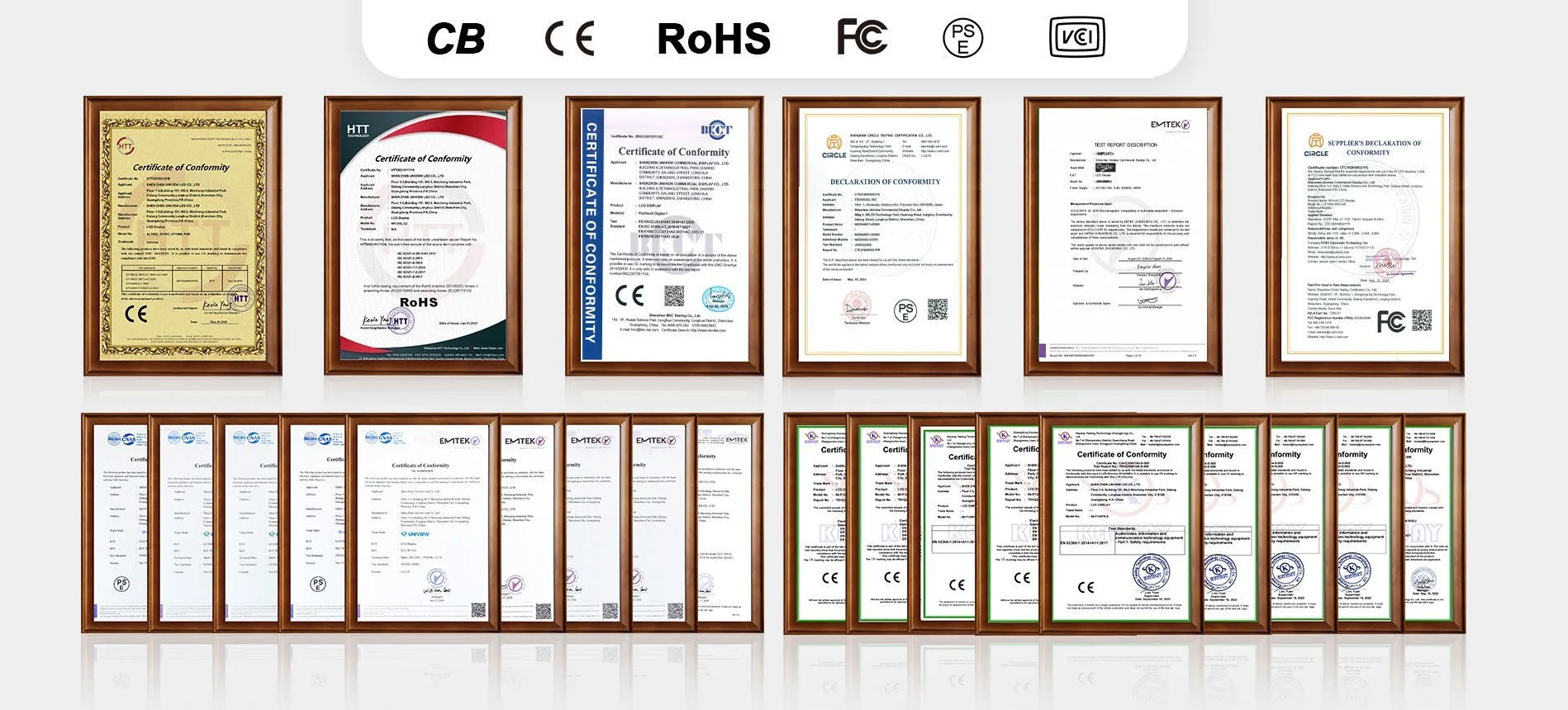
Product-related certification support may include CE, FCC, PSE, VCCI, RoHS, CB and other applicable documentation.
Certification availability and applicable standards depend on the selected panel, controller configuration and destination market. Contact UNIVIEW LCD for the documents relevant to your project.
The process helps align technical details before production. Delivery timing is confirmed only after final configuration and order details are reviewed.
• 14+ years of industry experience
• Commercial display project support
• OEM/ODM capability
• Configuration and drawing support
• Production and quality-control process
• Export documentation support
For a more accurate quotation, include your application, available installation dimensions, preferred panel size, landscape or portrait orientation, number of panels, signal sources, installation method and destination country.
Prefer direct contact?
+86-755-21009715
Floor 1-3, Bldg 9, Delta Science and Technology Park, Dalang Street, Longhua District, Shenzhen, China