

Digital Signage for Restaurants & QSR
LCD display hardware for digital menus, self-service ordering, promotions and customer-facing information in restaurants, QSR locations and multi-store projects. Select standard displays or discuss project-specific hardware requirements for your installation, system and rollout plan.
Share your application, display size, quantity and target installation date.

Choose Displays by Restaurant Application
Restaurant display requirements differ according to what customers need to see or interact with. Selection should begin with the application rather than choosing a screen based only on size.
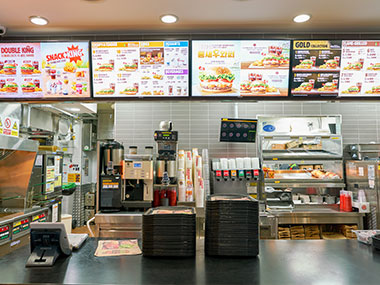
Digital Menu Display
Display menus, prices, new products, promotions, and daily information.
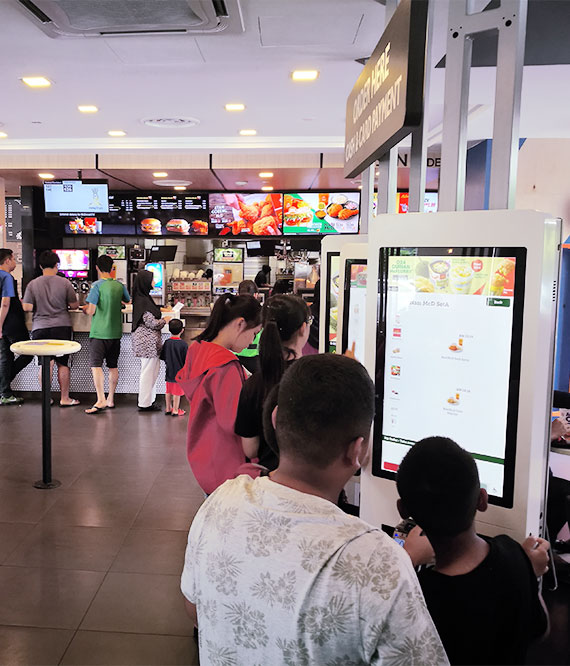
Self-Service Ordering
Allow customers to interact directly with an ordering interface.

Counter & Promotions
Display promotions, product information, and pickup details.

Entrance Displays
Display brand content, restaurant information, and entrance messaging.
What to Consider When Selecting Restaurant Digital Signage
01. Display Size & Viewing Distance
Menu displays and interactive ordering kiosks have different viewing and interaction distances. Consider viewing distance, available wall/floor space, number of displays, content layout, and orientation (horizontal or vertical).
02. Mounting & Installation
Relevant installation methods include wall-mounted, suspended, floor-standing, and counter-area installation. Mounting options depend on the selected product and specific project conditions.
03. Touch & Interaction
Digital menu displays may only require content display, while self-service ordering normally requires an interactive touch configuration. The exact touch technology must be confirmed against the selected product.
04. Operating System & Connectivity
Confirm the operating system (Android, Windows, Linux), interfaces, and connectivity requirements according to the content or ordering system used in the project. Options are supported by relevant product configurations.
05. Peripheral Requirements
Determine if the project requires a receipt printer, QR/barcode scanner, card reader, camera, or other peripheral hardware. Peripheral support depends on the product configuration and must be confirmed during selection.
Configure the Hardware Around Your Restaurant System
Hardware configuration, operating system options, CMS compatibility, ordering software and peripheral integration are reviewed separately according to project requirements.
System Integration Flow
Hardware Customization Areas
Standard products should be selected when the existing configuration fits the project. When project-specific requirements exist, we review hardware requirements with engineering before confirming the configuration and customization scope.
Evaluate the Configuration Before Rollout
Restaurant and QSR projects may require different levels of evaluation depending on product type, customization, software requirements, peripheral integration, and project scale.
Restaurant Requirements
Confirm application, installation environment, size, quantity, and target installation date.
Hardware Configuration
Confirm product series, display specs, OS requirements, touch technology, and interfaces.
System / Peripheral Check
Review ordering system/CMS requirements, and integration of printers, scanners, or readers.
Sample Evaluation
Confirm what the sample needs to validate on-site or with your software team.
Configuration Confirmation
Confirm hardware version, drawings, branding, mounting, and applicable documentation.
Production & Rollout
Proceed according to confirmed configuration, quantity, commercial terms, and schedule.
You can request applicable datasheets, drawings, test records, and compliance documents.
Recommended LCD Displays for Restaurant & QSR Projects
Select standard models or discuss project-specific configurations.
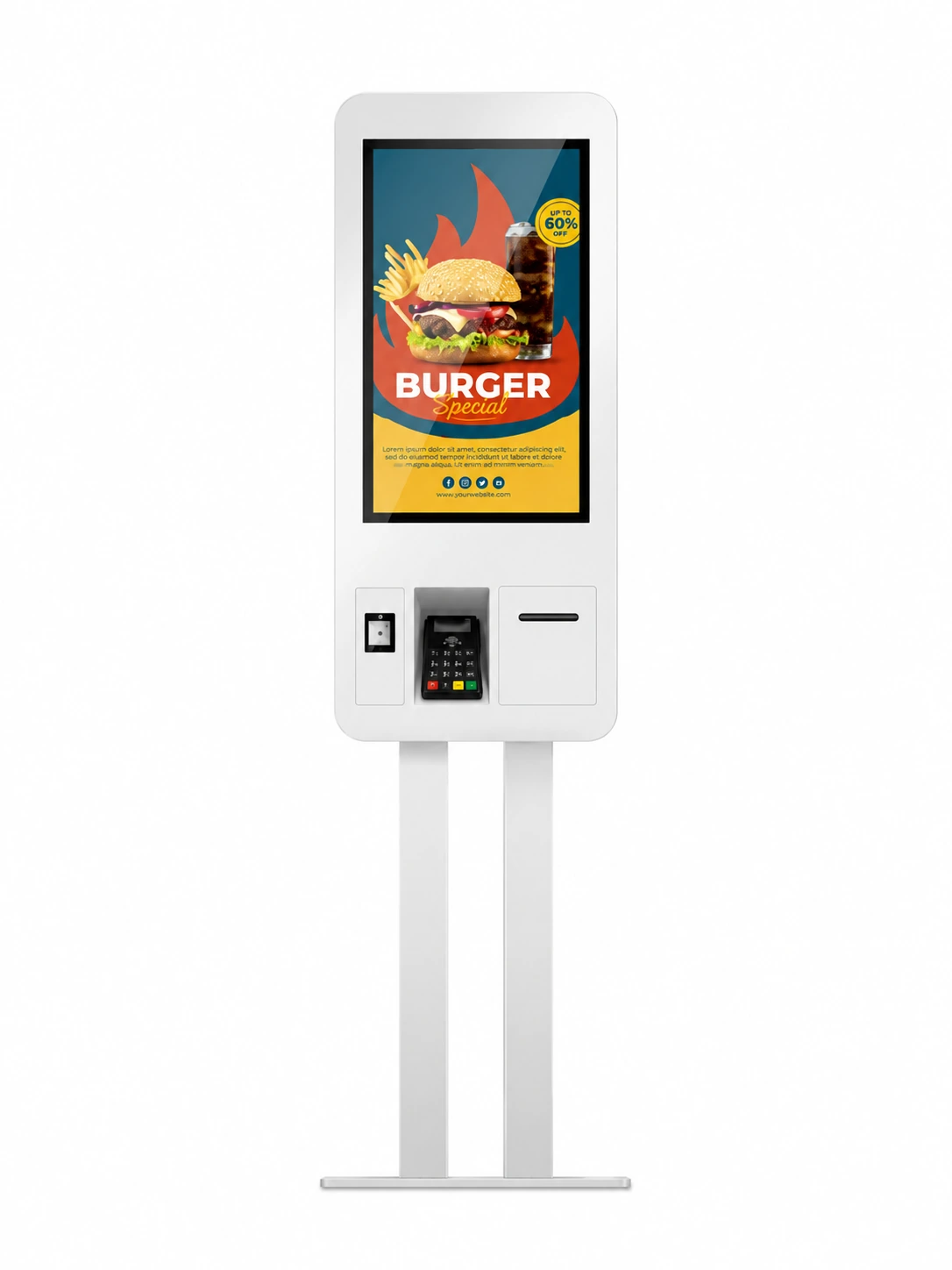
Self-Service Ordering Kiosk
Restaurant and QSR ordering with self-service interaction.
- • 27 / 32 / 43 inch options
- • 10-point capacitive touch
- • Wall-mounted / floor-standing
- • Optional printer / scanner integration

Indoor Wall-Mounted Signage
Digital menus, promotional displays, and customer info.
- • 32 to 98 inch range
- • 350–1,000 nits brightness
- • Wall-mounted / suspended
- • Android / Windows / Standalone options
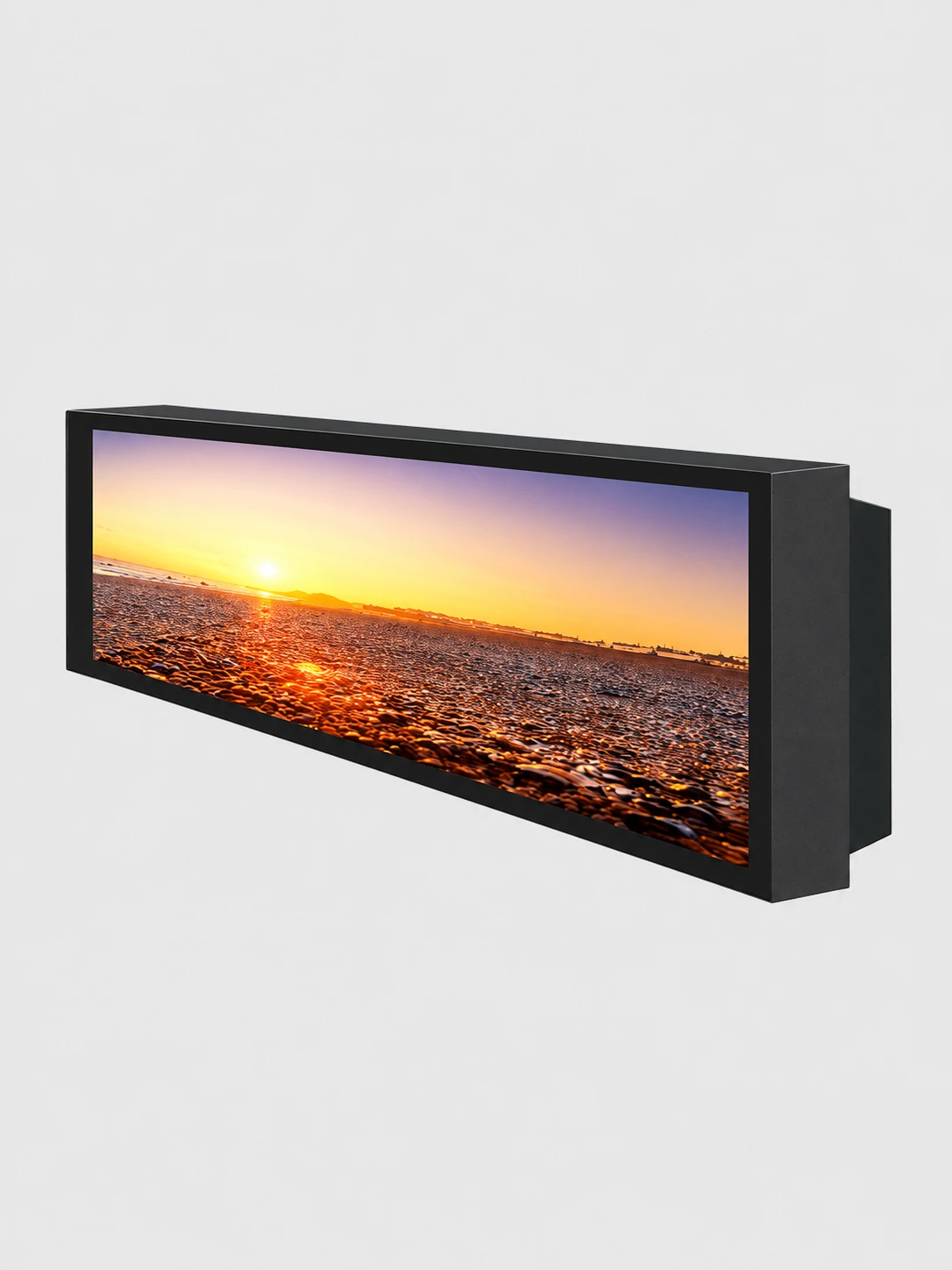
Bar / Stretch Display
Restaurant promotional information and counter-area displays.
- • Indoor LCD bar display format
- • Ultra-wide aspect ratio
- • Space-constrained installations

Floor Standing Display
Restaurant entrances, promotional areas, and customer wayfinding.
- • Freestanding indoor enclosure
- • High-visibility portrait orientation
- • Safe, stable base design
Restaurant Digital Signage FAQ
What type of digital signage is suitable for restaurants?
What display should I use for a digital menu board?
Can you provide self-service ordering kiosks?
Can printers, scanners or card readers be integrated?
Can the displays work with our existing ordering system or CMS?
Can the enclosure, mounting or branding be customized?
Can we evaluate a sample before a multi-location rollout?
What information do you need to recommend a restaurant display?
Discuss Your Restaurant Digital Signage Project
Tell Uniview LCD what the display needs to do, where it will be installed, the required size, quantity and target installation date.
If the project includes touch, ordering software, CMS or peripheral devices, share those requirements for hardware review.
Direct Contact
- lcdsales@univiewlcd.com
- +86-755-21009715
- Floor 1-3, Bldg 9, Delta Science and Technology Park, Dalang Street, Longhua District, Shenzhen, China