

Education Digital Signage for Schools and Campuses
Enhance campus communication, streamline wayfinding, and create engaging learning environments with commercial-grade LCD displays engineered for the unique demands of educational institutions.

Where Digital Signage Is Used in Education
Deploy versatile display solutions across your campus to keep students, faculty, and visitors informed and engaged.
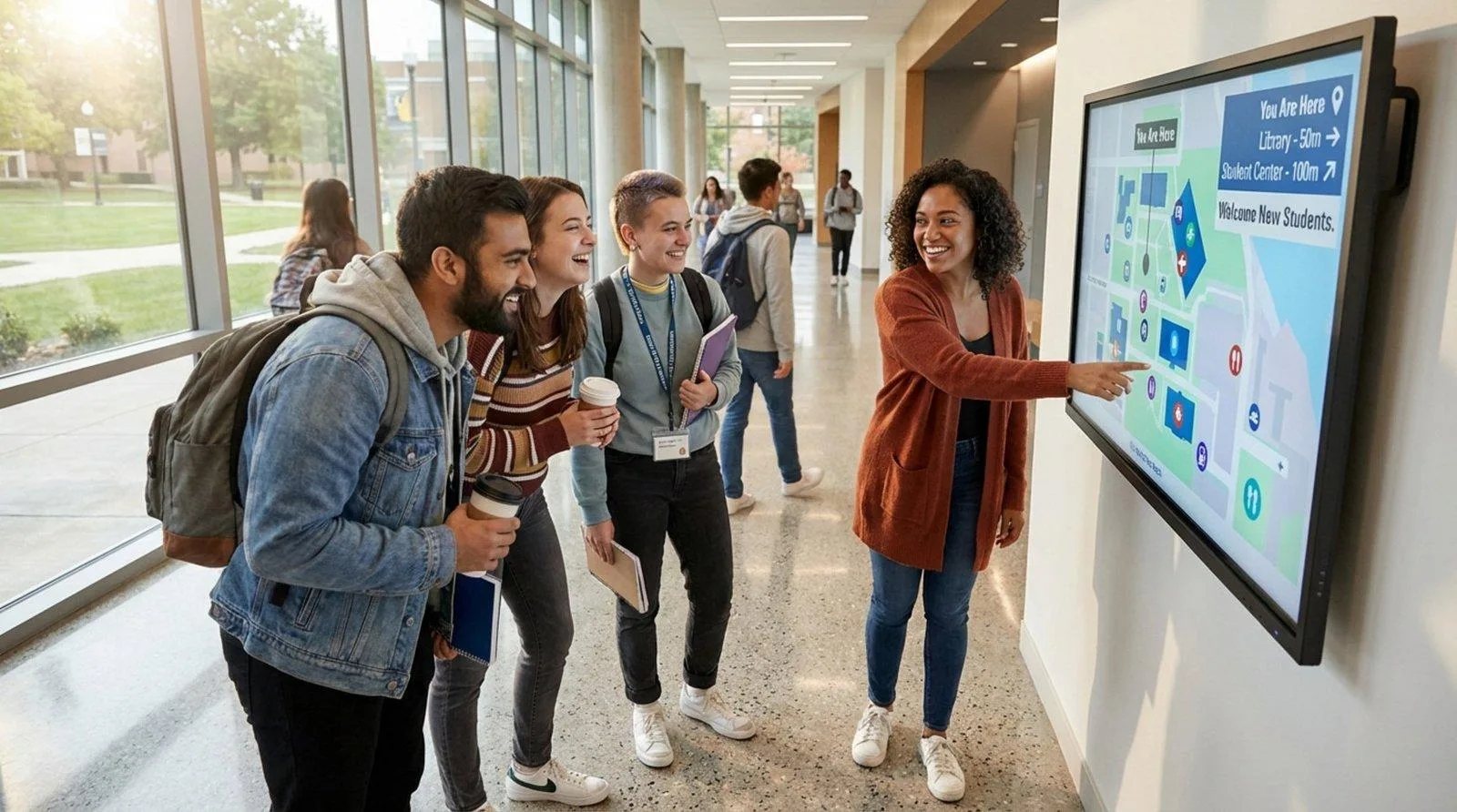
Lobby & Reception
Provide dynamic directories, event schedules, and administrative updates to create a welcoming and informative first impression for all visitors.

Campus Wayfinding
Deploy interactive maps and directional signage to seamlessly guide new students, faculty, and guests through complex campus layouts and multi-floor buildings.
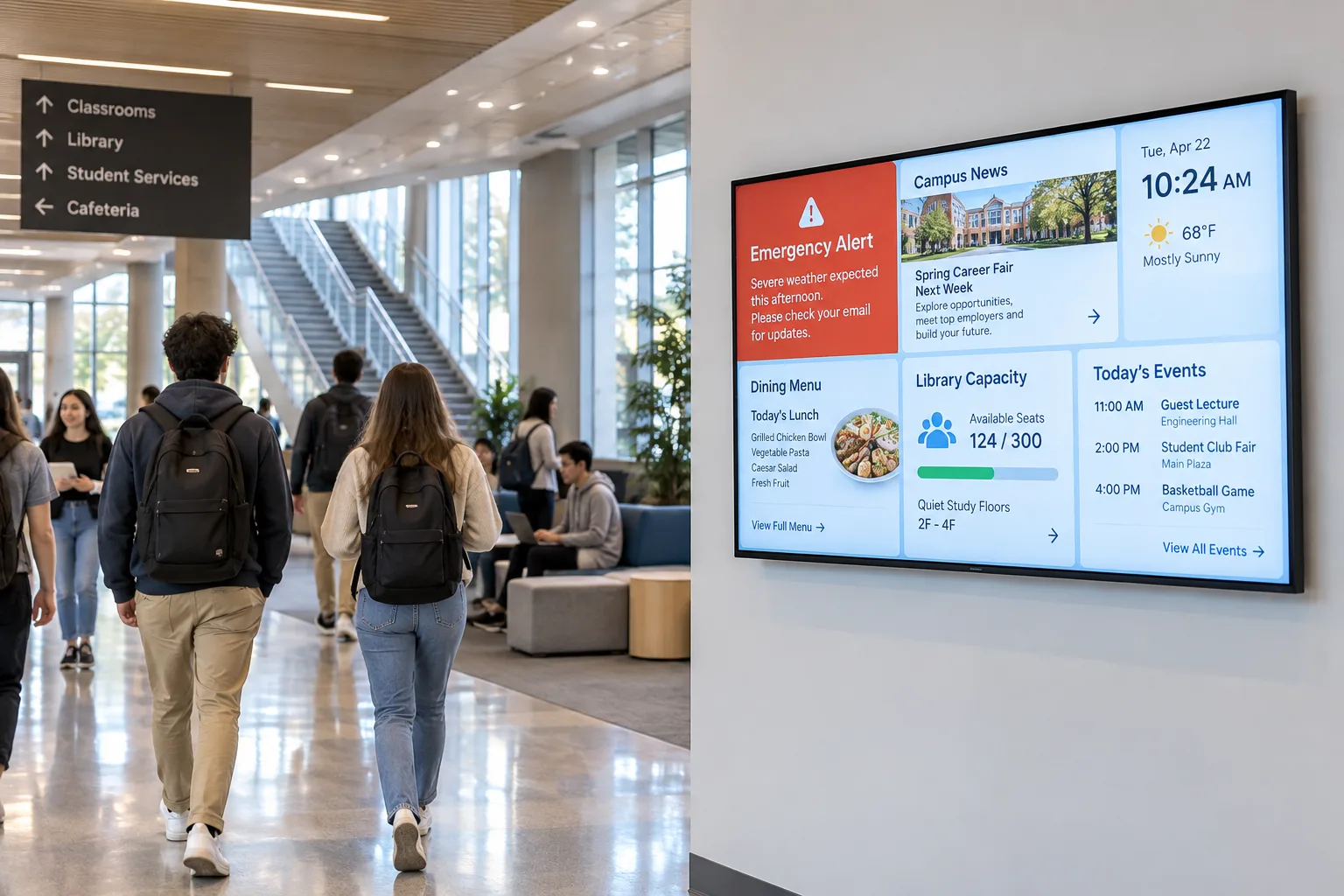
Shared Spaces & Corridors
Ensure emergency alerts, daily news, cafeteria menus, and library capacity updates reach students moving between classes in high-traffic shared environments.

Outdoor Campus Areas
Utilize high-brightness, weatherproof, and temperature-controlled enclosures to ensure reliable 24/7 operation for outdoor campus plazas and sports facilities.
Choose the Display by Campus Environment
Hardware requirements change drastically depending on where the screen is installed. We engineer solutions specific to these environmental challenges.
Indoor
Standard commercial brightness (350-500 nits) ideal for classrooms, standard hallways, and ambient-lit administrative offices.
Bright / Window-Facing
High-brightness panels (1000-3000 nits) designed to overcome direct sunlight glare in atriums and storefront-style campus buildings.
Outdoor
IP65-rated enclosures with internal HVAC or fan cooling, built to withstand rain, dust, and extreme temperature fluctuations.
Interactive
Multi-touch capable screens (PCAP or IR) with reinforced glass for high-traffic student use in libraries and navigation kiosks.
Select the Display Format for Your Application
Form factor is important. The physical structure of the display must align with the architectural constraints of the space and the user interaction goals.

Wall-Mounted
A space-saving design, ideal for hallways, classroom exteriors, and cafeteria menus.

Floor-Standing
Eye-catching, freestanding digital posters, perfect for lobbies, events, and temporary announcements.
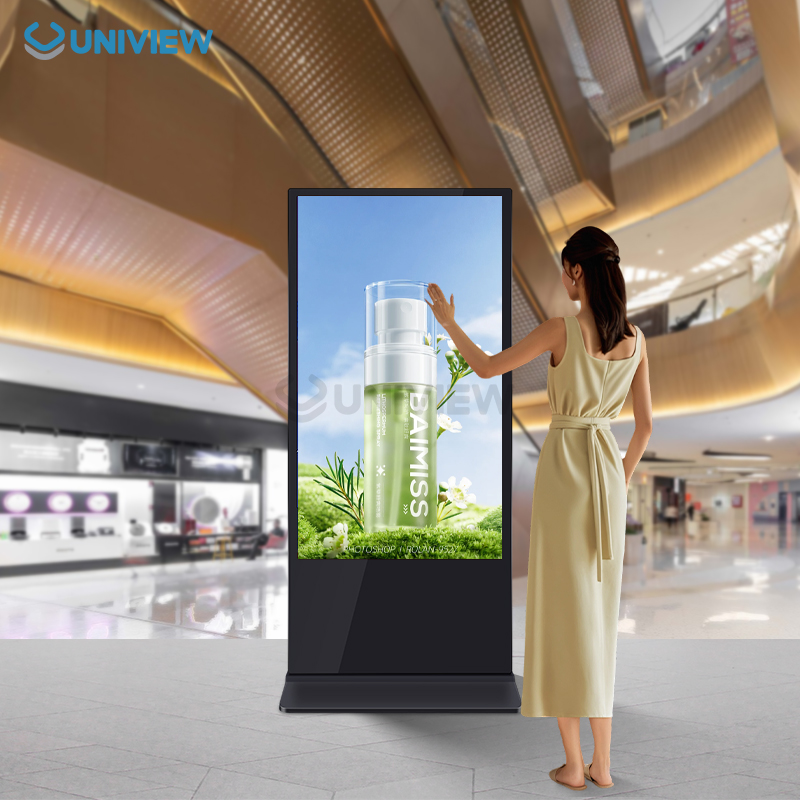
Interactive Kiosk
Tilted or vertical touchscreen terminals, designed for self-service information retrieval and campus navigation.

Interactive Touch Display
Large-format interactive whiteboards for collaborative learning in classrooms and lecture halls.
What to Consider When Selecting Education Digital Signage
Size & Viewing Distance
Determine screen size based on how far the average student will be standing. Larger halls require 75"+ screens.
Brightness
Evaluate ambient light. Standard indoor (400 nits) fails in direct sunlight; opt for high-brightness models where necessary.
Mounting
Ensure structural integrity of walls. Consider ceiling mounts or custom floor stands for architectural limitations.
Orientation
Landscape is standard for video/teaching; portrait is often preferred for directories and digital posters.
Touch
Decide between IR (Infrared) for cost-effective large screens or PCAP (Projected Capacitive) for edge-to-edge glass aesthetics.
OS & Interfaces
Choose built-in Android, Windows OPS slots, or standalone media player compatibility based on your IT infrastructure.
Maintenance Access
For built-in or video wall setups, consider front-maintenance designs to allow servicing without unmounting.
Interactive Display Hardware for Education Projects
Transition from passive viewing to active engagement. Our interactive hardware is designed for the rigors of daily classroom and public campus use. Featuring up to 40-point multi-touch capabilities, anti-glare tempered glass, and seamless integration with educational software ecosystems.
Durable Construction
4mm Mohs level 7 toughened glass protects against scratches and impacts.
Optical Bonding (Optional)
Reduces parallax and internal reflection for superior writing experiences.
Dual OS Support
Seamlessly switch between Android for quick whiteboarding and Windows (via OPS) for complex applications.
Configure Displays for Your Education Projects
We provide OEM/ODM customization services to ensure the hardware fully meets your project specifications and institutional branding requirements.
Structure
Customizable enclosures, colors, and branding.
Size
From 10-inch room signage to 110-inch lecture hall displays.
Brightness
Customized nit levels for specific lighting conditions.
Touch
IR, PCAP, or non-touch protective glass.
OS
Android, Windows, Linux, or standalone displays.
Interfaces
Supports HDMI, DP, USB-C, LAN, and RS232 configurations.
Peripherals
Integrated cameras, microphones, RFID, or scanners.
Mounting
Custom mounts and structural supports.
Software, Content and System Integration
Hardware is only half the solution. We ensure our displays seamlessly integrate into your existing IT ecosystem and content management strategies.
Display Hardware
We provide the robust, commercial-grade physical layer, ensuring longevity and reliable continuous operation.
CMS / Content
Our hardware is agnostic. Use our basic bundled software or integrate with industry-leading CMS platforms used by universities.
Third-Party Systems
Integrate with campus alert systems (CAP), scheduling software, and student databases via standard APIs and web interfaces.
Installation Responsibilities
We provide detailed mechanical drawings and technical support to coordinate with your local AV integrators and IT departments.
From Product Selection to Project Evaluation
Our structured B2B process ensures clarity and technical alignment before mass deployment.
Requirement
Selection
Technical Review
Configuration
Quotation & Sample
Production
Evaluate the Display Before Deployment
We encourage rigorous testing of sample units to ensure the hardware meets your campus IT standards and physical durability requirements. We provide comprehensive documentation to support your evaluation.
Education Digital Signage FAQ
Common technical and deployment questions.
Can the displays integrate with our existing campus emergency alert system?
What is the expected lifespan of these commercial displays in a school environment?
Do you provide the content management software (CMS)?
How do outdoor displays handle extreme weather and direct sunlight?
Discuss Your Education Display Project
Connect with our engineering and sales team to configure the right digital signage solution for your school or university campus. We support B2B buyers from initial design to mass production.
Email Us
lcdsales@univiewlcd.comCall Us
+86-755-21009715Factory Location
Floor 1-3, Bldg 9, Delta Science and Technology Park, Dalang Street, Longhua District, Shenzhen, China