

Interactive Touch Displays Supplier
Our interactive display category includes interactive flat panel displays and interactive whiteboard displays, designed for commercial projects that require direct on-screen interaction and digital content presentation.
Interactive flat panel and whiteboard display options for touch-based digital projects.
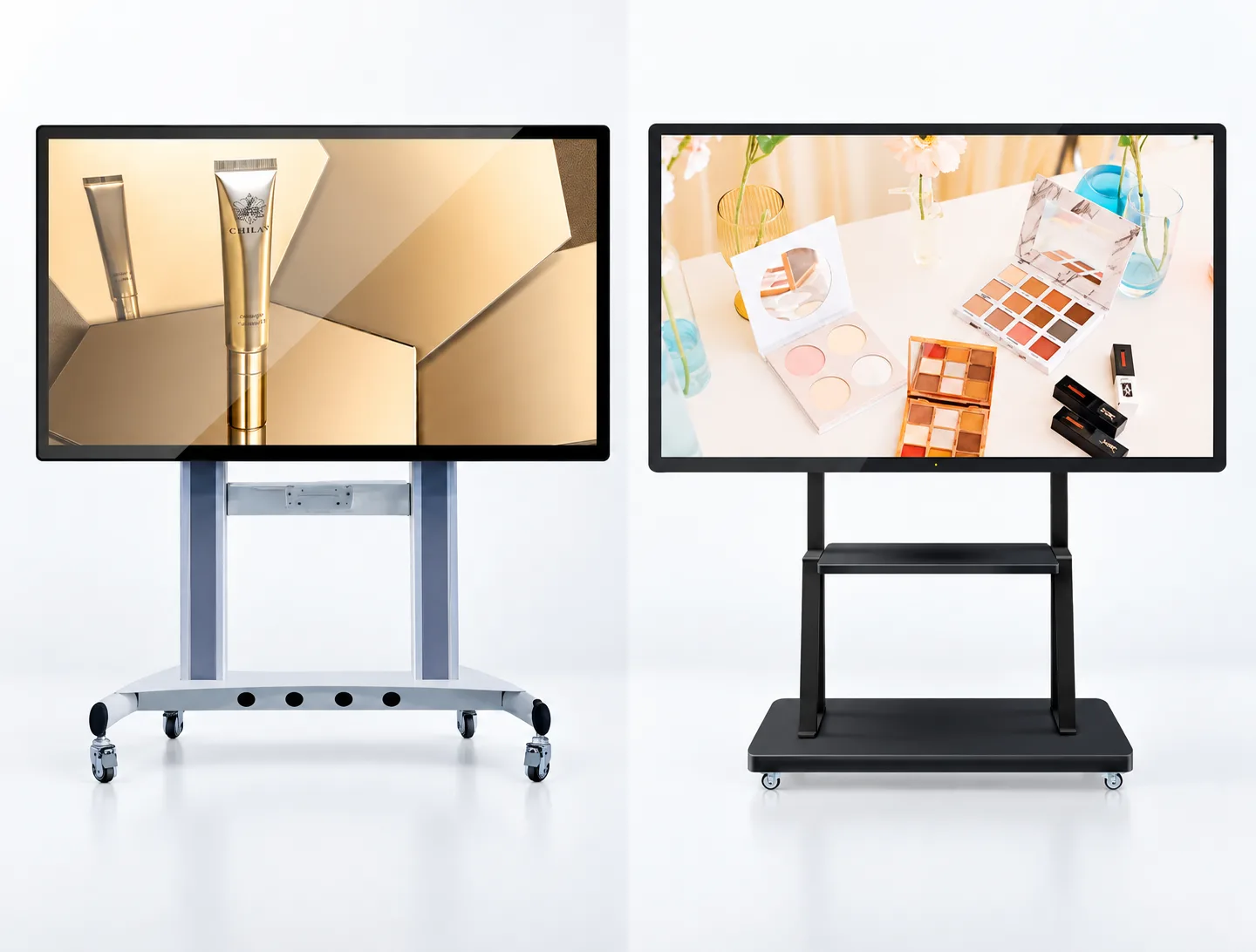
Explore Our Interactive Display Range
Our current product range includes interactive flat panel displays and interactive whiteboard displays. Product selection should be based on confirmed project requirements to ensure the appropriate hardware configuration is specified.
Consider the following requirements when evaluating options:
- Display size
- Viewing distance
- Touch requirements
- Writing and annotation requirements
- Display resolution
- Content sources
- Operating system
- Software compatibility
- Wired and wireless connectivity
- Audio and video requirements
- Installation method
- Device management requirements
- Expected operating schedule

Interactive Flat Panel Display
Model: EV300L
An interactive flat panel display designed for direct on-screen touch interaction and digital content presentation.

Interactive Whiteboard Display
Model: EV300L1
An interactive display configured as a whiteboard display for projects that require touch-based on-screen interaction.
How to Choose an Interactive Touch Display
Before requesting a quote, follow these steps to define the technical requirements for your interactive display project.
Define Interaction Requirements
Determine how users will interact with the screen and whether the project requires touch navigation, writing, annotation, or other forms of on-screen input.
Confirm Display Requirements
Review the preferred screen size, viewing distance, content resolution, ambient lighting conditions, and required image quality based on verified product and project information.
Review Touch and Writing Requirements
Confirm the required touch technology, number of simultaneous touch points, writing accuracy, response time, stylus support, palm rejection, and annotation features.
Plan Software and Connectivity
Identify the required operating system, content sources, wired inputs, network connections, screen-sharing methods, software platforms, and computer module requirements.
Confirm Installation and Management
Review the installation method, wall structure, mobile stand requirements, cable access, power access, maintenance requirements, device management, and expected operating schedule.
Key Requirements for Interactive Display Projects
Refer to the following planning considerations when preparing hardware specifications.
Display Size and Viewing
Display size should be evaluated alongside viewing distance, room dimensions, content format, and installation location to determine the appropriate physical dimensions.
Touch Performance
Touch technology, supported touch points, accuracy, response time, and input methods should be confirmed against the technical specifications of the selected model.
Writing and Annotation
Whiteboarding, writing, annotation, file export, and content-saving capabilities depend on the selected hardware configuration and verified software availability.
Systems and Software
The operating system, computer modules, software compatibility, account requirements, updates, and security policies should be reviewed before final selection.
Connectivity and Content Sharing
Wired inputs, USB connections, network access, wireless screen sharing, and external device compatibility should be confirmed for each target display model.
Installation and Maintenance
Mounting structure, ventilation, power access, cable routing, service access, required accessories, and ongoing device management should be planned before installation.
Plan Your Interactive Display Configuration
Use this checklist to prepare an initial planning outline for your project requirements. Each item represents a requirement that needs to be confirmed.
Important Note
This is a planning tool only. You must confirm the final product configuration, structural engineering data, and technical compatibility with our team before placing an order.
Required Planning Areas
- Hardware Selection
- Physical Dimensions
- Touch and Interaction
- Software and Operating System
- Connectivity
- Audio/Video
- Installation
- Project Scope