

Digital Signage for Railway and Transit Projects
Deliver real-time passenger information, wayfinding, and advertising with robust commercial LCD displays engineered for the demanding environments of stations, terminals, and transit hubs.

Where Digital Signage Is Used in Transportation Projects
Strategic placement of commercial displays ensures passengers receive critical information exactly when and where they need it.

Station Entrance
Welcome passengers with high-brightness outdoor or semi-outdoor displays showing overall network status.

Concourse
Large format video walls or suspended displays for main departure boards and advertising.

Platform
Rugged, dust-resistant screens providing next-train information and safety announcements.
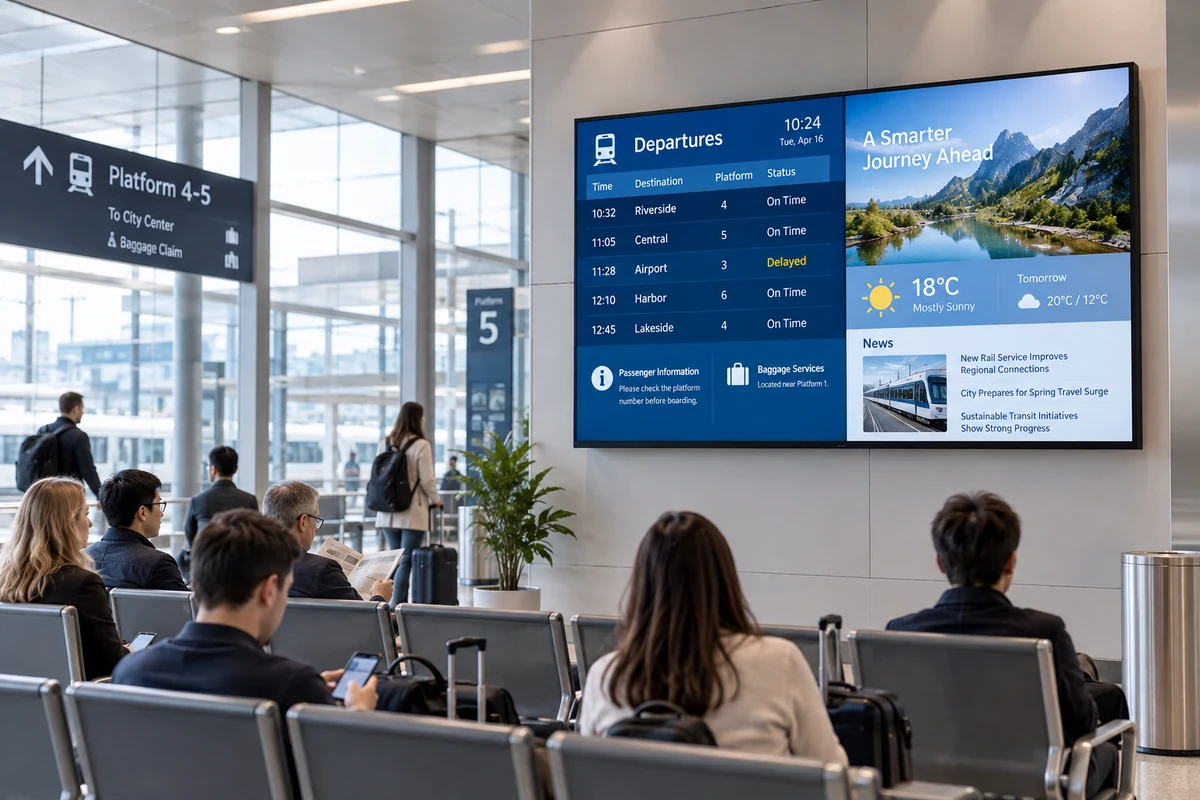
Waiting Area
Engaging commercial displays combining infotainment, news, and schedule updates.

Wayfinding Point
Interactive or static directional signage to guide passenger flow efficiently.
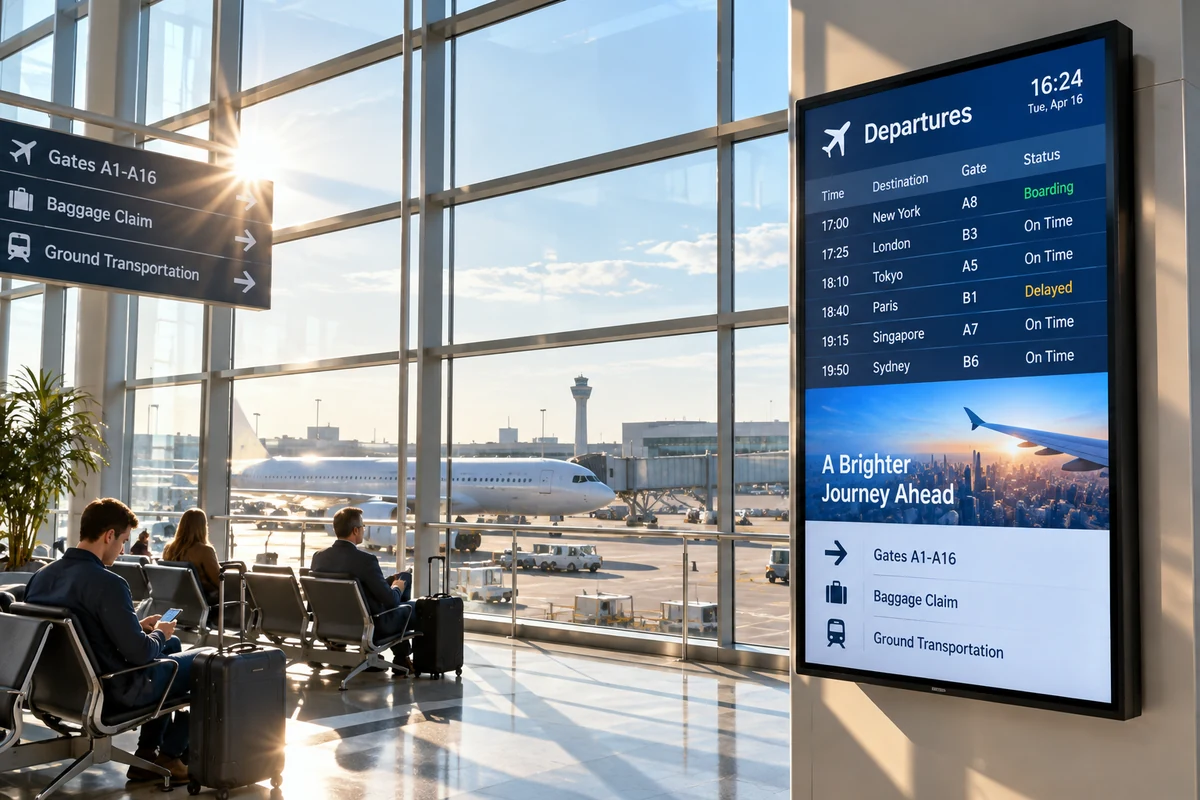
Near-Window Area
High-brightness storefront displays that remain visible despite direct sunlight.
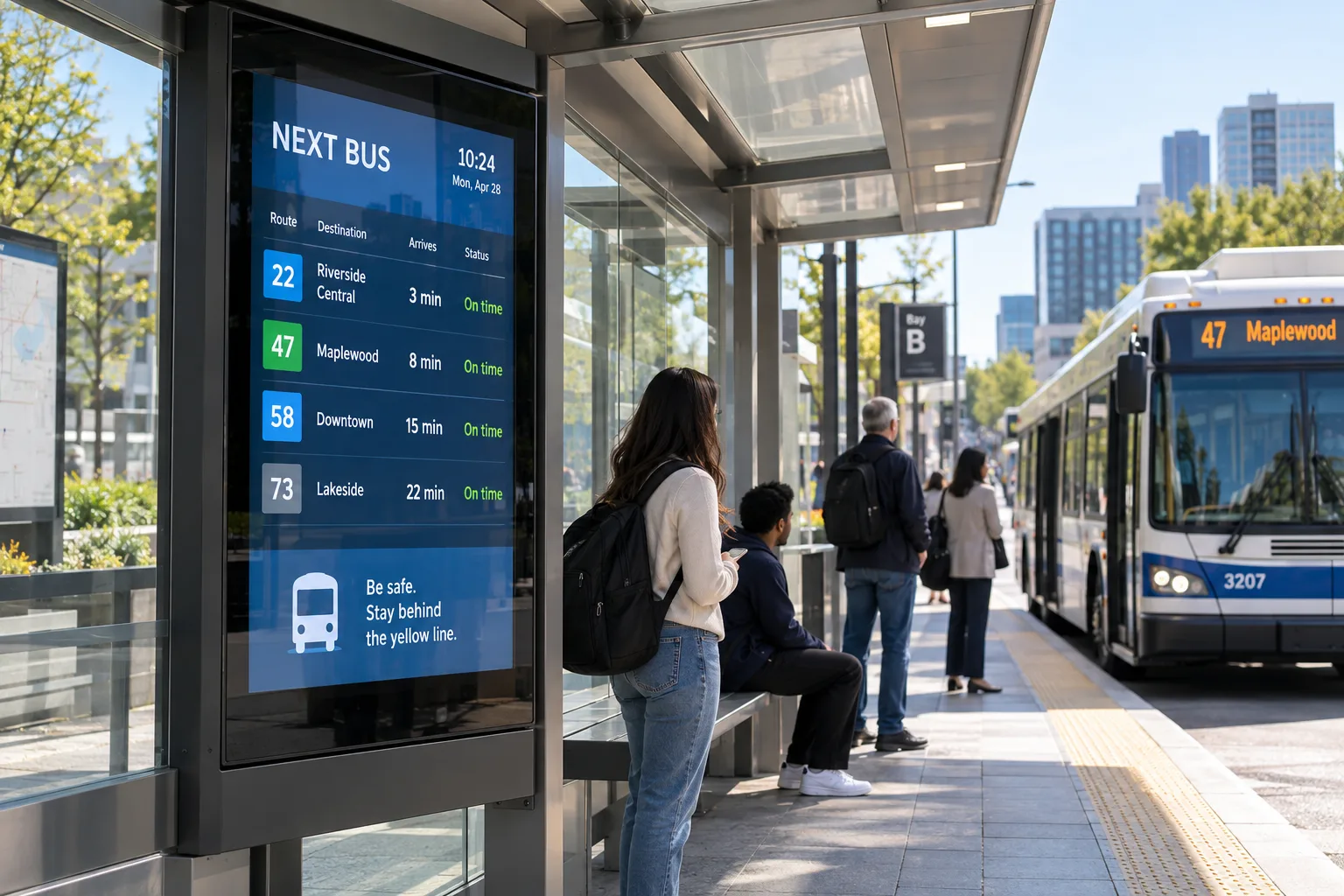
Outdoor Station Area
Fully weather-proofed, temperature-controlled IP65+ enclosures for bus shelters and open-air platforms.
Choose the Display by Installation Environment
Hardware specifications must match the physical realities of the transit environment to ensure longevity and readability.
Indoor
Standard commercial brightness (450-700 nits) suitable for concourses, ticketing halls, and enclosed waiting rooms with controlled lighting.
Bright / Near-Window
High brightness (1000-2500 nits) panels designed to combat glare and ambient sunlight near glass facades and entrances.
Outdoor
Ultra-high brightness (2500-4000+ nits), IP-rated enclosures, and advanced thermal management for fully exposed environments.
Interactive
Touch-enabled displays (PCAP or IR) with protective glass, ideal for self-service ticketing and digital wayfinding kiosks.
Select the Right Display Format
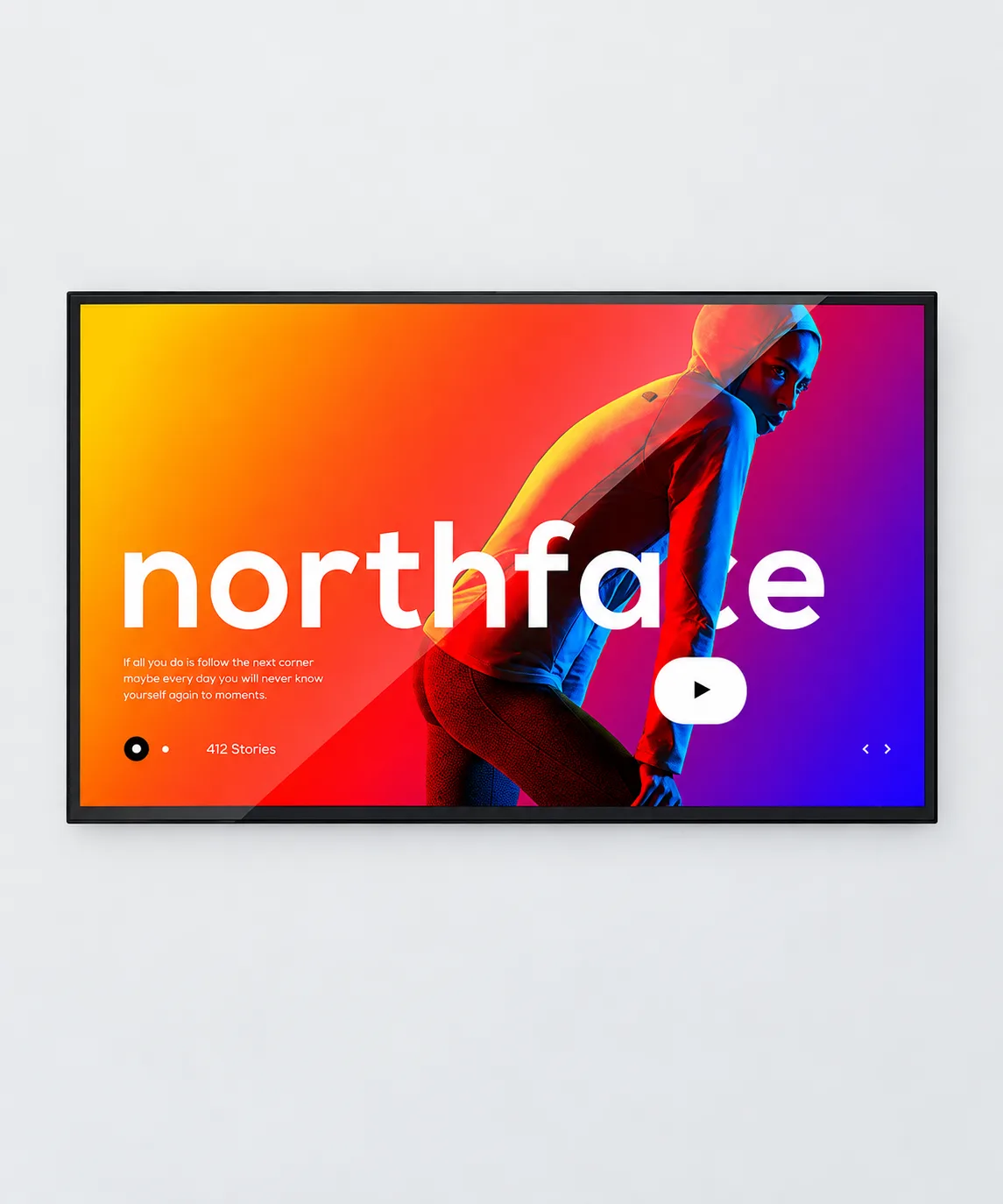
Wall-Mounted
Space-saving design for passenger information systems along corridors and above ticket counters.

Floor-Standing
Freestanding digital totems are ideal for large halls with limited wall space.

Outdoor Wall-Mounted
Robust enclosures for building facades and open platforms, capable of withstanding harsh weather conditions.

Interactive Kiosks
Ergonomic touch terminals designed for high-frequency public use and convenient access.
What to Evaluate for a Transportation Display
Environment
Assess dust, moisture, and temperature extremes to determine necessary IP ratings and cooling systems.
Brightness
Match nit levels to ambient light conditions to ensure readability without overpowering indoor spaces.
Size & Viewing Distance
Calculate screen dimensions based on the average distance passengers will be reading the information from.
Mounting
Evaluate structural integrity of walls/ceilings and ensure VESA compliance or custom bracket availability.
Orientation
Decide between landscape (schedules, video) or portrait (wayfinding, advertising) based on content strategy.
Environmental Conditions
Consider factors like vibration in railway stations and electromagnetic interference (EMI) shielding.
System & Interfaces
Ensure compatibility with existing Passenger Information Systems (PIS) via HDMI, DP, or integrated media players.
Maintenance Access
Opt for front-serviceable designs or easy-access panels to minimize downtime during repairs.
Plan for Multi-Site Deployment
Rolling out digital signage across multiple stations requires a systematic approach from initial survey to final delivery.
Configure Displays Around Your Transportation Project
We provide extensive OEM/ODM customization services to adapt our commercial LCDs to your specific transit infrastructure.
- Structure: Custom bezels, ruggedized metal casings, and anti-vandal glass.
- Size & Brightness: From 32" up to 98" panels, with brightness calibrated from 500 to 4000 nits.
- Cooling & Mounting: Fanless designs, smart HVAC systems, and custom mounting brackets.
- OS / Electronics: Android, Windows, or Linux embedded players with specialized I/O interfaces.
Confirm Hardware and System Integration Requirements
Successful deployment relies on seamless communication between the display hardware and the station's IT infrastructure.
Display Hardware
Defining exact panel specs and environmental protections.
CMS / Content
Ensuring compatibility with your chosen Content Management System.
Passenger Info Systems
API and hardware handshakes with third-party transit data feeds.
Installation Responsibilities
Clarifying power, networking, and physical mounting duties.
Evaluate the Display Before Project Deployment
Mitigate risk by thoroughly reviewing documentation and testing sample configurations before mass production.
- Detailed Specifications & Technical Datasheets
- CAD Drawings & Mounting Schematics
- Test Documentation & Quality Assurance Reports
- Compliance Documents (CE, FCC, RoHS, IP ratings)
- Sample Configuration & Prototype Testing
Transportation Digital Signage FAQ
What IP rating do I need for outdoor station displays?
Can the displays integrate with our existing Passenger Information System (PIS)?
How do you handle overheating in high-brightness outdoor displays?
Do you provide custom enclosures for specific architectural requirements?
Discuss Your Transportation Display Project
Whether you are upgrading a single station or deploying a network-wide passenger information system, our engineering team is ready to provide technical reviews, custom configurations, and sample evaluations.
Email Us
lcdsales@univiewlcd.comCall Us
+86-755-21009715Headquarters
Floor 1-3, Bldg 9, Delta Science and Technology Park, Dalang Street, Longhua District, Shenzhen, China