1
Mirror Surface
Silver mirror and gray mirror finishes are available to provide a normal reflective visual effect when display content is not active.


MI220 is an indoor digital mirror display designed for commercial spaces. When powered on, it presents digital content through an optical mirror surface; when powered off, the display returns to a practical mirror effect. Available in 43", 49", and 55" sizes with Full HD or 4K UHD options, with touch and motion sensor functions available as optional configurations.


A digital mirror display combines a commercial LCD panel with an optical mirror surface. When the screen is active, advertising, product information, video, or interactive content can be visible through the mirror. When it is off, the surface can serve as a mirror.
This format helps digital content fit more naturally into retail, hospitality, beauty, and experience-focused interiors than a conventional display alone. It is a commercial indoor display product, not an automotive rear-view product or a household DIY mirror.
Silver mirror and gray mirror finishes are available to provide a normal reflective visual effect when display content is not active.
When the LCD is illuminated, content can appear through the mirror surface, including advertising, brand video, product information, and interface content.
Touch, a motion/proximity sensor, and other peripherals are optional. Depending on configuration, display behavior may adjust when a person approaches. Final sensor logic requires confirmation.
Choose 43", 49", or 55" according to installation space, intended viewing distance, and the content area needed.
Silver mirror and gray mirror are available. Confirm the preferred finish according to interior style, content, and local lighting.
Full HD suits standard information, advertising, and video. 4K UHD can suit projects requiring higher detail or closer viewing. Confirm the final combination.
350, 700, and 1000-nit configurations are available for different indoor ambient light conditions and mirror display requirements.
Select driver board, standalone, Android, or Windows according to the content source, software needs, external player, and interaction plan.
Touch, motion/proximity sensor, camera, printer, card reader, scanner, Wi-Fi access point, and wheels are optional and require project confirmation.
| Screen Size | 43", 49", 55" |
|---|---|
| Mirror Finish | Silver mirror or gray mirror |
| Resolution | Full HD or 4K UHD |
| Brightness | 350 / 700 / 1000 nits |
| Operating System | Driver board, standalone, Android, or Windows |
| Touch Option | Optional capacitive or infrared touch |
| Sensor Option | Optional motion/proximity sensor |
| Peripheral Options | Available on selected configurations and subject to technical review |
Final specifications and optional functions must be confirmed according to the selected screen size, operating system and project requirements.
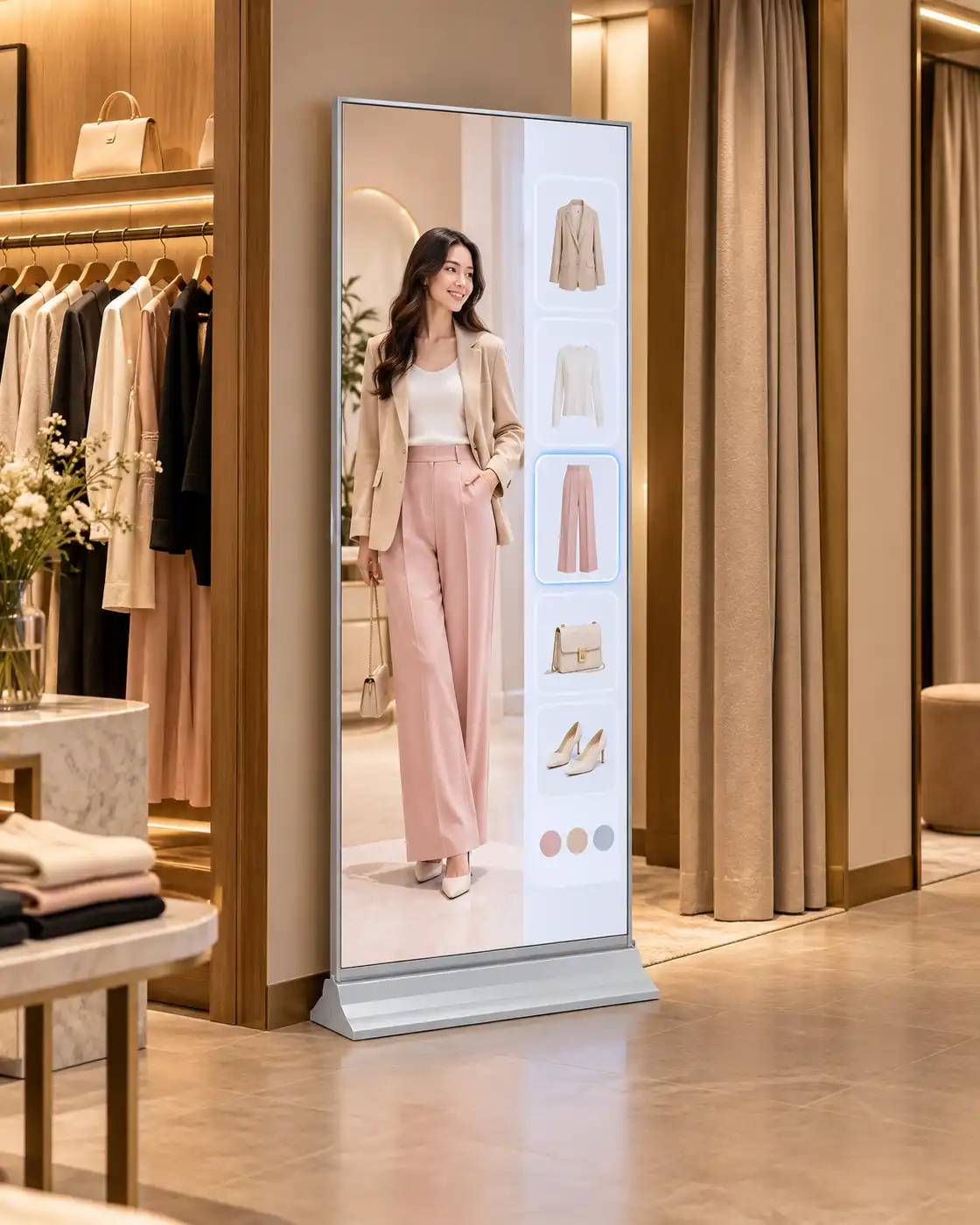

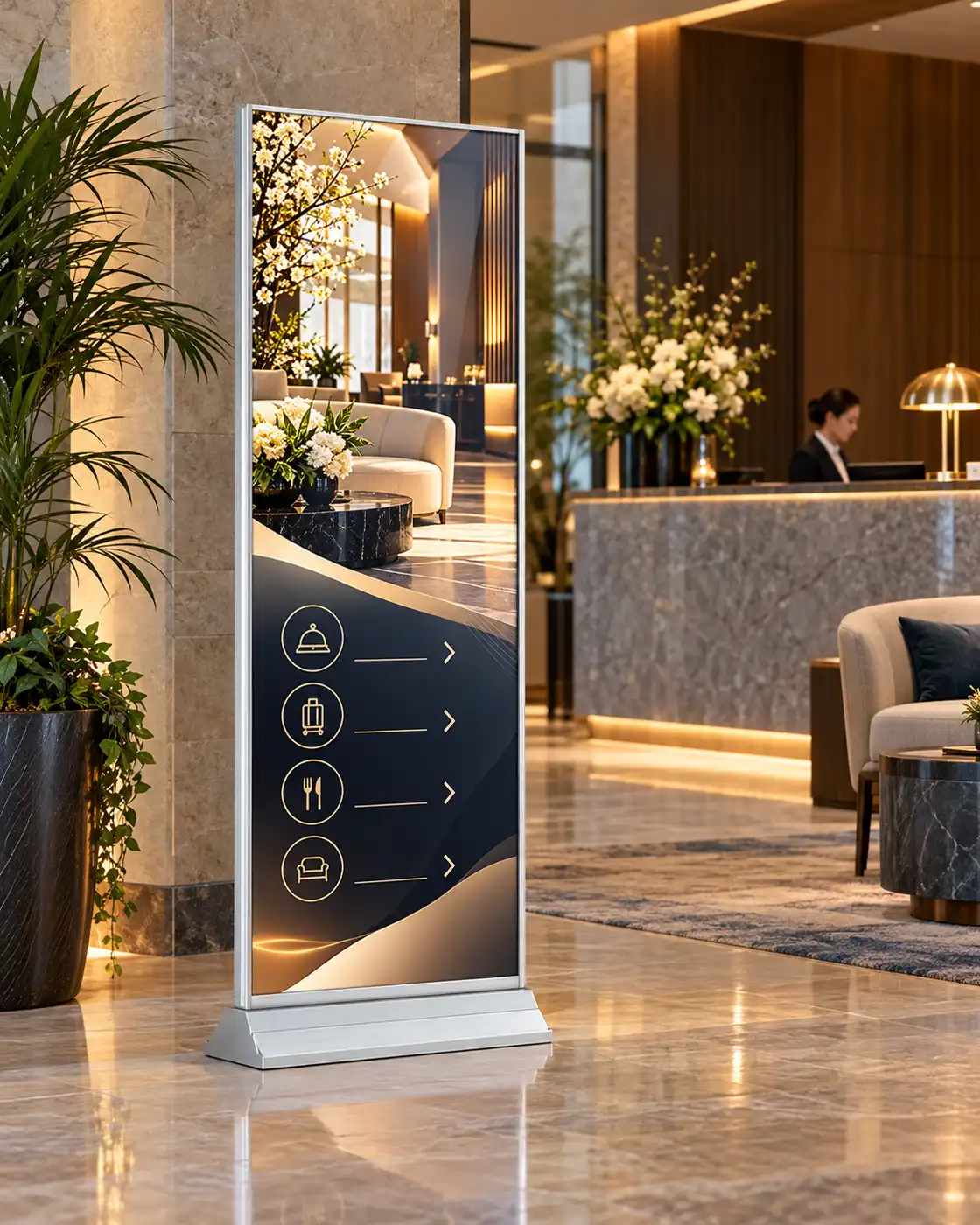
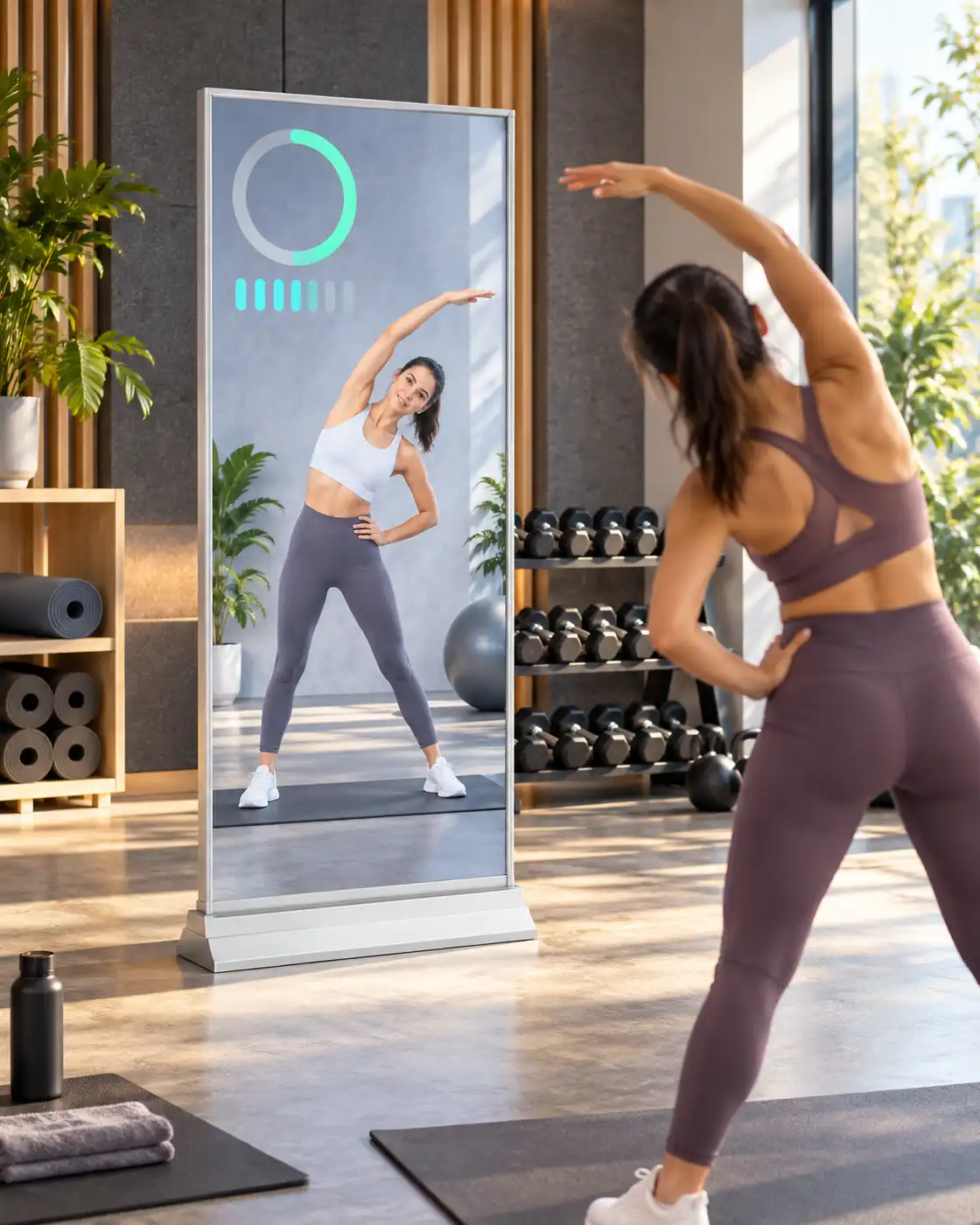
A reflective surface and digital content area support installations where a conventional LCD may feel visually separate from the interior.
Choose a mirror finish according to the intended visual style, content plan, and indoor lighting conditions.
Resolution options let projects balance content detail, viewing conditions, and selected display configuration.
350, 700, and 1000-nit options help align the LCD mirror display with its planned indoor environment.
Capacitive or infrared touch can be selected when an interactive retail mirror or guided user interface is required.
Choose playback systems and selected peripherals according to content delivery and project-specific integration needs.
| Version | Interfaces | Storage | Typical Project Fit |
|---|---|---|---|
| Driver Board | HDMI, VGA, DVI | None | External content source |
| Standalone | HDMI, USB | 16GB | Local media playback |
| Android | HDMI, USB | 2GB+16GB or 4GB+16GB | App-based or integrated projects |
| Windows | HDMI, VGA, USB | 4GB+120GB SSD | Windows software and PC-based applications |
Touch is optional. Capacitive and infrared touch options are available.
Touch configurations may support 10 or 40 touch points. Final touch performance depends on the selected configuration.
Additional peripherals require technical review.
| Specification | Value |
|---|---|
| Product Model | MI220 |
| Product Type | Indoor Digital Mirror Display |
| Panel Brand | LG or Samsung |
| Screen Sizes | 43", 49", 55" |
| Resolution Options | Full HD 1080 × 1920 / 4K UHD 2160 × 3840 |
| Aspect Ratio | 16:9 |
| Brightness | 350 / 700 / 1000 nits |
| Contrast Ratio | 1400:1 |
| Response Time | 8 ms |
| Viewing Angle | 178° horizontal / 178° vertical |
| Backlight | WLED |
| Operating Life | 50,000–60,000 hours |
| Mirror Finish | Silver mirror or gray mirror |
| Touch Options | Capacitive or infrared touch |
| Touch Points | 10 or 40, depending on configuration |
| Touch Interface | USB |
| Input Voltage | AC 100–240V, 50/60Hz |
| Operating Environment | Indoor |
| Operating Temperature | 0°C to +40°C |
| Storage Temperature | -10°C to +60°C |
| Humidity | 10%–80% RH, non-condensing |
Specifications may vary by screen size, system and selected options. Confirm the final configuration before ordering.
Uniview LCD can review customization needs including screen size, mirror finish, resolution, brightness, operating system, touch technology, sensor integration, peripheral integration, housing appearance, branding, packaging, and project-specific software and hardware integration requirements.
Customization options are reviewed according to technical feasibility, order requirements and the selected system.
Manufacturing review can include panel and mirror surface inspection, display and interface testing, touch and sensor testing when selected, system configuration verification, appearance inspection, and protective packing preparation.
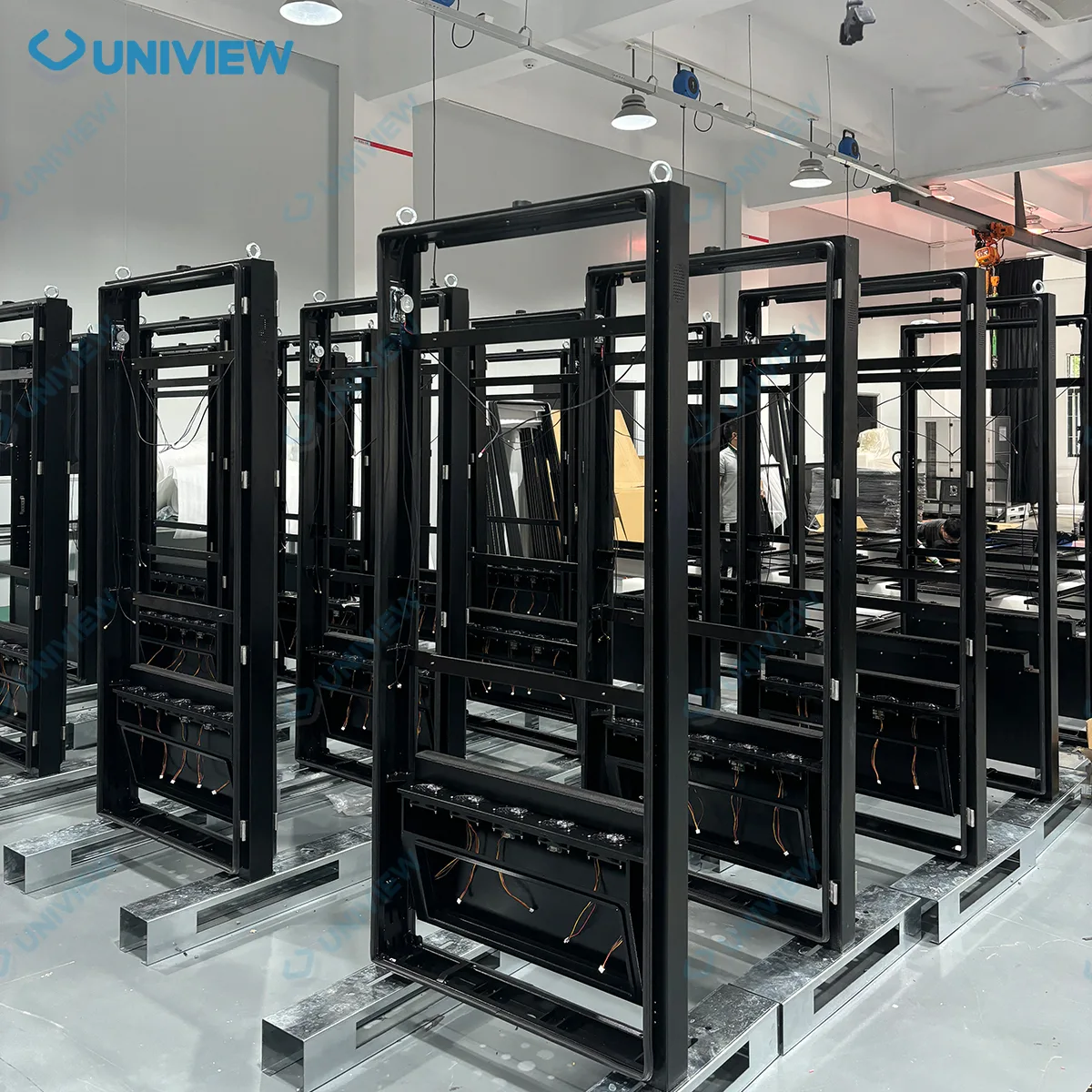
Panel, mirror surface, and selected components are prepared for assembly.
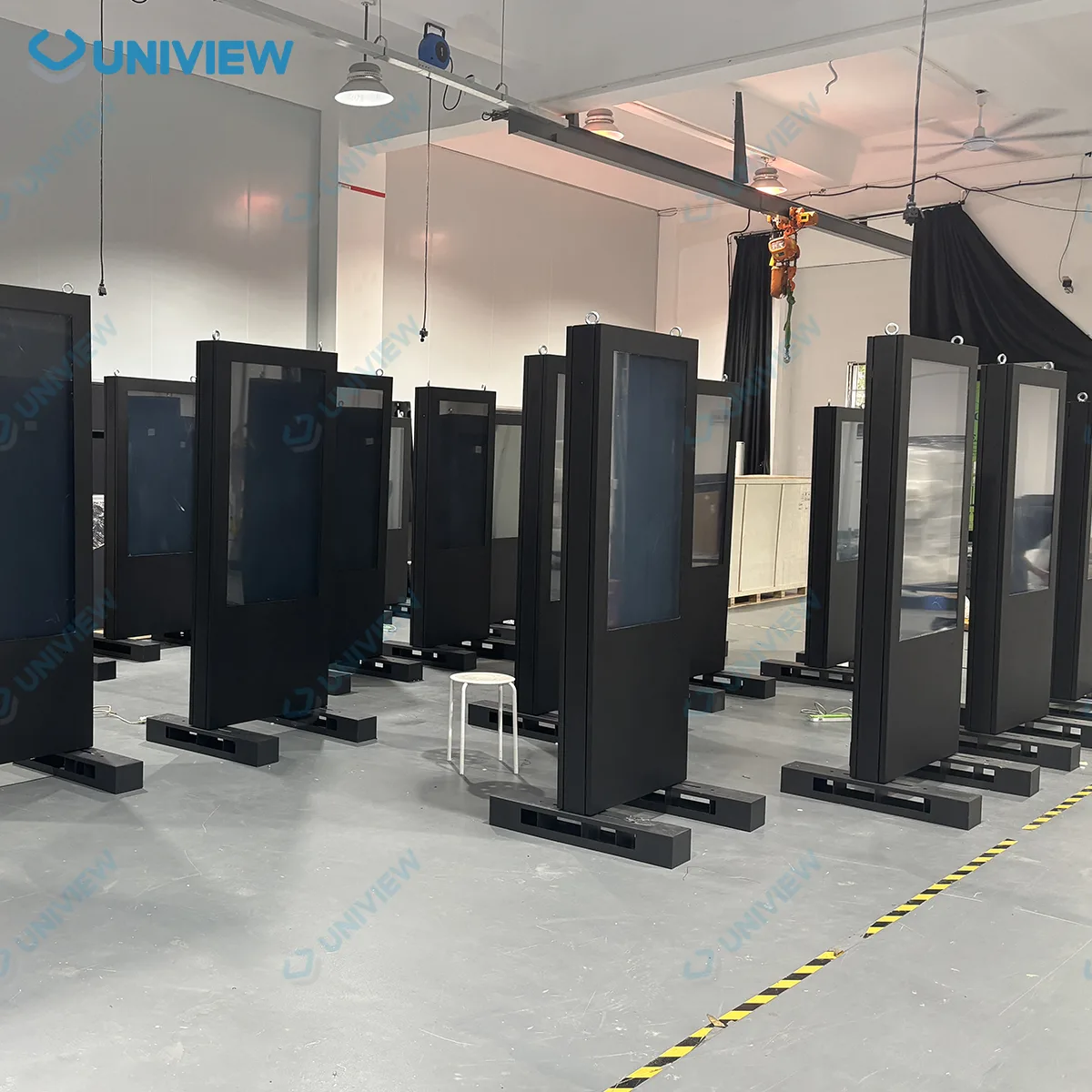
Configured parts are assembled according to the selected product solution.

Display, mirror, interface, and selected touch or sensor functions are checked.
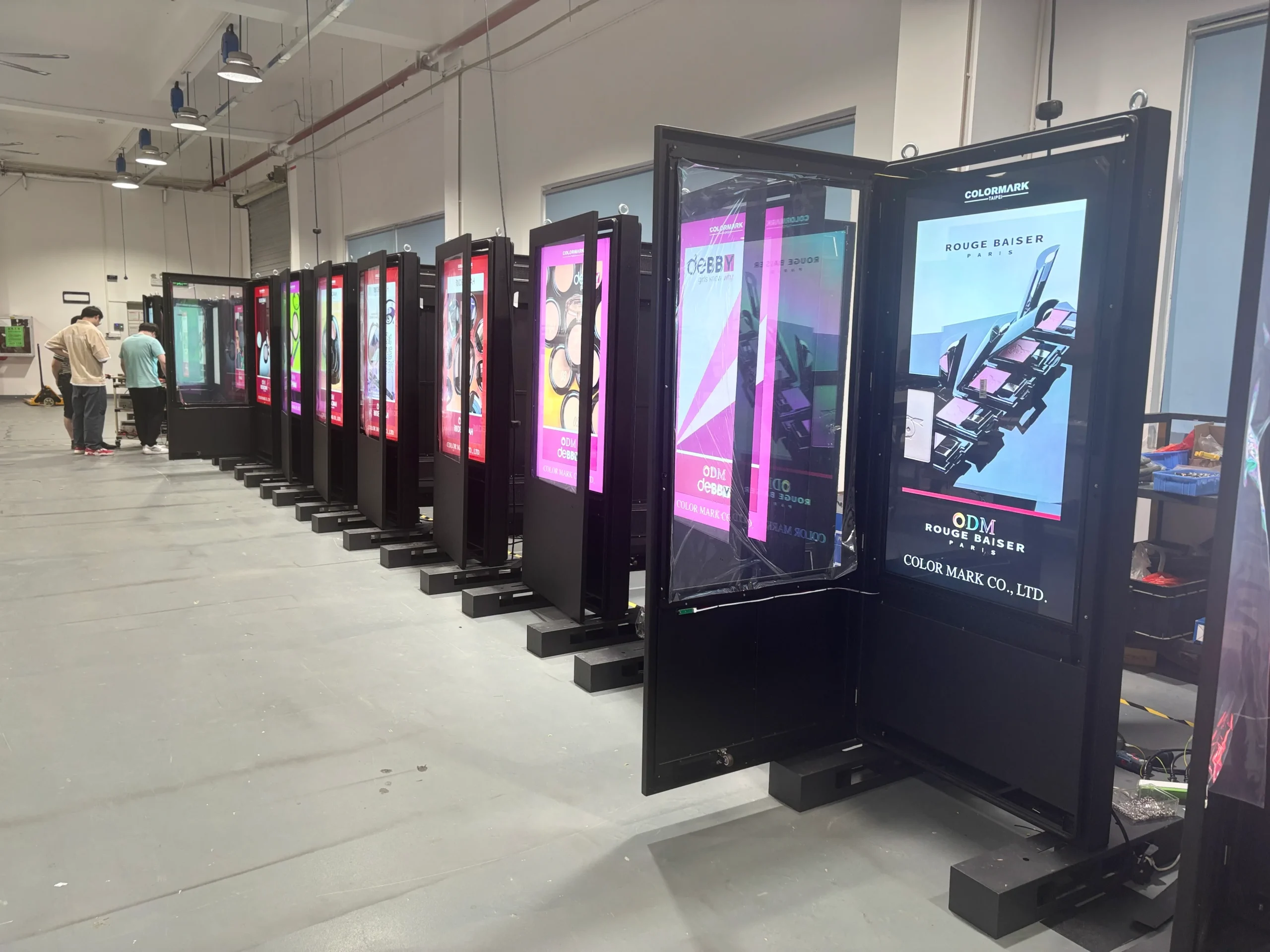
Appearance inspection and protective packing are completed before shipment preparation.
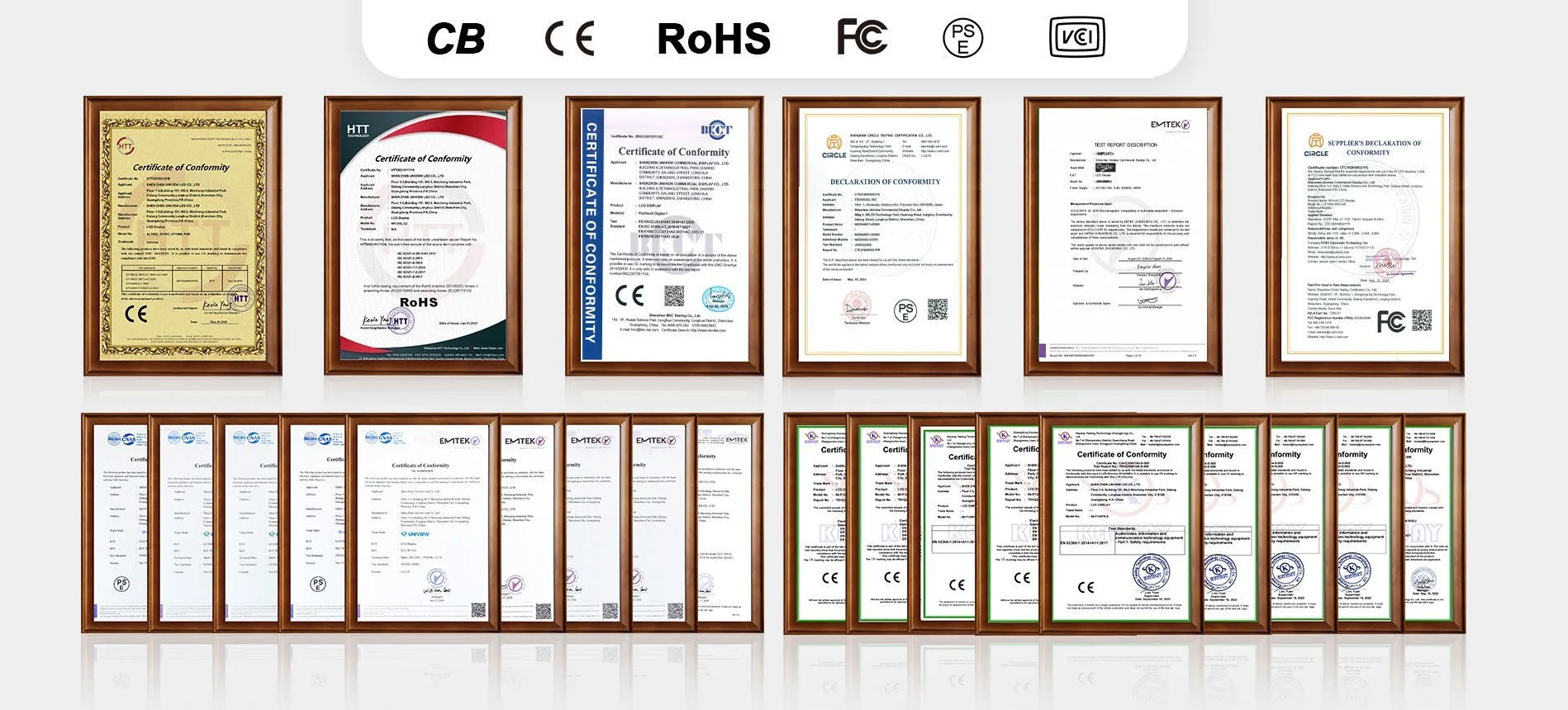
Documentation support may include CE, FCC, PSE, VCCI, RoHS, CB, and other product-specific certifications where applicable to the selected project.
Certificate availability and applicability depend on the selected product configuration and destination market. Confirm the required documentation before ordering.
Share your project requirements and Uniview LCD will help review the most suitable commercial mirror display configuration.
Email: lcdsales@univiewlcd.com
Phone: +86-755-21009715
Address: Floor 1-3, Bldg 9, Delta Science and Technology Park, Dalang Street, Longhua District, Shenzhen, China