Update Campaign Content More Efficiently
Digital displays allow promotional, event and brand content to be changed in line with operating plans. The publishing method depends on the selected playback system and software.


U2020-S is an indoor floor-standing LCD display terminal designed for shopping centers, retail complexes and premium commercial interiors. It provides 43-inch and 49-inch portrait options for shopping mall digital signage installations where visual quality, flexible configuration and a refined appearance matter.
Brightness, resolution and playback systems can be selected according to the project. Optional touch and peripheral integration help the display support different communication or interactive requirements without positioning the hardware as a complete mall signage network.


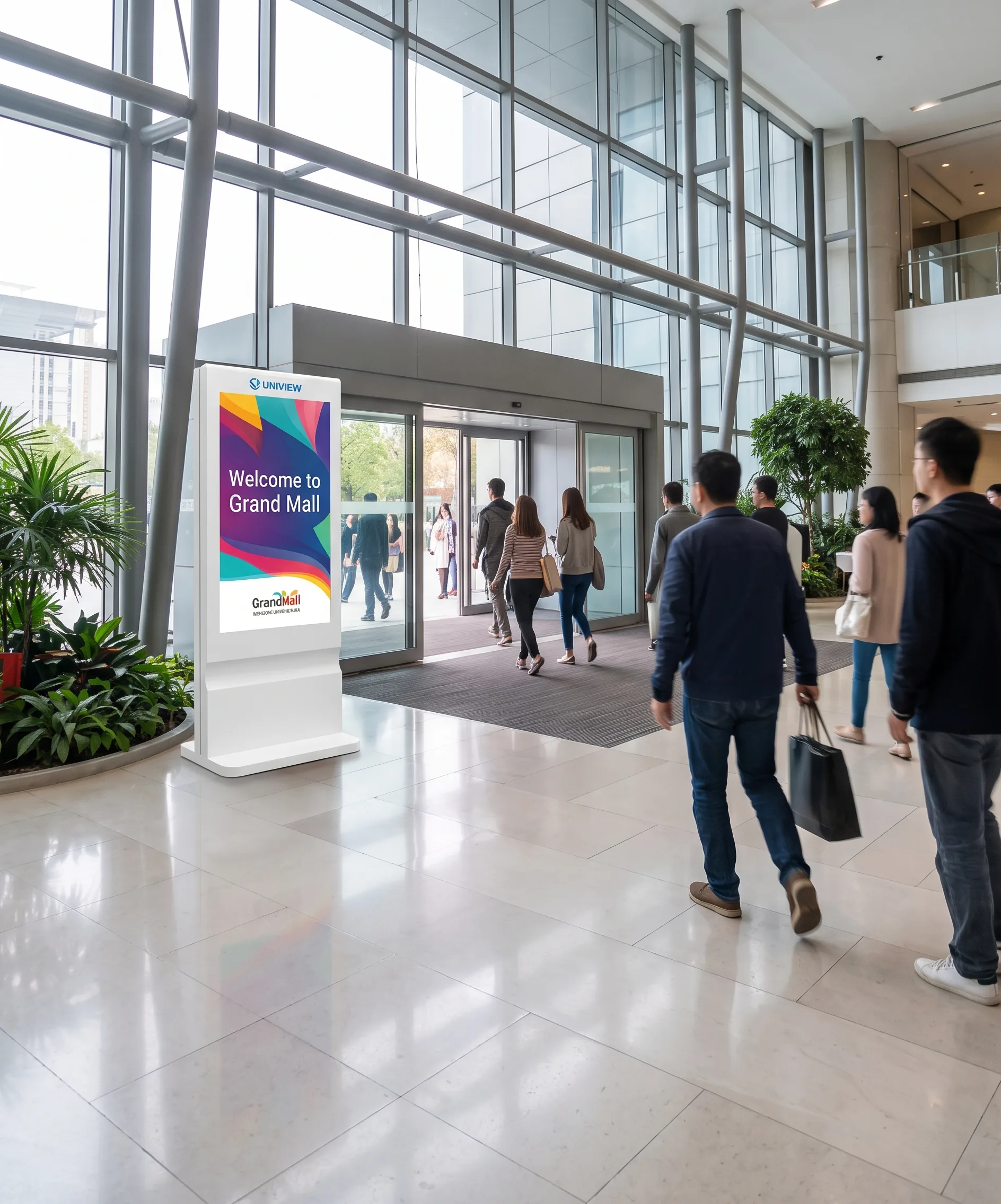
Shopping mall digital signage commonly combines different display types, playback systems and content-management approaches. U2020-S is the display hardware terminal within that broader environment, suited to entrances, atriums, corridors and areas near retail stores.
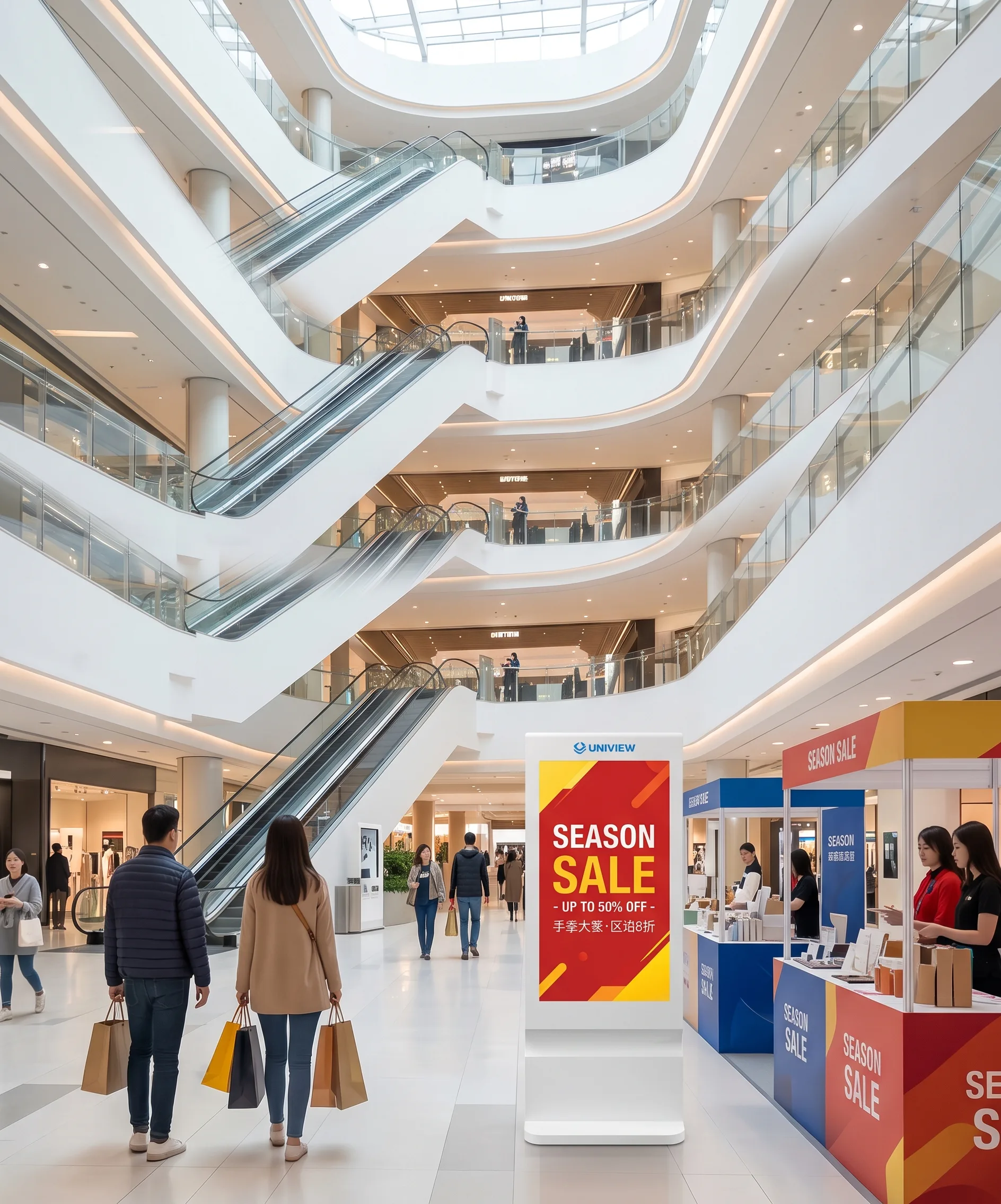
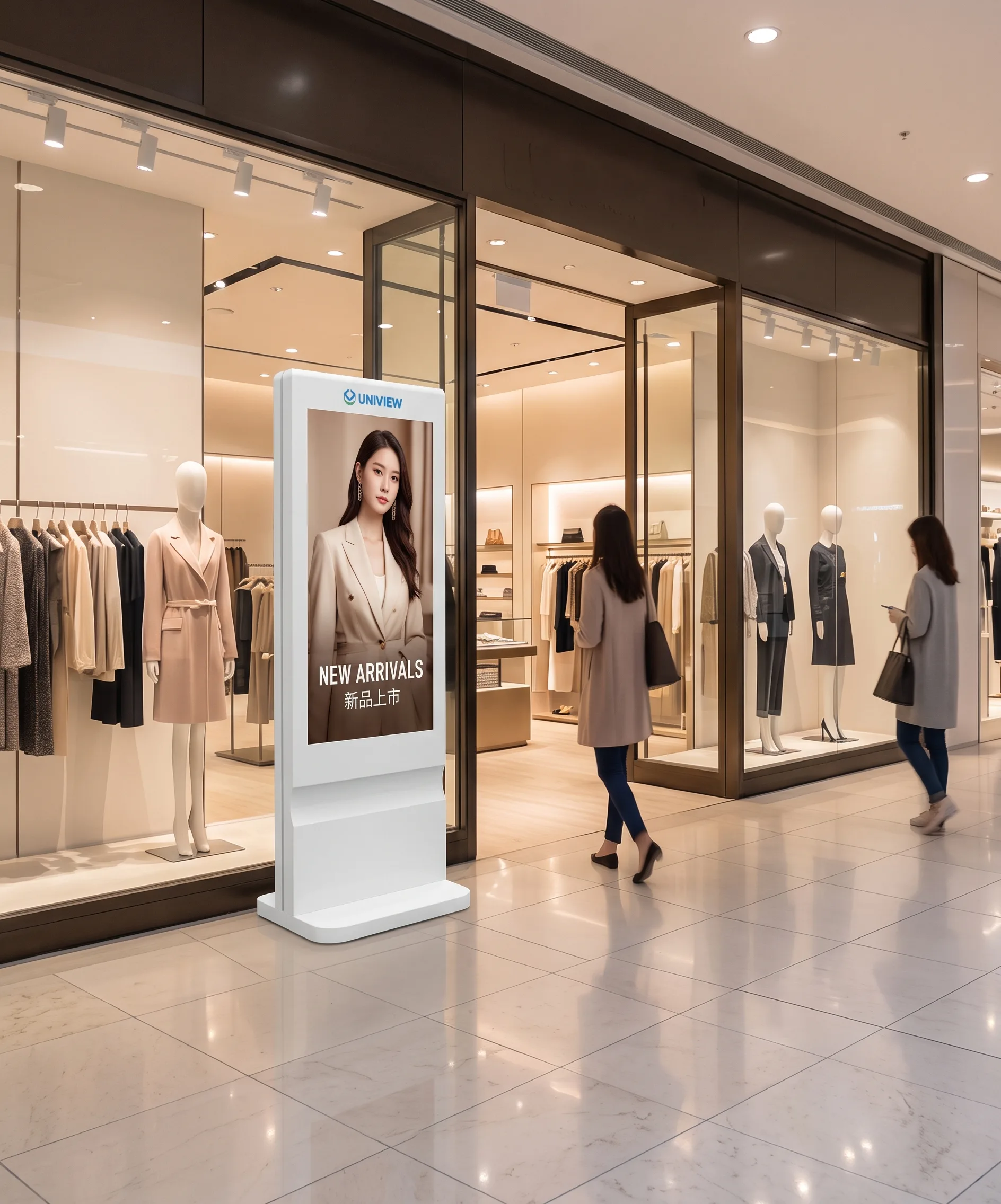
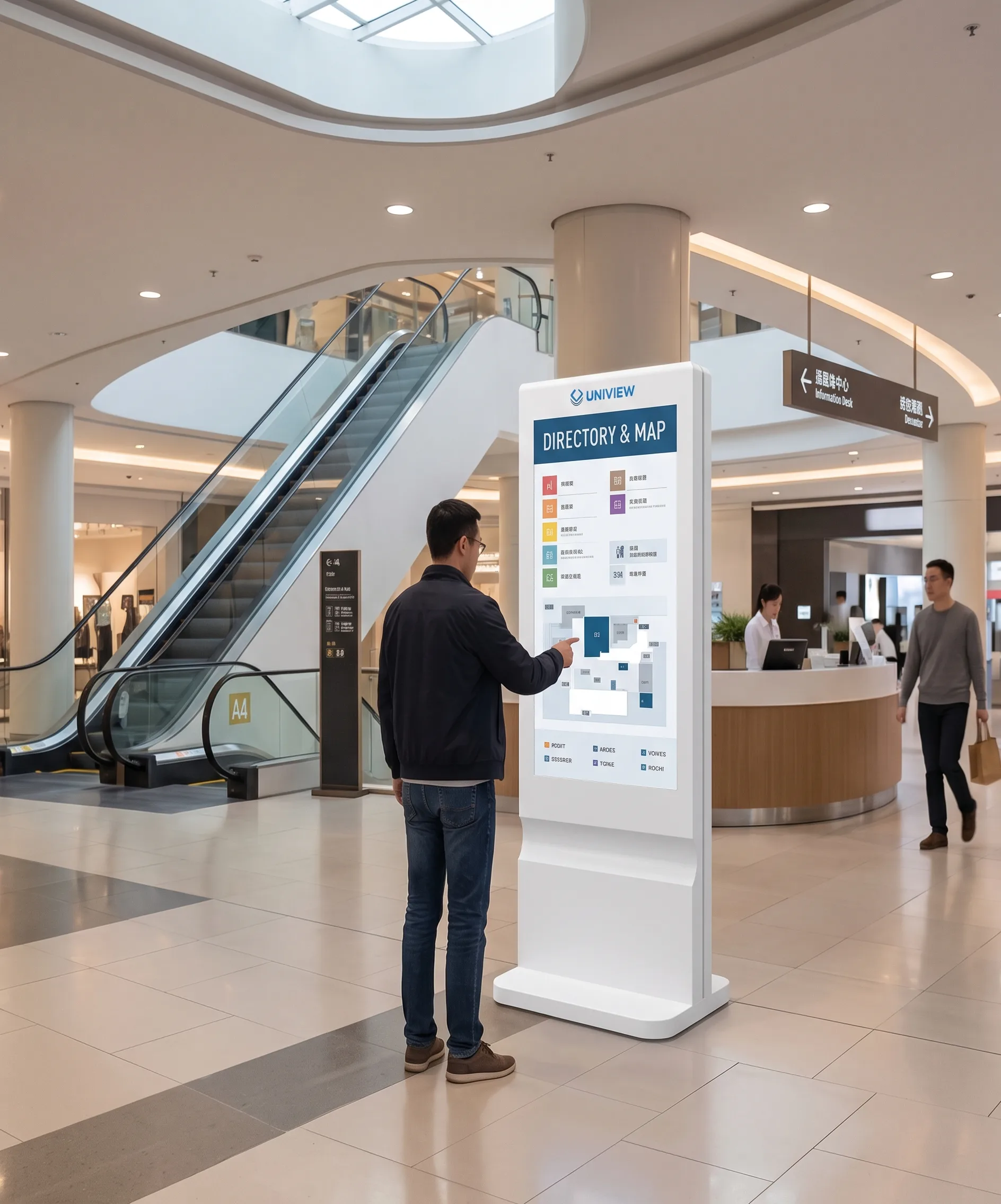
It can present brand campaigns, tenant promotions, mall events, directory content and public notices. Its floor-standing structure does not rely on wall mounting, making it practical for open commercial areas and changing retail layouts.
This is an indoor commercial LCD display and requires an AC power connection during operation.
Digital displays allow promotional, event and brand content to be changed in line with operating plans. The publishing method depends on the selected playback system and software.
A portrait floor-standing format is easy to position near entrances, atriums and main corridors where commercial information needs clear visibility.
The same screen can support advertising, event information, directories and public notices when the chosen system is configured for the required content.
Premium housing details and configurable color options help the equipment align with a mall interior or a branded retail environment.
Stainless-steel construction with piano-grade baking paint provides a polished appearance for modern malls and high-end retail spaces.
Portrait presentation works naturally for posters, product promotions, brand creative and directory-style information.
350, 700 and 1000-nit configurations can be assessed against indoor ambient light conditions.
Driver Board, Standalone, Android and Windows options support different playback and interaction requirements.
Present welcome content, brand identity, major campaigns and important promotional information as visitors enter.
Support tenant advertisements, seasonal campaigns and public information in open, high-visibility circulation zones.
Highlight new products, discounts, membership activity and retailer-led brand messages near stores.
Show floor directories, opening hours and visitor information. Interactive wayfinding requires an optional touchscreen and compatible wayfinding software supplied or integrated according to the project.
Supported file formats depend on the playback system and software configuration. Real-time updates, multi-screen synchronization, analytics and advertising billing are not default functions and should be confirmed separately when relevant to the project.
| Display Format | Suitable Use | Planning Considerations |
|---|---|---|
| Floor-Standing Digital Signage Totem | Entrances, atriums and open corridors; portrait advertising and information. | Does not depend on wall mounting. Touch can be selected. U2020-S belongs to this type. |
| Wall-Mounted Digital Signage | Fixed viewing positions and areas where floor space is limited. | Requires a wall or mounting bracket; relocation can be more complex. |
| Video Wall or Large LED Display | Large visual statements in atriums or event areas. | Usually requires more complex structure, control and installation than a single LCD totem. |
| Interactive Wayfinding Kiosk | Customer enquiry and route-navigation tasks. | Needs touch hardware, dedicated software, maps and tenant data. U2020-S requires touch and compatible software for this use. |
Standard options are 43 inch and 49 inch. Review viewing distance, corridor width, available space, content text size, traffic flow and visual proportion. Other sizes may be evaluated for customized projects.
350 nits suits standard indoor retail spaces. 700 nits suits brighter atriums, entrances and halls. 1000 nits can be considered for bright indoor areas near glass façades.
1080 × 1920 and 2160 × 3840 options are available. Final resolution depends on screen size, panel availability and project configuration.
Choose Driver Board, Standalone, Android or Windows according to content playback, network planning and any required interaction.
| System | Interfaces | Reference Storage |
|---|---|---|
| Driver Board | HDMI / VGA / DVI | No internal storage |
| Standalone | HDMI / USB | 16GB |
| Android | HDMI / USB | 2GB + 16GB or 4GB + 16GB |
| Windows | HDMI / VGA / USB | 4GB + 120GB SSD |
Actual interfaces, memory, storage and operating-system versions are subject to the final project configuration. A cloud CMS is not included by default. Remote management requires compatible software and a suitable network plan.
Capacitive touch or infrared touch can be evaluated with 10-point or 40-point touch options. Touch is not standard on every configuration.
Wi-Fi access point, wheels, camera, printer, card reader and scanner integration may be available after technical evaluation. Peripheral options do not mean default support for payment, POS, ticketing or identity verification.
Split-screen playback, wireless casting, remote-control functions and security hardware should be confirmed according to the selected system and project configuration. Interactive wayfinding requires additional compatible software and content development.
| Product Type | Indoor floor-standing LCD digital signage |
|---|---|
| Model | U2020-S |
| Screen Size | 43″ / 49″ |
| Other Sizes | Available for project evaluation |
| Panel Brand | LG or Samsung, subject to configuration |
| Display Orientation | Portrait |
| Resolution | 1080 × 1920 / 2160 × 3840 |
| Aspect Ratio | 16:9 |
| Brightness | 350 / 700 / 1000 nits |
| Contrast Ratio | 1400:1 |
| Response Time | 8 ms |
| Viewing Angle | 178° horizontal / 178° vertical |
| Backlight | WLED |
| Panel Life | 50,000–60,000 hours |
| Housing | Stainless-steel construction |
| Surface Treatment | Piano-grade baking paint |
| Touch Technology | Optional capacitive or infrared touch |
| Touch Points | 10-point or 40-point options |
| Touch Interface | USB |
| Power Input | AC 100–240V, 50/60Hz |
| Operating Environment | Indoor |
| Operating Temperature | 0°C to 40°C |
| Storage Temperature | -10°C to 60°C |
| Operating Humidity | 10%–80% RH, non-condensing |
| Base Lighting | Optional colored light |
| Housing Color | Custom color available |
The official product description presents U2020-S for around-the-clock commercial applications. Final duty-cycle requirements, panel configuration and warranty conditions should be confirmed before ordering.
U2020-S provides display hardware and optional system configurations. Content creation, map data, mall-management platforms, advertising schedules and multi-screen network management must be confirmed separately according to project scope.
Confirm installation position, ambient light, viewing distance and intended content.
Select size, brightness, resolution, playback system, touch needs and software boundary.
Confirm exterior color, branding details and approved project documentation or sample.
Complete production, assembly, functional checks and appearance inspection.
Prepare protective packaging and shipment documentation for the confirmed destination.
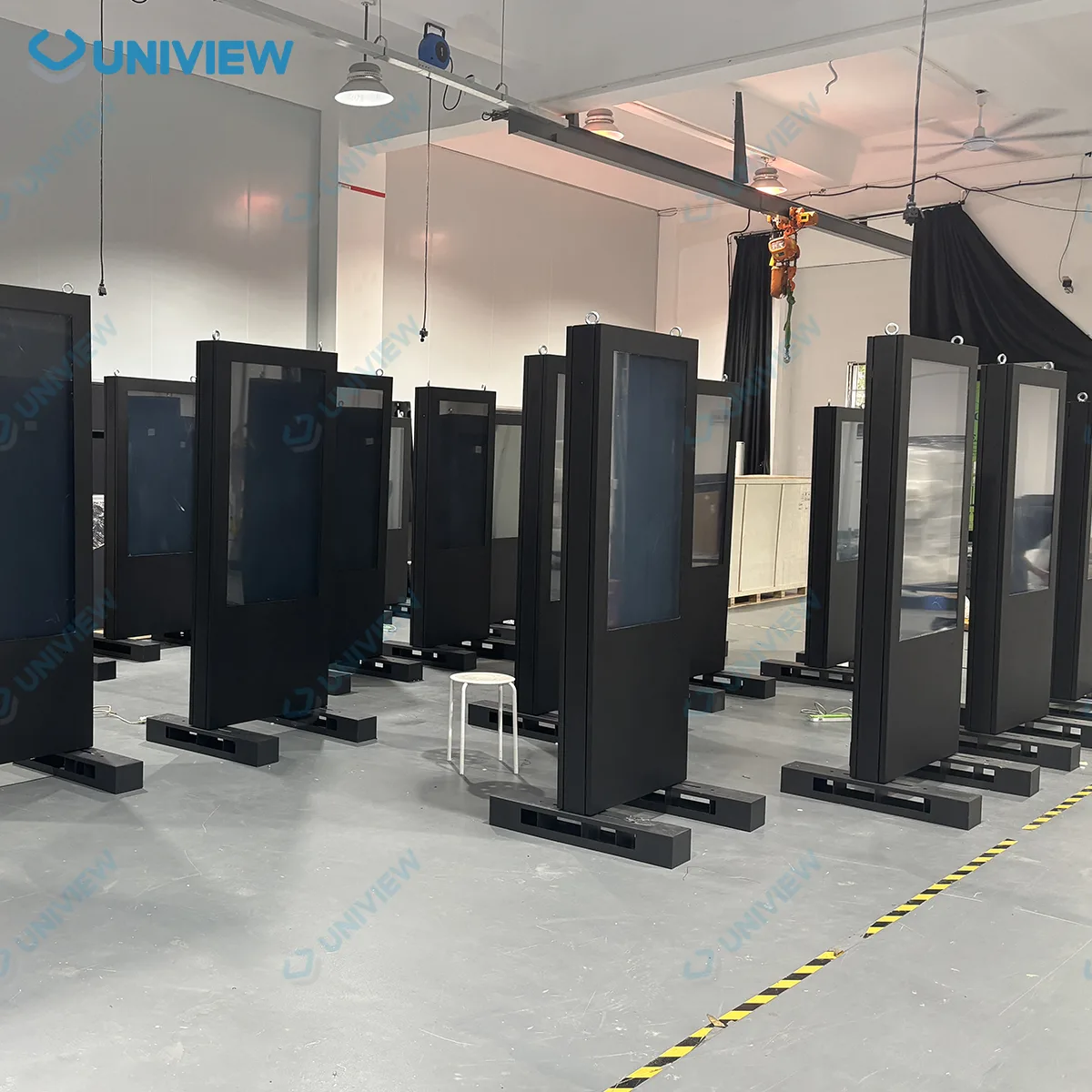
Uniview LCD supports structural preparation, component integration, assembly, functional testing, customization and packaging for commercial LCD digital signage. Production activities can include housing preparation, surface treatment, display-panel installation, electronic-component integration, system configuration, functional testing, appearance inspection, aging tests, protective packaging and shipment preparation.
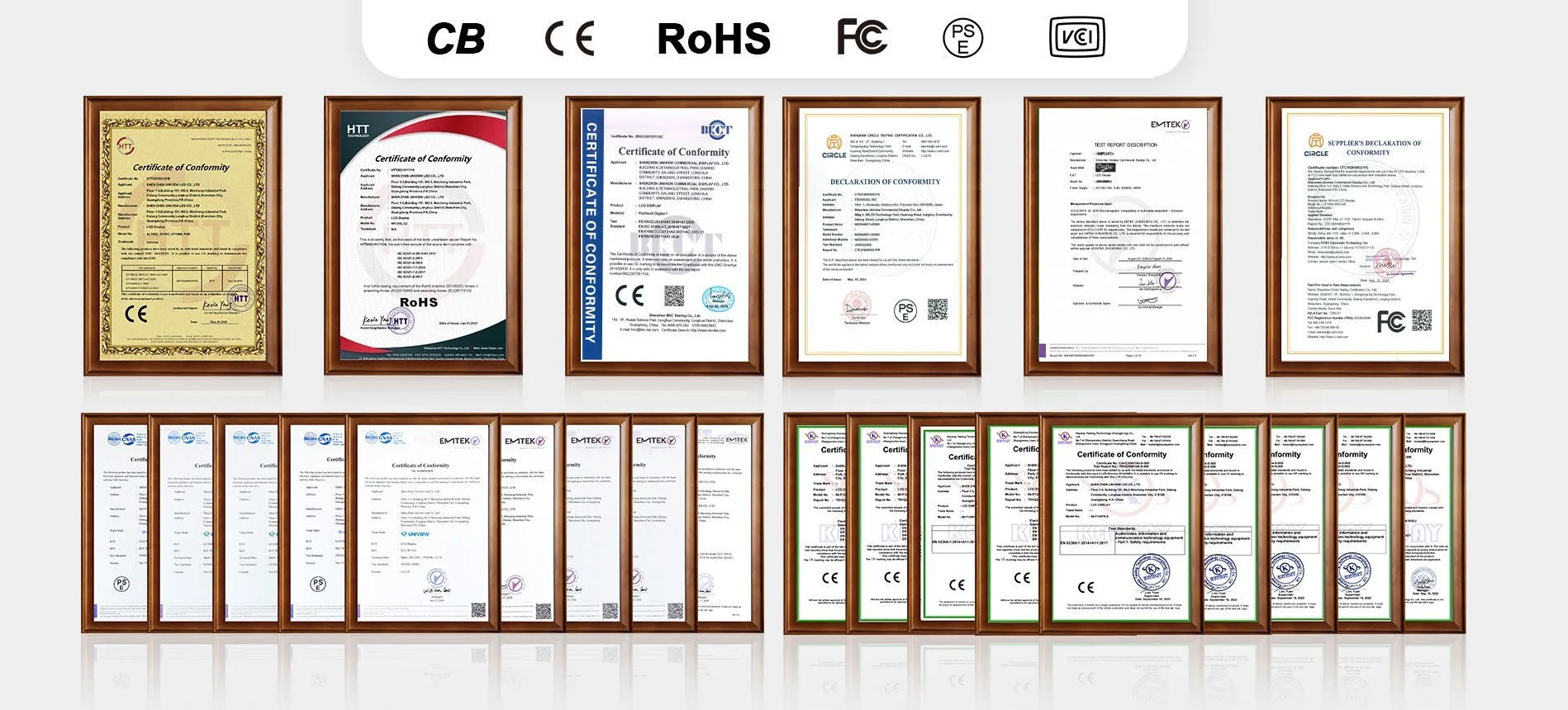
Certification documents can be prepared or matched according to the selected configuration and destination-market requirements. Available certification support may include CE, FCC, PSE, VCCI, RoHS and CB documentation. Please confirm the applicable model, configuration and certificate scope before ordering.
Tell us about the installation location, required screen size, quantity, brightness, resolution, playback system, touch requirement, software requirement, optional peripherals, housing color and destination market in the Other Information field.
Email: lcdsales@univiewlcd.com
Phone: +86-755-21009715
Address: Floor 1-3, Bldg 9, Delta Science and Technology Park, Dalang Street, Longhua District, Shenzhen, China