Multiple Screen Sizes
Choose from 22, 32, 43, 49 and 55 inch display options to match available floor space, content requirements and the preferred user interaction area.


UNIVIEW LCD provides configurable indoor interactive kiosk display hardware for directories, wayfinding, product information and project-specific self-service experiences. Select from 22″ to 55″ LCD screen options, capacitive or infrared touch, and driver board, standalone, Android or Windows configurations. Optional camera, printer, Wi-Fi access point and wheels can be evaluated according to your application.

An interactive kiosk display combines a commercial LCD screen, an optional touch layer, a computing configuration and a floor-standing enclosure. It can support directory lookup, indoor wayfinding, information display and project-specific self-service interaction. The hardware itself is not a complete software solution: the final user experience depends on the selected touch option, operating system, application software and any required peripheral devices.
Choose from 22, 32, 43, 49 and 55 inch display options to match available floor space, content requirements and the preferred user interaction area.
Capacitive and infrared touch options are available. Touch technology and the number of touch points are selected according to the project configuration.
Select driver board, standalone, Android or Windows hardware routes based on the intended software, content source, interface requirements and peripheral devices.
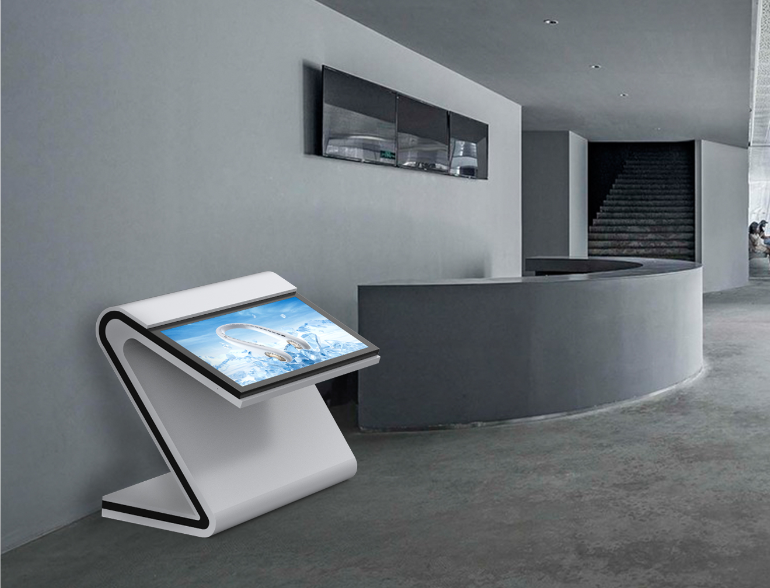
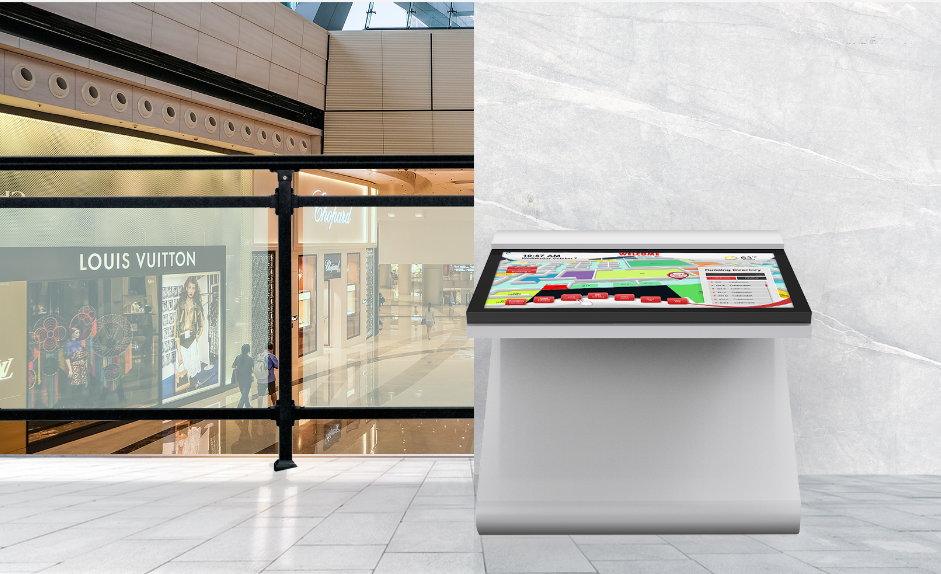
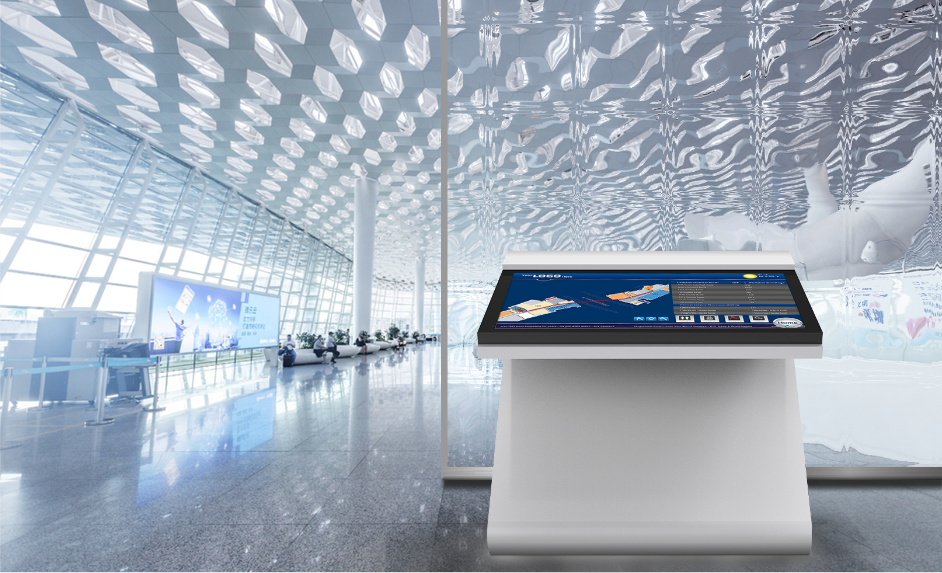
The indoor kiosk uses a rounded body design with a reinforced base and floor-standing installation format for planned indoor deployment.
Four exterior design styles are available in the product range. Ask for the applicable style catalogue when discussing your screen size and installation plan.
Optional touchscreen, Wi-Fi access point, wheels, camera, printer and custom colors can be reviewed for compatibility with the selected configuration.
| Selection factor | Interactive kiosk display | Non-interactive digital display |
|---|---|---|
| User input | Touch interaction when configured | Primarily visual presentation |
| Typical use | Search, directory, wayfinding, form entry | Advertising and information playback |
| System needs | Touch driver, OS and application software | Player or content source |
| Project planning | Requires user-flow and software planning | Focuses mainly on content playback |
| Optional hardware | Camera, printer, Wi-Fi and other accessories | Usually fewer interactive peripherals |
When selecting 22, 32, 43, 49 or 55 inch options, consider available floor space, viewing distance, touch reach, displayed information, portrait or landscape content, accessibility, installation environment and the required exterior style.
For a more suitable recommendation, share site photographs, the available space dimensions, intended content and the planned user interaction with UNIVIEW LCD.
Capacitive touch is one available option for projects requiring an interactive touch screen display kiosk. Confirm the intended content, application and selected system route during configuration review.
Infrared touch is another available option. It may be considered where the planned user interaction, software interface and required touch points align with the project configuration.
10-point touch and higher multi-touch configurations up to 40 touch points are available depending on the selected project setup. Final touch technology and touch point count must be confirmed in the quotation and specification sheet.
Hardware includes the LCD panel, enclosure, touch layer and optional peripherals such as a camera, printer, Wi-Fi access point or wheels.
Available configuration routes include driver board, standalone, Android and Windows. They are different options, not functions supplied together as standard.
Wayfinding, directory, product search, forms and self-service applications are software functions selected or developed for the project.
Wayfinding, directory and self-service functions require suitable application software. Hardware purchase does not automatically include customized maps, databases, CMS platforms or software licenses.
| Configuration | Listed interfaces | Listed memory or storage |
|---|---|---|
| Driver Board | HDMI / VGA / DVI | None |
| Standalone | HDMI / USB | 16G |
| Android | HDMI / USB | 2G+16G / 4G+16G / 4G+32G |
| Windows | HDMI / VGA / USB | 4G+128G / 32G+512G |
The final operating system, interfaces, memory and storage must be confirmed according to the required software and peripheral devices.
The product range includes four exterior design styles. Their formal names and engineering differences should be confirmed against the selected screen size, orientation and project requirements. Please request the available style catalogue for your project.


| Display | LCD; 22″ / 32″ / 43″ / 49″ / 55″; FHD / 4K UHD options; 350 / 700 / 1000 / 2000 nits depending on panel configuration; 1200:1 / 3000:1 depending on panel configuration; 50,000–60,000-hour rated operating life; portrait / landscape depending on product configuration. |
|---|---|
| Touch | Capacitive / infrared; 10–40 touch points; USB touch interface; touchscreen optional according to configuration. |
| System | Driver Board / Standalone / Android / Windows. |
| Installation | Floor standing. |
| Environment | Indoor; operating temperature 0°C to 40°C; storage temperature -10°C to 60°C; 10%–80% RH, non-condensing. |
| Optional items | Custom colors; touch screen; Wi-Fi access point; wheels; camera; printer. |
Available brightness and contrast specifications depend on the selected panel size and project configuration.
Optional. Network planning and software compatibility should be reviewed. This option does not automatically include a cloud CMS.
Optional. Wheel availability depends on the selected exterior style and does not mean every kiosk design supports mobility.
Optional. A camera option does not automatically include video conferencing, facial recognition or identity verification functions.
Optional. Printer selection requires compatibility with the operating system, driver and application; it does not automatically include printing software.
Optional. Custom color requirements can be reviewed alongside the confirmed exterior style and order configuration.
Optional. Touch technology and the selected touch point count should match the required application and user interaction.
All peripherals require compatibility with the selected operating system, drivers and application software.
Final dimensions, product drawings and base details will be provided after the screen size and exterior style are confirmed.
A quotation is based on the selected screen size, FHD or 4K UHD panel, brightness, touch technology, touch point count, system route, listed memory or storage, exterior style, custom color and optional hardware. Quantity, packaging, destination and shipping terms also affect the final project quotation.
UNIVIEW LCD can review screen size selection, touch selection, operating system configuration, memory and storage selection, exterior style, custom colors, logo customization, peripheral integration, packaging and documentation support. All customization details are subject to engineering confirmation and quotation.
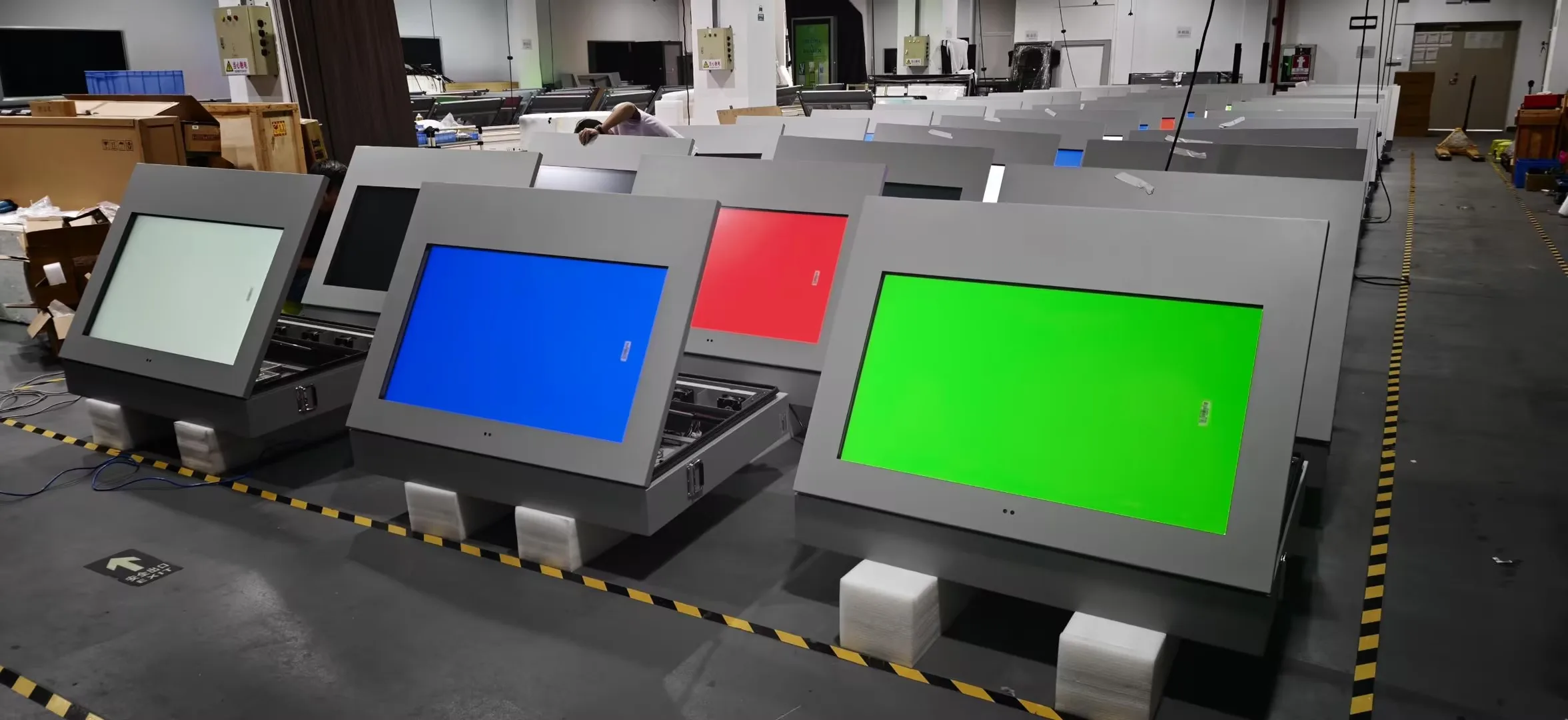
Production support is organized around the confirmed hardware configuration and project requirements, from enclosure preparation through assembly, testing and packaging preparation.
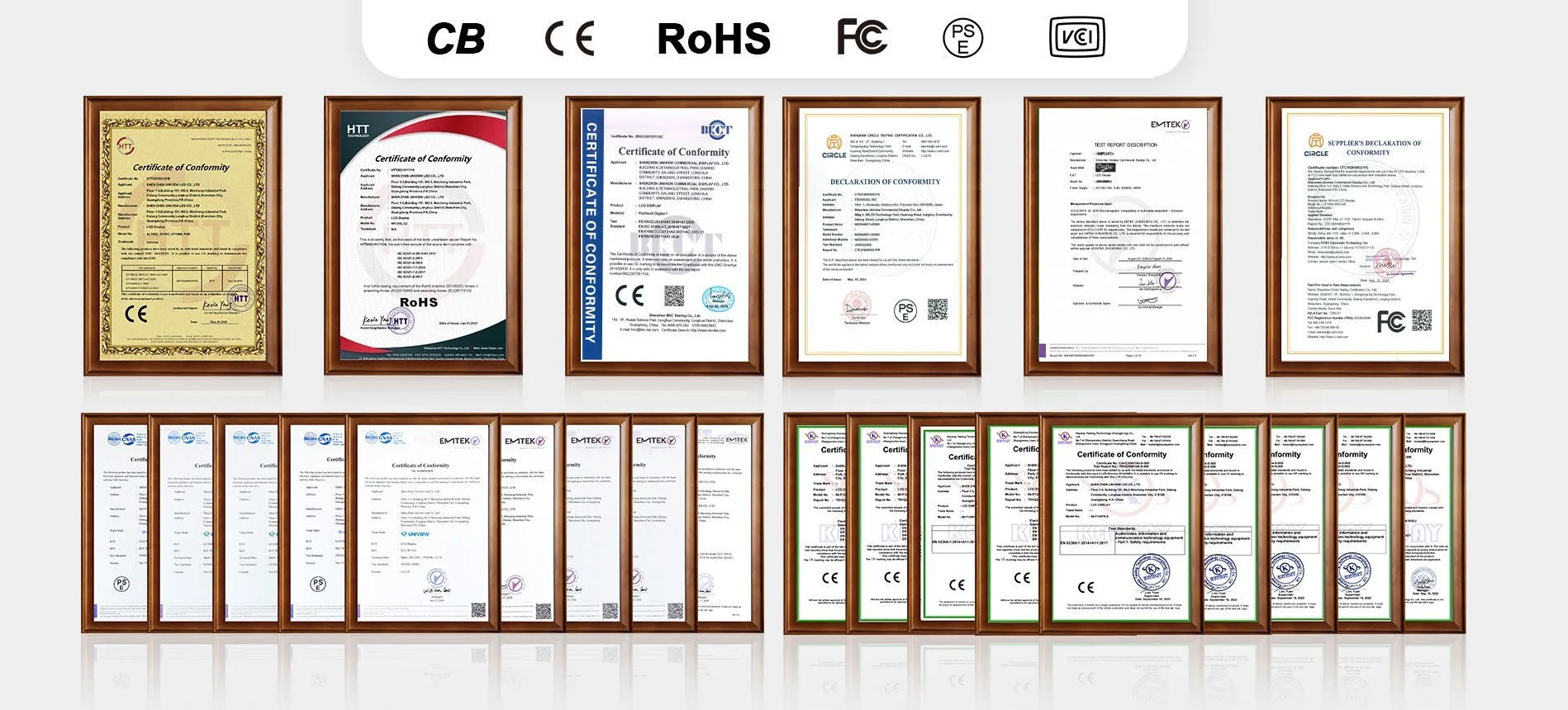
UNIVIEW LCD can discuss CE, FCC, PSE, VCCI, RoHS, CB and other product-related certification requirements for the intended market. Certification availability and applicable standards depend on the selected configuration and destination market. Please contact UNIVIEW LCD for the documents relevant to your project.
Use Other Information to share your screen size, touch requirement, operating system, application, required peripherals and quantity. You may also contact lcdsales@univiewlcd.com.