Self Service Ordering Kiosk RES-W

The RES-W self service ordering kiosk is an indoor, wall-mounted hardware platform for restaurant, hotel and service projects. Its space-saving format supports configurable touch interaction, system options and selected peripheral integration without occupying valuable floor space.

Built for projects that need a tailored self service food ordering kiosk solution, with final software, payment and peripheral compatibility confirmed before production.

27"–49" Display Options
Portrait Orientation
Capacitive or Infrared Touch
Indoor Wall-Mounted Design
View Specifications
Self Service Ordering Kiosk RES-W wall-mounted kiosk product view

What Is a Self Service Ordering Kiosk?

A self service ordering kiosk lets customers browse menu content, choose goods or services and submit an order through a touch screen. Depending on the selected project integration, the terminal can connect with scanning, printing, POS or payment peripherals.

The Self Service Ordering Kiosk RES-W is primarily a configurable wall-mounted hardware platform. It helps create a structured customer interaction point while preserving floor space in indoor service areas.

The RES-W is configurable kiosk hardware. Ordering, menu management, POS, payment processing, kitchen-display integration and transaction workflows depend on compatible third-party software, peripherals and project integration.

Product Highlights

Space-Saving Wall-Mounted Design

RES-W is positioned for indoor wall installation, helping projects place a restaurant ordering kiosk near queues, counters or service zones while keeping walkways clear. Mounting conditions should be reviewed during planning.

Responsive Multi-Touch Options

Capacitive and infrared touch configurations are available with listed 10–40 touch-point options. The appropriate touch layer depends on user interaction, cleaning routines, software interface and final project specification.

Multiple Display Sizes

The series lists 27, 32, 43 and 49 inch LCD sizes in portrait orientation. Screen selection should match viewing distance, available wall area, content layout and the intended ordering journey.

Configurable System Platforms

Driver-board, standalone, Android and Windows configurations are listed for the series. Interfaces and memory or storage configurations vary by selected option and require confirmation in the final specification.

Peripheral Integration Support

QR scanning, thermal printing and POS or payment peripherals may be available for integration. Their inclusion, physical layout and software compatibility are subject to project confirmation before ordering.

OEM/ODM Customization

Logo treatment, enclosure color, selected interfaces, touch configuration, packaging and project-based development can be discussed. Every customization request depends on quantity, feasibility and approved technical requirements.

Which Ordering Kiosk Format Fits Your Project?

ComparisonRES-W Wall-Mounted KioskFloor-Standing Ordering KioskCountertop Ordering KioskDigital Menu Board
InstallationWall-mountedFloor-standing format for other project typesCounter or service deskWall or ceiling display installation
Floor-Space RequirementMinimalRequires dedicated floor areaUses counter spaceNo floor space
Customer InteractionTouch ordering at wall positionTouch ordering in queue or open areaClose-range assisted orderingPrimarily viewing information
Typical Viewing DistanceClose interaction distanceClose interaction distanceVery close interaction distanceMedium to longer viewing distance
Peripheral IntegrationAvailable depending on projectOften planned within floor enclosureLimited by counter formatUsually content-focused
Recommended EnvironmentIndoor restaurants, hotels and service areasIndoor queue zones needing a freestanding formatCounters with staff-assisted workflowsMenu communication and promotion
Typical Project ConsiderationsWall condition, cable route, user height and peripheralsFloor layout, stability and project confirmationCounter dimensions and staff workflowContent management and viewing angle

RES-W is the primary wall-mounted solution. A floor-standing format may be considered only as a separate, project-confirmed option rather than a standard RES-W installation.

How to Choose a Self Service Ordering Kiosk

  1. 1

    Confirm the installation location

    Review wall strength, mounting height, cable routing, customer flow and indoor environmental conditions before selecting a wall mounted ordering kiosk.

  2. 2

    Select screen size and brightness

    Match display size to viewing distance and content density. Choose brightness according to indoor lighting, windows and surrounding reflections.

  3. 3

    Choose the touch technology

    Capacitive touch offers a familiar surface experience, while infrared touch may suit different interaction and maintenance needs. Confirm touch-point needs with your software interface.

  4. 4

    Confirm the operating platform

    Driver-board, standalone, Android and Windows series configurations have different interfaces and listed memory or storage arrangements. Confirm software requirements first.

  5. 5

    Define required peripherals

    Identify whether QR scanning, printing, POS or payment devices are needed. Placement, electrical connections and interface compatibility should be planned as part of the kiosk build.

  6. 6

    Check software and POS compatibility

    Verify that the selected ordering software, POS connection and payment workflow are compatible with the chosen system platform and integrated peripherals before ordering.

  7. 7

    Confirm branding and enclosure requirements

    Logo treatment, enclosure color and selected design details can be discussed as project options. Technical feasibility should be reviewed before approval.

  8. 8

    Review quantity, certification and delivery needs

    Share target market, required certification documentation, packaging needs and destination details early so the configuration can be reviewed accurately.

How the Ordering Kiosk Works

Browse Menu
Select Items
Confirm Order
Complete Payment or Submit Order
Print or Send Order Information

Actual workflows depend on the selected software, payment method and system integration. Some projects may not include on-site payment. Printing, scanning, POS and kitchen-system connections require project confirmation.

Commercial LCD

Core display component in portrait orientation.

Touch Layer

Capacitive or infrared, selected by specification.

Computing System

Driver-board, standalone, Android or Windows option.

Network Connection

Connection method depends on selected configuration.

QR Code Scanner

Optional — available for integration.

Thermal Printer

Optional — subject to project confirmation.

POS or Payment Peripheral

Optional — compatibility must be confirmed.

Mounting Structure

Wall-mounted arrangement subject to site review.

Touchscreen Options

RES-W can be configured with capacitive or infrared touch. Listed touch-point options range from 10 to 40 points with a USB touch interface. Touch configuration is selected according to the final project specification.

ItemCapacitive TouchInfrared Touch
Touch responseSelected according to interaction designSelected according to interaction design
Surface experienceIntegrated touch-surface experienceFrame-based touch sensing approach
Touch-point optionsAvailable within listed project optionsAvailable within listed project options
Maintenance considerationsReview cleaning and use conditionsReview frame and use conditions
Typical suitabilityProjects prioritizing familiar touch interactionProjects with different touch or enclosure needs

System and Media Player Options

The following are listed series configurations. The original parameter field combines memory and storage information, so it is presented here as listed memory / storage configurations. Final specifications are subject to the approved quotation and specification sheet.

ConfigurationInterfacesListed Memory / Storage Configurations
Driver BoardHDMI / VGA / DVINo internal storage listed
StandaloneHDMI / USB16G
AndroidHDMI / USB2G+16G / 4G+16G / 4G+32G
WindowsHDMI / VGA / USB4G+128G / 32G+512G

Self Service Ordering Kiosk Applications

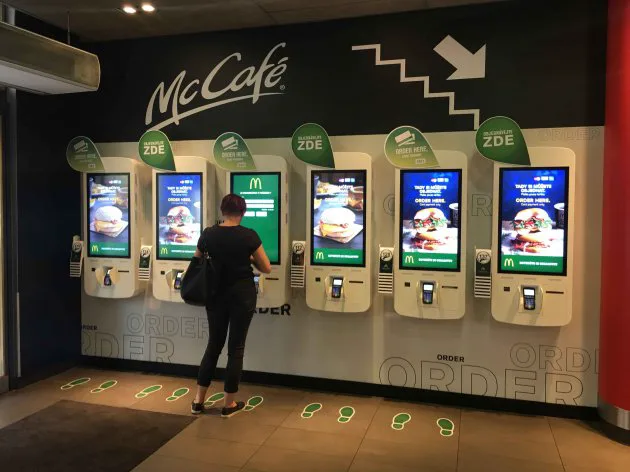
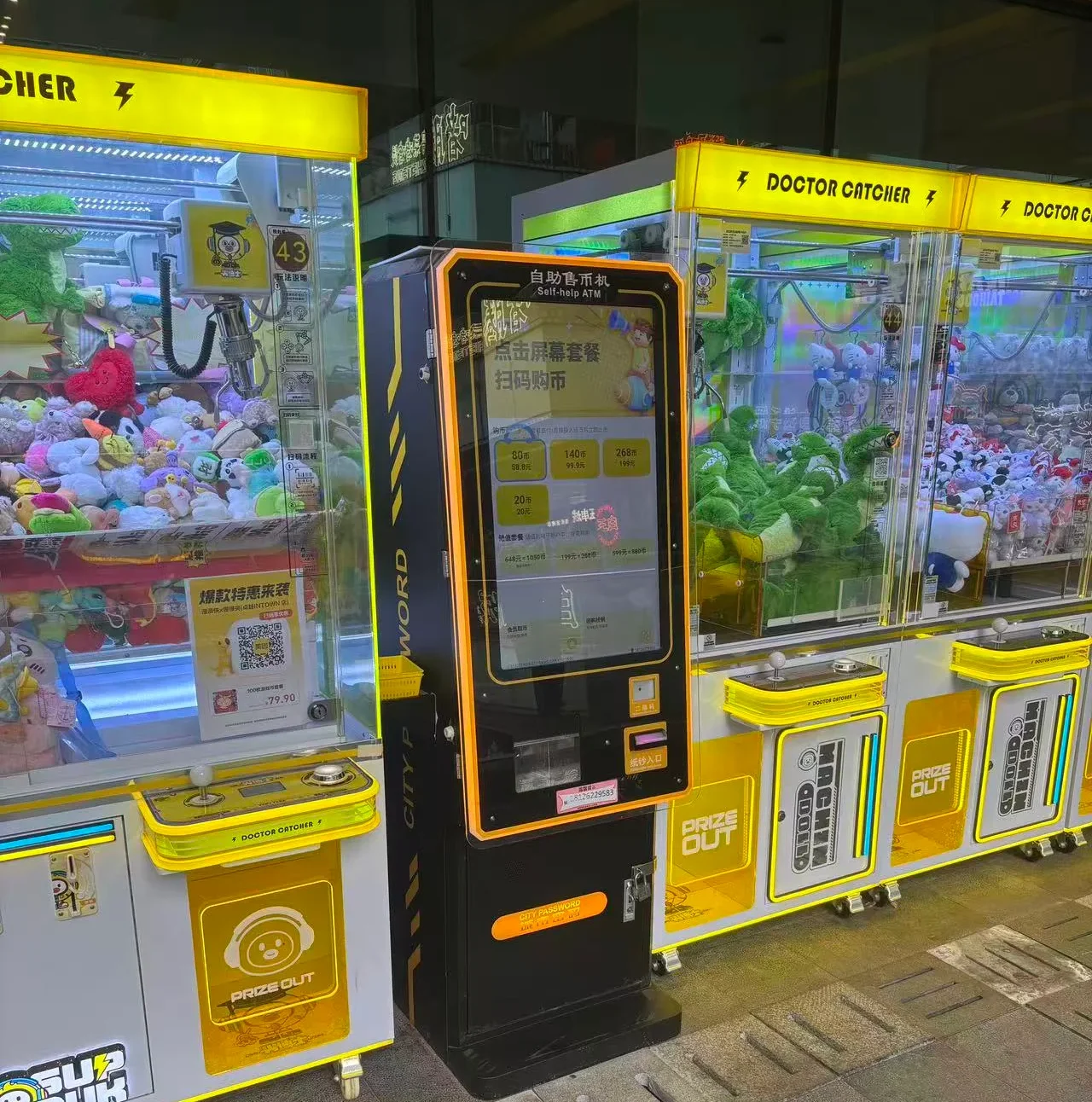
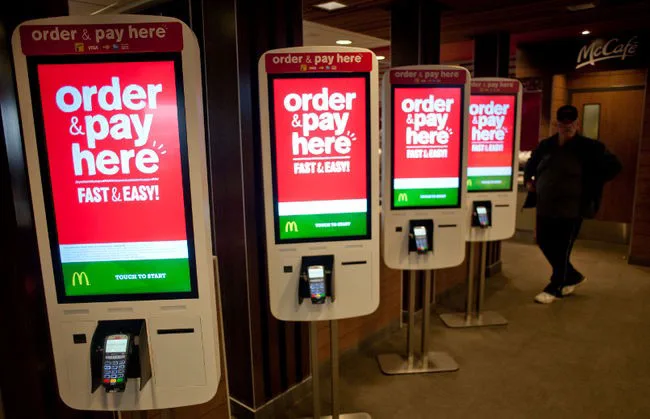
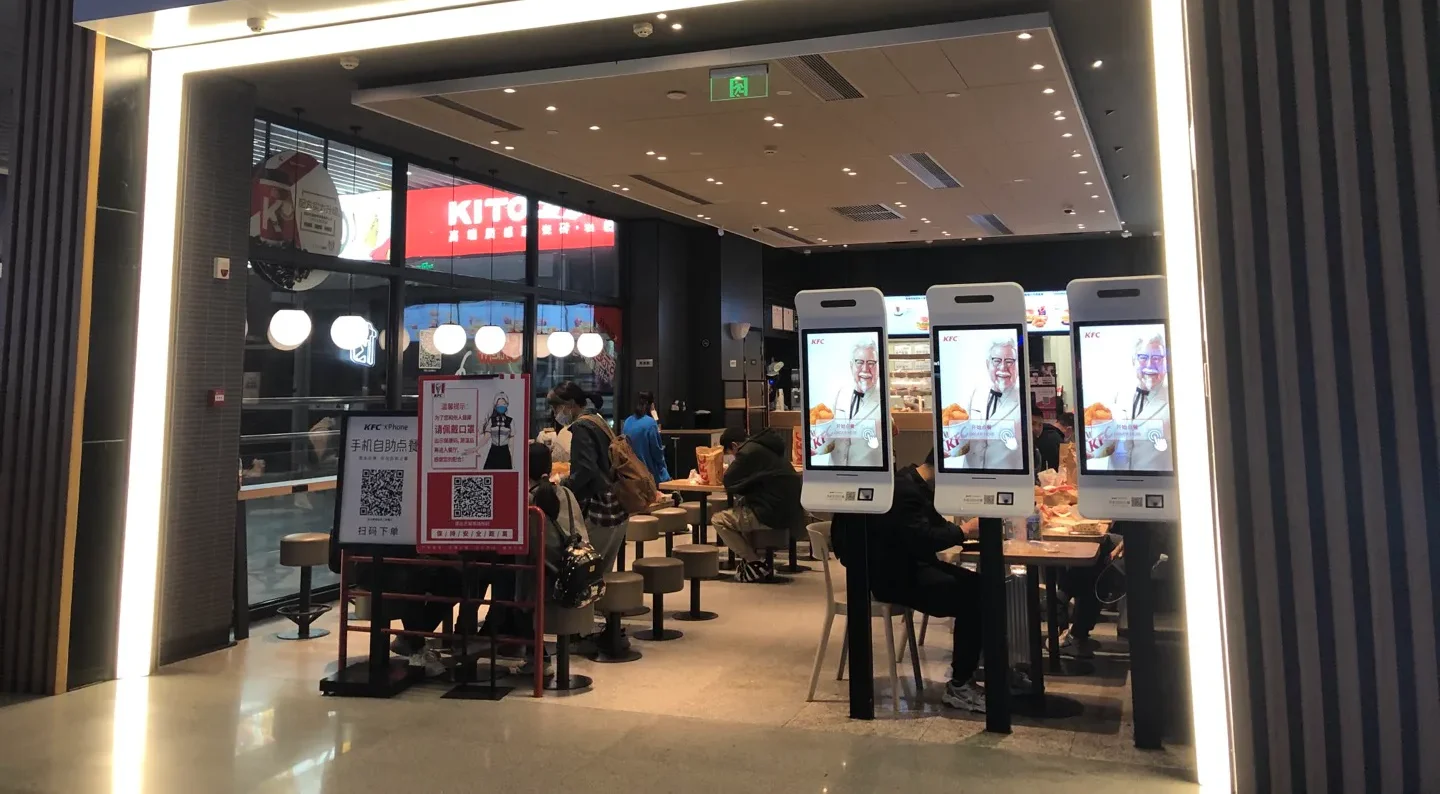
These images illustrate possible indoor application environments, not completed customer cases.

Illustrative quick-service restaurant ordering area

Quick-Service Restaurant

Illustrative restaurant ordering counter environment

Game console

Illustrative hotel dining area

Fast-Casual Restaurant

Illustrative food court ordering environment

Food Court

Hardware, Software and Payment Integration

Kiosk Hardware

RES-W provides the display, touch option, computing-system foundation and possible peripheral integration structure for a configurable digital ordering kiosk.

Ordering Software

Menu content, ordering logic, membership, inventory, kitchen display and back-office functions depend on software selected by the project and its compatible deployment environment.

Payment and POS

Payment devices, processing, POS connection, transaction fees and local compliance are determined by third-party providers and the target market. Compatibility must be checked before ordering.

Content and Connectivity

Listed connection and media options include HDMI, VGA, DVI and USB, with driver-board, standalone, Android or Windows configuration options. Touch, split screen, Miracast, remote control, anti-theft lock and customized design are available depending on the selected system and project configuration.

Technical Specifications

CategorySpecification
Product TypeIndoor wall-mounted self service ordering kiosk
ModelRES-W
LCD Sizes27 / 32 / 43 / 49 inches
Resolution Options1080 × 1920 / 2160 × 3840
Brightness Options350 / 700 / 1000 nits
Contrast Ratio1200:1 / 3000:1
Display OrientationPortrait
Listed Operating Life50,000–60,000 hours
Touch OptionsCapacitive or infrared
Touch Points10–40 points
Touch InterfaceUSB
InstallationWall-mounted
Operating EnvironmentIndoor
Operating Temperature0°C to 40°C
Storage Temperature-10°C to 60°C
Operating Humidity10%–80% RH, non-condensing
Optional Project ItemsCustom color, touchscreen, Wi-Fi access point, camera

Different size and system configurations may have different parameter combinations. FHD, 4K and brightness levels are series options and do not indicate that every size supports every combination. Final specifications are subject to the approved quotation and specification sheet.

Designed for Indoor Installation

RES-W is primarily intended for indoor environments. The 1000-nit level is one available brightness option; it does not indicate outdoor protection, waterproofing, dustproofing, all-weather use or direct-sunlight readability. For locations near entrances, windows or high-light areas, please confirm lighting, temperature and installation conditions before quotation.

What Affects Self Service Ordering Kiosk Pricing?

A project-based quotation normally considers the selected screen size, resolution and brightness, touch technology, Android or Windows configuration, mounting solution, scanner, printer and POS peripherals, software integration needs, enclosure branding, quantity, certification needs, packaging and shipping destination.

Share Your Project Scope

Provide the application, preferred configuration and destination so the hardware scope can be reviewed accurately.

OEM and ODM Support

UNIVIEW LCD can discuss logo customization, enclosure color, interface and system configuration, touchscreen selection, peripheral integration, packaging customization, sample support and project-based development.

All custom projects require confirmation based on order quantity, technical feasibility and project requirements.

Logo Customization
Enclosure Color
System Configuration
Touchscreen Selection
Peripheral Integration
Packaging Customization

Manufacturing Support for Commercial Display Projects

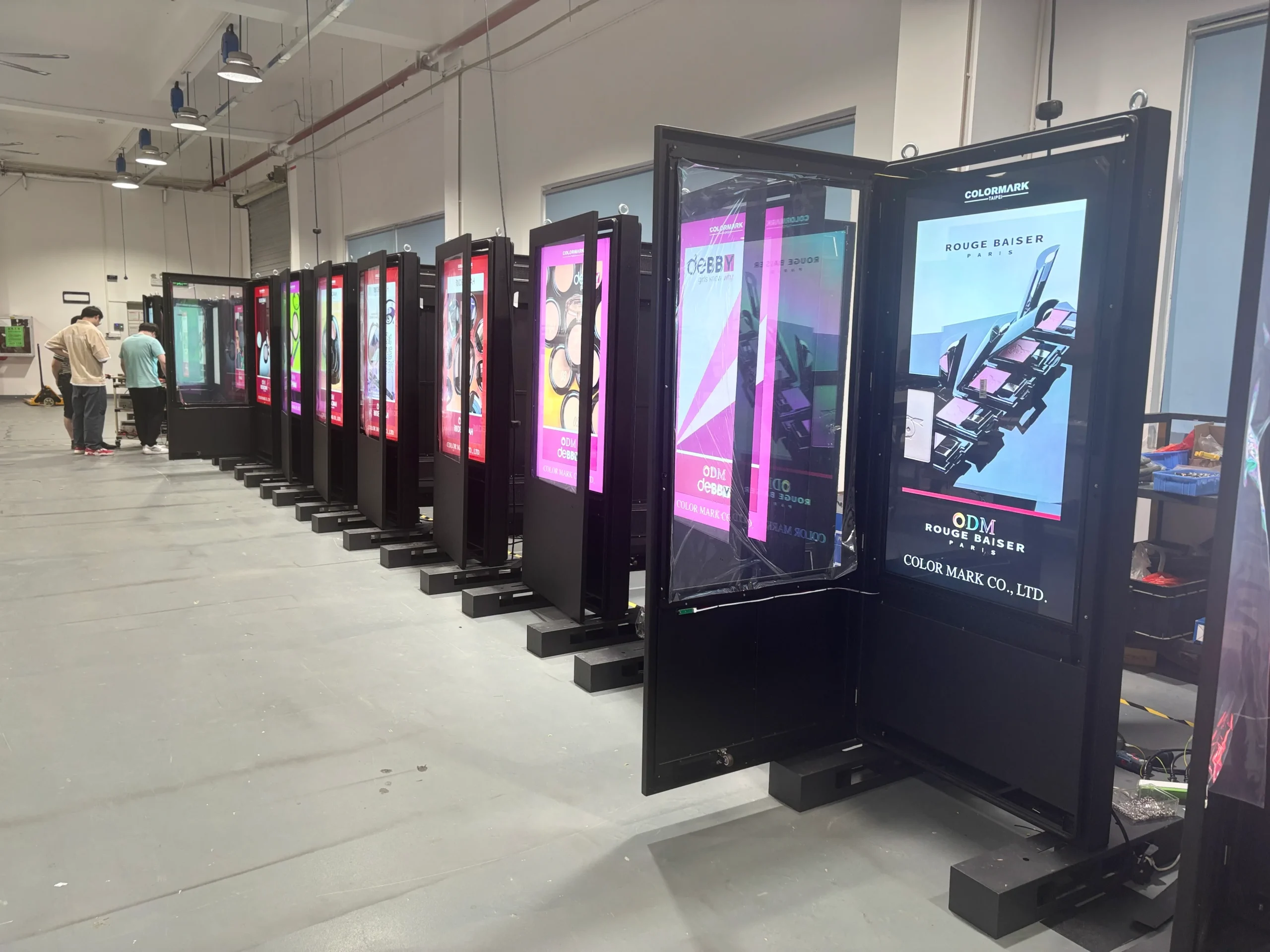
With 14+ years of industry experience, UNIVIEW LCD supports commercial LCD display projects through assembly and integration coordination, OEM/ODM communication, sample evaluation, batch production support, packaging and shipment preparation.

  • ✓Commercial LCD display manufacturing experience
  • ✓Assembly and integration support
  • ✓Sample evaluation and batch production support
Illustrative commercial display assembly and quality inspection environment

Quality Control Before Shipment

  1. 01

    Material and component inspection

  2. 02

    Display and touch-function testing

  3. 03

    System and interface verification

  4. 04

    Peripheral integration checking

  5. 05

    Appearance inspection

  6. 06

    Aging test when applicable

  7. 07

    Packaging inspection

  8. 08

    Shipment preparation

Certification Support

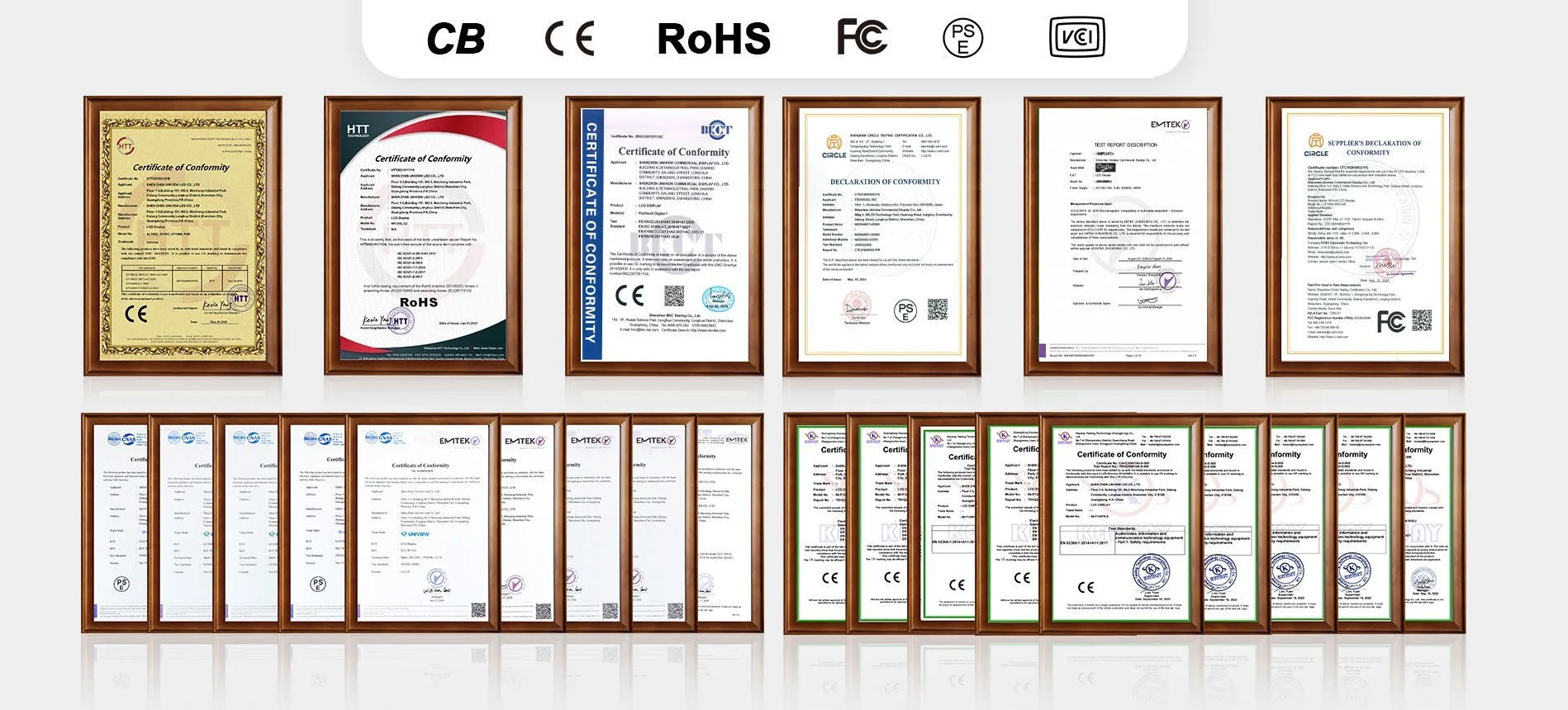
UNIVIEW LCD can provide or assist with confirmation of CE, FCC, PSE, VCCI, RoHS, CB and related certification documentation according to product configuration and target market. Certification applicability depends on the exact model, configuration and sales market. Customers should confirm the required certification version before placing an order.

Illustrative certification documentation arrangement

From Requirement to Delivery

01

Requirement Discussion

Review application, installation, screen size, software context and peripheral needs.

02

Configuration Confirmation

Confirm hardware options, interfaces, touch, mounting and certification scope.

03

Quotation and Technical Review

Review the proposed configuration and project-specific quotation details.

04

Sample or Order Confirmation

Confirm approved requirements before sample evaluation or order release.

05

Production and Quality Inspection

Coordinate production and pre-shipment inspection steps for the approved build.

06

Packaging and Delivery

Prepare packaging and shipment arrangements based on the confirmed destination.

Self Service Ordering Kiosk FAQ

Is the RES-W wall-mounted or floor-standing?
RES-W is designed primarily as an indoor wall-mounted self service ordering kiosk. A floor-standing solution may be discussed for selected projects, but it is not the confirmed standard installation format for RES-W.
Which screen sizes are available?
The listed LCD size options are 27, 32, 43 and 49 inches. Resolution, brightness and system combinations can vary by size and selected configuration. Final details should be confirmed in the approved specification sheet.
Does the kiosk include ordering software?
RES-W is configurable kiosk hardware. Ordering software, menu management, kitchen-display integration, membership functions and back-office tools depend on compatible third-party software and project integration.
Can it integrate with a POS or payment terminal?
POS and payment peripherals may be available for integration where technically compatible. Payment processing, transaction workflows, local compliance and third-party system compatibility must be confirmed for each project before ordering.
Are the QR scanner and thermal printer included?
QR code scanners and thermal printers can be integrated for selected projects, but they should not be assumed as standard equipment. The final peripheral list is subject to project confirmation and quotation.
Which touch technologies are available?
Capacitive and infrared touch options are available, with listed 10–40 touch-point options and USB touch interface. Touch configuration is selected according to the final project specification.
Can the enclosure and logo be customized?
Logo treatment, enclosure color, selected interfaces, touch configuration, peripheral integration and packaging customization may be supported. Feasibility depends on quantity, technical requirements and the approved project scope.
Is the RES-W suitable for outdoor use?
RES-W is designed for indoor installation. The listed 1000-nit brightness is an available option and does not indicate outdoor protection, weather resistance or direct-sunlight readability.
What information is needed for a quotation?
Please share the application, installation location, preferred screen size, touch option, system platform, required peripherals, branding needs, quantity, destination market and certification requirements for a project-based quotation.

Configure Your RES-W Ordering Kiosk

Share your application, preferred screen size, system option, peripheral requirements and quantity to request a project quotation for a self service ordering kiosk.

Email: lcdsales@univiewlcd.com

Phone: +86-755-21009715

Address: Floor 1-3, Bldg 9, Delta Science and Technology Park, Dalang Street, Longhua District, Shenzhen, China