Interactive Whiteboard Display EV300L

The interactive whiteboard display EV300L is a large-format collaboration display for classrooms, training spaces, meeting rooms and shared work environments. Choose from 55–98 inch screen options, selected FHD or 4K configurations, capacitive or infrared touch, and Android, Windows or external-source setups. Wall mounting and optional mobile stand solutions are available according to project requirements.

  • ✓55"–98" Display Options
  • ✓Capacitive or Infrared Touch
  • ✓10 or 40 Touch Points
  • ✓Android and Windows Options
View Specifications
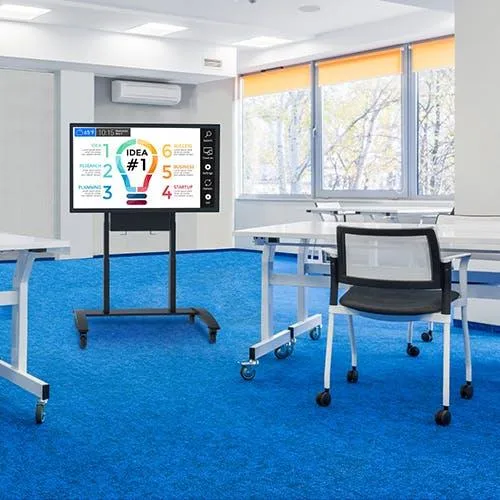
Interactive whiteboard display EV300L for classroom and meeting room installation

What Is an Interactive Whiteboard Display?

An interactive display whiteboard combines a large LCD display, touch input and selected computing or signal-source configurations in one device. Users can interact with a connected computer desktop or compatible applications using fingers or an appropriate stylus.

Depending on the confirmed touch and software configuration, an interactive touchscreen whiteboard display can support writing, presentations, annotation, content display and collaborative workflows. EV300L is designed primarily for classrooms and meeting rooms. Whiteboard software, annotation tools, cloud collaboration and file synchronization depend on the final system, software and licensing arrangement.

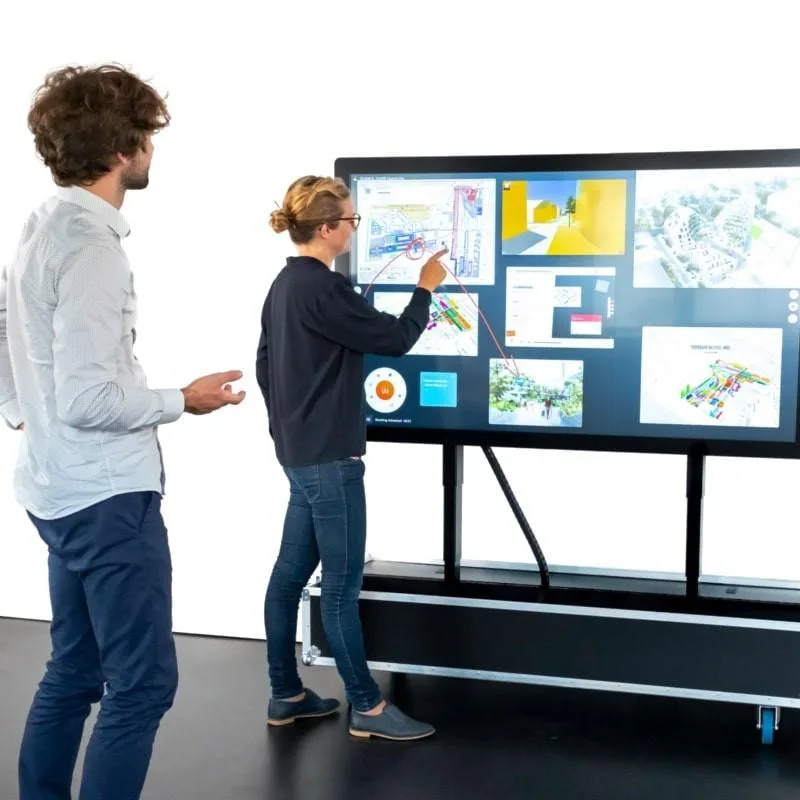
Interactive Whiteboard Display in Meeting Room

Interactive Display vs. Traditional Whiteboard

Both formats can suit different teaching and discussion styles. An electronic whiteboard display adds digital content and touch interaction, while a traditional whiteboard remains a direct, power-free writing surface.

ComparisonInteractive Whiteboard DisplayTraditional Whiteboard
Content sourceDigital content and connected devicesManual writing
Touch interactionAvailable by configurationNot applicable
MultimediaSupports digital contentLimited
Saving and sharingDepends on softwareRequires separate tools
Remote collaborationDepends on software and networkNot built in
Power requirementRequiredNot required

Interactive Whiteboard Display or Projector System?

The choice depends on room conditions, installation planning and intended workflows. A display provides its own image surface, while projector systems use a projection surface and require alignment planning.

  • Image source: LCD panel versus projected image.
  • Room light: Consider ambient-light conditions during system selection.
  • Touch: Available on EV300L by confirmed touch configuration.
  • Installation: Compare wall, stand, projection surface and cable planning.
  • Alignment and shadows: These should be assessed for the planned room layout.
  • Maintenance and software: Requirements vary by the selected system and workflow.

Built Around Flexible Collaboration Requirements

▣

Large-Format 16:9 Display

Choose from 55, 65, 75, 86 and 98 inch panel options for indoor presentation and collaboration environments. The listed aspect ratio is landscape 16:9; final panel and resolution selection should be confirmed for the project.

☝

Multi-Touch Interaction

10-point or 40-point touch is available depending on the selected touch configuration. This makes the interactive display for classrooms or meetings adaptable to different collaboration and presentation requirements.

✎

Finger, Stylus and Palm Input

Finger, stylus and palm interaction can be considered within the final touch solution. Actual palm behavior depends on the touch frame, firmware and selected whiteboarding software rather than a universal device-level promise.

◫

Android and Windows Configuration Options

Driver Board, Standalone, Android and Windows configurations are listed as different options. Android and Windows should not be assumed to be included together unless the final hardware structure explicitly confirms it.

↕

Wall-Mounted or Mobile-Stand Installation

Plan a fixed wall-mounted interactive display for permanent rooms, or select an optional compatible mobile stand for shared spaces. Wheels and floor-support structures are optional and require project confirmation.

⚙

OEM and ODM Customization

Screen, brightness, touch, enclosure, logo, interfaces, camera, wireless access and packaging can be reviewed for selected projects. All customization remains subject to technical feasibility, quantity and final approval.

How to Choose an Interactive Whiteboard Display

Start with the space and expected workflow. Screen size, touch technology, operating system, installation and software requirements should be assessed together rather than as isolated options.

  1. 01. Confirm the room and audience size
  2. 02. Select the display size
  3. 03. Choose the required resolution
  4. 04. Select capacitive or infrared touch
  5. 05. Confirm the required touch points
  6. 06. Choose Android, Windows or external source
  7. 07. Confirm whiteboarding software requirements
  8. 08. Select wall mounting or a mobile stand
  9. 09. Define camera and wireless-network needs
  10. 10. Confirm interfaces, power and installation conditions
  11. 11. Review customization and certifications
  12. 12. Request a project-based quotation

Multi-Touch and Writing Interaction

EV300L can be specified with capacitive touch or infrared touch and with 10-point or 40-point interaction. The USB touch interface can transmit touch input to compatible connected systems. Finger input, stylus input and palm interaction should be assessed with the selected touch solution and intended application.

Touch technology and touch-point count depend on the final configuration. Product information describes touch as a feature and also lists touchscreen as optional, so touch should not be treated as a default for every unit. No touch accuracy, writing latency or minimum touch-object size is specified.

Touch interaction detail for EV300L interactive touchscreen whiteboard

Connect and Control Digital Content

EV300L can connect compatible desktop computers, notebooks and other signal sources through the applicable interface combination. Listed interfaces include HDMI, VGA, DVI and USB, but each system configuration has a different selection. Do not assume all interfaces are present on every unit.

With compatible USB touch connection and system setup, touch input can be transmitted to a connected computing device. Interface quantities, USB versions, wireless casting protocol versions and transmission distances require project confirmation.

Display Hardware, Operating System and Whiteboarding Software

Display Hardware

Includes the selected panel, touch layer where specified, interfaces, input voltage and installation structure.

Operating-System Configuration

Driver Board, Standalone, Android and Windows are separate options. The data does not confirm that every configuration includes both Android and Windows.

Whiteboarding and Collaboration Software

Writing, annotation, file saving, wireless sharing, remote meetings and cloud collaboration depend on software, system, licensing and project integration. Compatibility should be confirmed before ordering.

System and Media Configuration Options

Select the configuration around the content source, required applications and collaboration workflow. Miracast, split-screen and remote-control functions depend on the final system configuration and are not universal across all options.

ConfigurationListed InterfacesListed Memory / StorageSelection Note
Driver BoardHDMI / VGA / DVINone listedSuitable for external computer or signal-source connection.
StandaloneHDMI / USB16GSelect based on required content and operating workflow.
AndroidHDMI / USB2G+16G / 4G+16GAndroid version and processor are subject to final confirmation.
WindowsHDMI / VGA / USB4G+120G SSDCPU, Windows version and OPS arrangement are not specified.

Wall-Mounted or Mobile-Stand Installation

Wall mounting and optional mobile stands serve different room plans. Mobile supports, wheels and multiple floor-mounting solutions are optional items. Confirm stand model, compatible screen size, load capacity and installation conditions before ordering.

ItemWall-MountedMobile Stand
Space useFixed installationFlexible room placement
MobilityFixedMovable when correctly installed
InstallationRequires suitable wall and mounting hardwareRequires compatible floor support
Cable managementProject planning requiredProject planning required
Typical usePermanent classroom or meeting roomShared training or meeting spaces

Do not move a mobile display until power and connected cables are correctly disconnected or managed. VESA patterns, mounting heights and stand load ratings must be confirmed separately.

Interactive Whiteboard Display Applications

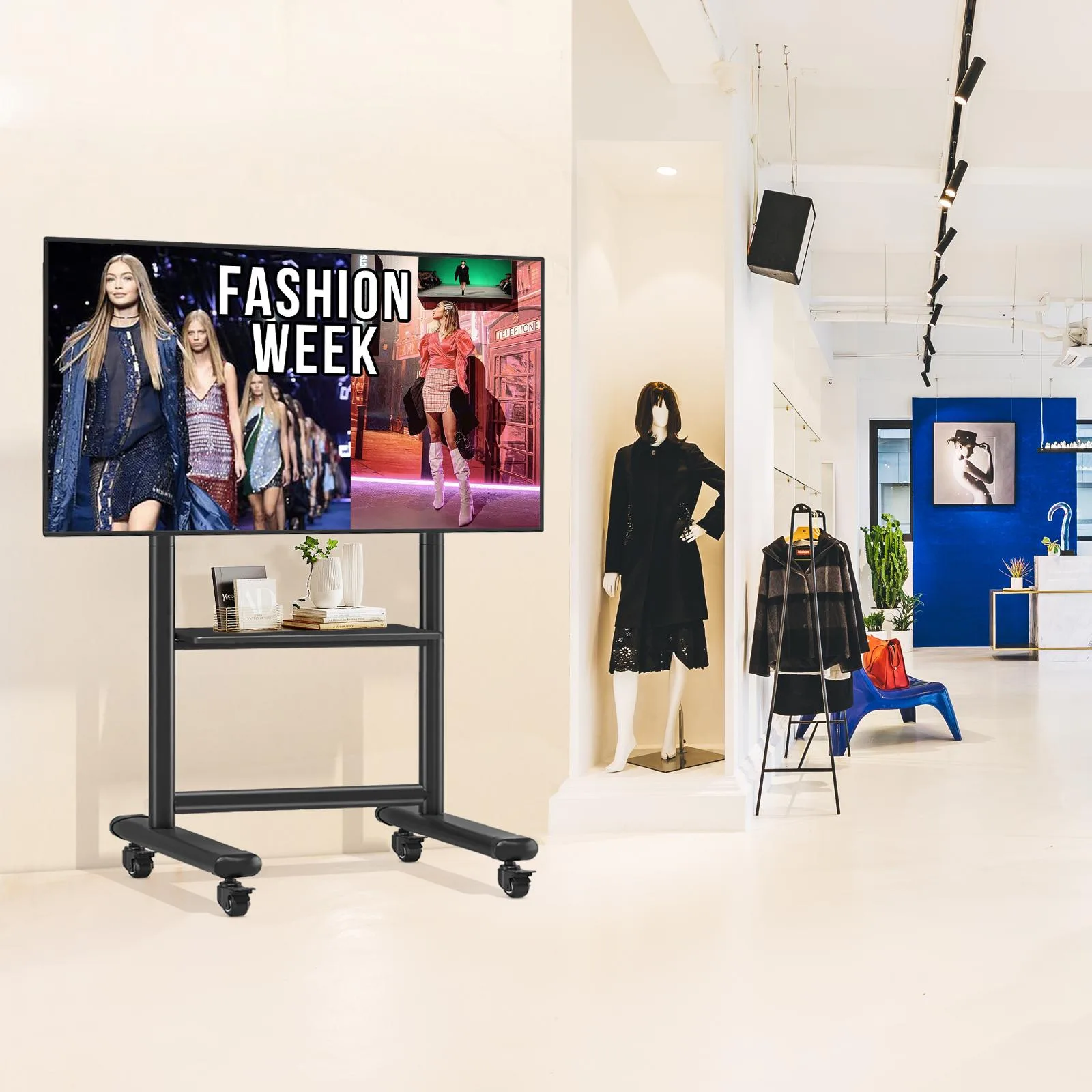
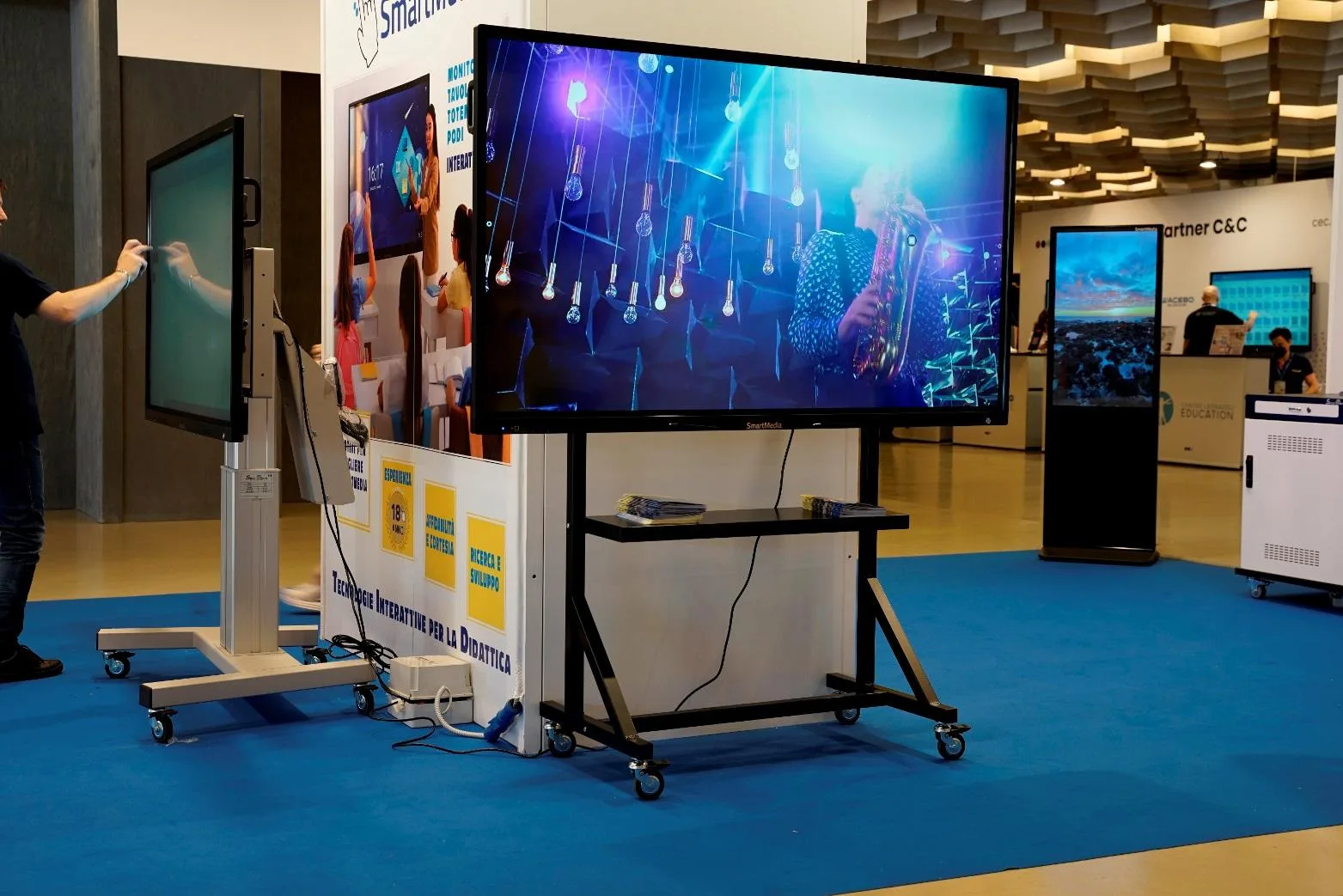
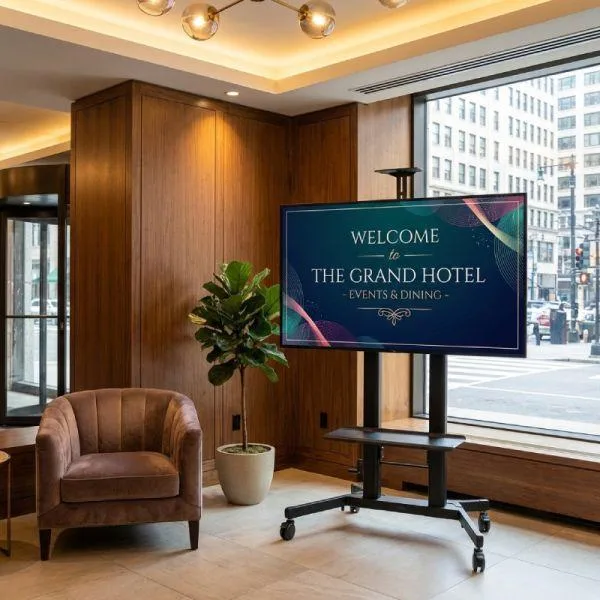
These images illustrate typical use environments rather than customer cases. Final solution selection should match the room, content source, touch requirement and installation plan.

Classroom teaching with interactive display whiteboard

Retail Stores

Corporate meeting room with large interactive display

Exhibitions & Trade Shows

Training center using a digital whiteboard display

Hotels & Hospitality

Collaborative workspace with interactive touchscreen whiteboard display

Education & Training

Technical Specifications

CategoryConfirmed Information
Product TypeIndoor interactive whiteboard display
ModelEV300L
Panel BrandLG or Samsung, depending on configuration and availability
Panel Sizes55 / 65 / 75 / 86 / 98 inches
Source-Page Resolution Notation1080 × 1920 / 2160 × 3840. FHD/4K options may be described, but native pixel direction requires final specification confirmation. The listed 16:9 ratio and reference dimensions indicate landscape use; this is not a portrait product claim.
Aspect Ratio16:9
Brightness Options350 / 700 / 1000 nits
Contrast Ratio1400:1
Gray-to-Gray Response Time8 ms
Viewing Angle178° / 178°
BacklightWLED
Listed Operating Life50,000–60,000 hours
Touch OptionsCapacitive touch / Infrared touch
Touch Points10 or 40 points
Touch InterfaceUSB
Input VoltageAC100–240V, 50/60Hz
Operating EnvironmentIndoor
Operating Temperature0°C to 40°C
Storage Temperature-10°C to 60°C
Humidity10%–80% RH, non-condensing
75 Inch Listed Dimensions1750 × 1030 × 85 mm
86 Inch Listed Dimensions1970 × 1155 × 95 mm

Only 75 inch and 86 inch reference dimensions are listed. Dimensions for 55, 65 and 98 inch models are not inferred here. Final specifications are subject to the approved quotation and specification sheet.

Which Interactive Display Size Fits Your Room?

SizeTypical Planning Direction
55 inchSmaller meeting or teaching spaces
65 inchMedium-size classrooms and meeting spaces
75 inchClassrooms, training rooms and larger meeting spaces
86 inchLarger training or conference spaces
98 inchLong viewing-distance environments

Final size selection should consider room dimensions, viewing distance, mounting conditions and audience layout.

What Affects Interactive Whiteboard Display Pricing?

Pricing is project-based and commonly depends on screen size, resolution, brightness, touch technology, touch-point count, Android or Windows configuration, wall mounting or mobile stand, camera and wireless options, branding, customization, order quantity, certifications, packaging and shipping destination.

OEM and ODM Interactive Display Support

UNIVIEW LCD can review screen-size selection, resolution and brightness configuration, touchscreen selection, Android and Windows options, logo customization, enclosure color, interface requirements, camera and wireless options, mounting-support selection, packaging customization, samples and project-based development.

All customization is subject to technical feasibility, project quantity and final confirmed requirements.

Manufacturing Support for Interactive Display Projects

With 14+ years of commercial display industry experience, UNIVIEW LCD supports commercial LCD display production, touchscreen integration, system assembly, OEM/ODM project coordination, sample evaluation, batch production support, packaging and shipment preparation.

Quality Control Before Shipment

  1. 1. Panel and component inspection
  2. 2. Display and image testing
  3. 3. Touch-function testing
  4. 4. Interface verification
  5. 5. Android or Windows configuration checking
  6. 6. Appearance inspection
  7. 7. Aging test when applicable
  8. 8. Mounting-accessory inspection
  9. 9. Packaging inspection
  10. 10. Shipment preparation

Certification Support

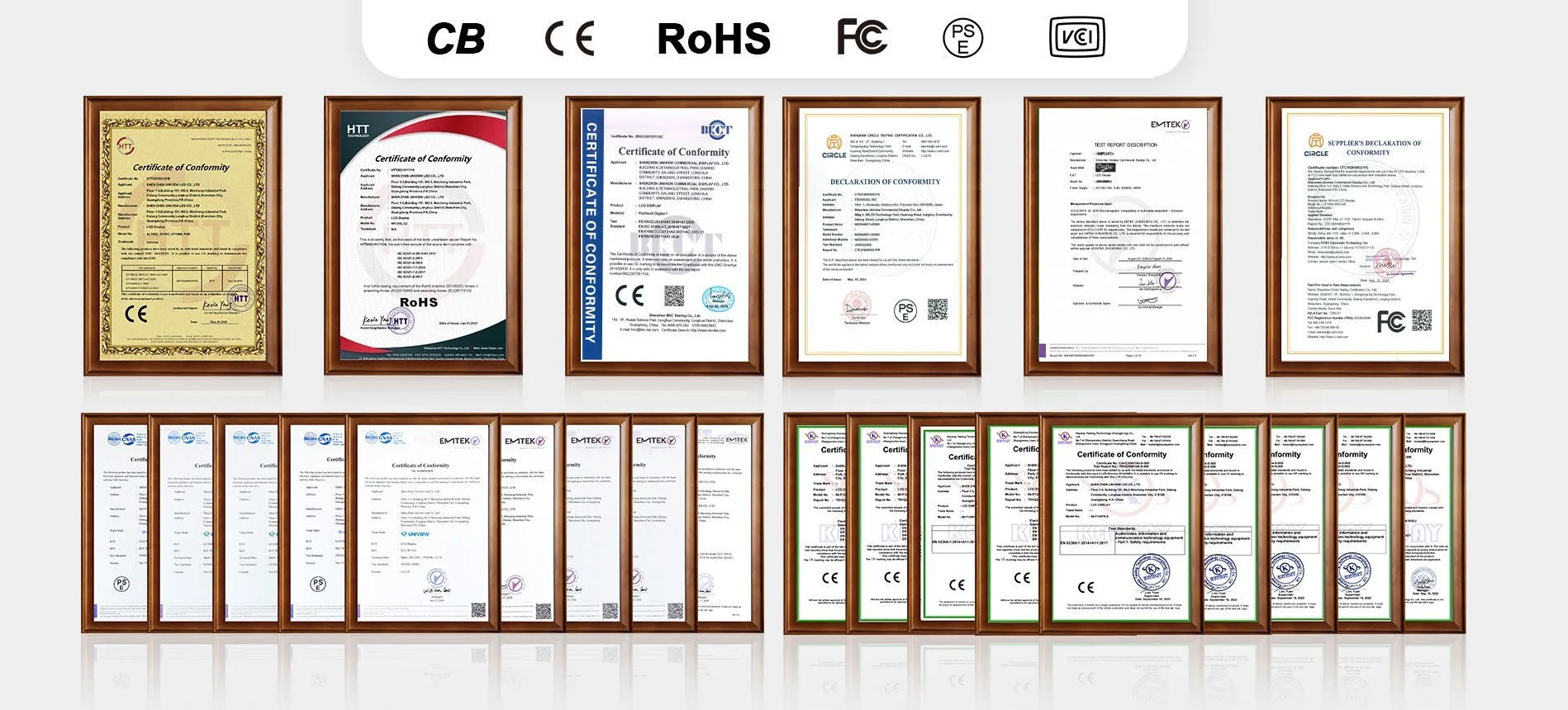
UNIVIEW LCD can provide or assist with confirmation of CE, FCC, PSE, VCCI, RoHS and CB documentation according to the product configuration and destination market. Certification applicability depends on the specific configuration and sales market. Confirm the certificate version for the final EV300L size, touch and system configuration before placing an order.

Certification documentation for commercial display products

From Project Requirements to Delivery

01

Requirement Discussion

02

Display and Touch Selection

03

System and Installation Review

04

Quotation and Order Confirmation

05

Production and Quality Inspection

06

Packaging and Delivery

For accurate planning, share the application, room size, screen size, resolution, touch requirements, Android or Windows configuration, whiteboarding software requirements, wall mount or mobile stand choice, camera and wireless requirements, quantity, destination market and certification requirements.

EV300L Interactive Whiteboard Display Questions

Which EV300L screen sizes are available?
EV300L is available in 55, 65, 75, 86 and 98 inch display options. The appropriate size should be selected according to room dimensions, viewing distance, mounting conditions, audience layout and the type of content being presented.
Does the EV300L include both Android and Windows?
Not every EV300L configuration includes both Android and Windows. Driver Board, Standalone, Android and Windows are listed as separate configuration options. If an Android mainboard and Windows OPS arrangement is required, the final hardware structure and compatibility should be confirmed in the approved specification sheet.
Is touchscreen included as standard?
Touch capability must be confirmed for each project. Product information lists capacitive and infrared touch options, while touchscreen is also listed as an optional configuration. Do not assume every EV300L unit includes a touch layer unless it is shown in the final quotation and specification.
What is the difference between capacitive and infrared touch?
Capacitive touch and infrared touch use different sensing structures and should be selected according to the intended application, interaction requirements and project conditions. EV300L can be configured with either technology, subject to final confirmation. Available touch points are listed as 10 or 40 depending on configuration.
Can the EV300L display and control a connected computer desktop?
A compatible computer or signal source can be connected through the applicable interfaces. With the relevant USB touch connection and compatible system setup, touch input can be sent to a connected computing device. Actual control behavior depends on the selected interfaces, operating system and connected equipment.
Is whiteboarding and annotation software included?
Whiteboarding, annotation, file saving, wireless sharing, remote meetings and cloud collaboration depend on the selected system, software, licensing and project integration. EV300L product information does not confirm a universal preinstalled whiteboarding package or permanent software license for every configuration.
Can the EV300L be wall-mounted or used with a mobile stand?
Yes. EV300L can be planned for fixed wall mounting or an optional mobile stand arrangement. Wheels and multiple floor-support solutions are optional items. Stand model, compatibility, load capacity, cable routing and the wall or floor condition must be confirmed before installation.
Which interfaces and system configurations are available?
Listed interface combinations include HDMI, VGA, DVI and USB, but availability differs by configuration. Driver Board, Standalone, Android and Windows options are listed separately. Please confirm the required signal sources, touch connection, storage requirement and final interface combination before ordering.
What information is required for a quotation?
For a project-based quotation, provide the application, room conditions, preferred screen size, resolution, touch requirements, Android or Windows needs, software expectations, mounting choice, camera or wireless requirements, quantity, destination market and applicable certification requirements.

Configure Your EV300L Interactive Whiteboard Display

Tell us about the intended application, preferred screen size, touch requirements, system requirements, mounting plan, software needs and quantity information. Our team can help review a suitable interactive whiteboard display configuration for your project.

Contact Information

Address
Floor 1-3, Bldg 9, Delta Science and Technology Park, Dalang Street, Longhua District, Shenzhen, China