


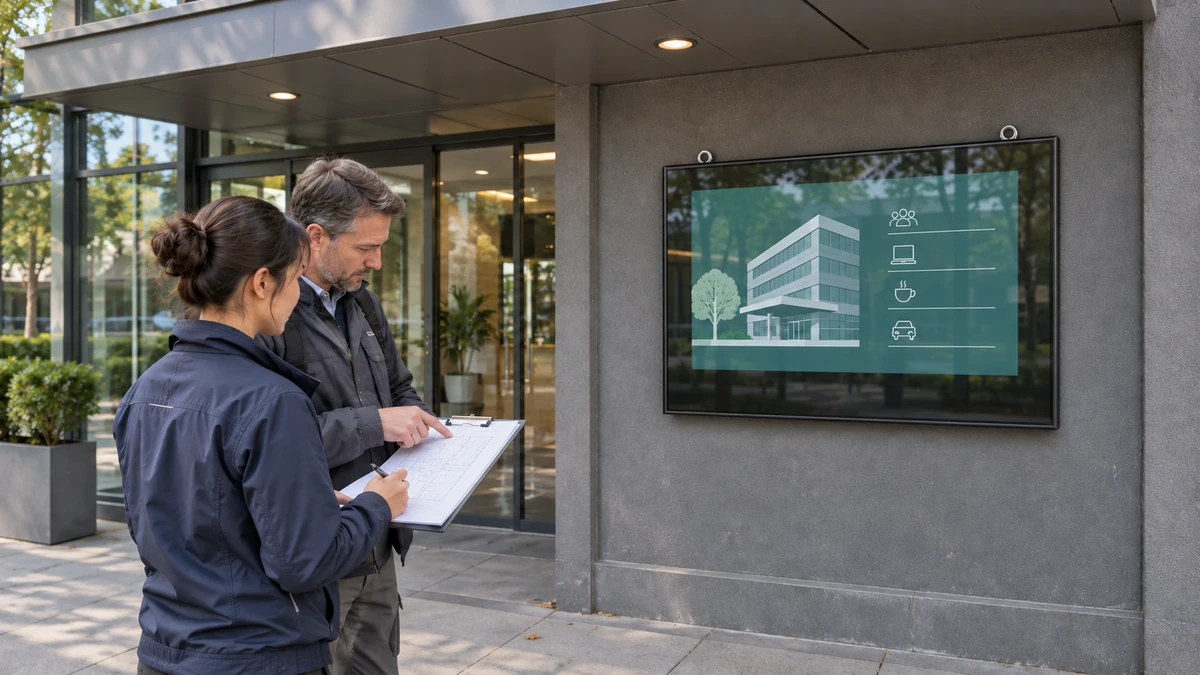
Selecting an outdoor LCD display starts with the conditions at its installation point. Identify the constraints, consider whether the position or surrounding structure can change, then compare configurations against the conditions that remain. A model stays on the shortlist only when its proposed installation and supporting evidence address those requirements.
This guide helps system integrators and distributors evaluate commercial outdoor LCD signage assemblies across five site conditions that can change a hardware decision. If you need broader project planning—such as CMS architecture, cost comparisons, or a full RFQ checklist—refer to our Complete Guide to Outdoor Digital Signage. The practical output here is a site-specific configuration brief that identifies suitable options, reasons to reject them, and open items still needed before selecting a model.
Which site condition should drive your first decision?
Start with the condition that could make the proposed configuration unsuitable. Several may apply; resolving shade, for example, does not resolve restricted service access. Use the table below to identify the decisions requiring attention, then combine their requirements in one site brief.
| Site condition | First configuration decision | What can hold up selection? |
|---|---|---|
| Direct afternoon sun | Relocate, add shade, or retain full exposure | Readability and thermal evidence |
| Open-sided canopy | Use verified shelter conditions or retain an exposed-site brief | Seasonal shade and side exposure |
| Tight wall recess | Keep the recess or change its geometry | Service and ventilation space |
| Coastal exposure | Compare protection and maintenance arrangements | Assembly-specific corrosion evidence |
| Overnight cold shutdown | Retain the power schedule or review recovery arrangements | Confirmed cold-start behavior |
On smaller screens, scroll the table to view all columns.
How do you translate site constraints into a specification?
Write each requirement as a consequence of an observed condition. Separate fixed constraints from preferences, then consider whether a site change creates another option. For example, an approved recess may fix the available space, while its decorative trim may still be adjustable. Recheck viewing and access whenever the installation changes. Record unverified assumptions as open items: a missing measurement is a reason to defer the affected decision rather than assign an unsupported specification.
Scenario 1: What should you select for direct afternoon sun?
Compare a change to the installation with a configuration designed for the exposure that remains. Record direct-sun periods, required viewing positions, and local ambient conditions. Assess the actual location and season; a compass direction or a photograph from one shaded hour cannot capture the full exposure. The initial choice is whether the position itself must remain fixed.
Which optical and thermal options belong on the shortlist?
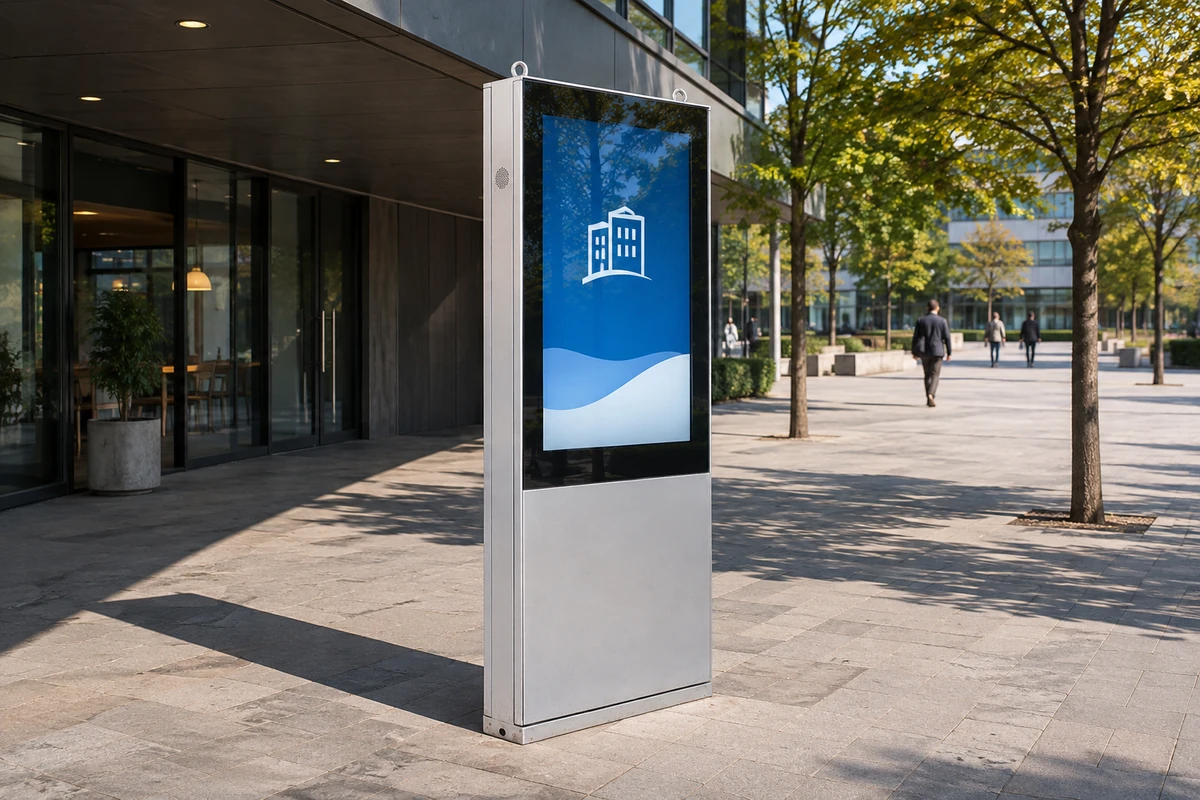
If relocation or shade is possible, review those options before fixing the display configuration, and check that the revised position remains visible from the intended approach. If full exposure is fixed, assess readability through the proposed front glass together with the complete assembly’s thermal performance. NIST’s daylight-readability discussion identifies reflected light and ambient contrast as relevant evaluation factors. Request a brightness recommendation tied to those conditions, with the measurement basis stated, rather than assigning a universal nit threshold.
What evidence would approve or reject the proposal?
Keep the decision open if the evidence describes a bare panel while the installation includes cover glass, touch layers, or an enclosure. Where a proposal relies on high-Tni panels, request the panel documentation and its role in the reviewed thermal design.
- Brightness basis and assembled-display viewing assessment: Defer or reject if quoted output or viewing conditions are undefined.
- Proposed glass and sunglasses-viewing check (where relevant): Defer or reject if the demonstrated optical arrangement differs from the proposal.
- Thermal review covering solar, ambient, and internal loads: Defer or reject if supporting evidence omits a material site condition.
Scenario 2: What can change under an open-sided canopy?
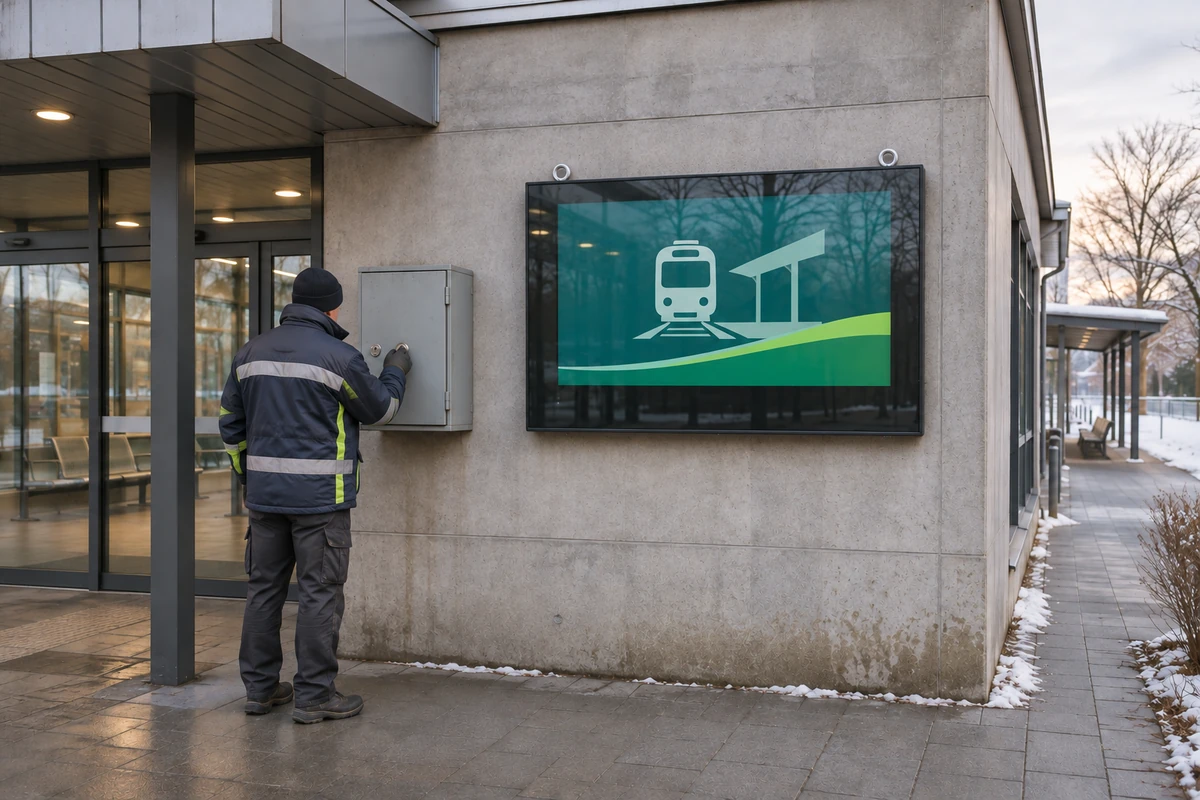
Use verified shelter to define the exposure, then assess each remaining weather path separately. A canopy may shade the display face while leaving the sides, rear, or cable connections exposed. Document shade during required operating hours and relevant seasons, and ask the operator about rain, splash, and cleaning practices. A roof alone does not guarantee a protected installation.
When does a sheltered configuration remain a candidate?
A configuration assessed for shaded conditions remains a candidate when the proposed position meets those conditions. If seasonal sun reaches the screen, retain that exposure in the brief or investigate a position change. Ask your display supplier which brightness and thermal options fit each alternative. Shade may widen the options worth evaluating, but it does not automatically justify a lower brightness tier or prove lower cost, power use, or heat output for the configuration being compared.
What findings would prevent a reduction in protection?
Do not reduce a requirement whose exposure remains unresolved. Assign the front face, enclosure, and connections their own checks, as each may have different protection needs. A configuration intended for a sheltered position should not be reused at an exposed location without another assessment.
- Unverified shade coverage: Keep sunlight requirements provisional until a shade record or seasonal sun-path assessment is completed.
- Potential side rain or washdowns: Retain applicable ingress requirements and verify the assembly’s documented protection scope against actual site exposure.
- Possible future relocation: Define installation limits clearly and maintain separate approved configurations for sheltered and exposed sites.
Scenario 3: What fits a tight wall recess?
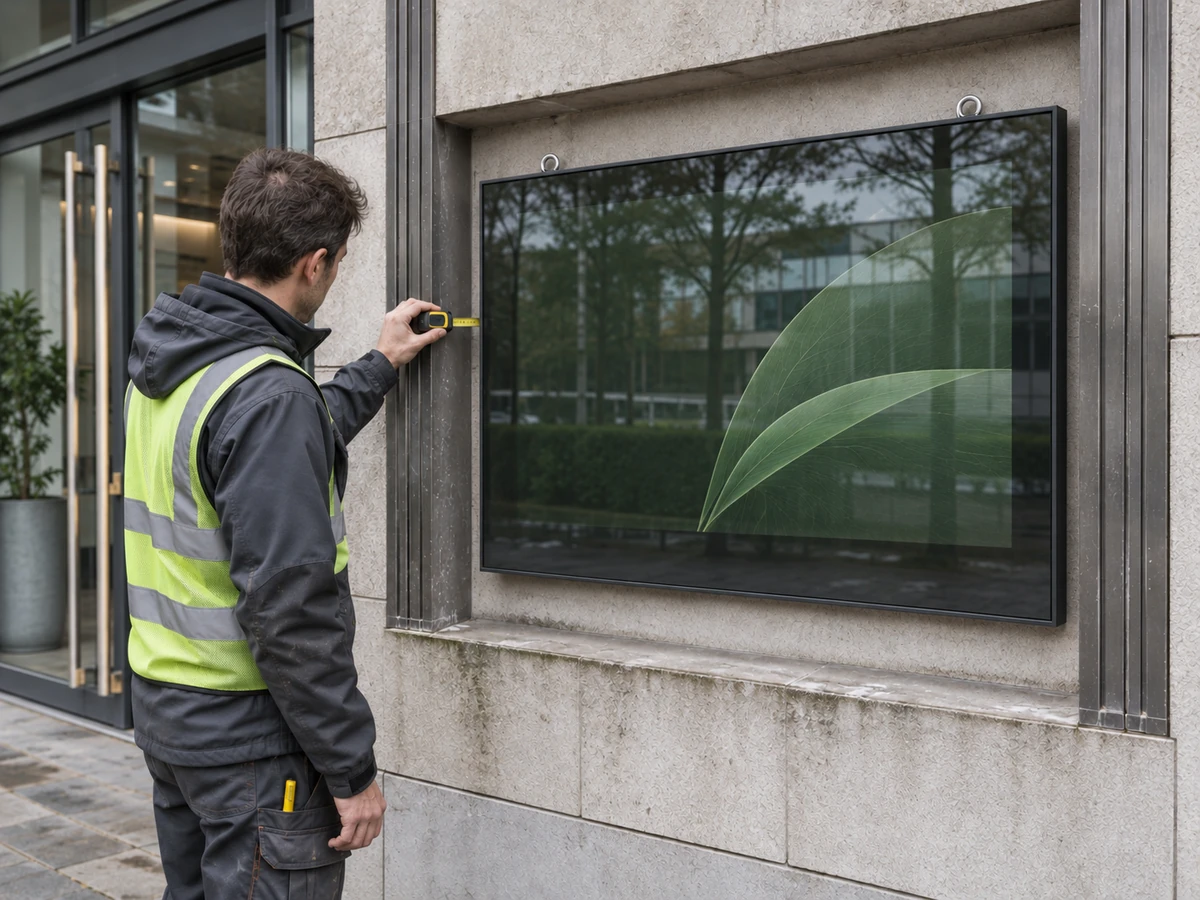
Select against the space needed for operation and service. Measure the opening, recess depth, and access restrictions, including adjacent trim and obstructions. A display that fits inside the visible cutout may still lack a usable maintenance opening or heat-rejection path. Keep a candidate only if the complete installed arrangement can accommodate the required tasks and clearances.
When is front maintenance the right starting point?
Front maintenance is a practical starting point when the rear is inaccessible. Our V130L wall-mounted outdoor display lists front maintenance, making it a platform to discuss for this condition. Request the opening envelope and component-removal paths for the proposed configuration, and confirm access to connections and fasteners as well. The required result is a workable service task within the actual space; a front-access label alone does not prove that every component can be replaced there.
What would rule out the proposed recess arrangement?
Defer approval if the service or ventilation drawing cannot fit within the available space. Review an adjustable surround, a different enclosure, or another position before fixing the model. The installation drawing should identify the applicable clearances—avoid substituting a generic gap.
- Door opening and technician working space: Revise the arrangement if the door opens, but the service task cannot be completed safely.
- Removal paths for agreed service parts: Revise if any replaceable component cannot be physically extracted inside the niche.
- Intake, exhaust, and surrounding cladding: Revise if the completed surround conflicts with required airflow paths or clearances.
Scenario 4: What should change at a coastal site?
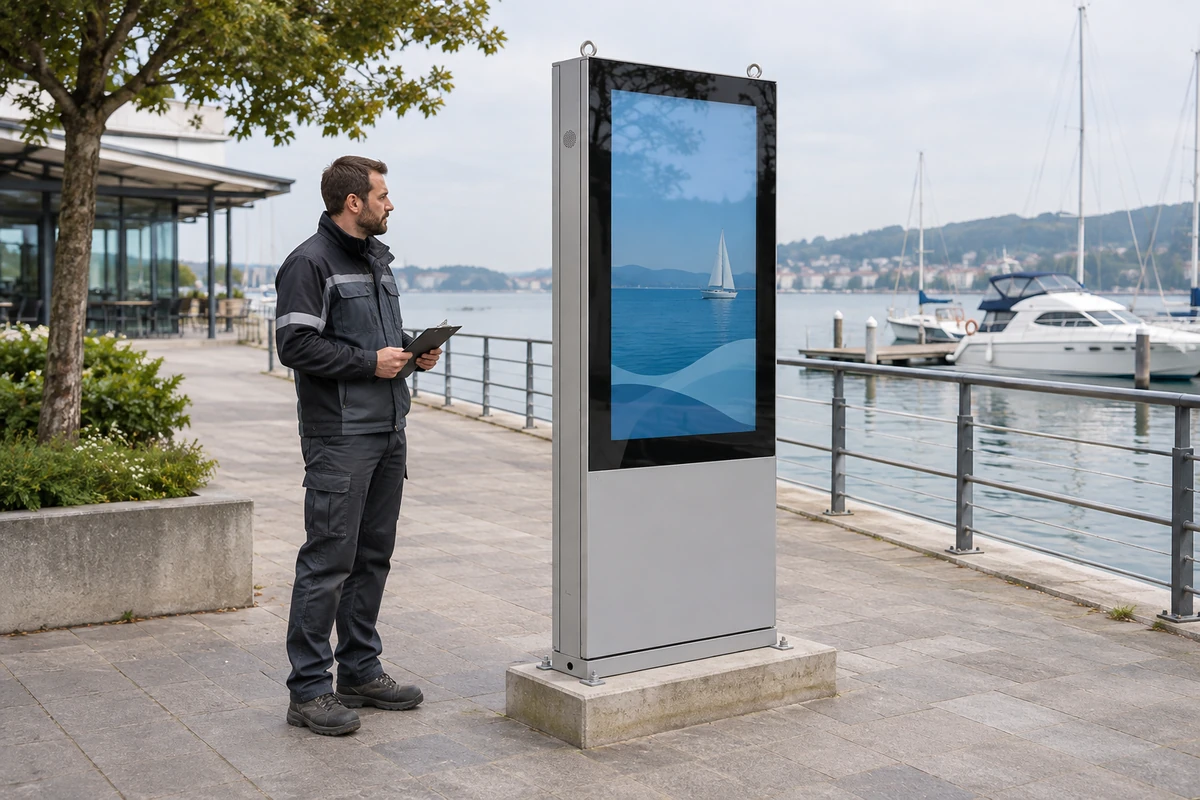
Compare contamination protection, materials, and maintenance access as one site requirement. Record the expected salt exposure and how technicians can reach the unit, then request a proposal tailored to that environment. An IP rating addresses dust and water ingress; it is not proof of corrosion resistance. enclosure-rating guidance explains the scope of protection against solids and water.
Which cooling architecture should remain under consideration?
Keep the architecture open until its environmental and maintenance requirements are understood. Both closed-loop designs and specialized filtered-air designs—such as engineered cabinet cooling filters, whose performance depends on the installation—must be evaluated as complete assemblies. Because filtration performance varies widely, neither a blanket rule against fan cooling nor an assumption that standard filters block salt is reliable. Always review the proposed assembly’s specific contamination protection, maintenance tasks, and service intervals.
What evidence should determine whether a proposal proceeds?
Ask for the proposed materials, finish, exposed fasteners, and connection details, backed by corrosion evidence relevant to the supplied arrangement. A material name or cooling label alone is insufficient, and the maintenance plan must match what local technicians can actually execute on site.
- Materials, coatings, and corrosion evidence: Defer or revise if the documentation covers a different component or configuration.
- Door seals, connections, and contamination-control details: Defer or revise if a proposed protection measure has no defined scope.
- Inspection and replacement requirements: Defer or revise if necessary maintenance tasks conflict with site access constraints.
Scenario 5: What should change after overnight cold shutdowns?
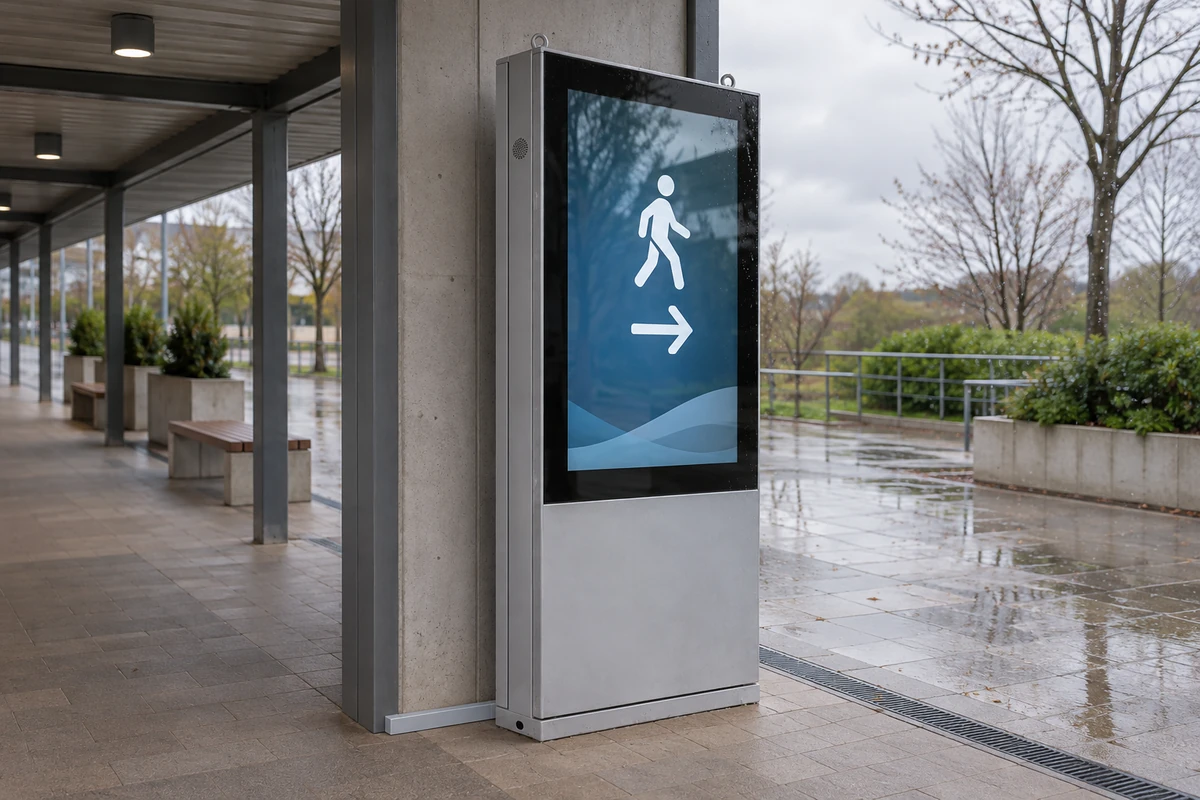
Select against the required restart conditions as well as continuous operation. Record whether mains power is removed, how long the unit may remain unpowered, and when usable content is needed after restoration. Ask about the complete proposed assembly, including its player and power components; an operating-temperature statement alone leaves restart questions unanswered unless its scope explicitly includes them.
When should heating or a warm-up sequence enter the specification?
Include heating or controlled warm-up when the proposed design requires it for the specified conditions. Ask your display supplier to explain the sequence, power availability, and recovery behavior rather than making a heater mandatory for every cold location. Review condensation separately: it can form when moist air contacts surfaces below the air’s dew point, as explained in enclosure study. Low temperature alone does not automatically mean switching on the display will cause condensation.
Which answers are needed before choosing the cold-weather package?
Keep the configuration provisional if the required restart behavior is unconfirmed. Where recovery depends on available power, reconcile that requirement with the operator’s electrical schedule before finalizing the package.
- Cold-start capability for unpowered conditions: Defer or change if only continuous-operation or storage temperature data is supplied.
- Warm-up sequence (if required): Defer or change if the proposed thermal controls or power needs remain undefined.
- Expected return to usable content: Defer or change if recovery time does not meet the site’s morning opening requirements.
How can distributors standardize across different sites?
Standardize the requirements that can remain common, then identify the hardware and installation differences each site creates. Our outdoor digital signage range provides wall-mounted and freestanding starting points for that discussion. If the required position lacks a suitable wall, consider a platform such as the F130P outdoor kiosk, subject to mounting, exposure, and service review. A format change creates another installation to assess.
Which differences need their own configuration record?
Record any change that affects installation, service, or parts compatibility. A common exterior does not guarantee interchangeable internal components. Confirm with your display supplier what remains common when brightness, cooling, or enclosure options change.
| Possible shared requirement | Confirm for each approved variant |
|---|---|
| Visual identity and content layout | Dimensions, orientation, and viewing conditions |
| Preferred player and control requirements | Available combinations and power needs |
| Common service procedures | Access tasks, tools, and applicable drawings |
| Planned spare-parts stock | Exact compatible part references and substitution limits |
On smaller screens, scroll the table to view all columns.
What does a completed site-to-spec decision look like?
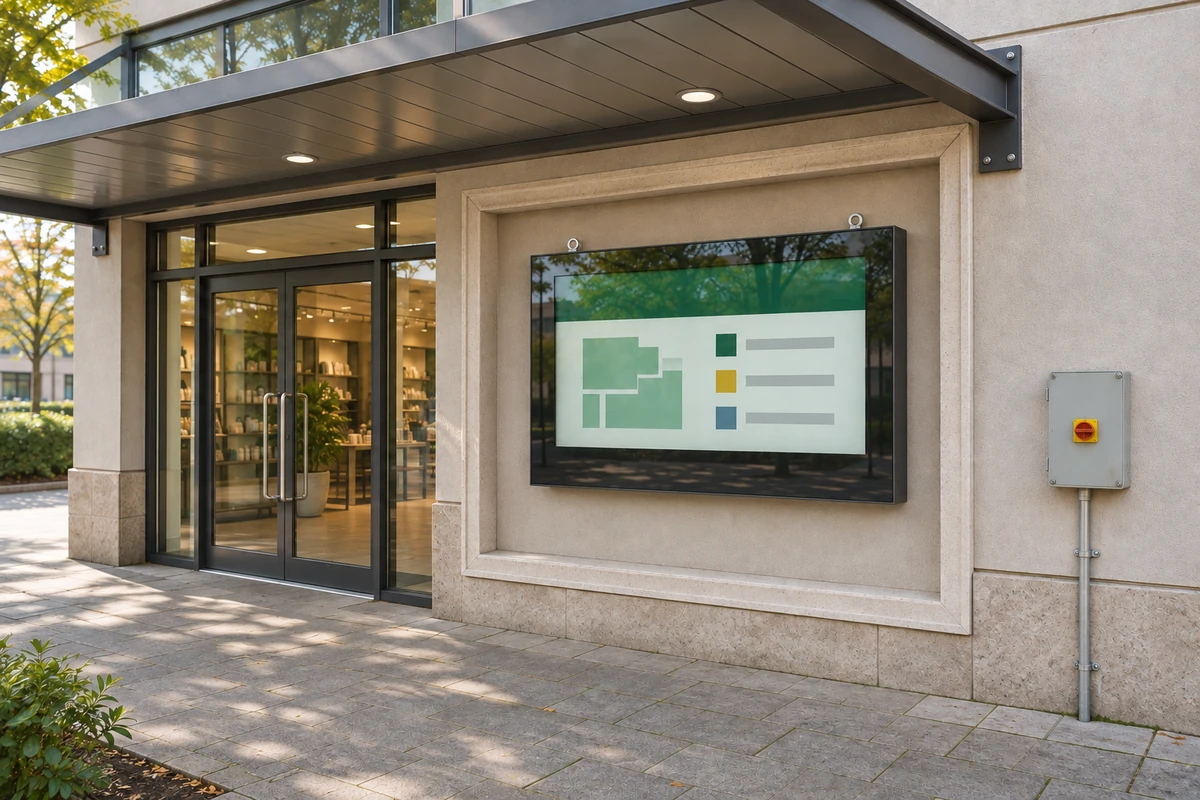
A practical brief combines observations, candidate requirements, and explicit reasons to withhold final selection. Consider a hypothetical retail entrance with a canopy, a recessed wall position, no rear access, and overnight power disconnection: some constraints are known, while shade coverage, service space, and cold-weather recovery conditions still need investigation before approving a configuration.
Which decisions can be made from the available information?
The team can identify a front-service candidate and request a recess review, but cannot yet assign a final brightness or restart package. Record each decision independently so that confirming one condition does not accidentally approve the others.
| Site finding | Candidate requirement | Condition still preventing final selection |
|---|---|---|
| Rear access is unavailable | Investigate front maintenance | Opening and removal paths need confirmation |
| A canopy is present | Assess actual sheltered conditions | Shade across relevant hours and seasons is unknown |
| Decorative panels surround the opening | Review the complete recess | Required ventilation space is unconfirmed |
| Power is removed overnight | Assess restart after shutdown | Local cold conditions and recovery needs are undefined |
On smaller screens, scroll the table to view all columns.
What turns the brief into an actionable next step?
Assign each missing answer to a responsible party. The site team supplies dimensions, exposure records, and the power schedule; our engineering team (or your chosen display supplier) identifies configuration options, applicable evidence, and installation requirements. If the recess cannot accommodate service or ventilation, revise the physical arrangement. If the restart proposal conflicts with the electrical schedule, resolve that conflict before selection. The brief is ready for a model decision once those dependencies are addressed—not when every table cell contains an assumed specification.
How do you start a site-specific configuration review?
Contact our engineering team with a marked-up photo or drawing showing the proposed position, fixed constraints, and unresolved site conditions. Include required viewing hours, known environmental exposure, available service space, and the power schedule—you can use the example table above directly as your brief. Highlighting open items upfront allows us to recommend suitable platforms, configuration alternatives, supporting documents, and any site adjustments needed for your outdoor LCD display deployment.