▣
Indoor Wall-Mounted Display
For lobby information, queue output and service-counter messaging. Review orientation, inputs, wall structure and maintenance access.
Review wall displays

Plan customer-facing display hardware for branch lobbies, service zones, windows, ATM vestibules and exterior locations. Select indoor, window-facing or outdoor hardware around visibility, mounting, touch, system interfaces and local site requirements.
Uniview LCD supplies configurable commercial display and kiosk hardware. Queue software, banking applications, transaction processing, CMS licences and network security remain separate unless explicitly included and technically confirmed.
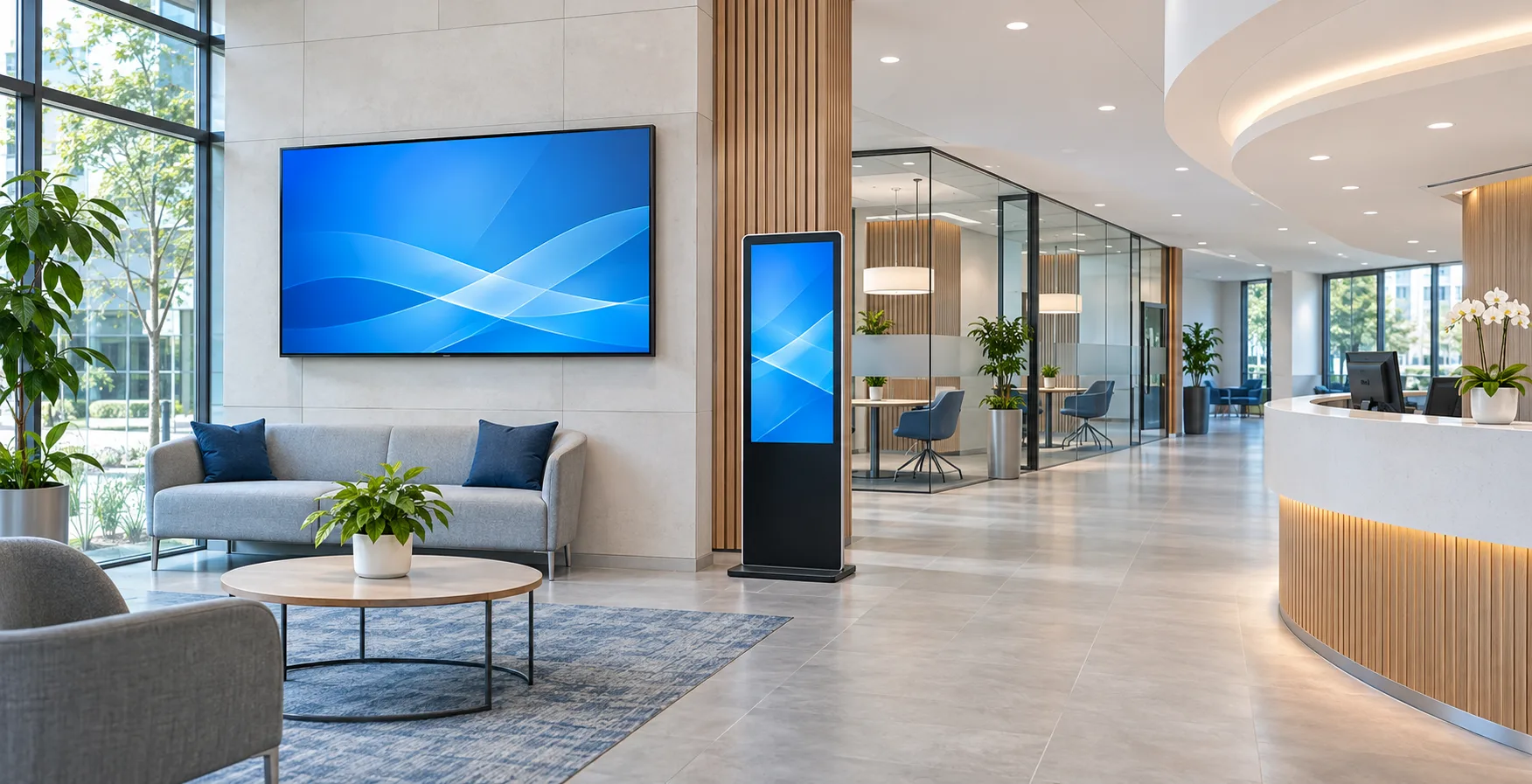
The right hardware depends on whether customers are viewing information in a controlled lobby, through a bright window, near a self-service area or outside the branch.
A display near an ATM remains transaction-adjacent hardware unless a separate banking-system scope is explicitly defined.
01 / CUSTOMER-FACING INDOOR
For reception, waiting, product-information and service-direction content. Controlled indoor conditions shift the main decisions toward viewing distance, orientation, mounting, content source and maintenance access.
Map each customer-facing zone to a hardware format, then confirm the interface and responsibility boundary before quotation.
| Branch zone | Typical content | Common display format | Primary hardware question |
|---|---|---|---|
| Lobby / reception | Welcome, service information, campaigns | Floor-standing totem or wall display | Viewing distance, orientation and service access |
| Waiting / queue area | Queue status and counter direction | Wall-mounted or bar display | Queue-system output and interface responsibility |
| Service / consultation area | General product education and notices | Wall display or interactive information display | Privacy, content ownership and customer proximity |
| Storefront / window | Branch campaigns and opening information | High-brightness window display | Ambient light, solar load and mounting |
| ATM vestibule | General instructions, notices and campaigns | Wall-mounted or freestanding display | Exposure, public contact and network boundary |
| Exterior perimeter | Hours, wayfinding and public information | Outdoor wall display or kiosk | Weather, sunlight, thermal method and structure |
These product families are starting points. Final size, brightness, operating system, touch, protection and peripheral combinations depend on the selected platform.
For lobby information, queue output and service-counter messaging. Review orientation, inputs, wall structure and maintenance access.
Review wall displaysFor welcome areas, campaigns, branch directions and waiting zones. Review base stability, circulation clearance and content source.
Review floor-standing displaysFor storefront communication in high ambient light. Review brightness, glass distance, solar heat, airflow and mounting.
Review window displaysFor large-format brand or information presentation. Review layout, bezel, signal distribution, wall structure and service access.
Review video wallsFor non-transactional information or appointment workflows supported by client software. Review touch, OS, accessibility and data responsibility.
Review interactive hardwareFor branch hours, public notices and wayfinding outside the branch. Review sunlight, enclosure, cooling, glass and structural interface.
Review outdoor displaysSeparate the visible hardware from the software, data and regulated services behind it. This avoids assuming that a display quotation includes banking functionality.
Commercial LCD, touch layer, enclosure, mounting and quoted environmental or appearance options.
Computing and selected peripheral hardware only when listed in the approved configuration and quotation.
CMS, queue software, account access, identity, payment, data, cybersecurity and regulatory approval.
Scope boundary: A kiosk enclosure may be reviewed for selected peripherals, but this does not create an ATM, cash-handling device or certified banking transaction terminal.
A lobby display, a public-facing window screen and an exterior information kiosk should not inherit one specification automatically.
Local accessibility, privacy, cybersecurity and financial-compliance requirements must be defined and approved by the bank and appointed integrators. They are not created by selecting a display enclosure.
Use the approved quotation and specification as the responsibility record for every branch rollout.
Uniview LCD supplies the display, enclosure and project-specific hardware options defined in the approved quotation. Banking applications, account access, transaction processing, identity verification, CMS or queue licences, network security, civil works and local installation are not included unless explicitly stated.
| Scope | Uniview LCD hardware scope | Bank / integrator scope | Confirm per project |
|---|---|---|---|
| Display & enclosure | Quoted display assembly, enclosure and options | — | Model, size, mounting and protection level |
| Player / operating system | Supplied only when included | Application account, administration and security policy | OS, player, interfaces and update ownership |
| CMS / content | Compatibility information where available | Licence, templates, publishing and approvals | Format, scheduling and acceptance testing |
| Queue / appointment system | Display input or interface when quoted | Software, data source, API and workflow | Output format and integration ownership |
| Interactive application | Touch, computing and peripherals when quoted | Application, customer data, authentication and support | Accessibility, security and interface testing |
| ATM / transaction processing | Not part of a standard display quotation | ATM platform, cash modules, payment and approval | Separate specialist scope |
| Network & cybersecurity | Quoted hardware interface only | Network, credentials, segmentation and monitoring | Connection and device-management policy |
| Civil / local installation | Product drawings when included | Permits, wall/foundation work, wiring and installation | Structure, cable route and clearance |
Site information helps narrow the hardware direction before detailed drawings and commercial scope are prepared.
Freeze the hardware and system boundary before sample evaluation or multi-branch rollout.
Location, audience, environment and content purpose.
Wall, floor, window, video wall, interactive or outdoor.
Size, brightness, glass, enclosure and options.
Player, OS, CMS, queue, application and network.
Mounting, cable entry, inclusions and exclusions.
Sample or configuration review before rollout.
Lead-time boundary: Lead time is confirmed after the display model, enclosure, electronics, peripheral scope, quantity and approval route are frozen.
The current website contains product and application references relevant to bank environments. These are hardware references, not a claimed bank-project case library.
Indoor wall hardware with orientation, system and mounting choices depending on the selected model.
Review the productA freestanding hardware route for reception, customer information and promotional areas.
Review the productA configurable outdoor information-display platform; final ratings and cooling depend on the approved configuration.
Review the productExisting Uniview LCD editorial coverage of information, queue messaging, promotions and branch communication.
Read the articleUse the selected model and project documentation when reviewing inspection and applicable evidence.
Review quality informationDiscuss appearance, enclosure, structure, electronics, interfaces and project-specific hardware feasibility.
Review customizationProvide the branch zone, installation environment, site photo or drawing, screen size, orientation, mounting method, content or system interface, touch and peripheral requirements, quantity and expected schedule.
Select by the actual exposure. Indoor hardware is intended for controlled environments; bright windows require an ambient-light and heat review; direct-weather positions require an outdoor platform configured for the site.
It can present a compatible queue-system output when the player, signal format and interface are confirmed. Queue software, data sources, workflows and ongoing support are not automatically included.
Compatibility must be confirmed against the required player, operating system, interfaces, network policy and acceptance test. A compatible display does not mean the CMS licence or system integration is included.
The standard scope described here is commercial display and kiosk hardware. Cash handling, card processing, identity verification, account access and regulated banking applications require separate specialist systems and approvals.
Selected hardware may support project-specific peripheral integration after engineering review. Availability, enclosure fit, drivers, software and certification must be confirmed for the selected model and project.
The bank and its appointed integrators define and approve the application, customer-data handling, network, cybersecurity and regulatory requirements. The approved quotation defines the supplied hardware scope.
A sample, drawing or configuration-approval route can be discussed after the proposed configuration is defined. Pricing, production arrangement and acceptance criteria must be confirmed per project.
Lead time is confirmed after the display model, enclosure, electronics, peripheral scope, quantity and approval route are frozen.
Share the branch zones, installation environment, required display format, system interface, quantity and rollout schedule. The team can review the hardware direction and identify the items that must be confirmed before quotation.