Bus Stop Digital Signage-BS203

BS203 is an outdoor bus stop LCD display for shelters, transit stations and public-information locations. It offers 2000–4000-nit brightness options, IP55/IP65 enclosure options, IK10 anti-reflective glass, automatic brightness and temperature control, and front-maintenance access.

Available in FHD or 4K configurations with portrait or landscape orientation, this digital signage for bus stops can be specified around site exposure, content source, cooling requirements and installation structure.

View Specifications
Screen range
43″–98″
Sizes
Outdoor light
2000–4000
nits
Protection
IP55 / IP65
Options
Front glass
IK10
Glass
Bus stop digital signage BS203 outdoor LCD display

What Is Bus Stop Digital Signage?

Bus stop digital signage is an outdoor digital display terminal installed at bus stops, shelters, transit hubs or public-information points. It can present route maps, scheduled timetables, service-change notices, municipal information, emergency messaging and advertising. Real-time arrival information requires a separate data source, network connection, media player, CMS or application integration. Outdoor hardware selection also requires attention to sunlight readability, water and dust protection, public-area impact risk, thermal control and maintenance access. BS203 is a high-brightness outdoor LCD hardware product rather than a complete transit scheduling platform, so software, network and data responsibilities should be defined for each project.

Built for Visible and Serviceable Outdoor Transit Displays

01

2000–4000-Nit Outdoor Visibility

Brightness options help match ambient light and screen orientation. The selected panel and enclosure configuration should be confirmed for the actual site.

02

IP55 or IP65 Enclosure Options

Dust and water protection can be specified around exposure, drainage details and the selected outdoor enclosure design.

03

IK10 Anti-Reflective Glass

IK10 describes mechanical impact resistance. Anti-reflective glass supports clear viewing in demanding public environments.

04

Automatic Brightness Control

Automatic brightness control is a listed feature for adapting display output to changing daylight conditions.

05

Automatic Temperature Control

Fan or air-conditioned thermal control options can be reviewed against local seasonal temperature conditions.

06

Front-Maintenance Access

Front access supports maintenance planning where rear clearance is limited, subject to the final enclosure and site layout.

How to Choose a Bus Stop Digital Signage Display

  1. 01Confirm whether the site is a bus stop, shelter, transit hub or independent public-information location.
  2. 02Review direct sunlight, rain, dust and public-area collision exposure.
  3. 03Select a 43–98 inch size based on viewing distance and available structure space.
  4. 04Choose within the 2000–4000-nit range according to ambient light and screen direction.
  5. 05Match FHD or 4K resolution to content detail, map readability and viewing distance.
  6. 06Confirm portrait or landscape orientation before enclosure and content planning.
  7. 07Select fan or air-conditioned thermal control based on the local climate range.
  1. 08Confirm whether IP55 or IP65 protection is required for the final exposure condition.
  2. 09Review actual support structure, brackets, hoisting points, foundations and service clearance.
  3. 10Choose Driver Board, Standalone, Android or Windows according to the content source.
  4. 11Confirm whether capacitive touch or optional hardware is needed.
  5. 12Define power, network, interfaces, CMS and real-time transit data responsibilities.
  6. 13Confirm applicable certification documents for the destination market.

Configure the Display for the Transit Project

Screen Size

43 / 49 / 55 / 65 / 75 / 86 / 98 inch options. Confirm viewing distance, usable area and supporting structure.

Brightness

2000–4000 nits. Select around direct sunlight exposure, orientation and site visibility goals.

FHD or 4K

FHD or UHD/4K panel options. Confirm content layout, maps and reading distance before production.

Portrait or Landscape

Both orientations are available. Content canvas and structural drawing must match the selected layout.

Thermal Control

Fan or air-conditioned options. Confirm local temperature range and enclosure condition.

IP55 or IP65

Protection level depends on the selected enclosure and project exposure requirement.

Playback System

Driver Board, Standalone, Android or Windows versions can be reviewed with the required interfaces.

Touch and Optional Hardware

Capacitive touch, Wi-Fi access point, camera, printer, card reader and scanner are project options. Availability depends on enclosure, size and installation structure.

From Transit Data to the Outdoor Display

Transit data or media source
CMS or application
Network and media player
BS203 display

Content and signal paths

  • • Local USB content for applicable Standalone configurations.
  • • External HDMI, VGA or DVI input where listed for the selected version.
  • • Android application projects with confirmed system specification.
  • • Windows application projects with confirmed memory, storage and interfaces.
  • • Networked content and real-time data projects with defined integration scope.

Integration boundary

Real-time arrival information, GPS or GTFS feeds, transit APIs, CMS software, network services and data integration are not automatically included with the display hardware. Compatibility and integration scope must be confirmed for each project. Remote monitoring and Miracast are listed feature labels, but implementation conditions should be verified for the selected system version.
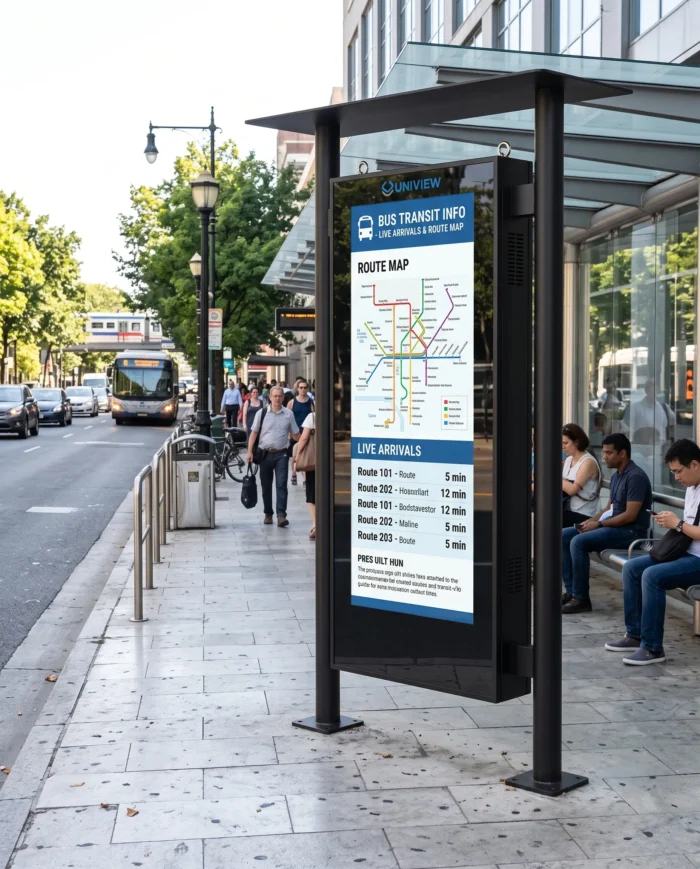
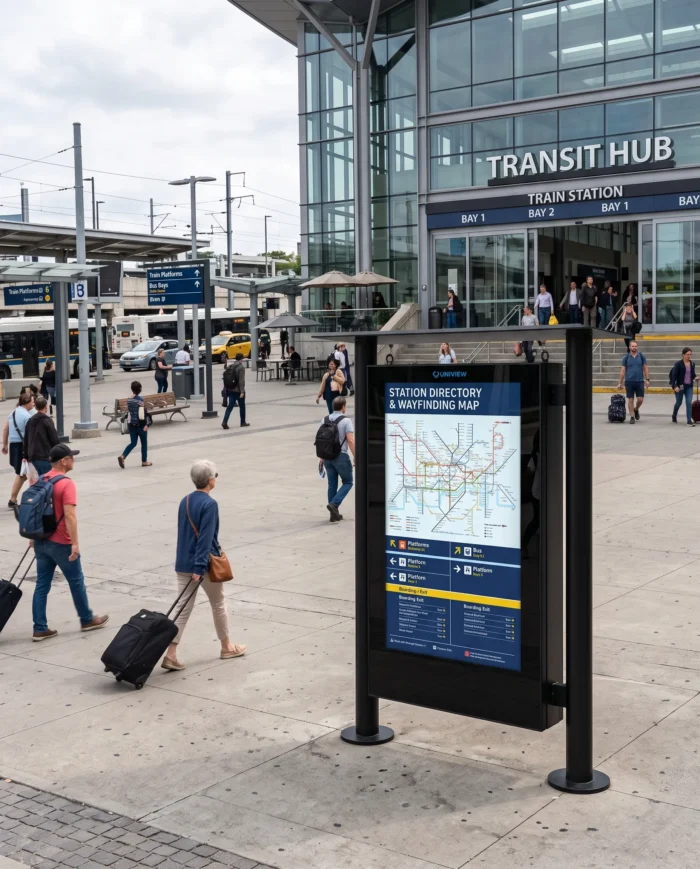
Bus Stop Digital Signage for Transit and Public Communication

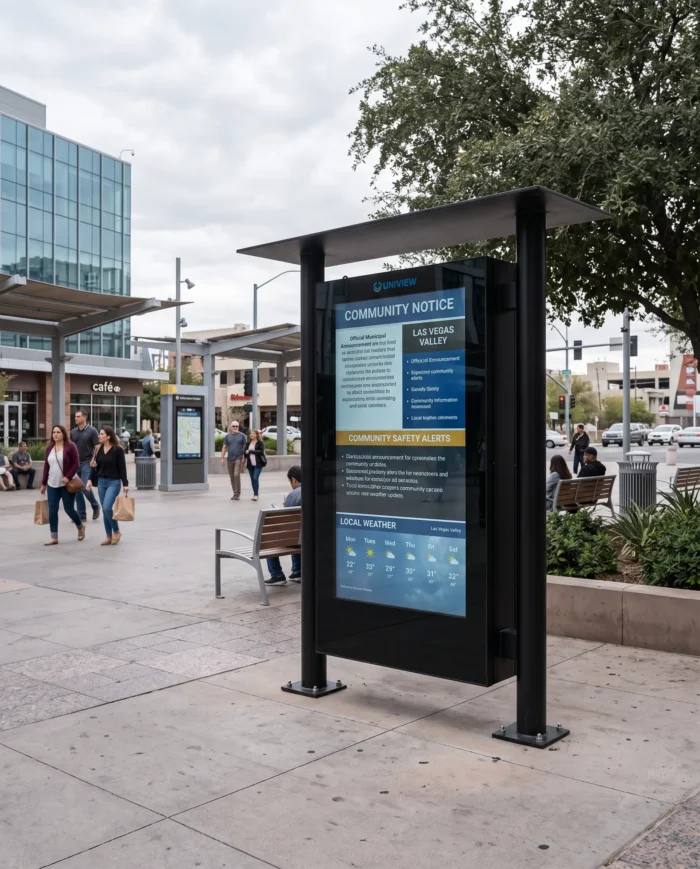
Illustrative bus shelter passenger information application

Bus Shelter Passenger Information

Illustrative transit station wayfinding application

Transit Station Wayfinding

Illustrative municipal safety messaging application

Municipal and Safety Messaging

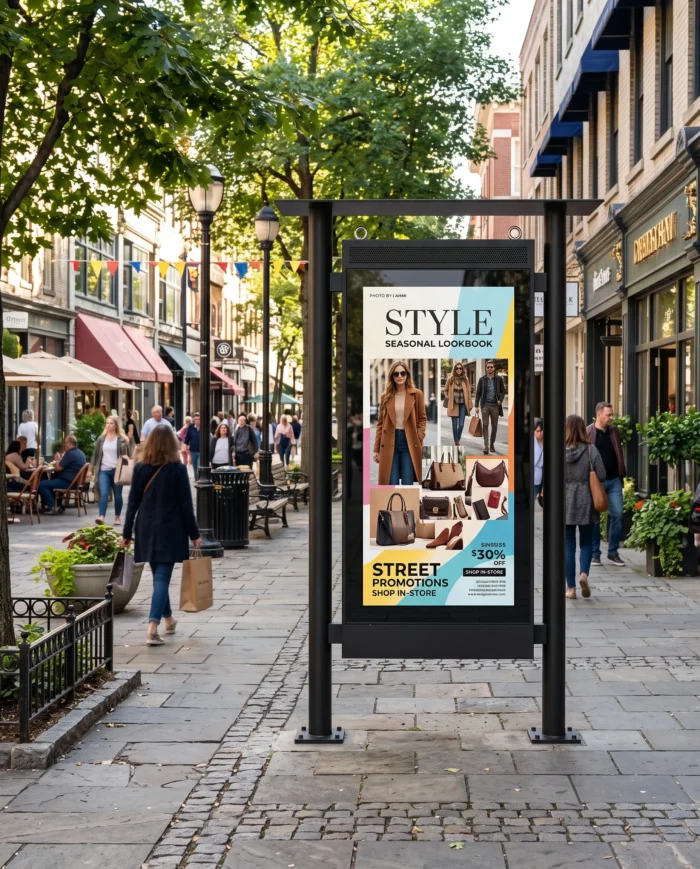
Illustrative outdoor DOOH advertising application

Outdoor DOOH Advertising

When a High-Brightness LCD Display Fits the Project

BS203 is a full-color, high-brightness LCD display product suited to advertising, maps, images, video and detailed public information. E-paper is generally selected for low-power static or low-refresh content, while LED displays are a different display technology category. The appropriate technology should be selected around content type, viewing distance, update frequency, power availability, network approach and environmental conditions.

Bus Stop Digital Signage BS203 Specifications

Specifications represent available series configurations. Final screen size, brightness, cooling system, IP rating, installation structure, operating system, interfaces, memory, storage and optional hardware must be confirmed in the quotation and production specification.

Display
Panel typeLCD
Panel sizes43 / 49 / 55 / 65 / 75 / 86 / 98 inch
Resolution1080 × 1920 / 2160 × 3840; FHD or UHD/4K adapted to portrait or landscape orientation
Brightness2000–4000 nits
Contrast ratio1200:1 / 3000:1
Operating life50,000–60,000 hours
OrientationPortrait / Landscape
Outdoor enclosure and environment
ProtectionIP55 / IP65 configurations
Glass and impact resistanceIK10 anti-reflective glass; IK10 is a mechanical impact protection rating
Operating temperature with fans-20°C to 45°C
Operating temperature with air conditioner-30°C to 50°C
Storage temperature-20°C to 60°C
Published humidity10%–100% RH, non-condensing
System and interfaces
Driver BoardHDMI / VGA / DVI; no listed memory or storage
StandaloneHDMI / USB; 16G listed memory and storage
AndroidHDMI / USB; 2G+16G / 4G+16G listed memory and storage
WindowsHDMI / VGA / USB; 4G+128G / 32G+512G listed memory and storage
Reference dimensions and options
43 inch reference size1140 × 800 × 130mm
55 inch reference size1450 × 1140 × 130mm
Other listed featuresAutomatic brightness control, automatic temperature control, front maintenance, anti-theft lock, heat dissipation, direct-sunlight readability and hoisting-ring design
Optional hardwareCapacitive touch, 10–40 touch points, USB touch interface, custom colors, Wi-Fi access point, wheels, camera, printer, card reader and scanner

Final environmental limits must be confirmed in the production specification, particularly for the selected cooling and enclosure configuration. Optional hardware availability depends on the enclosure, screen size and installation structure.

Plan the Structure, Power, Network and Maintenance Access

Installation structure must be confirmed for the selected screen size and bus shelter design. The product description references hanging or wall-mounted installation, while the published specification table also lists a floor-standing configuration.

  • • Installation drawing
  • • Supporting structure review
  • • Wind-load review by project contractor
  • • Cable routing and power supply
  • • Network connection
  • • Drainage and sealing details
  • • Front-maintenance clearance
  • • Local installation regulations

UNIVIEW LCD does not assume on-site structural engineering, civil works or local approval responsibility unless a separate service scope is confirmed.

Custom Bus Stop Digital Signage for Project Orders

Screen size, brightness, portrait or landscape layout and IP55/IP65 enclosure selection.
Fan or air-conditioned thermal control with Driver Board, Standalone, Android or Windows options.
Optional capacitive touch, custom colors, Wi-Fi access point, camera, printer, card reader or scanner inquiry.
Logo, packaging and OEM/ODM support inquiry for project requirements.
Installation method, structural drawings, memory, storage, CMS compatibility and data integration require confirmation.
Optional hardware compatibility, MOQ, sample availability, lead time and certification scope are confirmed per project.

Production Support from Enclosure Assembly to Shipment

UNIVIEW LCD brings more than 14 years of commercial display industry experience and can support enclosure planning, system integration, assembly, inspection, packing and shipment preparation without claiming unverified factory capacity figures.
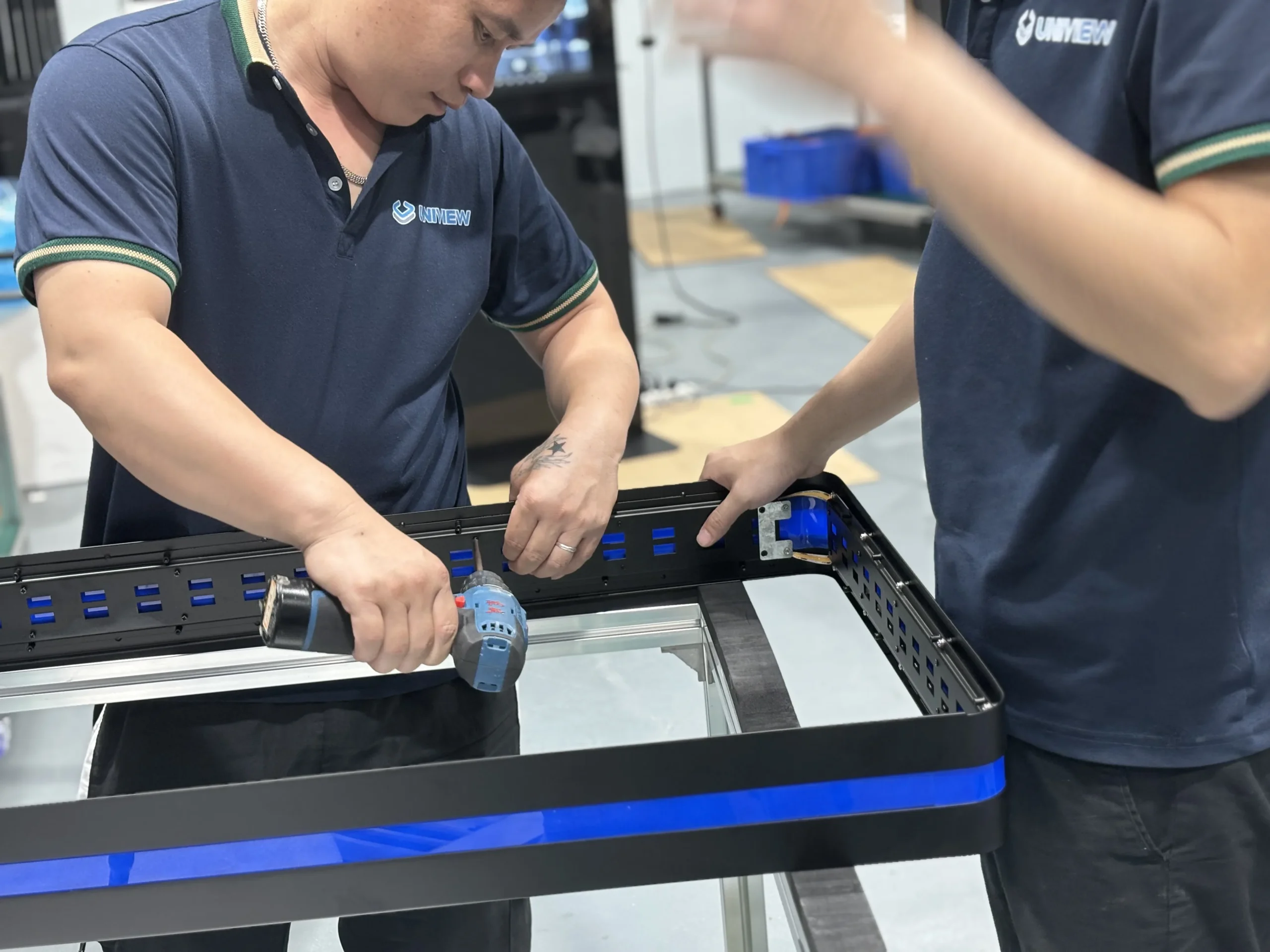
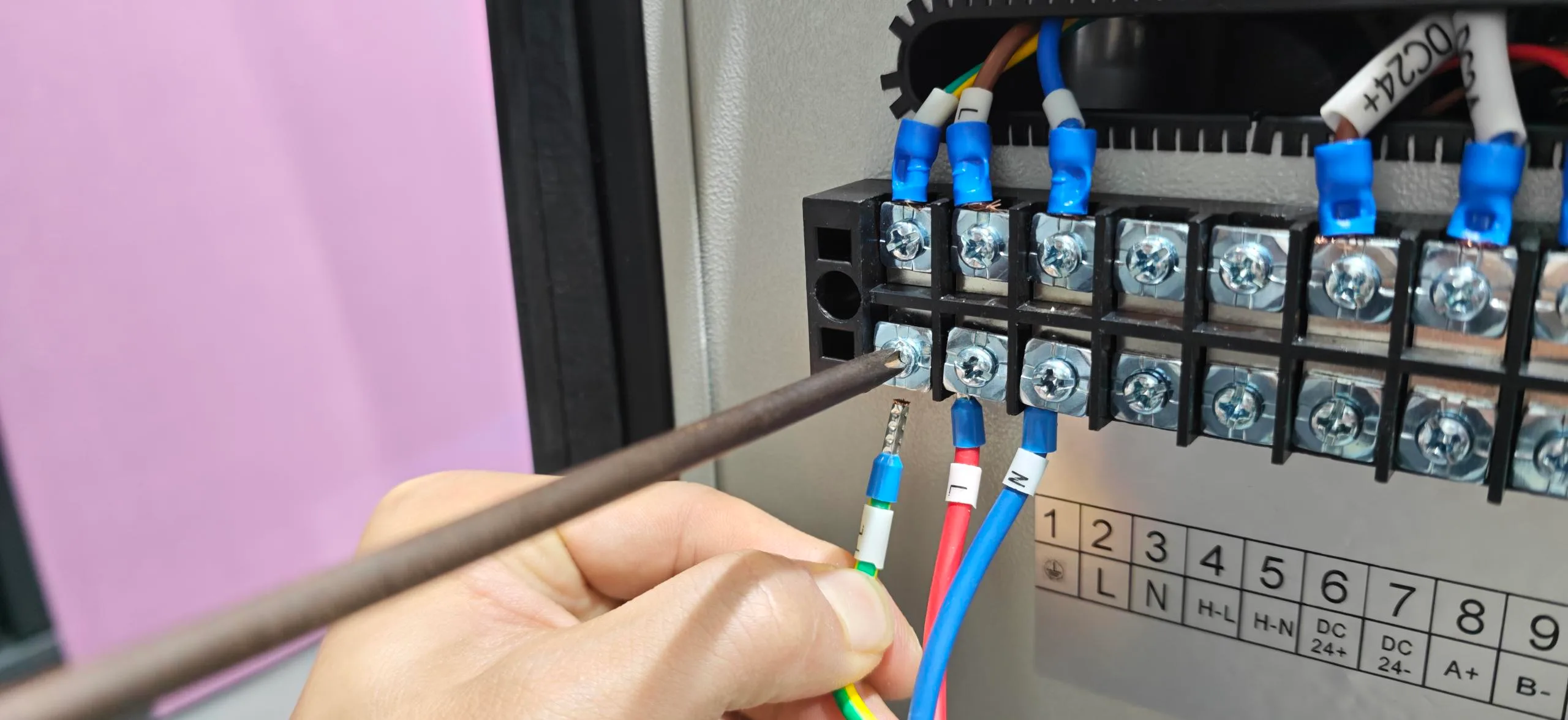
Illustrative enclosure assembly process

Enclosure Assembly

Illustrative display and system integration process

Display and System Integration

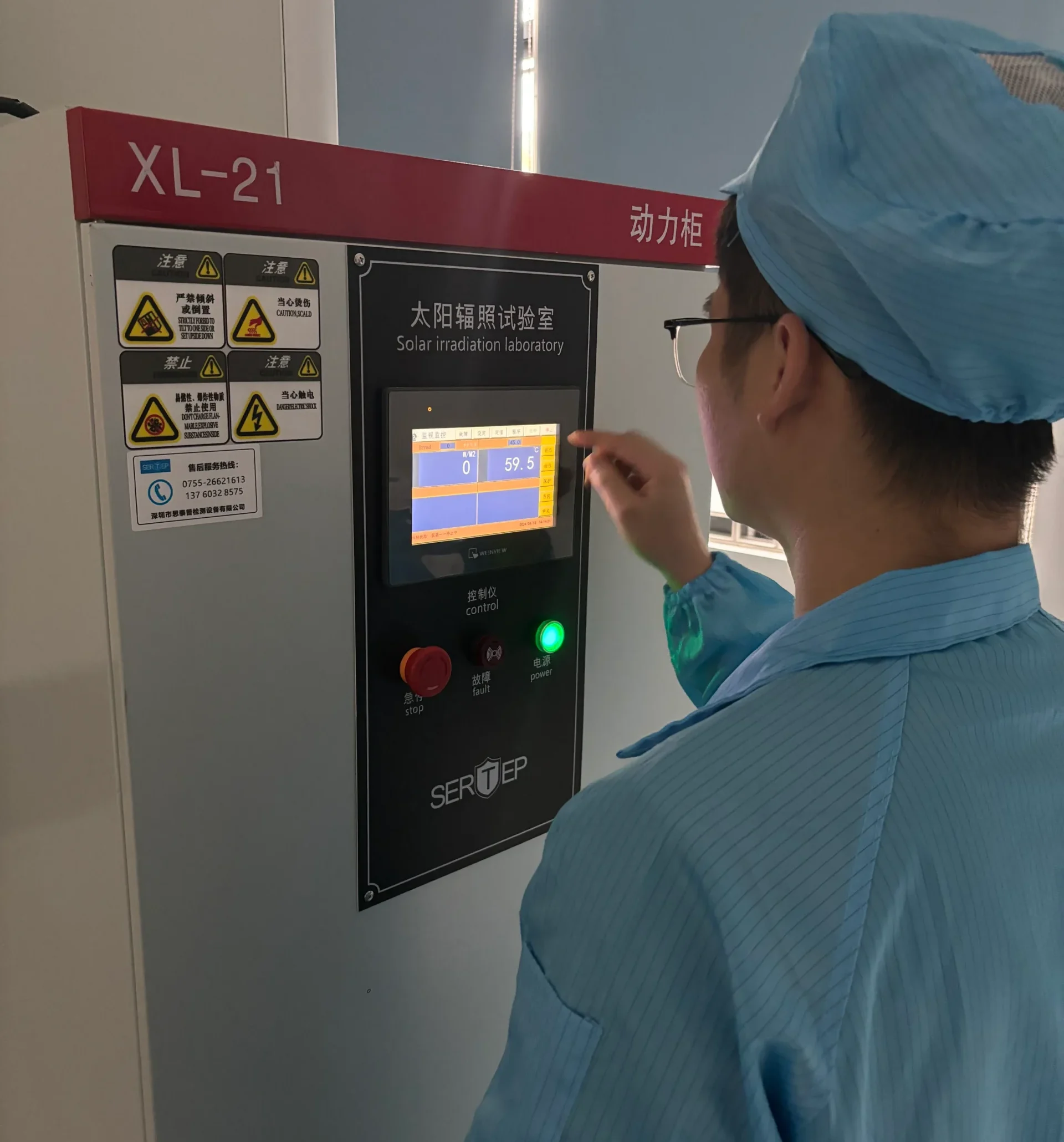
Illustrative outdoor performance inspection process

Outdoor Performance Inspection

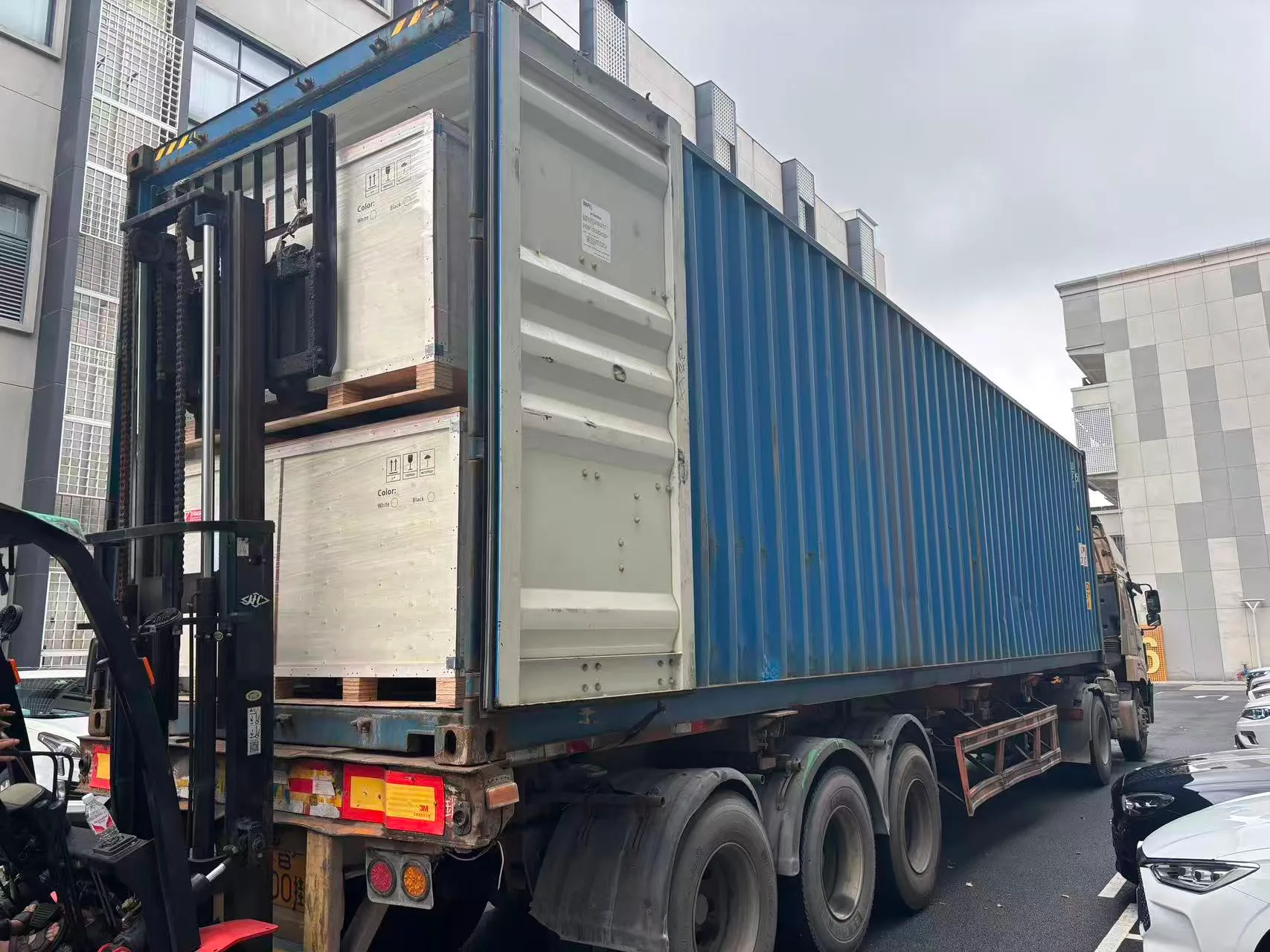
Illustrative packing and shipment process

Packing and Shipment

Checks for Outdoor Display Projects

Enclosure and sealing inspection
IK10 glass and appearance inspection
Display and brightness check
Automatic-brightness function check
Temperature-control and heat-dissipation check
Water-ingress protection inspection
System and interface check
Touch and optional-hardware check
Front-maintenance access and final packing inspection

Certification Support for Destination Markets

UNIVIEW LCD can provide CE, FCC, PSE, VCCI, RoHS and CB certification support where applicable. Certification availability depends on the selected model, enclosure, panel, system configuration and destination market. Request the applicable documents for the final BS203 configuration.
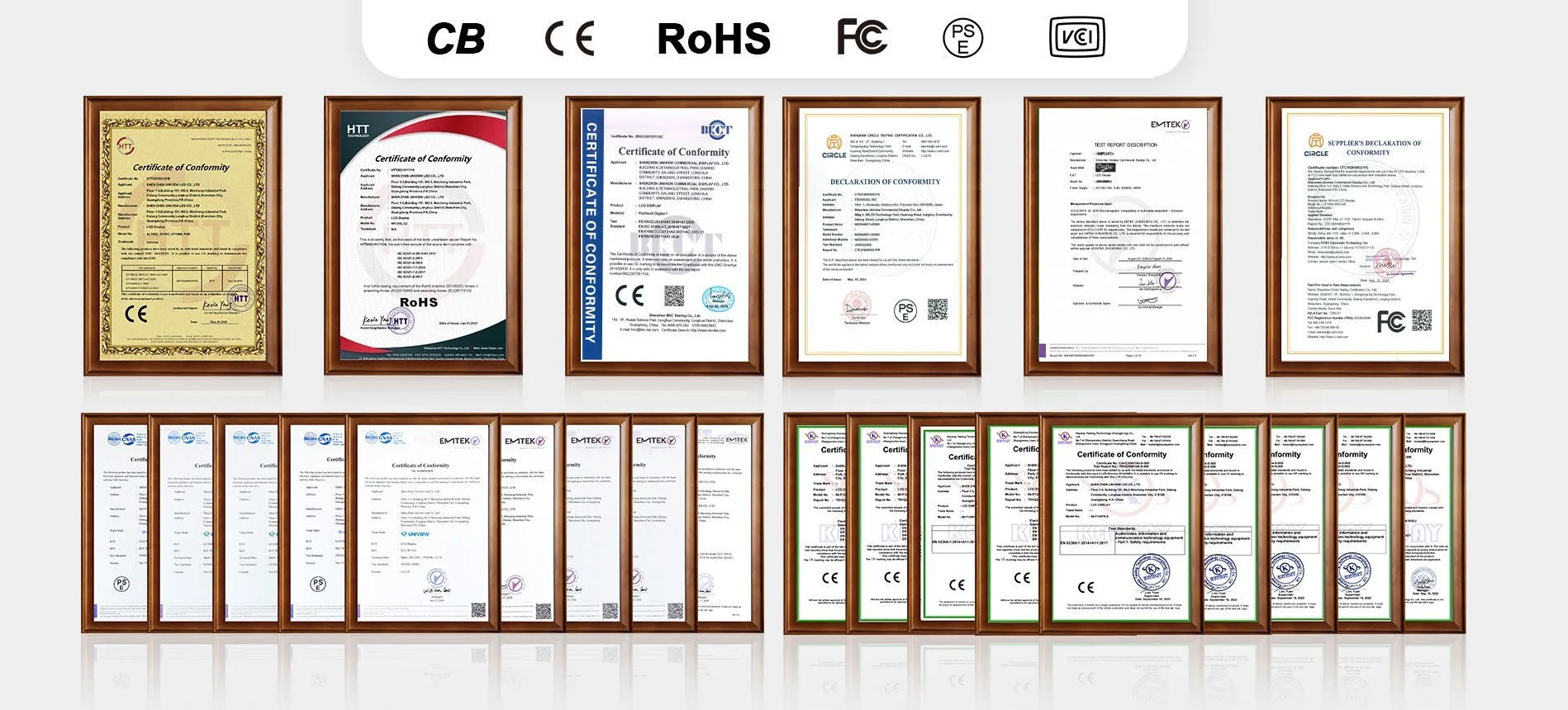
Certificate composite image placeholder for document review

From Requirement Review to Delivery

  1. 01

    Requirement and Site Review

  2. 02

    Display, Enclosure and System Configuration

  3. 03

    Drawing and Specification Confirmation

  4. 04

    Sample or Pre-Production Validation

  5. 05

    Production, Inspection and Shipment

Installation drawings, protection rating, thermal design and system interfaces should be confirmed before production begins.

Bus Stop Digital Signage FAQs

What is bus stop digital signage?+
It is an outdoor digital display terminal used at bus stops, shelters, transit hubs and public-information locations for passenger information, notices and approved advertising content.
What can a bus stop display show?+
It can show timetables, route maps, service changes, wayfinding, safety notices, municipal information, advertising and, where integrated, real-time arrival information.
Does the BS203 include real-time bus arrival data?+
No. Real-time arrival data, GPS or GTFS feeds, APIs, CMS software and integration services are not automatically included with the display hardware.
Which screen sizes are available?+
Confirmed series options are 43, 49, 55, 65, 75, 86 and 98 inches.
How bright is the display?+
The BS203 series offers 2000–4000-nit brightness options. The final selection depends on site sunlight exposure and orientation.
Is the enclosure IP55 or IP65?+
IP55 and IP65 configurations are available. The required rating must be confirmed for the selected enclosure and site condition.
What does IK10 mean?+
IK10 is a mechanical impact protection rating. It is not an explosion-proof certification.
Can the display operate in hot and cold climates?+
Published operation ranges are -20°C to 45°C with fans and -30°C to 50°C with air conditioning. Final environmental limits require production-specification confirmation.
Is portrait and landscape orientation available?+
Yes. Both portrait and landscape configurations are listed. Orientation should be finalized with the content plan and structural drawing.
Is touchscreen available?+
Capacitive touch with 10–40 touch points and USB touch interface is available as a project option, not as a standard configuration.
Which playback systems are available?+
Driver Board, Standalone, Android and Windows versions are listed. Interfaces, memory and storage should be confirmed for the final system.
Can the display connect to a transit CMS or data API?+
Compatibility and integration scope can be reviewed per project, but a CMS, data API or real-time transit platform is not automatically included.
Is the BS203 wall-mounted, hanging or floor-standing?+
Installation structure must be confirmed for the selected screen size and bus shelter design. The product description references hanging or wall-mounted installation, while the published specification table also lists a floor-standing configuration.
Can the color and hardware configuration be customized?+
Custom colors and selected optional hardware can be discussed. Compatibility depends on screen size, enclosure and installation structure.
Which certifications are available?+
CE, FCC, PSE, VCCI, RoHS and CB support may be available depending on the final configuration and destination market.
What information is needed for a quotation?+
Please provide site drawings, screen orientation, sunlight exposure, climate range, IP requirement, content source, network method, maintenance access, quantity and destination market.

Request a Bus Stop Digital Signage BS203 Quote

Share your project requirements to receive a practical configuration review for the selected bus stop outdoor digital signage solution.

  • • Hardware configuration recommendation
  • • Brightness and cooling review
  • • Enclosure and IP-rating confirmation
  • • Installation-structure review
  • • System and interface confirmation
  • • Customization review
  • • Certification document check
  • • Quotation and lead-time confirmation

Email: lcdsales@univiewlcd.com

Phone: +86-755-21009715

Address: Floor 1-3, Bldg 9, Delta Science and Technology Park, Dalang Street, Longhua District, Shenzhen, China