Wide Screen-Size Range
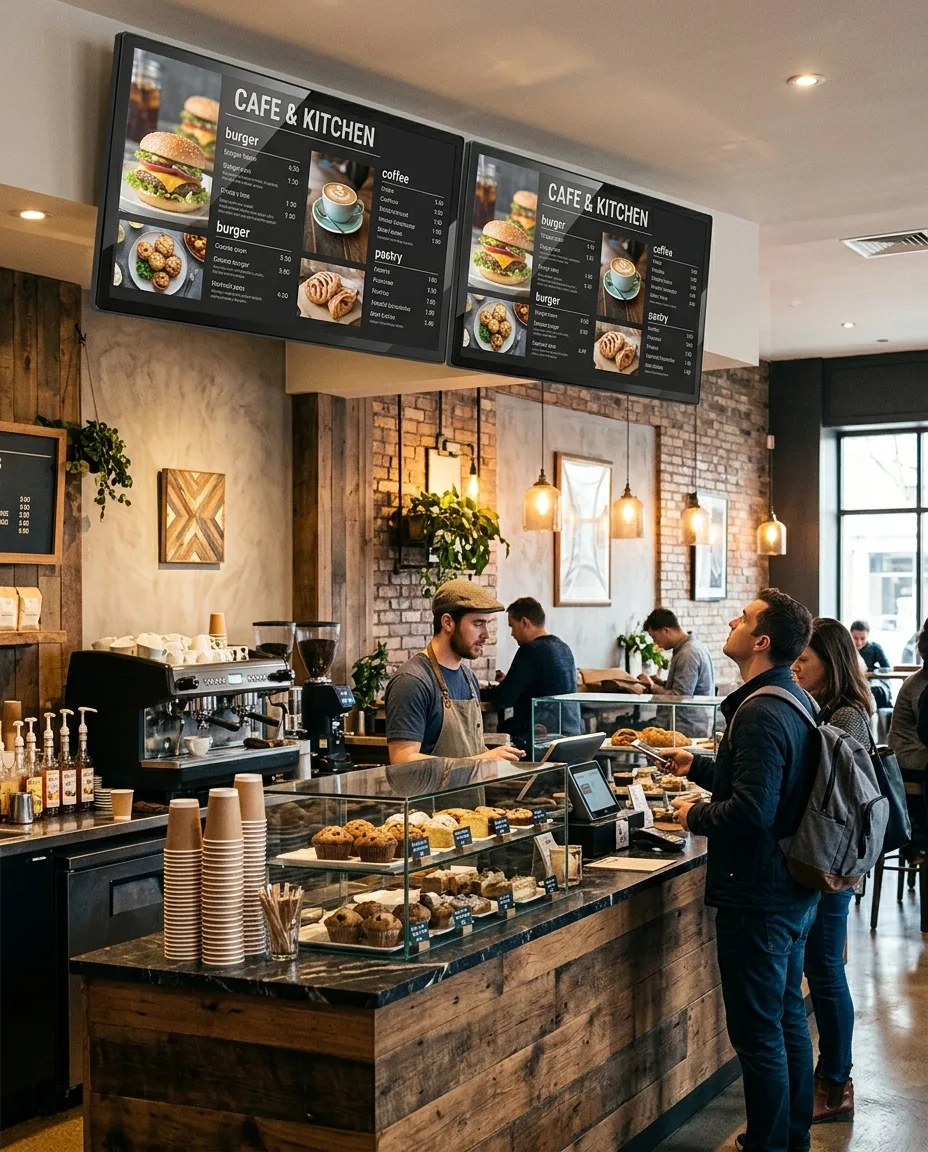
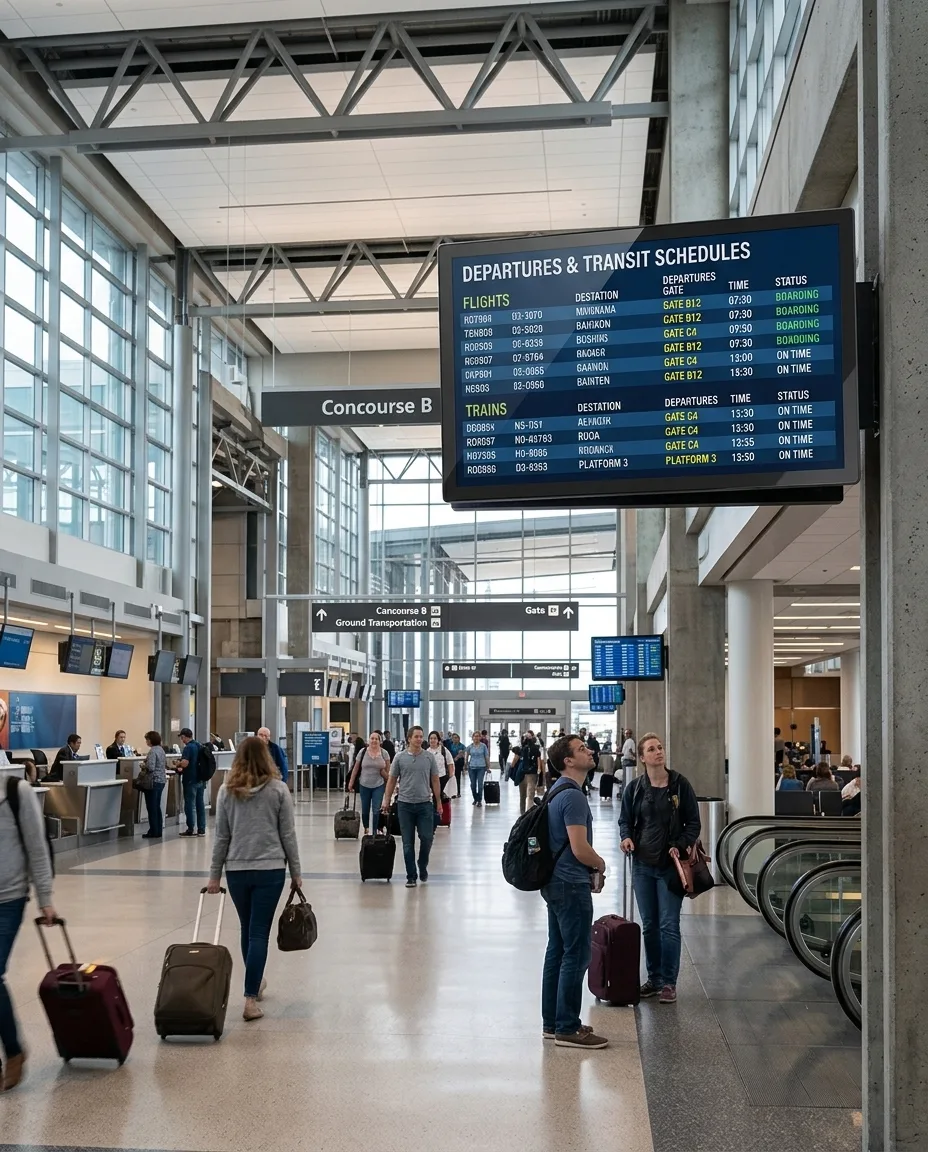
Sizes from 32″ to 98″ support compact information points, digital menu board display projects, mall advertising and larger indoor brand presentation.


WI300L is an indoor wall-mounted commercial digital signage display designed for advertising, menu communication, public information and internal messaging. It is a single LCD display, available from 32 to 98 inches, rather than an LCD video wall or consumer television.
Choose portrait or landscape presentation, FHD or UHD configuration, multiple brightness options and Driver Board, Standalone, Android or Windows playback configurations. Optional touch, custom housing color, Wi-Fi access point and camera integration are available according to project requirements.


A commercial digital signage display is professional display hardware for advertising, information, menus, directories and internal communication. The WI300L uses wall-mounted or ceiling-mounted installation to preserve floor space in indoor commercial locations.
Portrait and landscape support helps the display fit menu boards, poster-style advertising, company notices and public announcements. Playback can be configured for external signal input, basic local playback, Android applications or Windows-based project software.
This indoor digital signage display is intended for indoor environments only. It is not an outdoor waterproof display, a portable battery-powered screen or a floor-standing kiosk.
Sizes from 32″ to 98″ support compact information points, digital menu board display projects, mall advertising and larger indoor brand presentation.
Select orientation around the content format and installation position, whether a landscape information screen or portrait digital signage display.
Driver Board, Standalone, Android and Windows options allow the commercial display screen to match the intended source and software boundary.
Touchscreen, camera, Wi-Fi access point and security lock are optional, available by configuration and subject to project requirements.
| Display Format | Primary Use | Key Difference |
|---|---|---|
| Commercial Digital Signage Display | Commercial advertising and information presentation | Supports portrait or landscape orientation, multiple systems and wall or ceiling installation. WI300L belongs to this category. |
| Consumer Television | Home entertainment | Structure and control methods are designed around the consumer market. Suitability for extended commercial operation should be confirmed by model. |
| LCD Video Wall | Large tiled image presentation | Uses multiple narrow-bezel panels, video wall control and dedicated mounting structure. WI300L is a single-screen device, not a video wall panel. |
| Interactive Self-Service Kiosk | User-operated business workflows | May require touch, computing, dedicated software, payment, scanning or printing hardware. WI300L can support limited interactive use only with optional touch and project software. |
Consider viewing distance, wall width, content type size, traffic direction, orientation, maintenance clearance, power and signal routing, and the load capacity of the wall or ceiling structure.
| Screen Size | Reference Dimensions |
|---|---|
| 49″ | 1165 × 695 × 77 mm |
| 55″ | 1295 × 767 × 78 mm |
Dimensions are Length × Width × Depth. Other complete unit dimensions must be confirmed before ordering.
Confirmed installation options are wall-mounted and ceiling-mounted. Select the mounting method with reference to viewing angle, maintenance access, cable position and the supporting structure.
A cart-mounted configuration may be evaluated upon request and should be confirmed before ordering. It is not listed as a standard accessory.
Not every size necessarily offers every brightness option. Final brightness depends on screen size, panel availability and project configuration. A 2000-nit option does not make this product outdoor rated, waterproof or weatherproof.
FHD and UHD configurations are subject to the selected size and panel configuration. Content should be created for the final installation direction; landscape content should not be stretched into a portrait layout.
| Configuration | Interfaces | Reference Memory and Storage | Typical Use |
|---|---|---|---|
| Driver Board | HDMI / VGA / DVI | No internal storage | External player, computer or other signal source. |
| Standalone | HDMI / USB | 16GB storage | Basic local playback through USB or related input; file format support requires confirmation. |
| Android | HDMI / USB | 2GB + 16GB / 4GB + 16GB / 4GB + 32GB | Android applications or project-level signage software. |
| Windows | HDMI / VGA / USB | 4GB + 128GB / 32GB + 512GB | Windows applications, browsers or dedicated commercial software. |
Actual interfaces, memory, storage and operating system versions are subject to the final configuration. A cloud CMS is not included by default, and compatibility with third-party digital signage software should be confirmed before production.
Optional touch configurations include capacitive touch or infrared touch, 10–40 touch points and a USB touch interface. Touch availability is subject to project requirements and technical evaluation.
Split-screen playback, wireless casting, remote-control functions and smart-menu features should be confirmed according to the selected operating system and project software. Smart menu application does not automatically mean a self-ordering system, POS platform, payment service or cloud CMS.


| Item | Specification |
|---|---|
| Product Type | Indoor commercial LCD digital signage display |
| Model | WI300L |
| Front Design | Full-glass appearance |
| Panel Type | LCD |
| Screen Sizes | 32″ / 43″ / 49″ / 55″ / 65″ / 75″ / 86″ / 98″ |
| Resolution | FHD / UHD, depending on configuration |
| Orientation | Portrait / Landscape |
| Brightness | 350 / 700 / 1000 / 2000 nits |
| Contrast Ratio | 1200:1 / 3000:1 |
| Operating Life | 50,000–60,000 hours |
| Installation | Wall-mounted / Ceiling-mounted |
| Touch Technology | Optional capacitive or infrared touch |
| Touch Points | 10–40 points |
| Touch Interface | USB |
| Operating Environment | Indoor |
| Operating Temperature | 0°C to 40°C |
| Storage Temperature | -10°C to 60°C |
| Operating Humidity | 10%–80% RH, non-condensing |
| Custom Color / Wi-Fi Access Point / Camera / Security Lock | Optional |
| Smart Menu Application | Optional; project confirmation required |
Before ordering, confirm the final mechanical drawing, mounting holes, bracket, cable positions, maintenance space and structural load capacity.
Screen size, brightness, resolution, orientation, housing color, logo graphics, playback system, Android or Windows configuration, memory and storage, touchscreen, interfaces, camera, security lock, installation structure, packaging and documentation are available based on project requirements.
Customization is subject to panel availability and technical evaluation. Final configuration must be confirmed before production. Not every size supports UHD, touch or 2000 nits.
Review indoor environment, content purpose, quantity and destination market.
Confirm size, orientation, brightness and resolution requirements.
Define playback system, software boundary, inputs and mounting method.
Confirm drawings, installation details and sample requirements where applicable.
Complete assembly, functional testing and appearance inspection.
Prepare protective packaging and shipment documentation.
Uniview LCD can support structural processing, component integration, assembly, testing, customization and packaging for commercial LCD digital signage projects. Production support covers full-glass front preparation, housing assembly, LCD panel installation, electronic-component integration, system configuration and optional touchscreen integration.
Functional testing, appearance inspection, aging test, protective packaging and shipment preparation are reviewed according to the agreed project configuration.
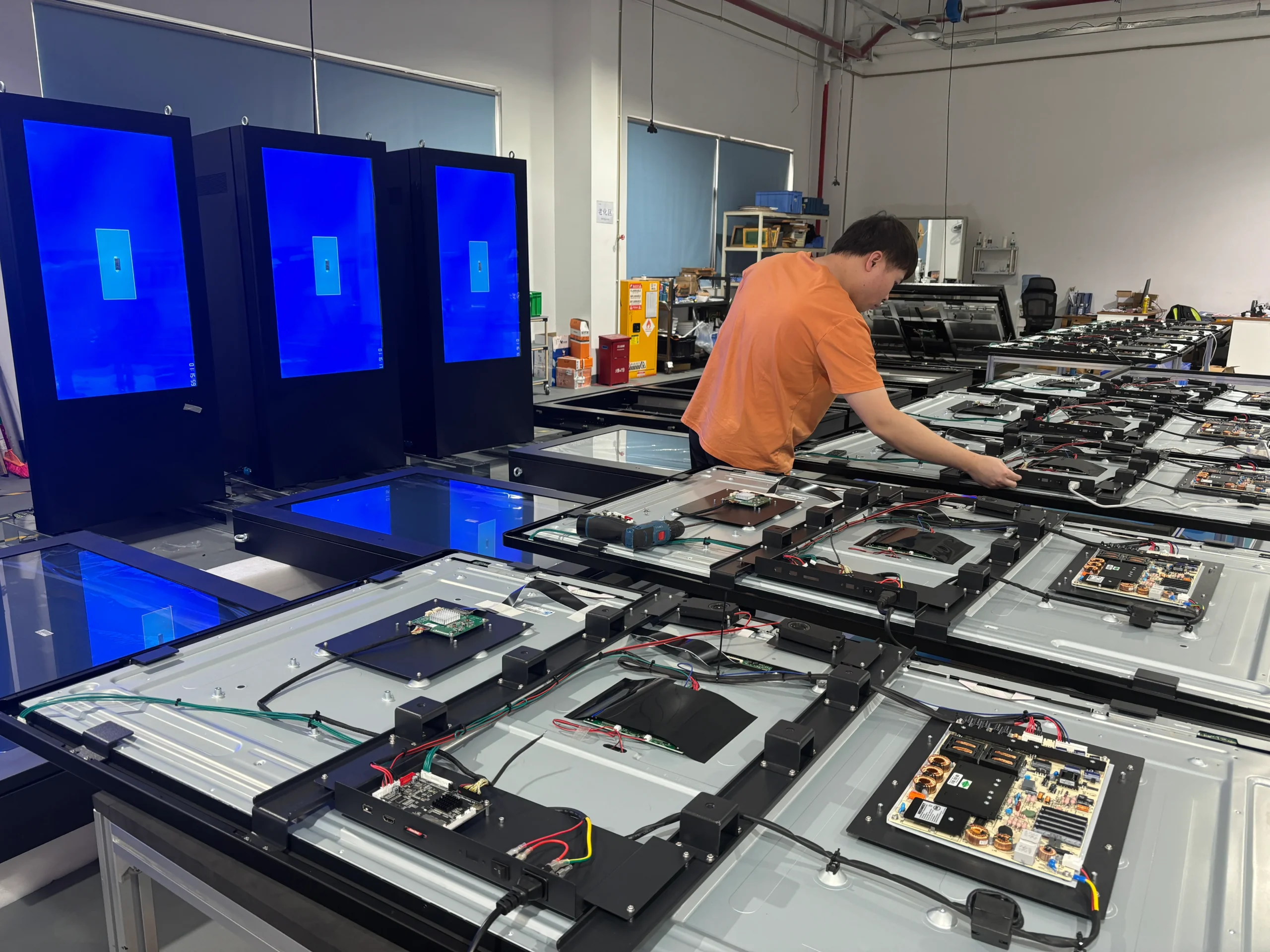
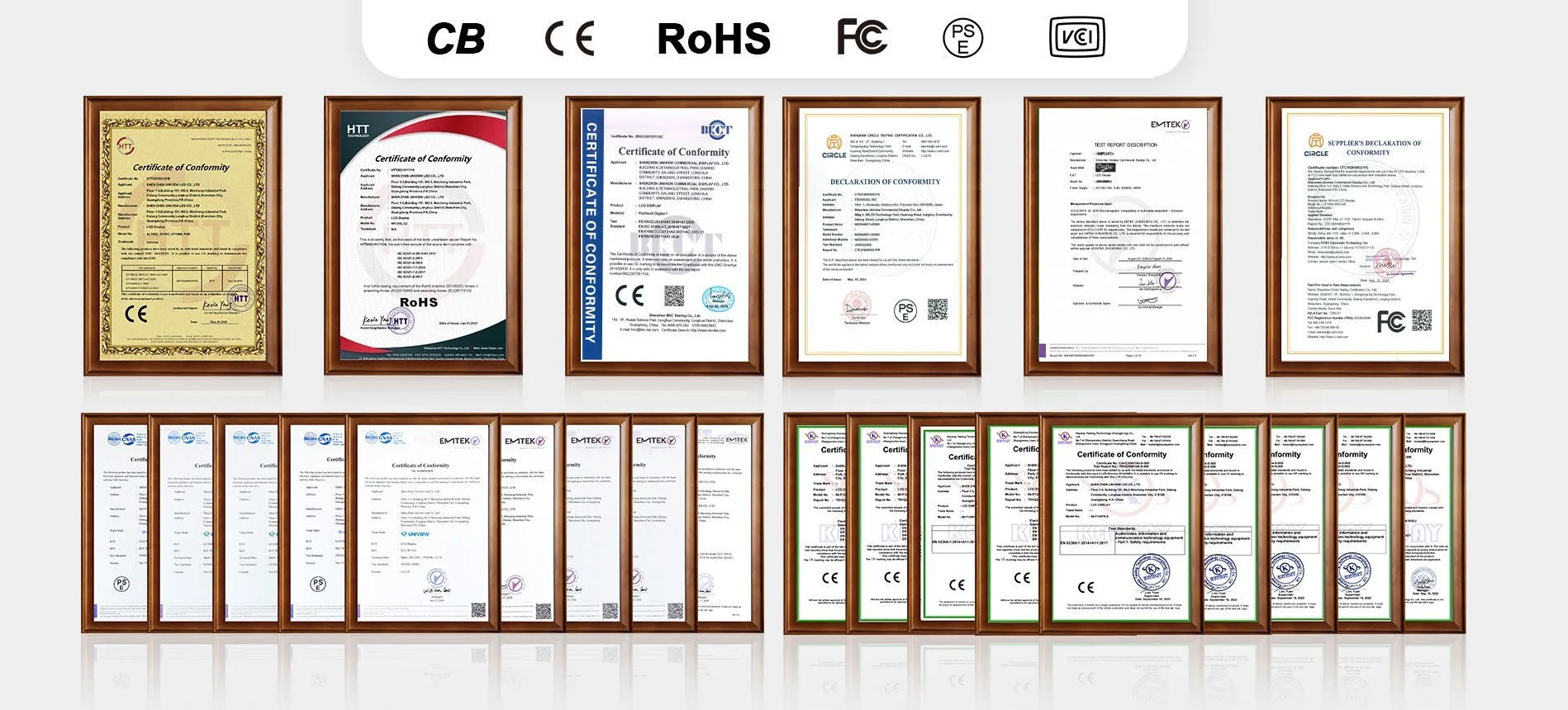
Certification documents can be prepared or matched according to the selected screen size, operating system and destination-market requirements. Available certification support may include CE, FCC, PSE, VCCI, RoHS and CB documentation. Please confirm the applicable model, configuration and certificate scope before ordering.
For an accurate commercial digital signage display quotation, include installation location, required screen size, quantity, portrait or landscape orientation, brightness, resolution, playback system, touch requirement, software requirement, mounting method, optional camera or accessories, and destination market in Other Information.
Email: lcdsales@univiewlcd.com
Phone: +86-755-21009715
Address: Floor 1-3, Bldg 9, Delta Science and Technology Park, Dalang Street, Longhua District, Shenzhen, China