01
Reach Audiences from Two Directions
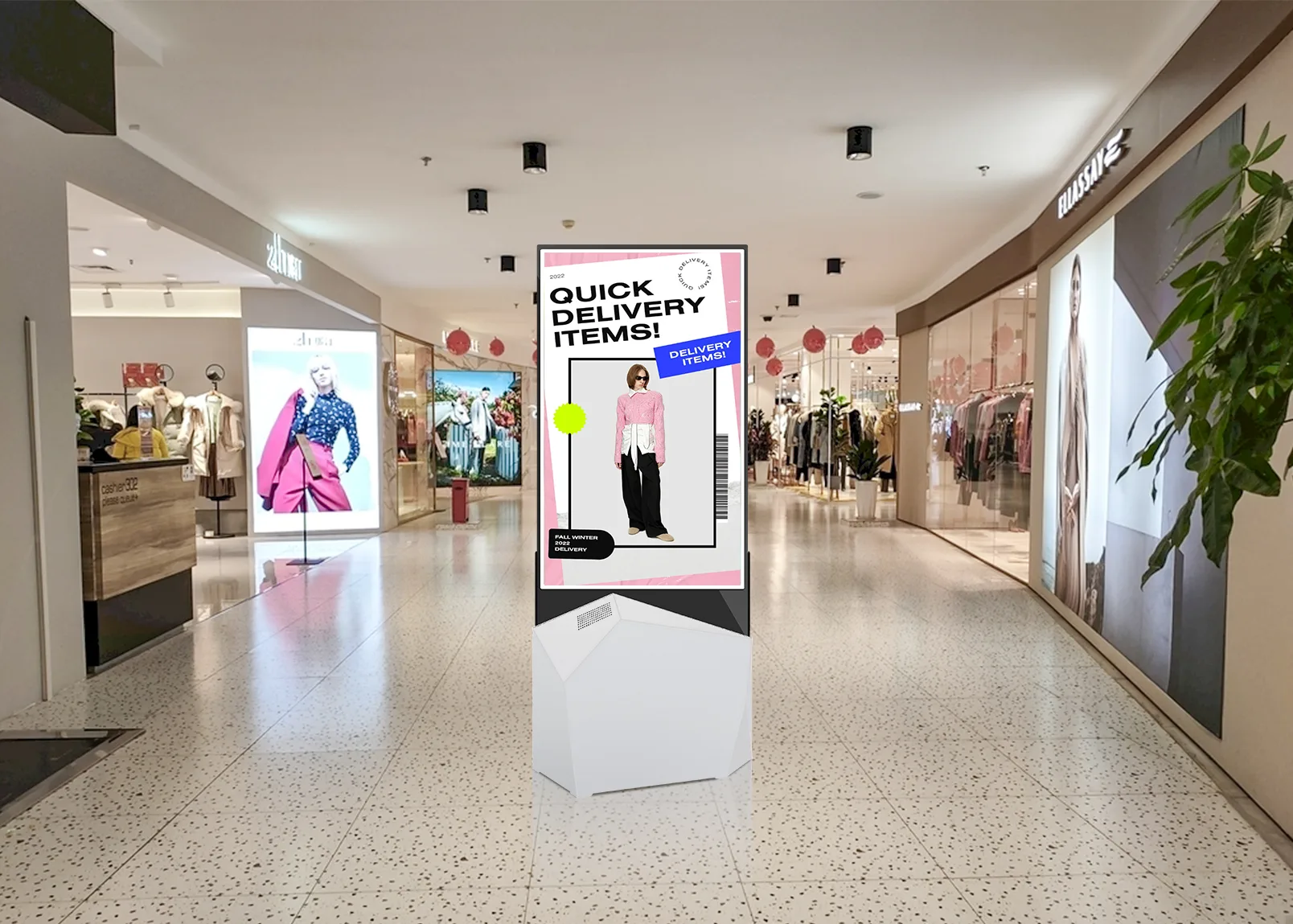
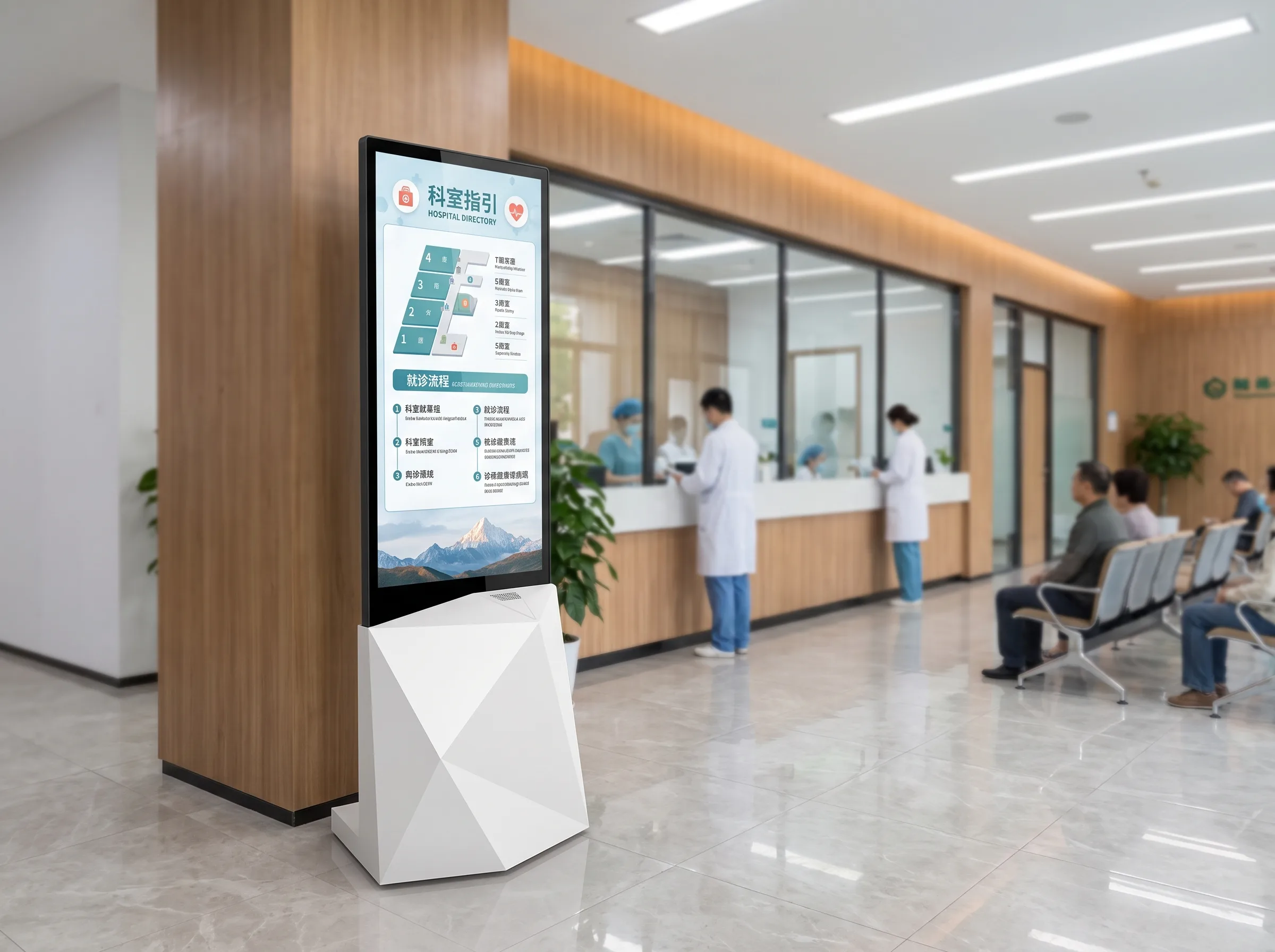
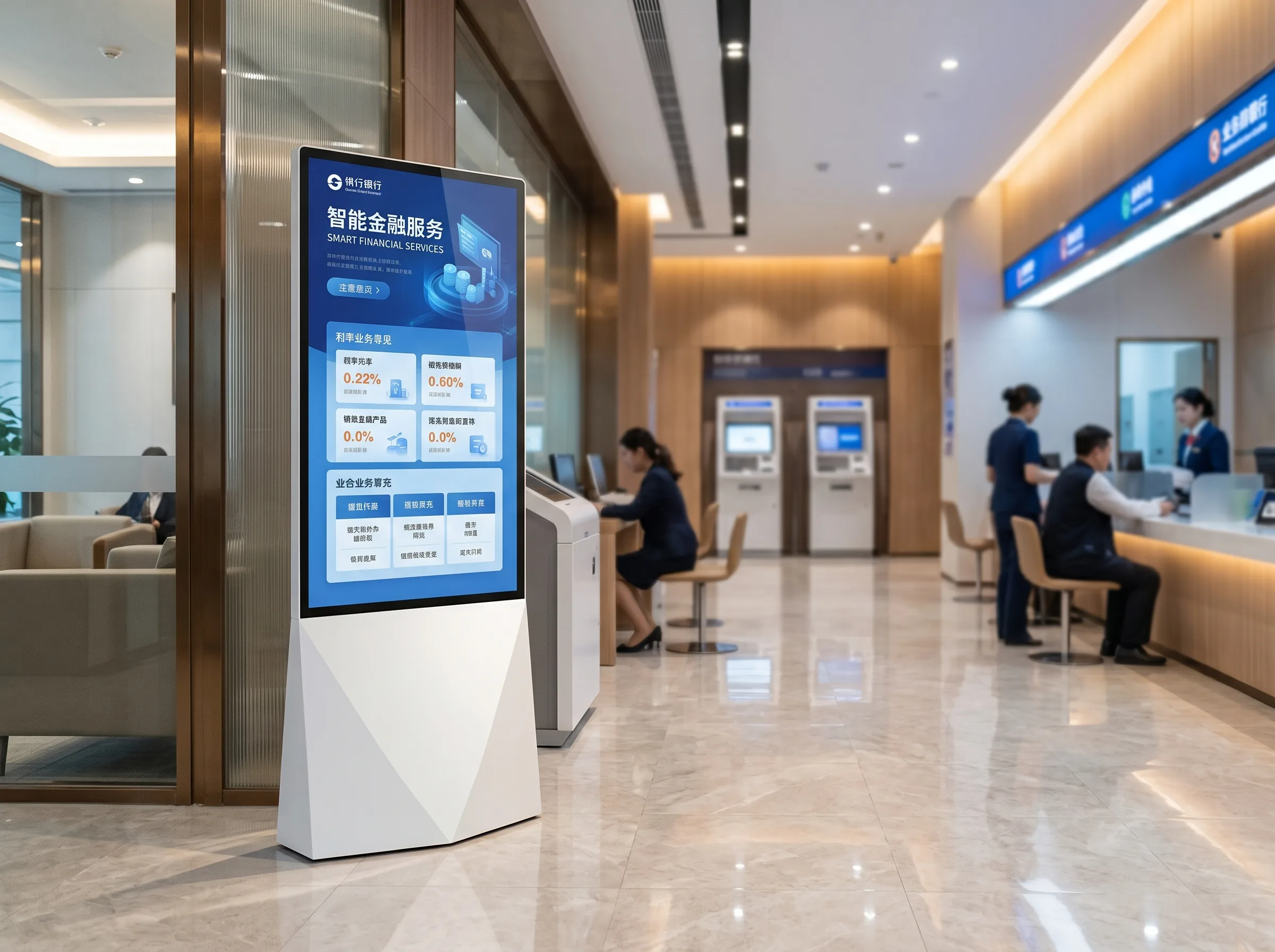
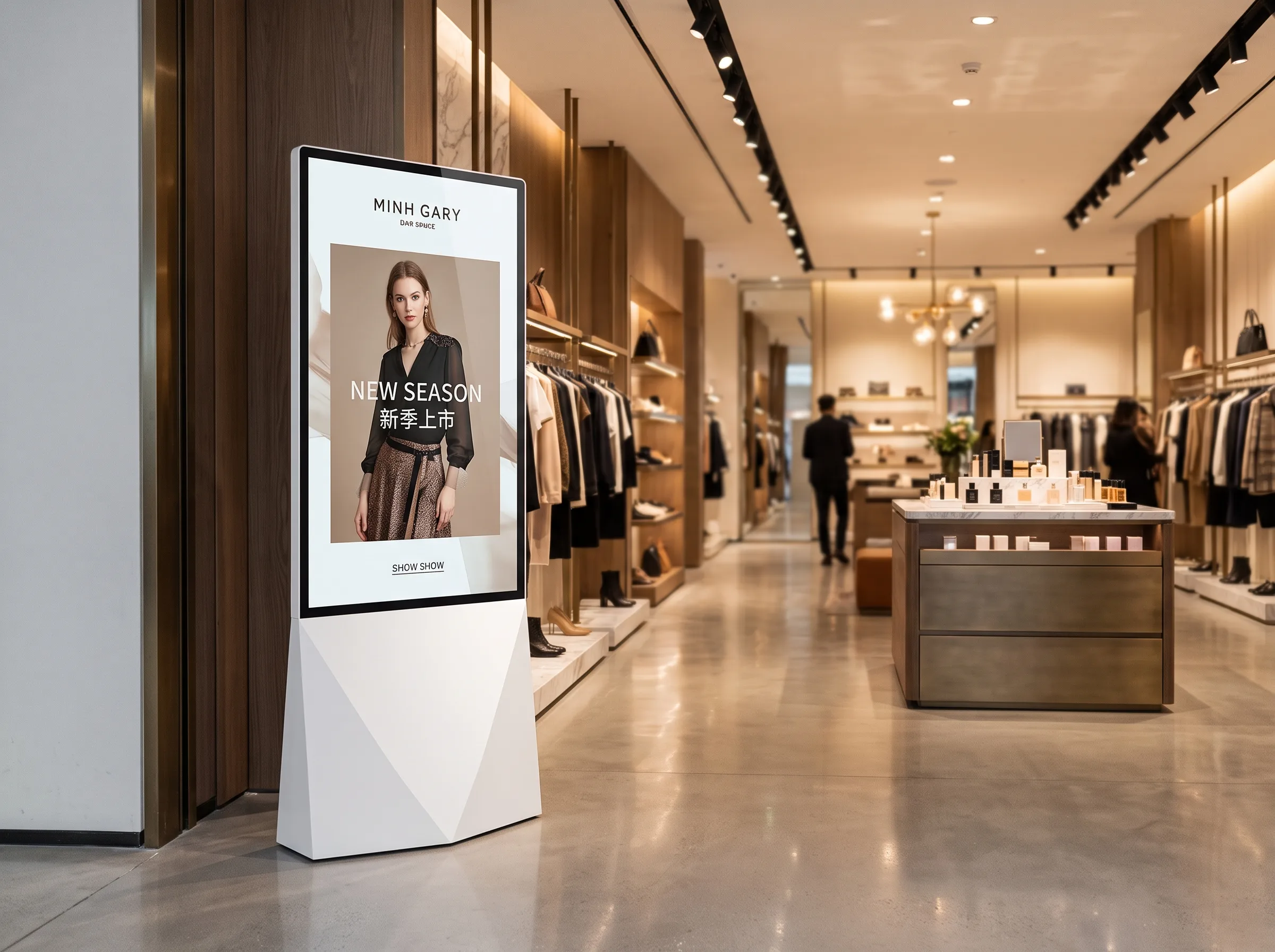
Suitable for corridors, atriums, entrances and open indoor areas with traffic moving on both sides.


DF600 is an indoor floor-standing LCD signage solution built for locations where people approach from both directions. Its two screens can present the same campaign or different messages, with size, brightness, system and optional touch configurations selected for the project.

Dual sided digital signage places LCD displays on both faces of one floor-standing cabinet. This two sided digital display provides advertising, wayfinding or public information to audiences moving through opposite sides of the same interior area.
A double screen kiosk can be useful in shopping malls, hospitals, banks, retail spaces and corporate lobbies where a single viewing direction is not enough. The dual-door structure helps technicians access internal components for inspection and service.
The two screens can show identical or different content. The final player and content-control architecture should be confirmed for each project.
Suitable for corridors, atriums, entrances and open indoor areas with traffic moving on both sides.
Show matching messages on both sides or use different content flows, subject to the chosen playback system.
One unit provides two display faces without placing two separate floor-standing displays in the same location.
The double-door design supports access for servicing, cable checks and component inspection.
| Comparison | Single-Sided Display | Dual-Sided Display |
|---|---|---|
| Viewing directions | One primary direction | Two opposing directions |
| Audience flow | Best for one-way viewing areas | Best where traffic passes on both sides |
| Number of display surfaces | One | Two |
| Content flexibility | One audience-facing content stream | Same or different content, subject to system configuration |
| Typical placement | Walls, reception points, single-facing areas | Entrances, aisles, atriums and open circulation areas |
| Floor-space planning | One viewing face per unit | Two viewing faces from one cabinet footprint |
| Maintenance considerations | Access depends on cabinet design | Dual-door access supports internal service checks |
Single-sided displays suit areas where audiences mainly approach from one direction. Dual-sided displays suit locations with traffic on both sides. The final choice should follow traffic direction, installation space and content strategy.
Choose from 43″, 49″, 55″, 65″, 75″, 86″ and 98″ options based on viewing distance, installation space and content complexity. Structural feasibility for 86″ and 98″ configurations should be confirmed before ordering.
Available information includes 1080 × 1920 and 2160 × 3840. The supported resolution and screen-size combination must be confirmed for the project.
Brightness options include 350, 700, 1000 and up to 2000 nits. Not every size supports every brightness level. The 2000-nit option requires separate confirmation and does not indicate outdoor protection; DF600 remains an indoor product.
Select a monitor / driver board, standalone, Android or Windows version according to content source, playback method and software needs.
Operating system version, processor, network capability, memory and storage should be confirmed before production.
| Specification | Available Information |
|---|---|
| Product type | Indoor dual sided LCD digital signage |
| Model | DF600 |
| Panel type | LCD |
| Screen sizes | 43″ / 49″ / 55″ / 65″ / 75″ / 86″ / 98″ |
| Resolution options | 1080 × 1920 / 2160 × 3840 |
| Brightness options | 350 / 700 / 1000 / up to 2000 nits |
| Contrast ratio | 1200:1 / 3000:1 |
| Operating life | 50,000–60,000 hours |
| Orientation | Portrait |
| Installation | Floor standing |
| Operating environment | Indoor |
| Operating temperature | 0°C to 40°C |
| Storage temperature | -10°C to 60°C |
| Humidity | 10%–80% RH, non-condensing |
Optional capacitive or infrared touch, with 10–40 touch points and USB interface. Touch is not a standard configuration for every version.
Overall dimensions: 1930 × 840 × 143 mm (H × W × D)
Base dimensions: 840 × 400 mm (W × D)
These reference dimensions apply only to the listed 55-inch configuration. Dimensions for other screen sizes should be confirmed separately.
Anti-theft lock, split-screen playback, wireless casting and remote-control functions require configuration confirmation.
Projects can be evaluated for screen size, resolution, brightness, touch technology, operating system, memory and storage, exterior color, camera, Wi-Fi access point, movable structure, logo and appearance details.
Customization feasibility, minimum order quantity, lead time and final specifications must be confirmed during project evaluation.
01
Confirm installation setting, display goals, size and functional needs.
02
Review the selected system, brightness, touch and appearance options.
03
Approve applicable drawings or sample details before production.
04
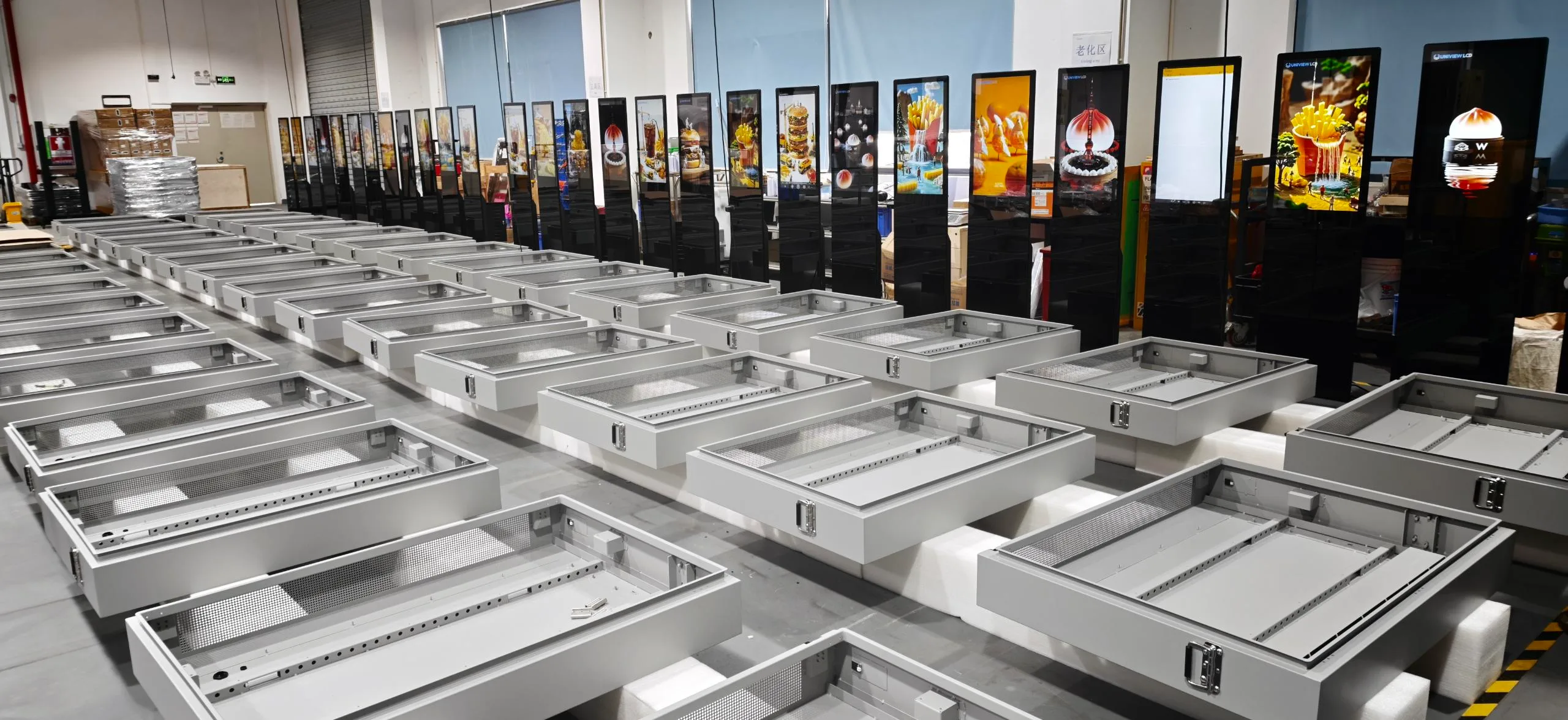
Assemble, configure and inspect the selected product version.
05
Prepare inspected units for packing and shipment arrangements.
Production review can cover cabinet preparation, component installation, dual-screen integration, system configuration, display testing, optional touch testing, appearance inspection and packing preparation.
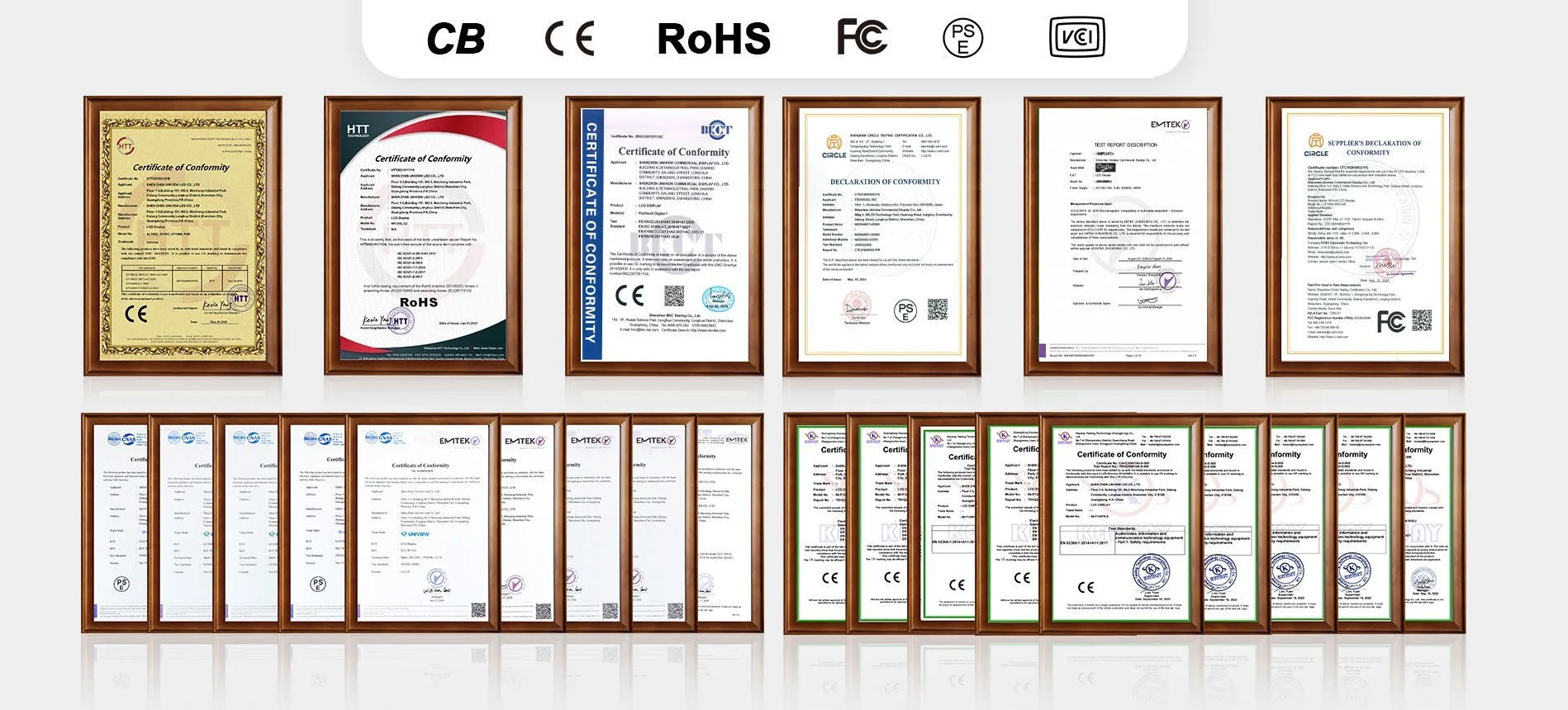
Uniview LCD can provide relevant certification documentation support for CE, FCC, PSE, VCCI, RoHS, CB and other applicable requirements according to the selected product configuration and sales market.
Certification availability depends on the selected configuration, product version and destination market. Please confirm the applicable certificates before ordering.
Tell us the screen size, brightness, system version and touch requirement you need. Our team can review a suitable indoor dual screen digital kiosk configuration for your project.
Email: lcdsales@univiewlcd.com
Phone: +86-755-21009715
Address: Floor 1-3, Bldg 9, Delta Science and Technology Park, Dalang Street, Longhua District, Shenzhen, China