

Floor Standing Digital Signage with Local Dimming
High-brightness outdoor LCD display featuring content-responsive backlight control. Designed to improve perceived contrast while offering configurable outdoor enclosures, media players, and thermal management for commercial applications.

What Is Floor Standing Digital Signage with Local Dimming?
This is a commercial-grade, outdoor floor-standing LCD digital signage solution designed for advertising, brand communication, public information, and wayfinding. Unlike standard consumer televisions or indoor displays, this equipment is engineered with a robust outdoor enclosure and advanced thermal management to operate reliably in public spaces.
The defining feature is its local dimming technology, which dynamically adjusts the backlight based on the image content. It is important to distinguish this from automatic brightness control (which adjusts overall screen brightness based on ambient light) and temperature control (which manages internal cooling). This product utilizes an LCD panel, distinguishing it from LED billboards.
How Local Dimming Improves the Image
Understanding the difference between standard continuous backlighting and content-responsive dynamic backlighting.
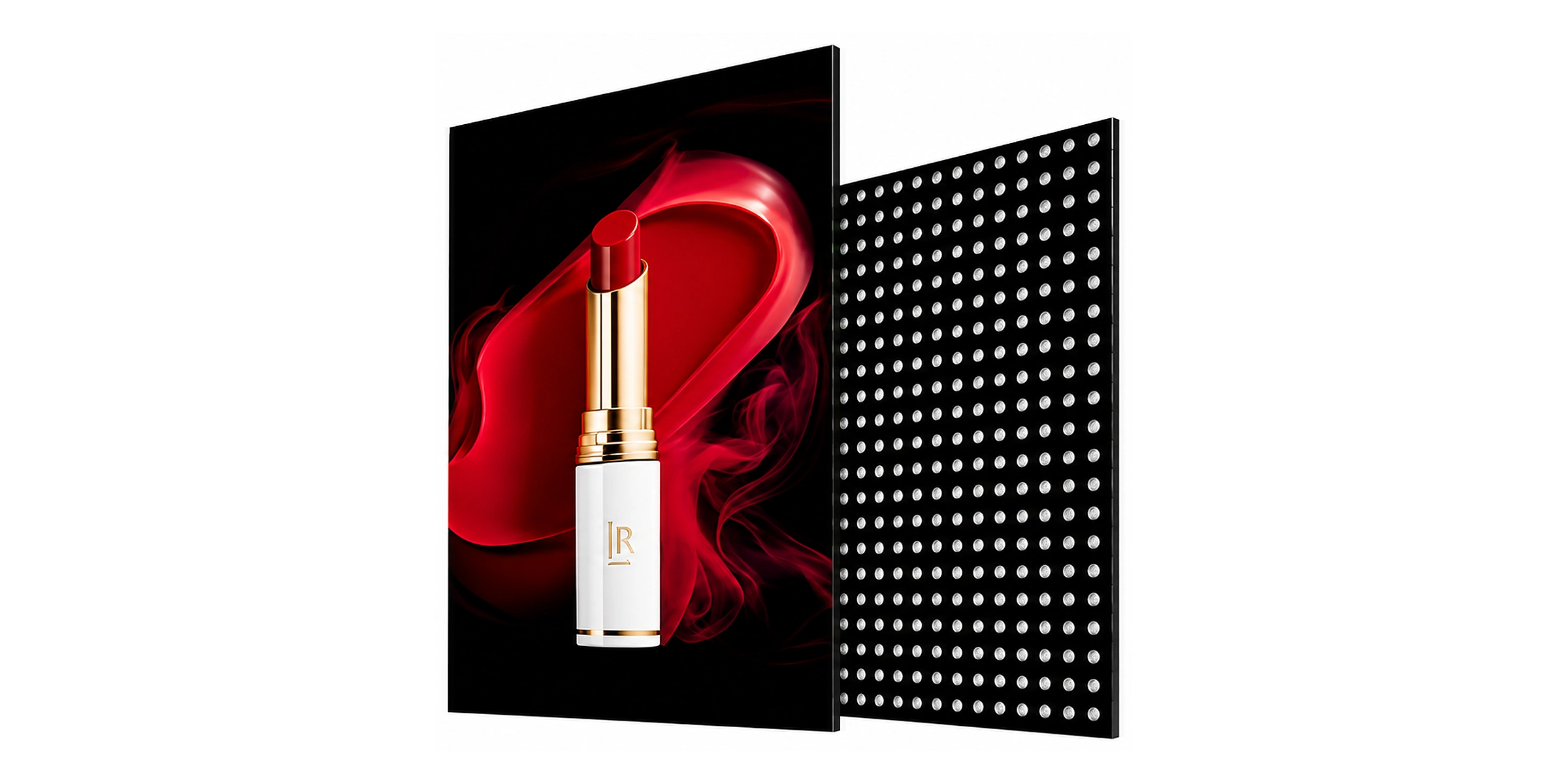
Conventional Backlight
Standard displays operate with a fixed or unified backlight across the entire screen. While effective, this can result in dark areas appearing washed out (grayish) because the backlight remains fully illuminated behind dark content, leading to lower perceived contrast and unnecessary backlight output.
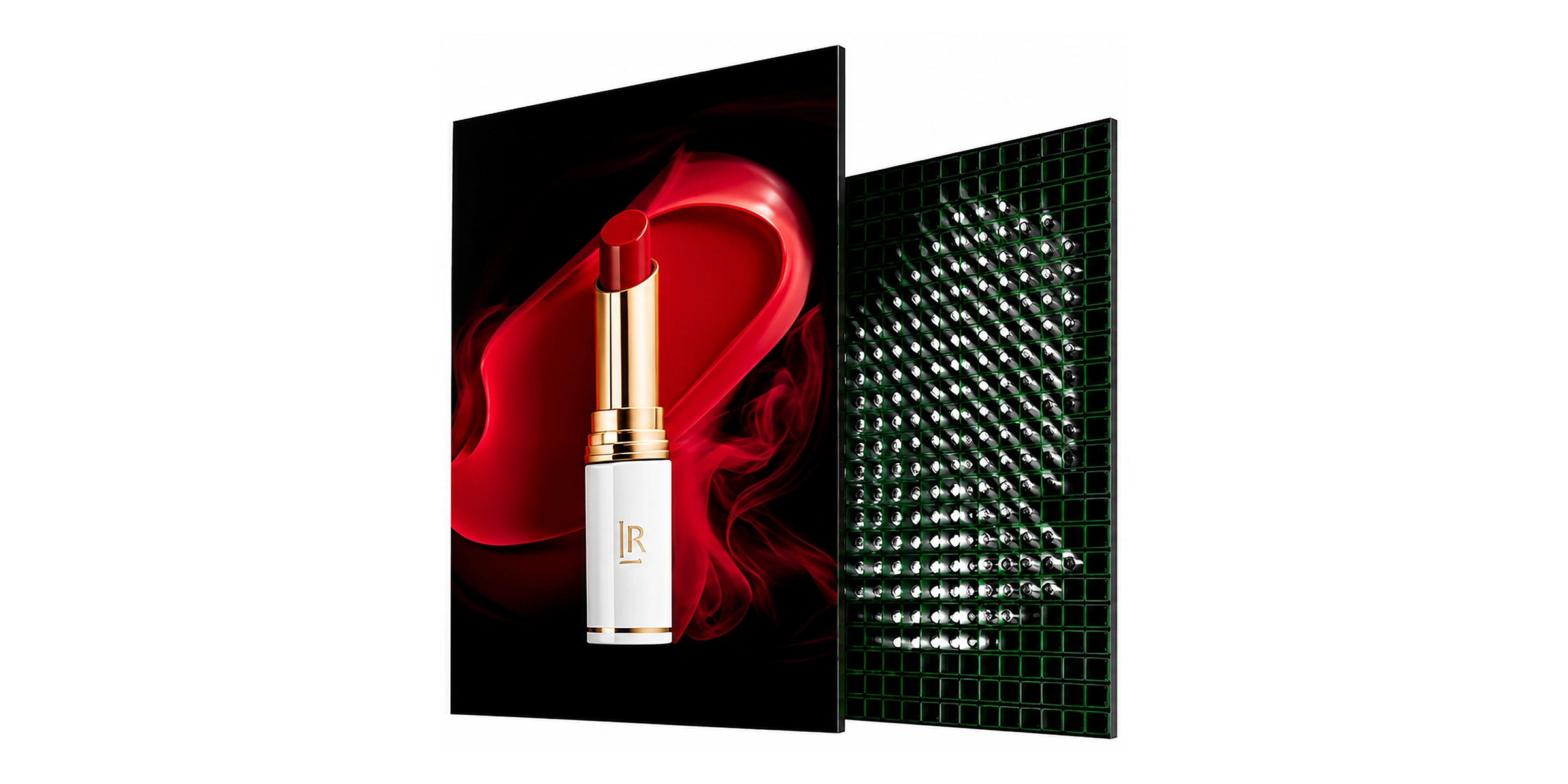
Local Dimming Backlight
Local dimming technology analyzes the displayed image and dynamically adjusts the backlight output. Bright areas maintain high visibility, while dark areas receive reduced backlight. This process can significantly improve perceived contrast and image depth, and may reduce energy use depending on content and operating conditions.
Image Quality and Energy Considerations
The practical benefits of dynamic backlight control in commercial signage.
Improved Perceived Contrast
Designed to enhance the visual distinction between light and dark elements on the screen, creating a more impactful image.
Clearer Bright and Dark Details
May improve the clarity of subtle details in shadow areas by preventing backlight bleed-through on dark content.
Content-Responsive Backlight
The system continuously analyzes the incoming video signal to adjust the illumination, depending on content requirements.
Energy-Saving Potential
Can help lower backlight energy use compared to fixed high-brightness panels; actual results depend on operating conditions and content.
Built for Outdoor Operation
Engineered to withstand environmental challenges while maintaining continuous commercial operation.
High-Brightness Visibility
Available with 2000–3000 nits brightness options to maintain direct-sunlight readability in outdoor settings.
IP-Rated Enclosure Options
Project options include IP55, IP65, IP66, or IP67 ratings for dust- and rain-resistant protection tailored to the site.
Protective Glass
Equipped with laminated tempered protective glass and IK10 anti-reflective glass for durability and visual clarity.
Thermal Management
Configurable with fan-cooled or air-conditioned automatic temperature control systems for continuous operation.
How to Choose the Right Configuration
Higher specifications are not automatically suitable for every project. Final configuration must be based on site conditions.
Confirm the installation environment
Assess direct sunlight exposure, shading conditions, potential rain/dust exposure, and the ambient temperature range of the specific site.
Choose screen size and orientation
Select from 43 to 75-inch options in either portrait or landscape configuration, depending on viewing distance, media content, and available installation space.
Choose brightness and resolution
Determine if 2000 or 3000 nits is required for ambient light conditions, and select Full HD (1080p) or 4K (2160p) resolution based on content detail requirements.
Choose enclosure protection and cooling
Select the appropriate IP rating (IP55 to IP67) and decide between fan cooling or air-conditioning based on climate and environmental risks.
Choose the media system and optional functions
Configure the internal hardware by selecting a Driver Board, Standalone player, Android, or Windows system, along with touch capabilities and peripheral interfaces.
Technical Specifications & Available Configurations
Panel contrast and local-dimming dynamic contrast describe different measurements. Final values depend on the selected panel and project configuration.
| Display Configuration | |
|---|---|
| Product Type | Outdoor floor-standing digital signage |
| Panel Type | LCD (High Brightness) |
| Screen Sizes | 43″, 49″, 55″, 65″, 75″ |
| Resolution Options | 1080 × 1920 (FHD) or 2160 × 3840 (4K) |
| Brightness Options | 2000–3000 nits |
| Panel Contrast Options | 1200:1 or 3000:1 (Native static contrast) |
| Local-Dimming Contrast Claim | 100,000:1 (Dynamic contrast) |
| Rated Operating Life | 50,000–60,000 hours |
| Orientation | Portrait or landscape |
| Enclosure & Environment | |
| Installation | Floor standing |
| Operating Environment | Outdoor |
| Enclosure-Rating Options | IP55 / IP65 / IP66 / IP67 (Subject to project configuration) |
| Protective Glass | Laminated tempered glass, IK10 anti-reflective |
| Cooling Options | Fan-cooled or Air-conditioned |
| Fan-Cooled Operating Temp | Approx. -20°C to 45°C |
| Air-Conditioned Operating Temp | Approx. -30°C to 50°C |
| Storage Temperature | Approx. -20°C to 60°C |
| Humidity | 10%–80% RH, non-condensing |
| Media & Connectivity Options | |
| Driver Board Options | HDMI, VGA, DVI |
| Standalone Player Option | HDMI, USB (Storage specification subject to confirmation) |
| Android Options | HDMI, USB, 2GB+16GB or 4GB+32GB |
| Windows Options | HDMI, VGA, USB, 4GB+128GB up to 32GB+512GB |
| Touch Option (Optional) | Capacitive touch, 10–40 touch points, USB interface |
| Optional Peripherals | Wi-Fi access point, Wheels, Camera, Printer, Card reader, Scanner, Miracast, Remote monitoring |
Floor Standing Digital Signage Applications
Versatile outdoor solutions for diverse commercial environments.
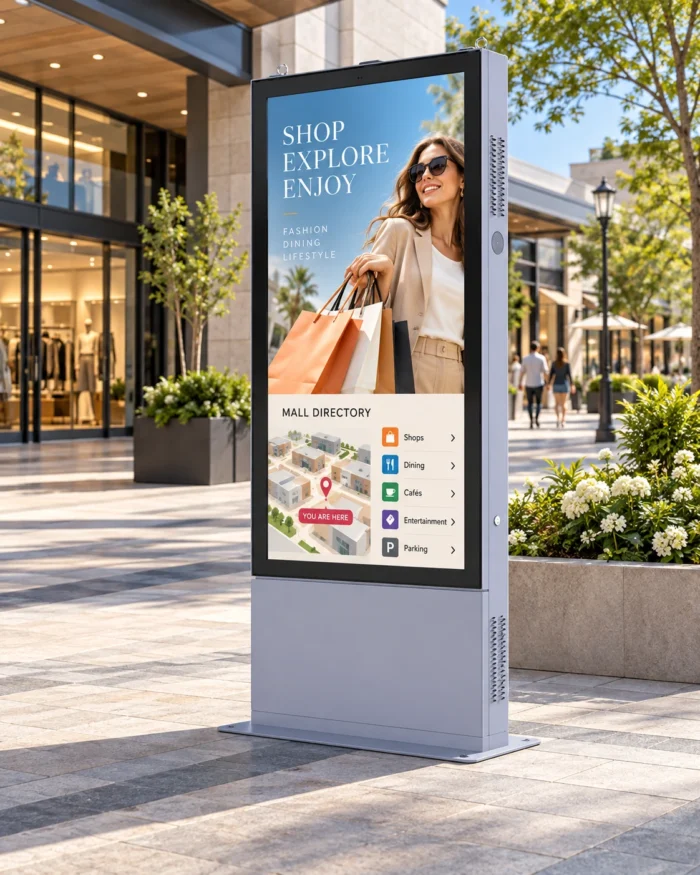
Retail and Shopping Centers
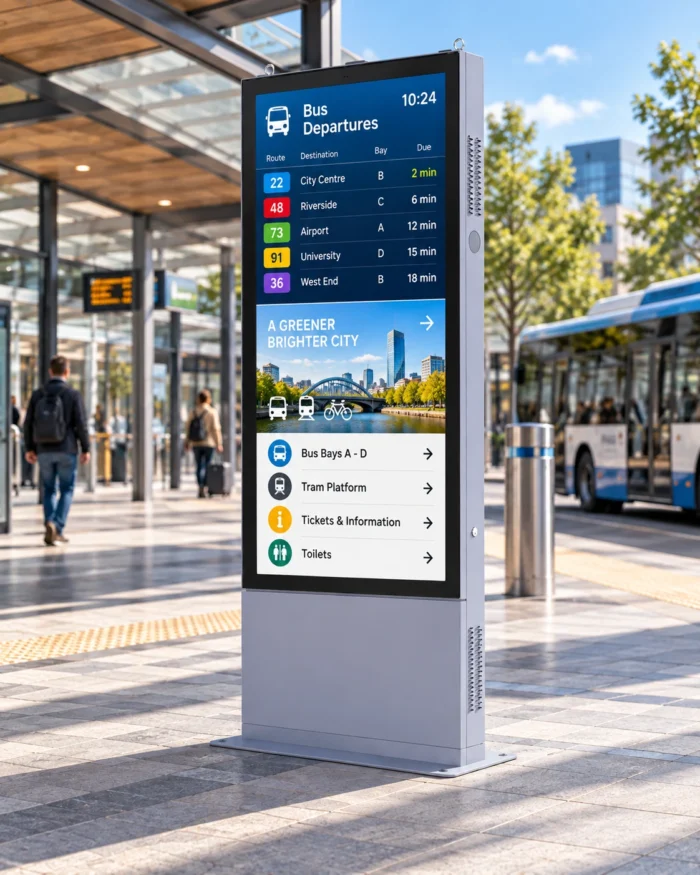
Transportation Hubs
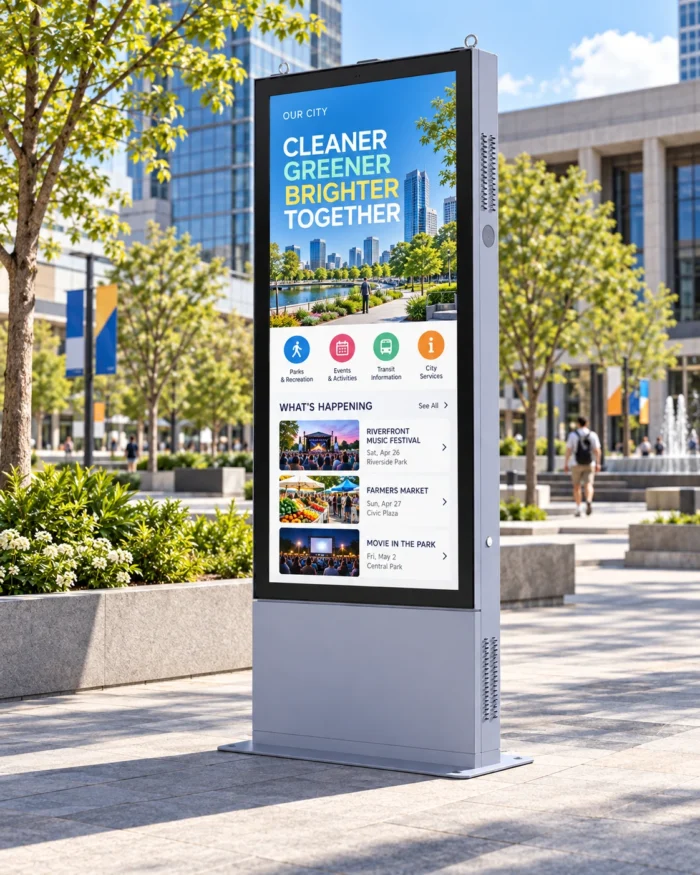
Public Spaces & Smart-City
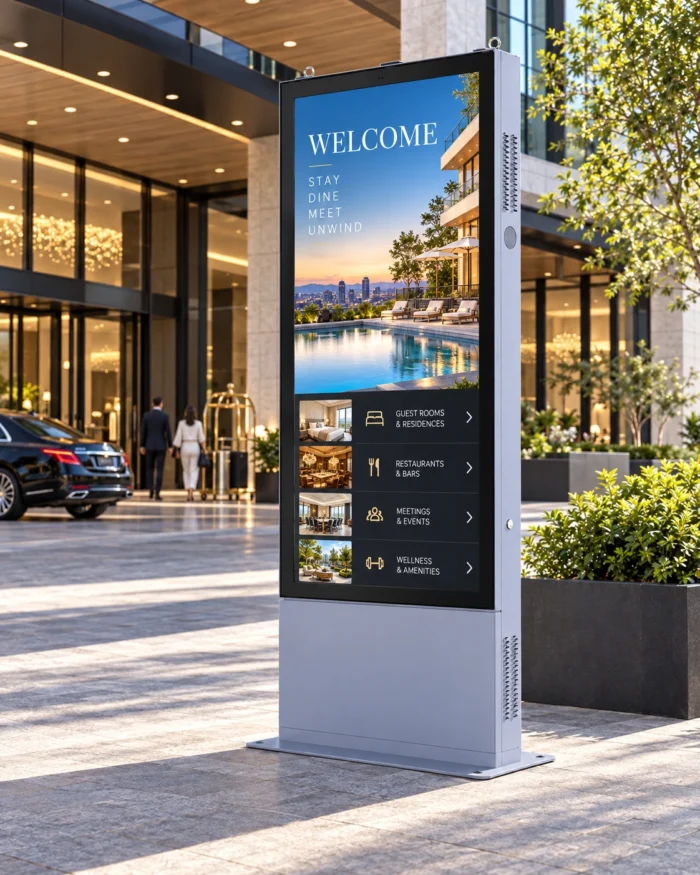
Hotels & Commercial Properties
Customization Services
Tailor the hardware and integration to meet exact project requirements.
Enclosure and Branding
Custom enclosure colors, logo application, and structural modifications to align with brand identity and site aesthetics.
Display Configuration
Selection of screen size, orientation, brightness levels, IP rating, and cooling methods (fan or AC) suited for the environment.
System Integration
Integration of Android or Windows operating systems, or standalone media players, ready for your content management software.
Peripheral Integration
Optional integration of capacitive touch, cameras, printers, card readers, scanners, and remote monitoring hardware.
From Enclosure Fabrication to Shipment
A look inside the manufacturing and assembly process for outdoor digital signage.
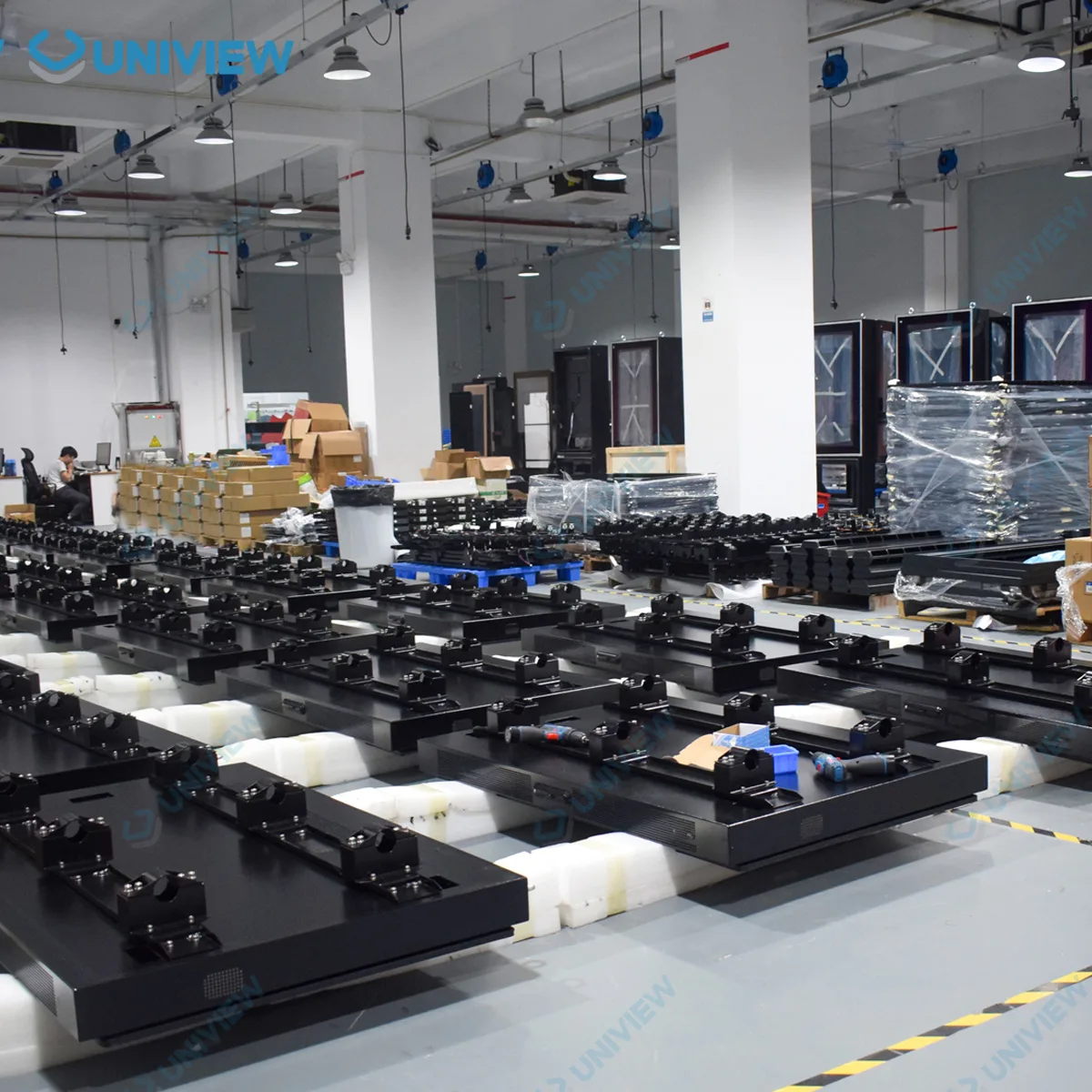
1. Metal Enclosure Fabrication
Precision cutting and forming of the outdoor kiosk chassis.
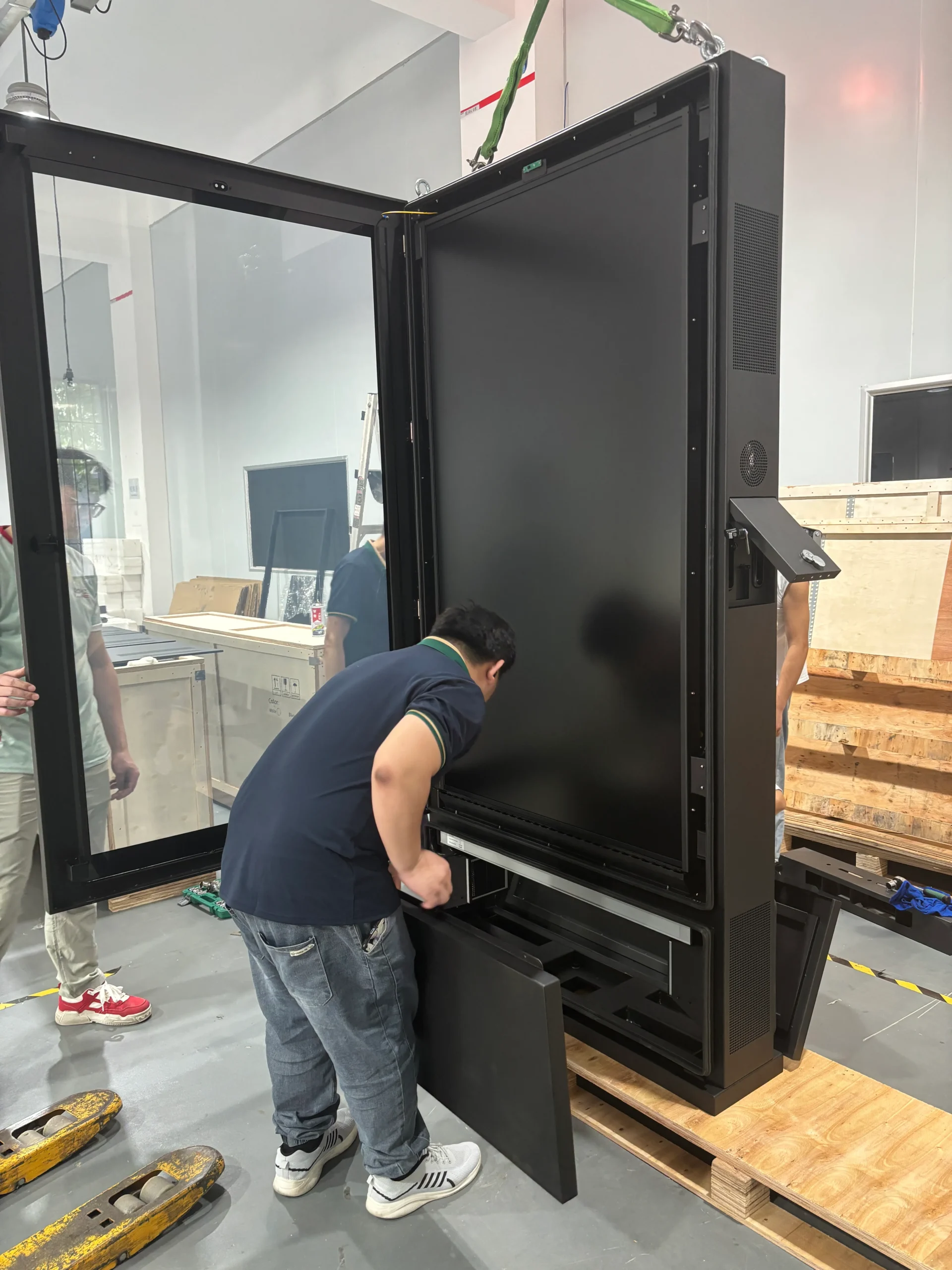
2. Surface & Glass Preparation
Anti-corrosion treatment and fitting of laminated tempered glass.
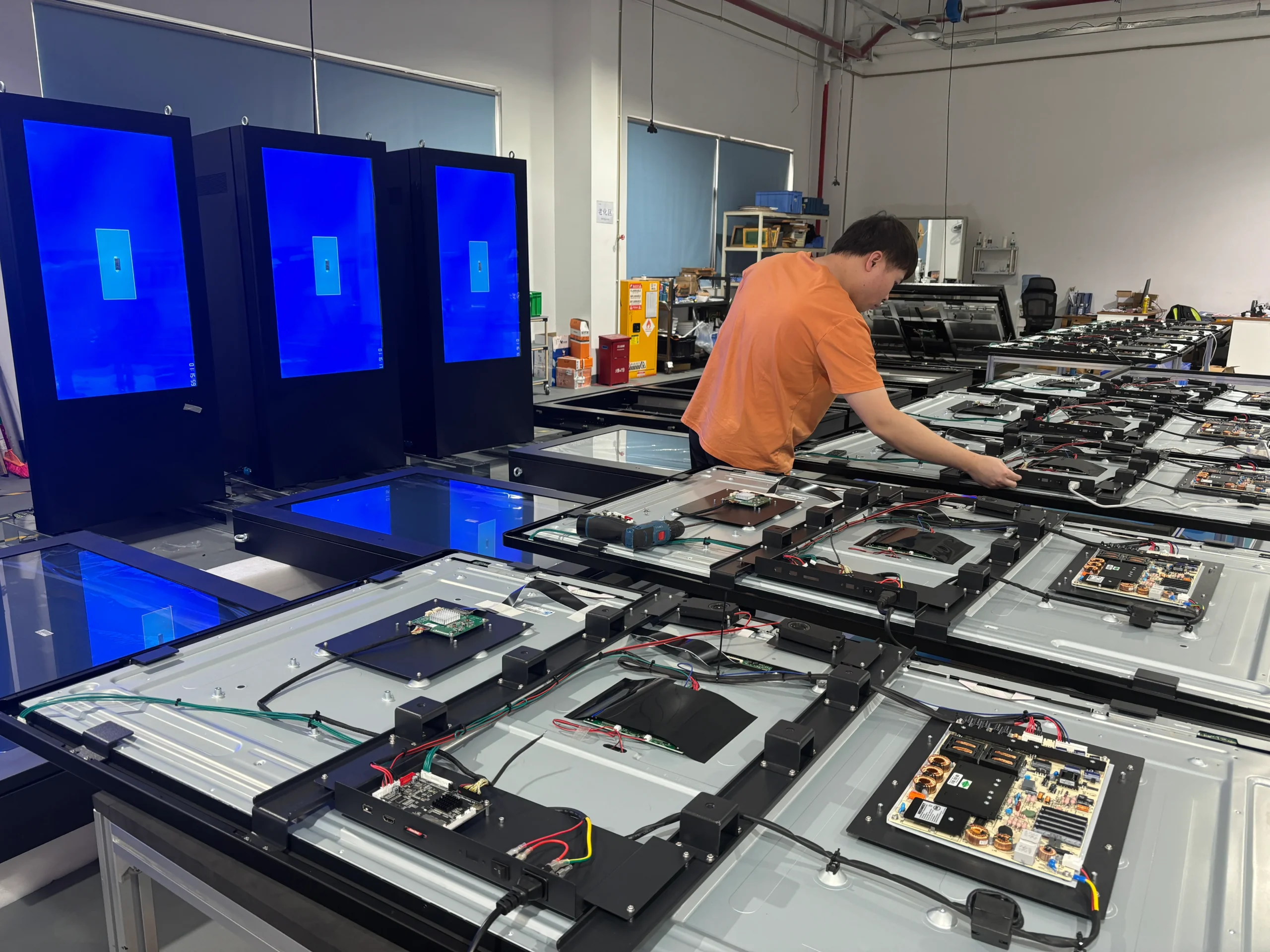
3. LCD & Backlight Integration
Assembly of the high-brightness panel and local dimming systems.
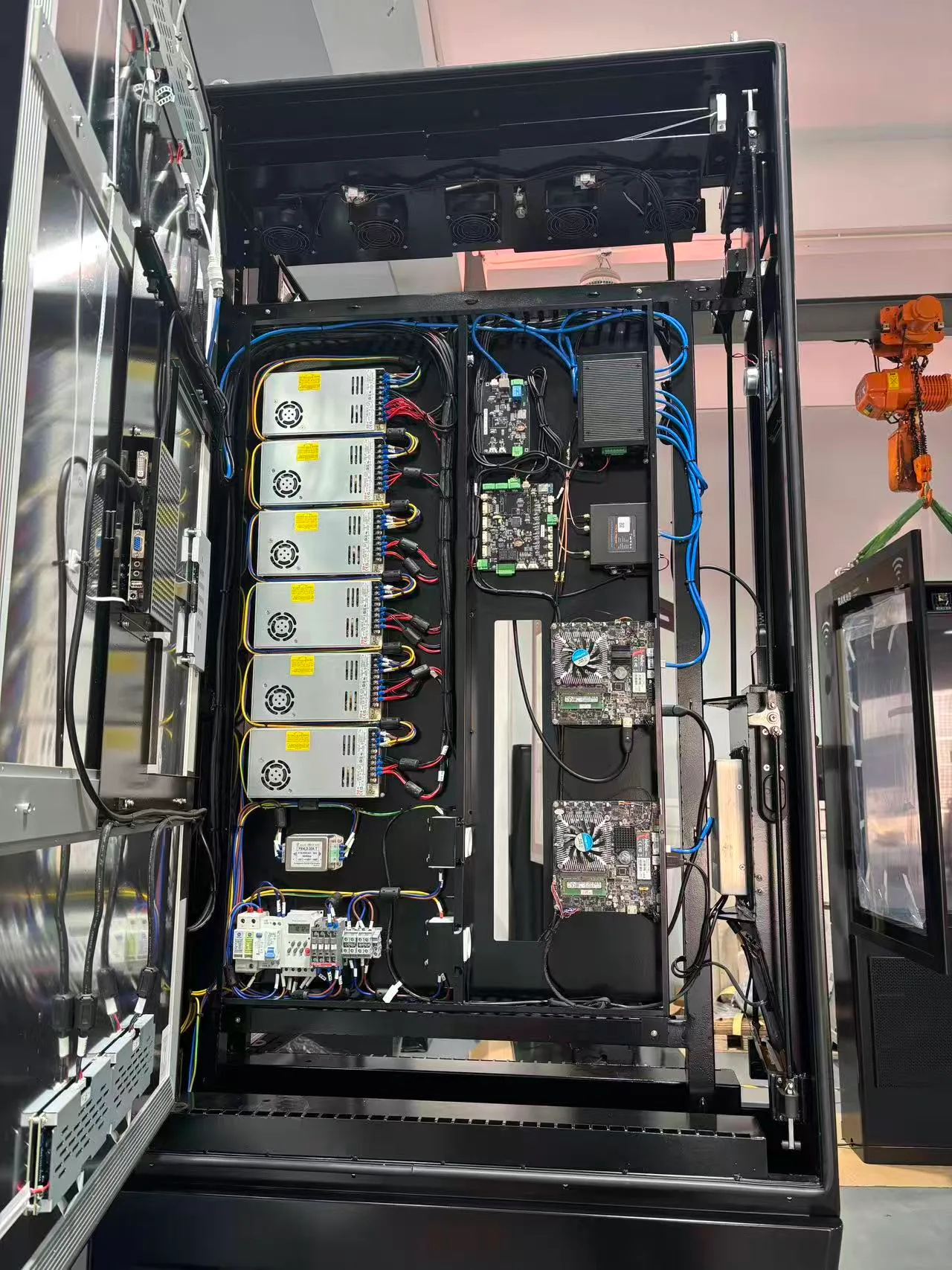
4. Electrical & System Assembly
Wiring of cooling systems, power supplies, and media players.
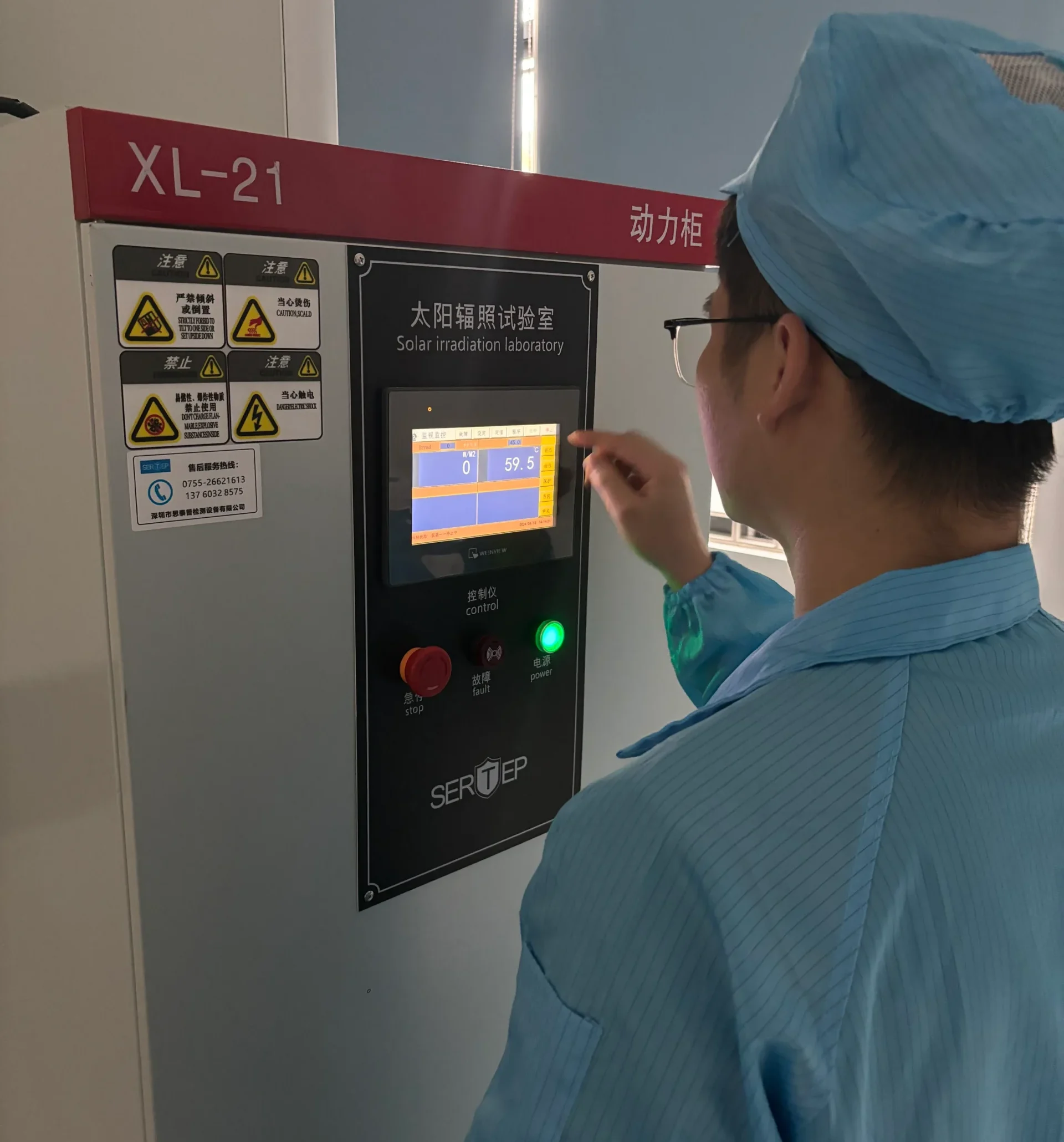
5. Testing & Inspection
Burn-in testing, brightness verification, and functional checks.
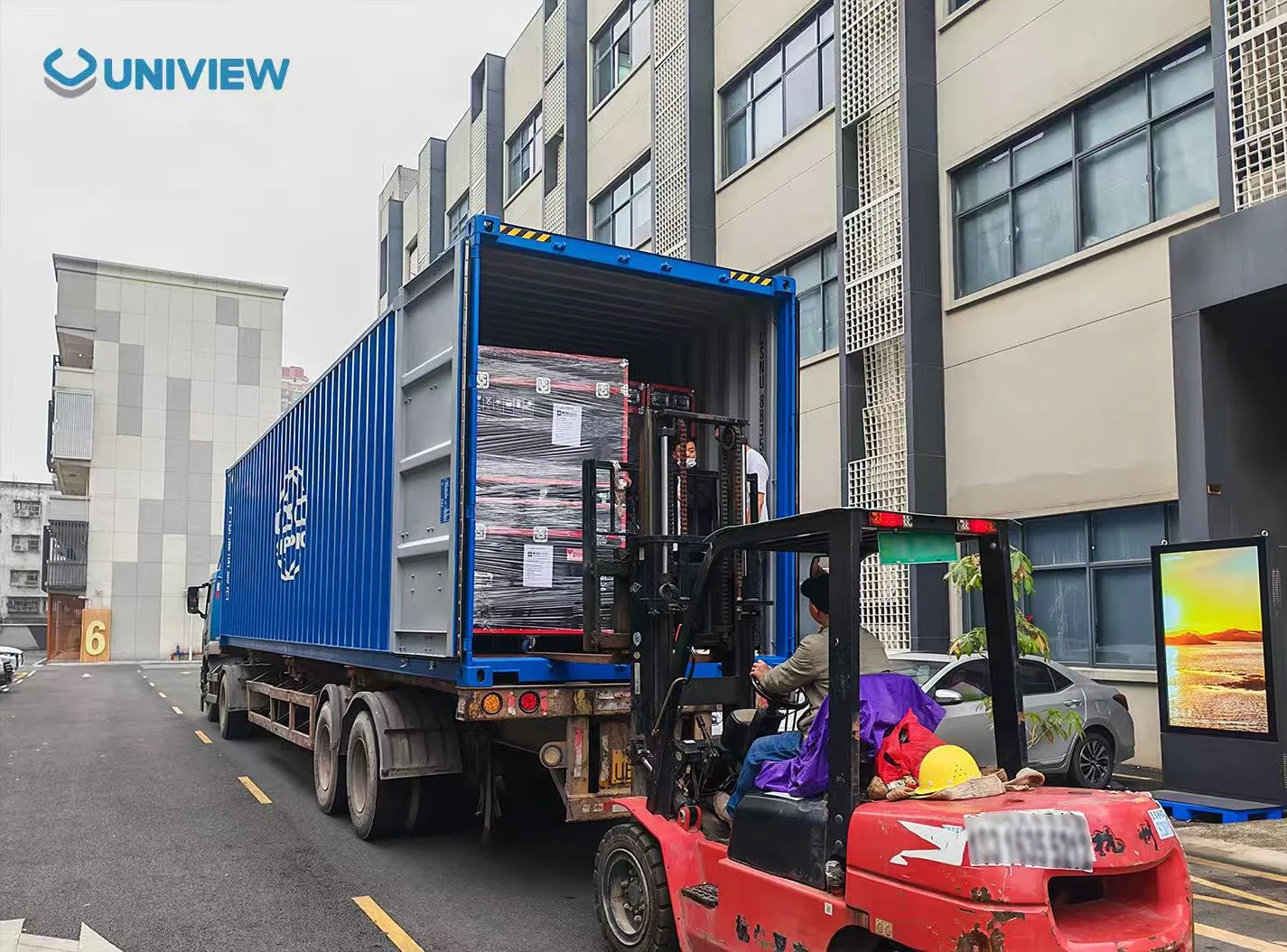
6. Packaging & Shipment
Secure wooden crating and protective packaging for global transit.
Project Process
Requirement Review
Initial consultation to understand project goals and constraints.
Site and Configuration Assessment
Evaluating environmental factors to recommend IP ratings and cooling.
Drawing and Specification Confirmation
Finalizing hardware specs, optional features, and structural drawings.
Production and Quality Inspection
Manufacturing, assembly, and rigorous functional testing.
Packaging and Delivery Preparation
Secure crating and logistics coordination for safe arrival.
Manufacturing & Project Support
We provide comprehensive support for B2B buyers, integrators, and OEM/ODM clients throughout the procurement and manufacturing cycle:
- Outdoor enclosure configuration guidance
- Brightness and panel selection
- Local-dimming solution coordination
- Cooling-system selection (Fan/AC)
- Media-player and peripheral integration
- Comprehensive functional testing
- OEM/ODM hardware support
Certification Support
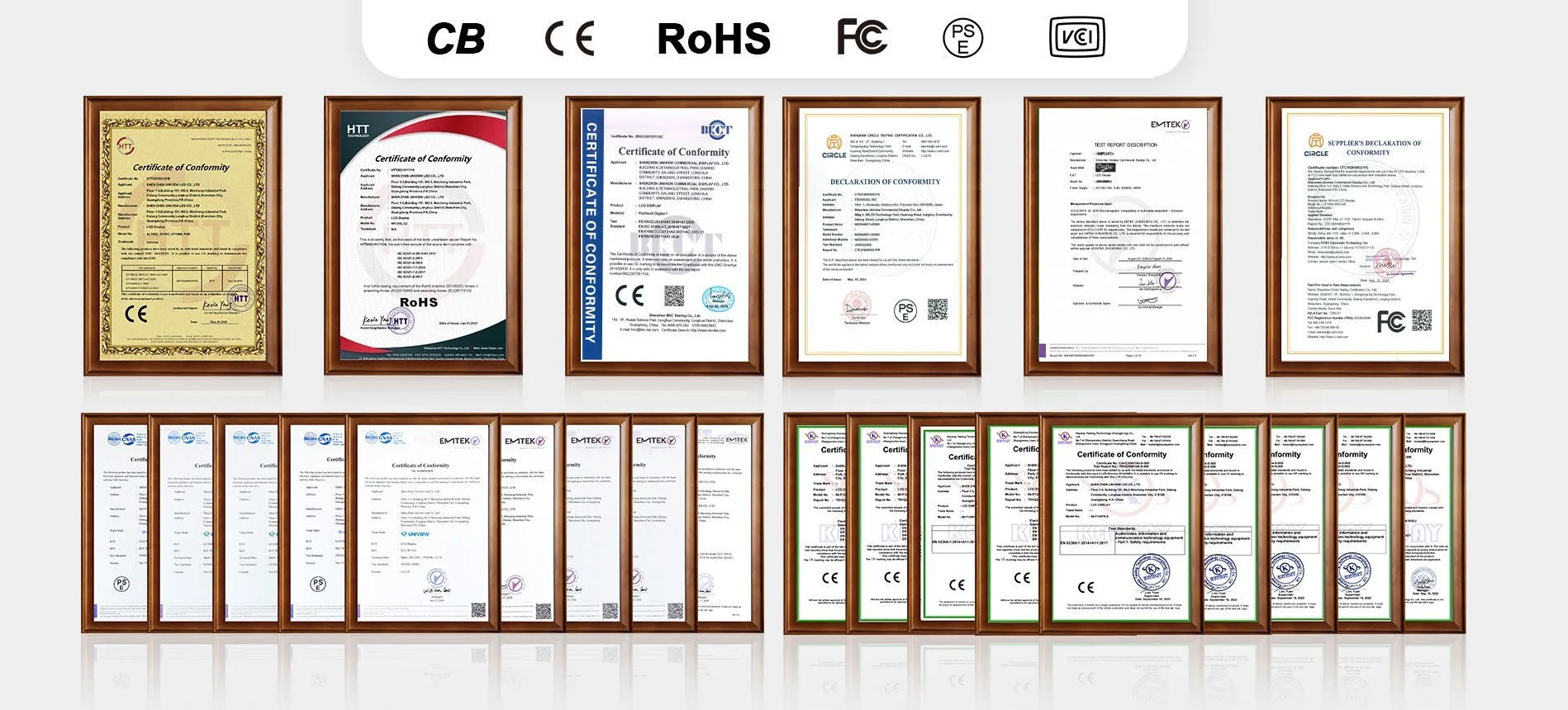
Compliance documentation may include CE, FCC, RoHS, CB, PSE and VCCI depending on the selected configuration and destination market. Buyers should request the documents applicable to the exact ordered product.
Frequently Asked Questions
What is floor standing digital signage with local dimming?
How does local dimming improve an LCD image?
Does local dimming reduce energy consumption?
What is the difference between panel contrast and dynamic contrast?
Is the display readable in direct sunlight?
What screen sizes are available?
How do I choose an IP rating and cooling system?
Can the display use Android, Windows or a standalone media player?
Is touch functionality available?
Can the enclosure and system configuration be customized?
Request a Floor Standing Digital Signage Quote
Please provide your project details below. In the "Other Content" field, consider including your installation environment, preferred screen size, brightness requirement, and operating system.