☀
Sunlight-Readable Display
High-brightness LCD options from 2,000 to 4,000 nits support clearer reading in bright outdoor locations.


A floor-standing outdoor digital information kiosk built around a high-brightness LCD display for public communication, wayfinding and changing digital content. Configure the enclosure, cooling, system and optional interaction for the installation environment.

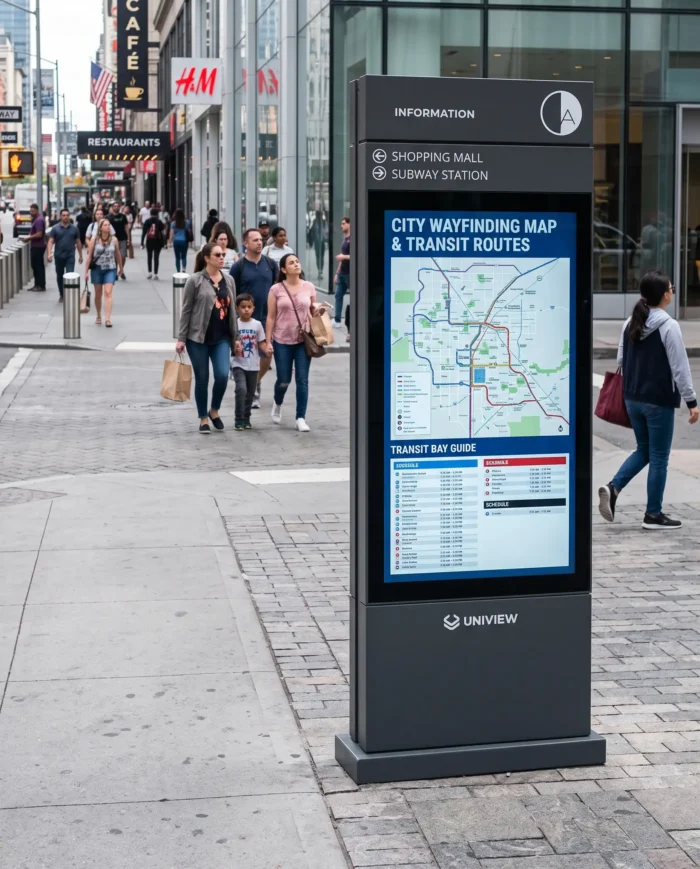
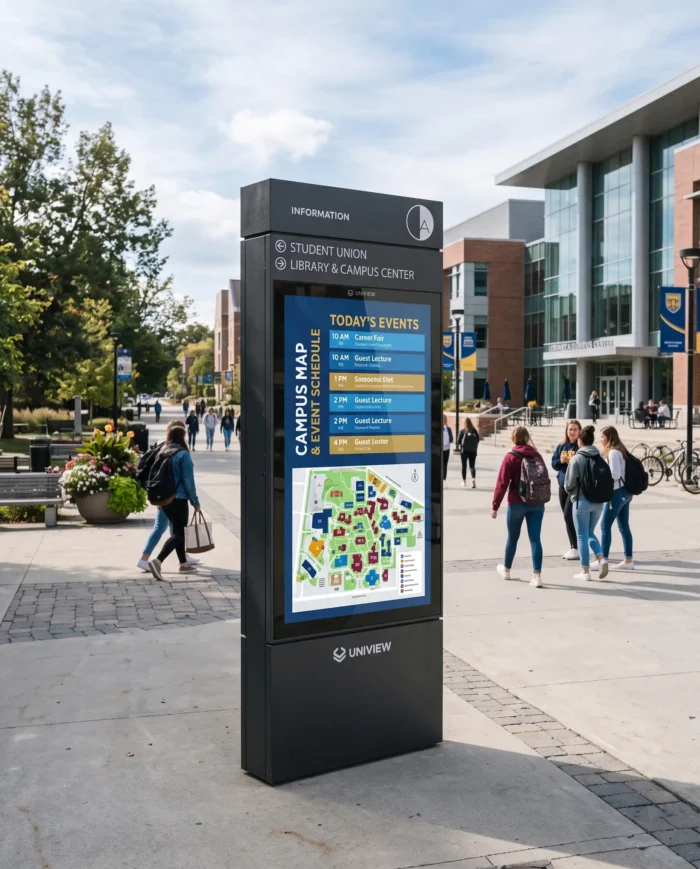
UO200P is a commercial LCD outdoor information display designed for floor-standing installation. It helps organizations publish public information, wayfinding directions, transport updates, visitor guidance, event details, advertising, promotional content and emergency or service announcements in a format that can be updated as needs change.
Unlike a wooden noticeboard, static bulletin board or ordinary outdoor poster case, this information kiosk outdoor solution uses a high-brightness LCD panel to present images, text and multimedia content. Projects can select a non-touch digital display or an optional touch configuration where interaction is needed.
High-brightness LCD options from 2,000 to 4,000 nits support clearer reading in bright outdoor locations.
Choose protection suited to dust, weather exposure and site conditions. Ratings are not intended for immersion.
IK10 anti-reflective protective glass improves screen legibility while providing impact resistance for public areas.
Automatic adjustment can help the outdoor kiosk display respond to changing ambient light conditions.
Thermal management is selected to match local temperatures and support stable outdoor operation.
Fan cooling or air-conditioning cooling can be specified according to the project temperature range.
Security locks and anti-theft design considerations help support installations in shared public locations.
Commercial display components are specified for projects requiring extended 24/7 information delivery.
A practical specification starts with the site, audience and content workflow. Our team can help align the enclosure and system with your project requirements.
Screen size: Match viewing distance and available installation space.
Brightness: Select output based on direct sun exposure and local ambient light.
Protection: Choose IP55 or IP65 according to the environmental conditions.
Cooling: Specify fan or air-conditioning cooling for the local temperature range.
Interaction: Select non-touch information display or optional touch interaction.
System: Select Driver Board, Standalone, Android or Windows.
Peripherals: Confirm whether cameras, printers, card readers or scanners are required.
Site readiness: Confirm mounting, power, network and local accessibility requirements.
Final system selection, interfaces and software compatibility should be confirmed according to the project.
Quotation depends on screen size, brightness, resolution, IP level, cooling, operating system, touch screen, peripherals, enclosure color, logo customization, order quantity, packaging, shipping and certification requirements.


| Specification | Available Information |
|---|---|
| Product Type | Outdoor floor-standing digital information kiosk |
| Model | UO200P |
| Screen Sizes | 43″, 49″, 55″, 65″, 75″, 86″, 98″ |
| Resolution | Full HD / 4K UHD options |
| Brightness | 2,000–4,000 nits |
| Contrast Ratio | 1200:1 / 3000:1 |
| Rated Display Life | 50,000–60,000 hours |
| Orientation / Installation | Portrait / Landscape; Floor standing |
| Protection / Glass | IP55 / IP65 options; IK10 anti-reflective glass |
| Cooling | Fan cooling / Air-conditioning |
| Operating Temperature | Fan cooled: -20°C to 45°C; Air-conditioned: -30°C to 50°C |
| Storage Temperature | -20°C to 60°C |
| Touch | Optional capacitive touch, 10–40 points, USB |
| Systems | Driver Board / Standalone / Android / Windows |
| Customization | Color, logo and optional hardware |
| Screen Size | Overall Dimensions (H × W × D) | Base Dimensions (W × D) |
|---|---|---|
| 43″ | 1770 × 710 × 130 mm | 710 × 600 mm |
| 55″ | 1970 × 860 × 130 mm | 980 × 600 mm |
| 65″ | 2150 × 980 × 130 mm | 860 × 600 mm |
Dimensions for 49″, 75″, 86″ and 98″ configurations should be confirmed before ordering.
Hardware selection is project-dependent. The following items are optional and available on request after compatibility, enclosure design and system requirements are reviewed.
Optional capacitive touch screen.
Camera, card reader and scanner available on request.
Printer and Wi-Fi access point, project-dependent.
Wheels, monitoring devices, custom colors and logo customization.
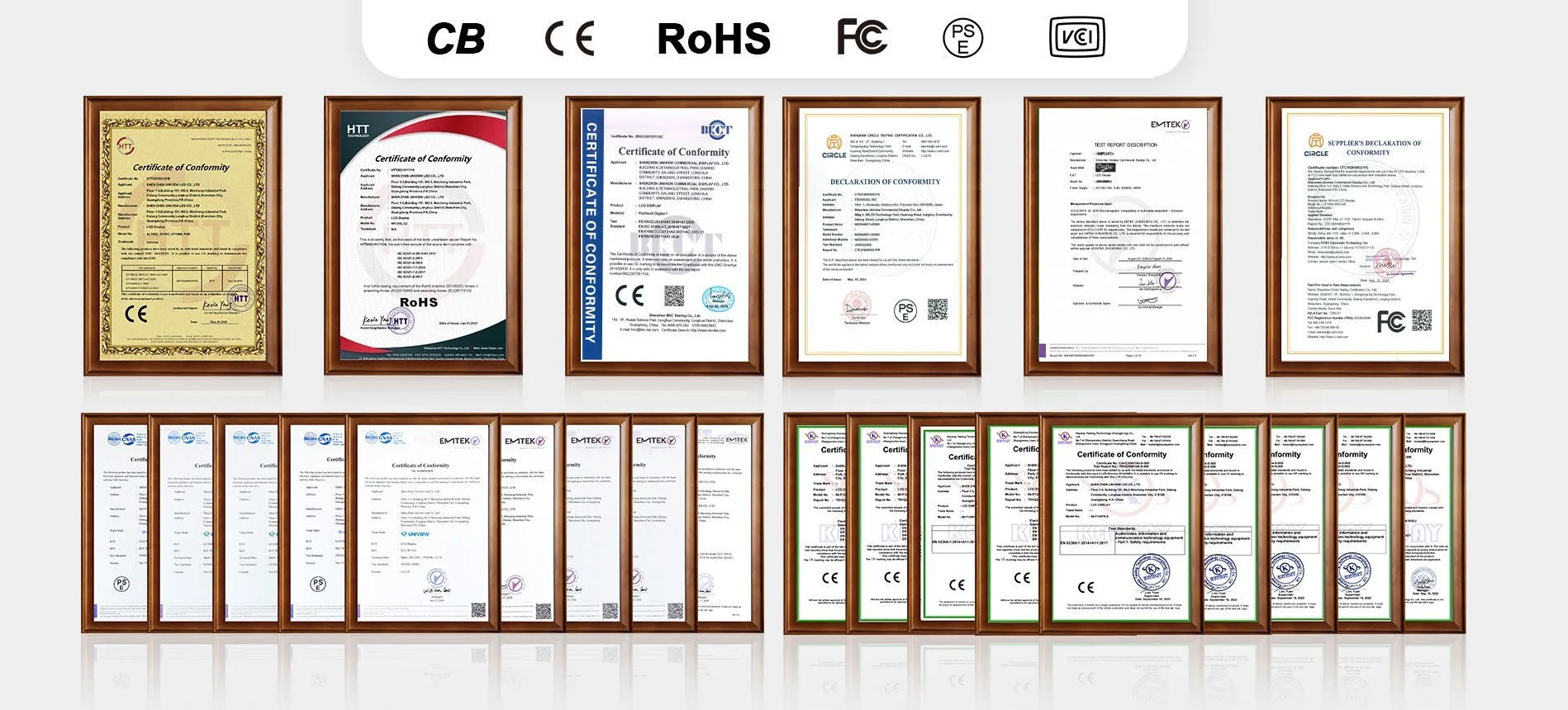
Relevant certification support can be discussed for the destination market and final configuration, including CE, FCC, PSE, VCCI, RoHS, CB and other project-specific certifications.
Certification requirements vary by destination market and final product configuration. Please confirm the required standards before production.
Please send us your project requirements. The Uniview LCD display team will review and recommend a suitable outdoor kiosk configuration.
Email: lcdsales@univiewlcd.com
Phone: +86-755-21009715
Address:Floors 1–3, Building 9, Delta Technology Park, Dalang Street, Longhua District, Shenzhen, China