

Interactive Touch Screen Kiosk-IK130
Source the IK130 indoor floor-standing interactive touch screen kiosk in 22–55 inch series options. Configurable with capacitive or infrared multi-touch, FHD or 4K resolution, and flexible portrait or landscape orientations. Designed for interactive wayfinding and information applications with Android, Windows, Standalone, or Driver Board system choices. OEM/ODM project support available.
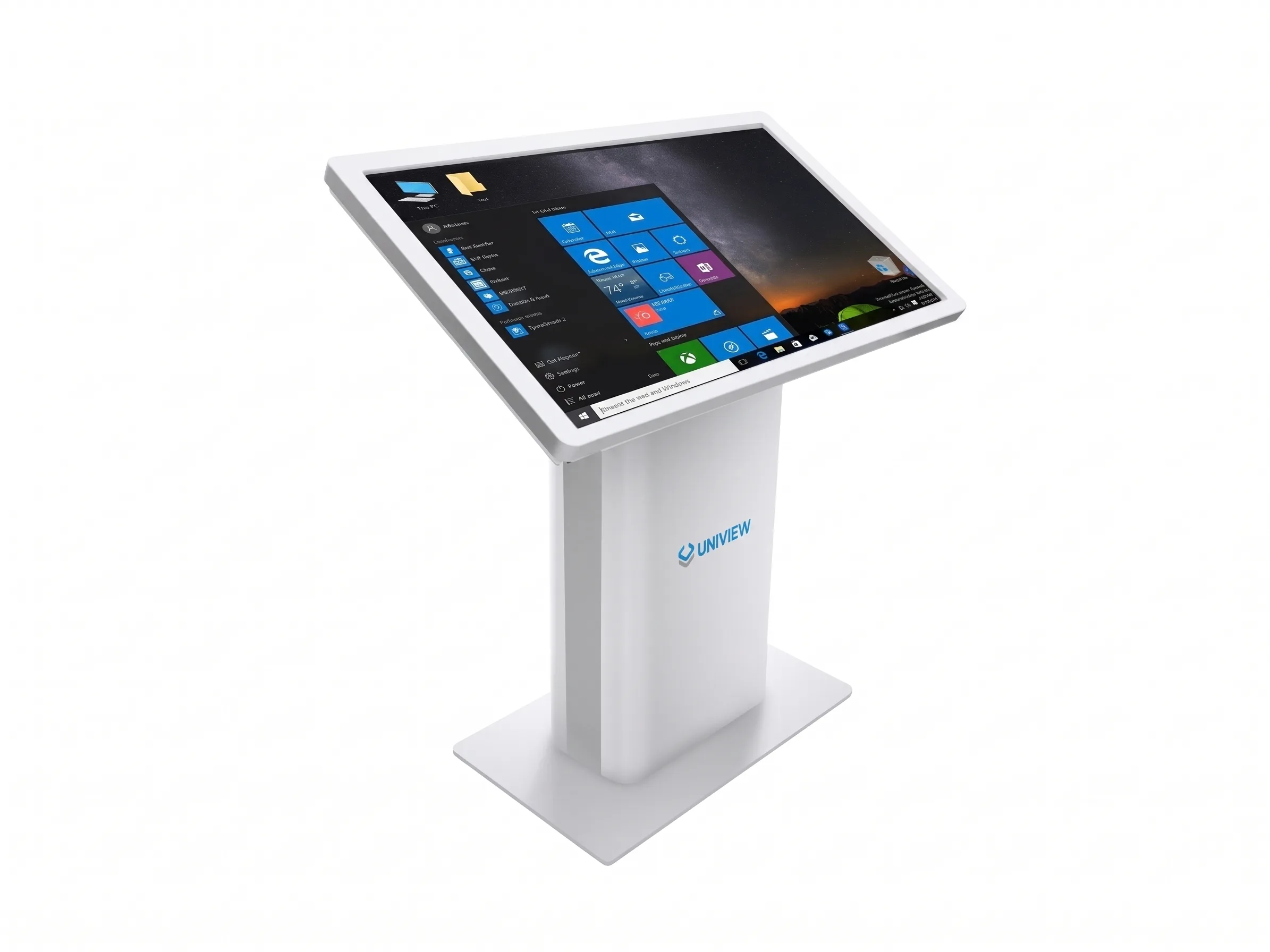
What Is an Interactive Touch Screen Kiosk?
An interactive touch screen kiosk integrates a commercial LCD display, a multi-touch interface, and an optional computing system into a dedicated floor-standing enclosure. Unlike standard digital signage that continuously loops passive video content, an interactive touch screen kiosk allows users to actively tap, browse, and select specific information on the screen. The IK130 is specifically engineered for indoor environments, providing a robust hardware foundation for wayfinding maps, interactive directories, self-service information access, and interactive content. The actual interactive experience and functionality are determined by the selected operating system, application software, and project integration.
A Floor-Standing Touch Kiosk for Indoor Information Access
Responsive Multi-Touch Options
Configurable with capacitive or infrared touch technology. Supports precise multi-touch interactions for intuitive user interfaces and browsing.
Smooth Curved Design
Features a perfect smooth radian appearance that blends seamlessly into modern commercial environments, shopping malls, and office blocks.
Reinforced Floor-Standing Base
Engineered with a reinforced base for secure floor-standing installation, ensuring physical stability during continuous public interaction.
Flexible System Configurations
Available with Driver Board, Standalone, Android, or Windows platforms. Final compatibility depends on the selected hardware and software combination.
Is the IK130 the Right Interactive Kiosk Format?
| Format | Installation | Suitable use | Main distinction |
|---|---|---|---|
| IK130 floor-standing kiosk | Floor standing | Indoor directories, information access and interactive content | Large integrated touch display with reinforced base |
| Wall-mounted touch display | Wall installation | Locations with limited floor space | Requires suitable wall and mounting work |
| Countertop kiosk | Counter or desk | Short private interactions | Smaller screen and working height |
| Outdoor touch kiosk | Fixed outdoor installation | Exposed outdoor areas | Requires dedicated weather and thermal protection |
Note: The IK130 is an indoor floor-standing device. It is not a wall-mounted screen, desktop terminal, or outdoor touch kiosk. Portrait or landscape configurations must be confirmed with specific styles and sizes.
How to Choose an Interactive Touch Screen Kiosk
Not sure which configuration fits your project?
Share the application, installation space, preferred orientation, touch workflow, software requirements, optional hardware, quantity and destination market with our team for a tailored recommendation.
-
1
Select the 22–55 inch screen size based on interaction distance, content volume, and available floor space.
-
2
Choose between FHD or 4K resolution based on interface detail requirements and viewing distance.
-
3
Select 350, 700, 1000, or 2000 nits brightness depending on the indoor ambient light conditions.
-
4
Choose capacitive or infrared touch based on desired gestures, precision, bezel design, and usage environment.
-
5
Confirm 10 to 40 touch points according to the actual interface and multi-user needs.
-
6
Select portrait or landscape orientation styles based on your application layout.
-
7
Choose Driver Board, Standalone, Android, or Windows based on your content source and software.
-
8
Verify software, CMS, and system compatibility before production.
-
9
Confirm optional requirements such as wheels, cameras, printers, Wi-Fi, and custom colors.
Capacitive or Infrared Touch
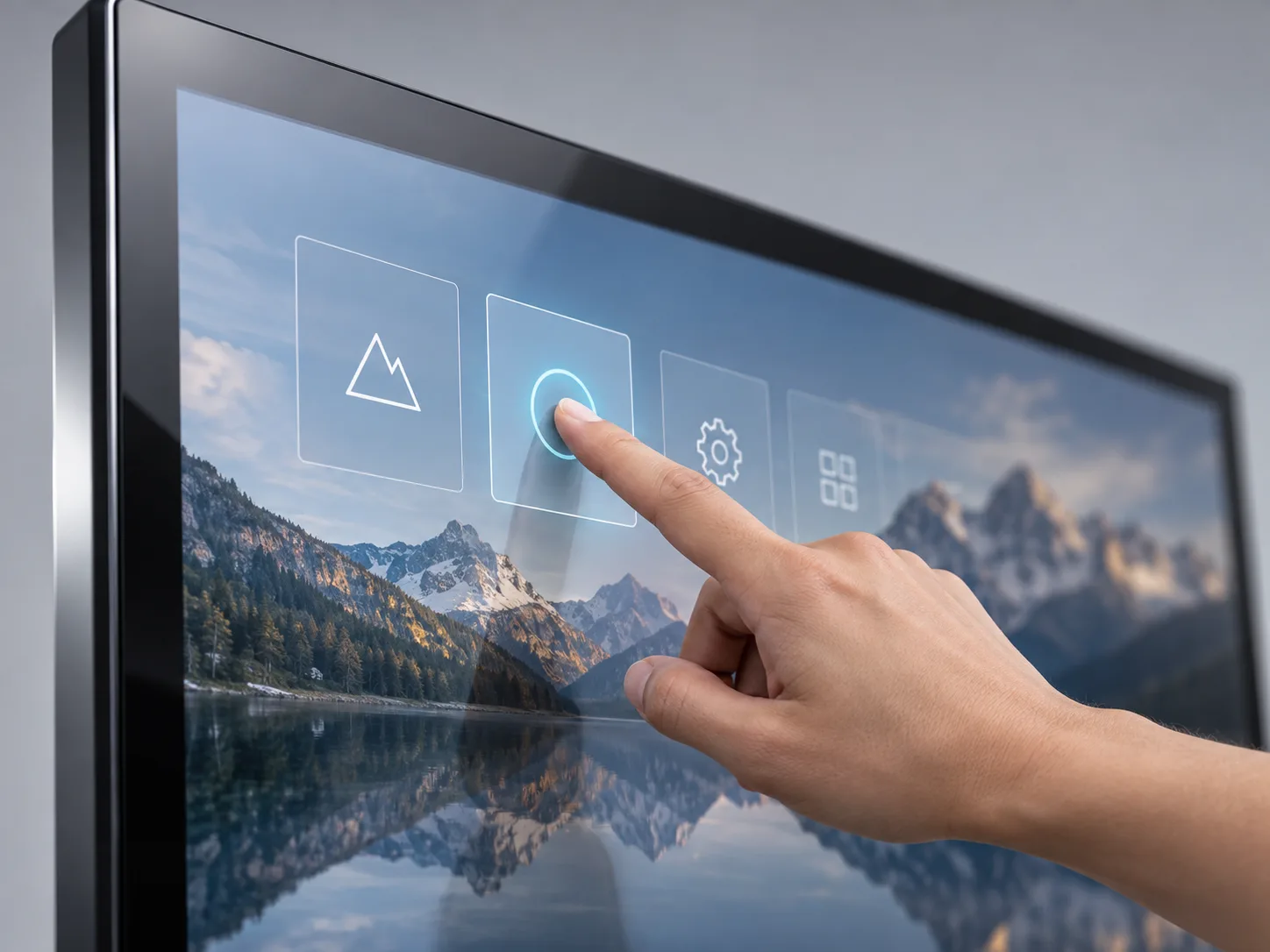
Capacitive Touch
- Suitable for finger-based interfaces and precise touch experiences.
- Actual glass specifications, glove support, and precise touch-point count must be confirmed per project.

Infrared Touch
- Detects touch input through an integrated infrared frame.
- Actual bezel design, supported input objects, and touch-point count must be confirmed prior to production.
Choose the Display, Touch and System Configuration
Screen Size & Orientation
Options: 22 / 32 / 43 / 49 / 55 inch; Portrait / Landscape
Best suited for: Matching interaction distance and interface layout.
Confirm specific size and style combinations.
FHD or 4K Resolution
Options: 1080 × 1920 / 2160 × 3840
Best suited for: Detailed maps, fine text, or high-end visual experiences.
Confirm resolution availability by screen size.
Indoor Brightness
Options: 350 / 700 / 1000 / 2000 nits
Best suited for: Standard indoor lighting vs bright atrium environments.
Confirm brightness availability for selected panel.
Touch Technology
Options: Capacitive / Infrared (10–40 points)
Best suited for: Gesture-heavy applications or standard tap interfaces.
Confirm touch points and technology before production.
Driver Board / Standalone
Options: HDMI/VGA/DVI inputs or local USB playback
Best suited for: External media players or simple offline content.
Confirm exact interface layout for your project.
Android / Windows
Options: Various memory/storage configurations
Best suited for: Advanced interactive applications, CMS, and web apps.
Confirm OS version and software compatibility.
Interactive Information Access Across Indoor Spaces
Note: Features such as check-in, ordering, appointment booking, queue management, data collection, and printing require compatible third-party software and integration.
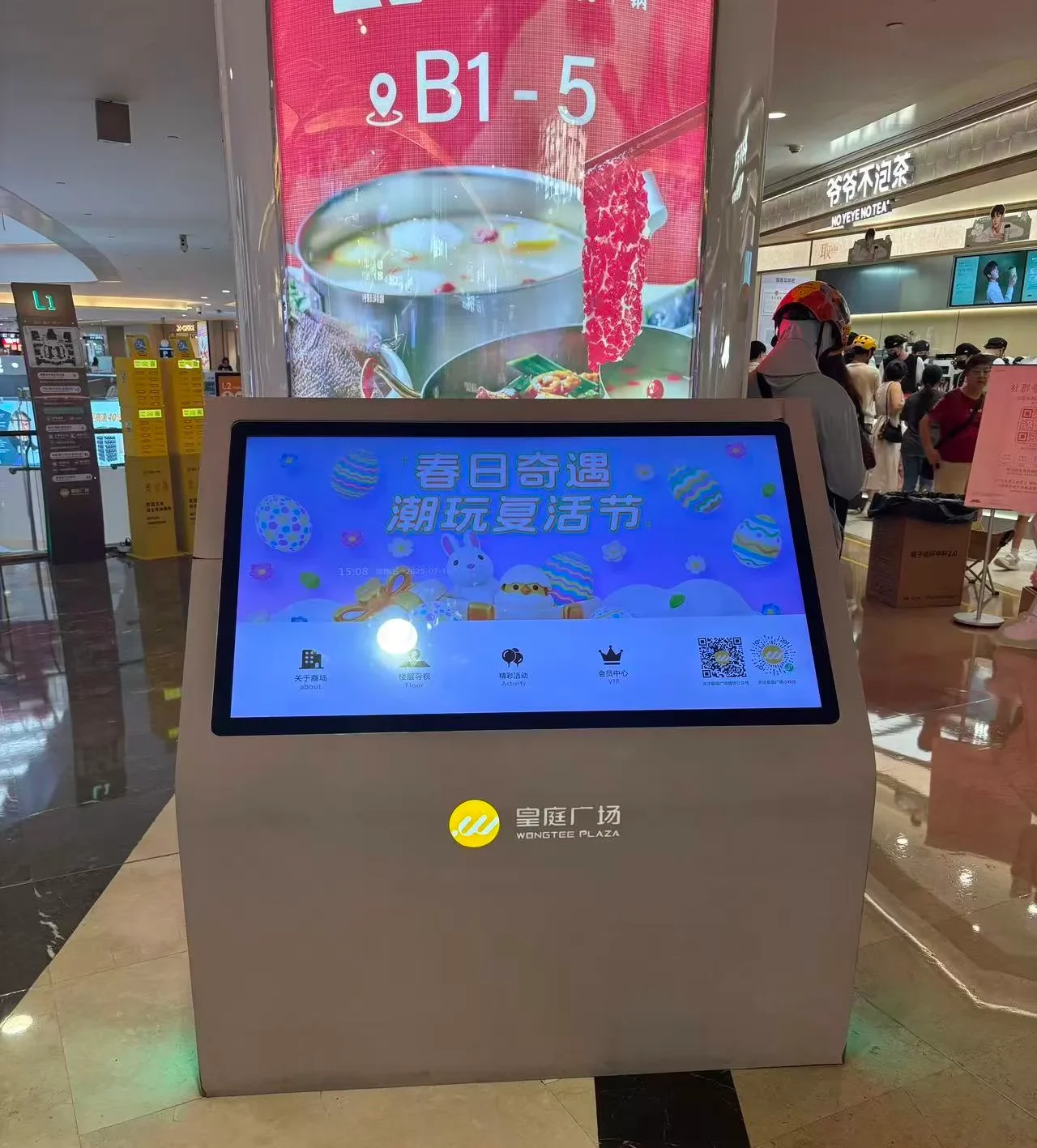
Shopping Mall
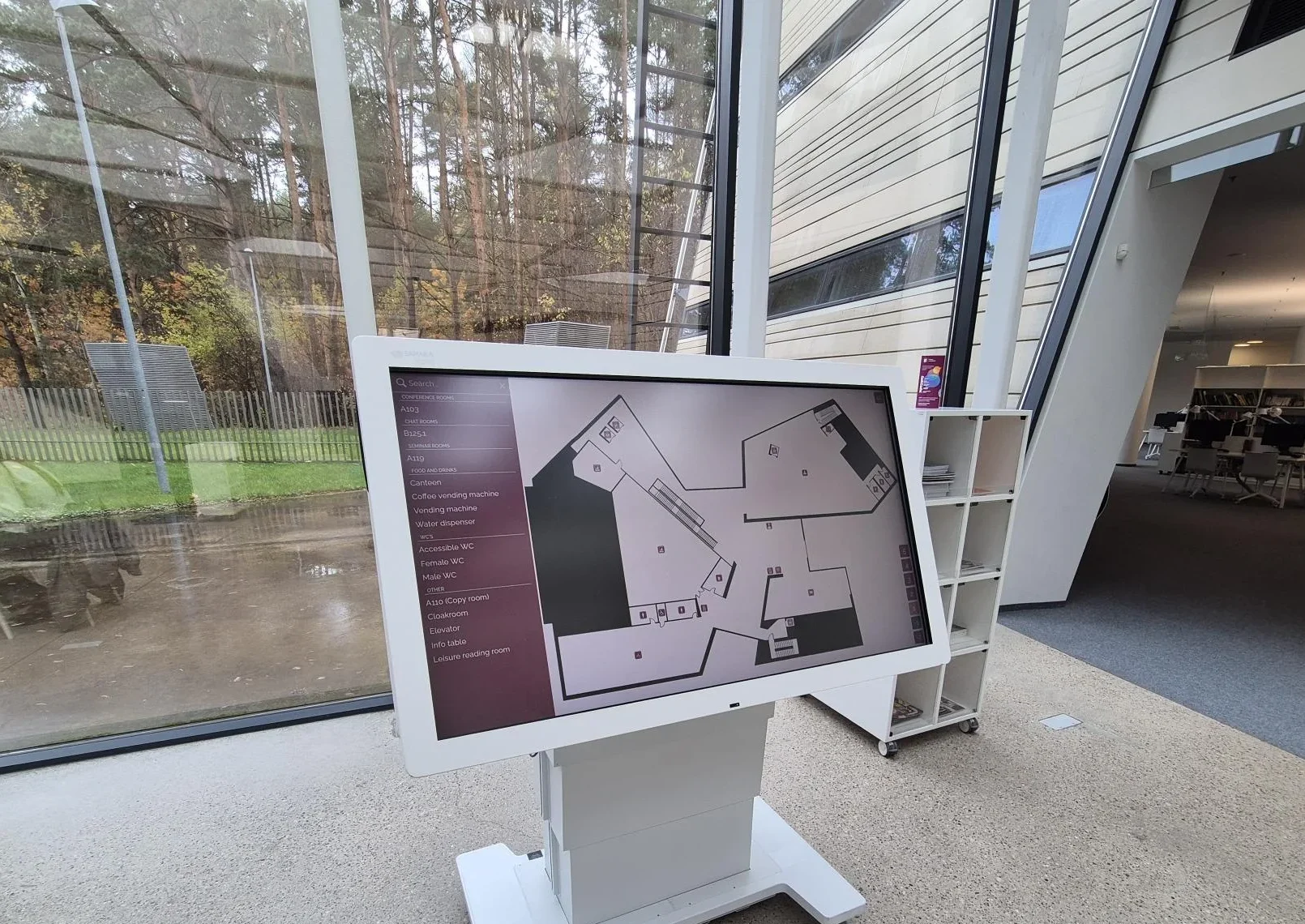
Library
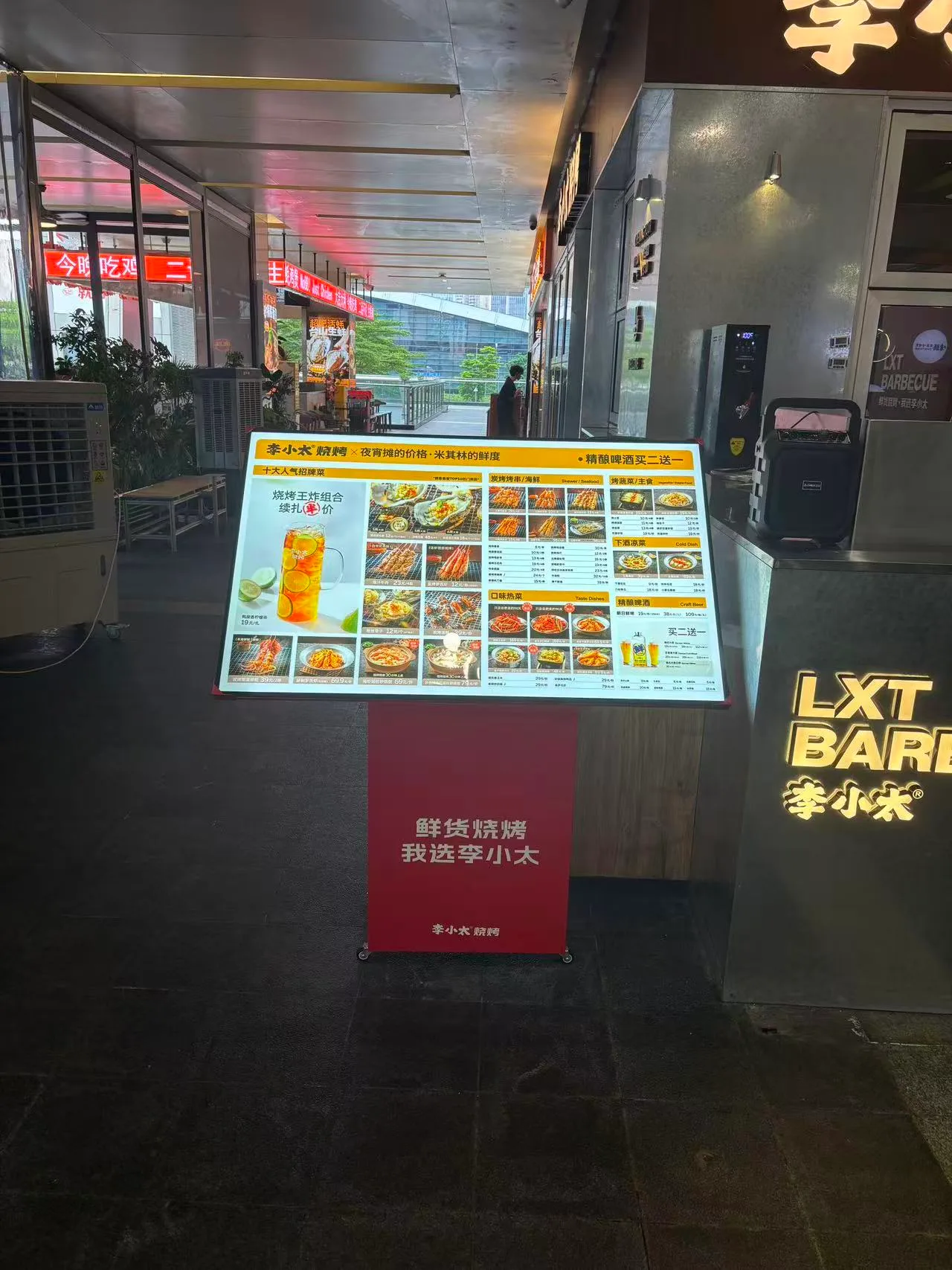
Restaurant
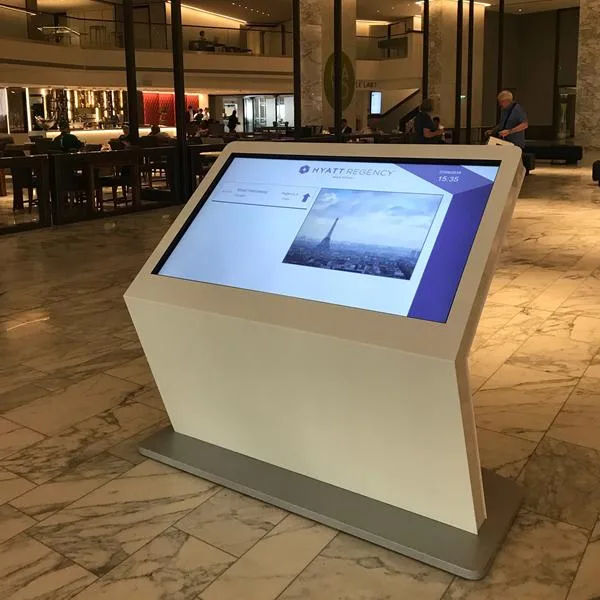
Hotel & Hospitality
Match the Kiosk Hardware to Your Interactive Application
Hardware Selection (Confirmed)
- LCD display size and resolution
- Capacitive or infrared touch options with USB interface
- Floor-standing enclosure and reinforced base
- Listed system versions (Standalone, Android, Windows, Driver Board)
- Selected optional hardware (cameras, printers, wheels, Wi-Fi)
Software Planning (Not Confirmed)
The following must be confirmed or provided by the client/project integrator:
- User interface, application, and CMS brand
- Web content, wayfinding database, and analytics
- Device management, security, and kiosk lockdown software
- API integration (check-in, ordering, payment, appointments)
The IK130 is configurable kiosk hardware. Interactive functions depend on the selected operating system, application, content platform and project integration. The IK130 does not automatically include a specific CMS, wayfinding platform, ordering system or payment application.
How Content and Applications Can Be Connected
Driver Board
Interfaces: HDMI / VGA / DVI
Connects to external signal sources such as third-party media players or external PCs. No listed internal storage.
Standalone
Interfaces: HDMI / USB | Storage: 16G
Suitable for local USB content playback without complex networking requirements.
Android
Interfaces: HDMI / USB | Configs: 2G+16G / 4G+16G / 4G+32G
Ideal for Android-compatible apps, web content, and third-party CMS platforms.
Windows
Interfaces: HDMI / VGA / USB | Configs: 4G+128G / 32G+512G
Designed for projects requiring a full Windows environment and custom software integration.
IK130 Interactive Touch Screen Kiosk Specifications
Specifications represent available IK130 series configurations. Final screen size, orientation, panel, brightness, touch solution, system, interfaces and optional hardware must be confirmed in the quotation and production specification.
| Product Model | IK130 |
|---|---|
| Panel Type | LCD |
| Screen Sizes | 22 / 32 / 43 / 49 / 55 inch options |
| Resolution | 1080 × 1920 / 2160 × 3840 |
| Brightness | 350 / 700 / 1000 / 2000 nits |
| Contrast Ratio | 1200:1 / 3000:1 |
| Operating Life | 50,000–60,000 hours |
| Orientation | Portrait / Landscape |
| Installation | Floor standing |
| Touch Type | Capacitive touch / Infrared touch |
| Touch Points | 10–40 points |
| Touch Interface | USB |
| Operating Systems | Driver Board / Standalone / Android / Windows |
| Interfaces | HDMI, VGA, DVI, USB (Depends on system version) |
| Memory/Storage Listings | 16G (Standalone) | 2G+16G, 4G+16G, 4G+32G (Android) | 4G+128G, 32G+512G (Windows) |
| Optional Configurations | Custom colors, Wi-Fi access point, wheels, camera, printer |
| Operating Environment | Indoor |
| Operating Temperature | 0°C to +40°C |
| Storage Temperature | -10°C to +60°C |
| Humidity | 10%–80% RH, non-condensing |
| Dimensions | Final enclosure dimensions: confirm by selected screen size and style. |
Designed for Indoor Installations
The IK130 is an indoor product with an operating temperature of 0°C to +40°C. It is not suitable for rain, outdoor dust, roadside exposure, or direct sunlight. The 2000-nit option does not change the product's indoor classification. For outdoor projects, please select a dedicated outdoor touch kiosk.
Custom Interactive Kiosk Options for Project Orders
Confirmed IK130 Options
- • Screen sizes
- • Resolution
- • Brightness
- • Portrait or landscape
- • Capacitive or infrared touch
- • System versions
- • Custom colors
- • Wi-Fi access point
- • Wheels
- • Camera
- • Printer
General Company Services
- • OEM/ODM support
- • Logo customization
- • Packaging customization
- • Sample support
Must Be Confirmed
- • Final enclosure style
- • Panel brand and type
- • Touch-point configuration
- • Application and CMS
- • Software integration
- • Camera & printer specification
- • Additional peripherals
- • MOQ & Lead time
- • Warranty & Certification scope
- • Power consumption
- • Dimensions and weight
State-of-the-Art Production Facility
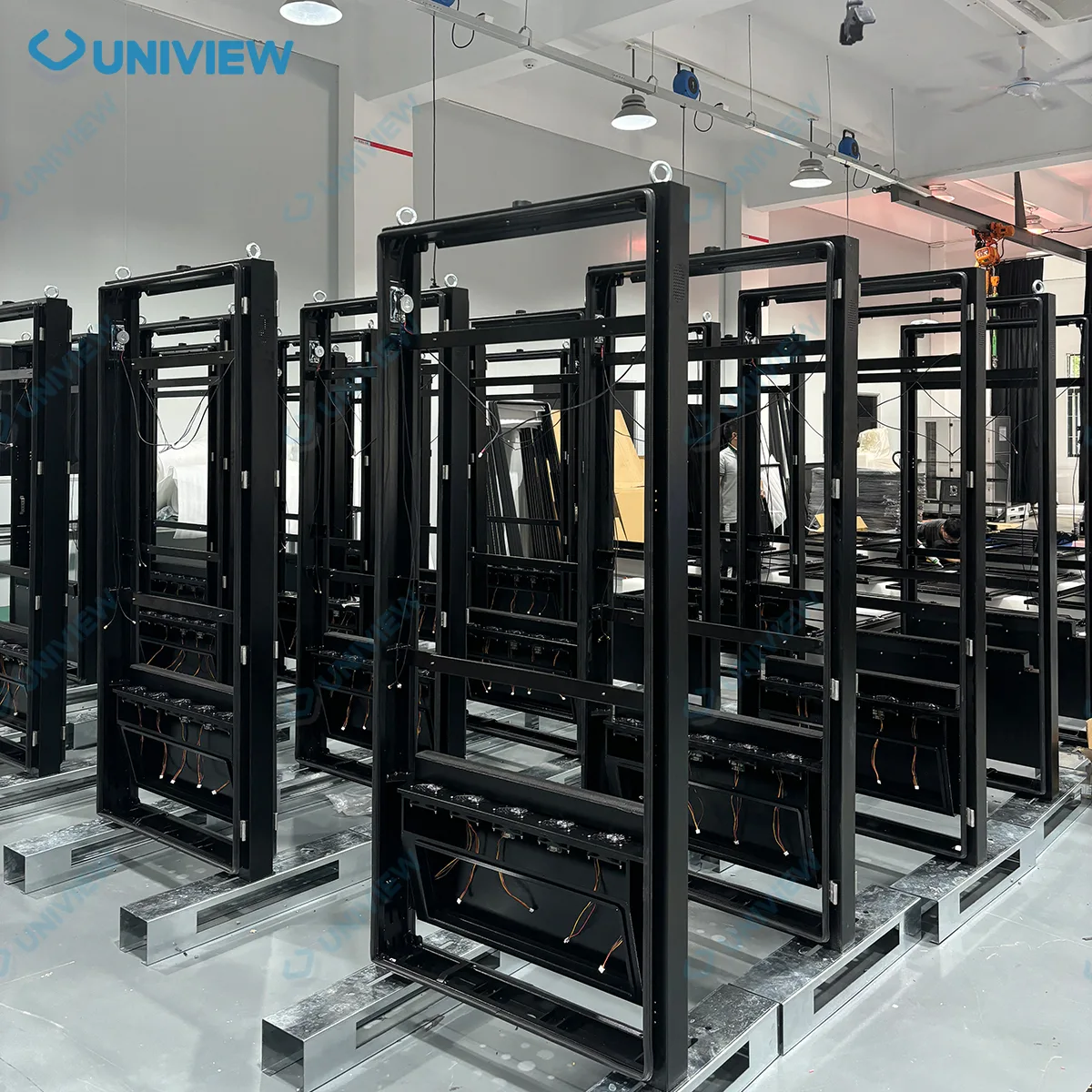
With over 14 years of industry experience, our manufacturing process ensures reliable interactive touch screen kiosk production. The facility handles comprehensive OEM/ODM coordination, starting from enclosure preparation and structural verification. We carefully manage display and touch integration, followed by meticulous system installation. Every unit undergoes strict assembly protocols, comprehensive functional inspection, and secure packing to prepare for safe shipment.

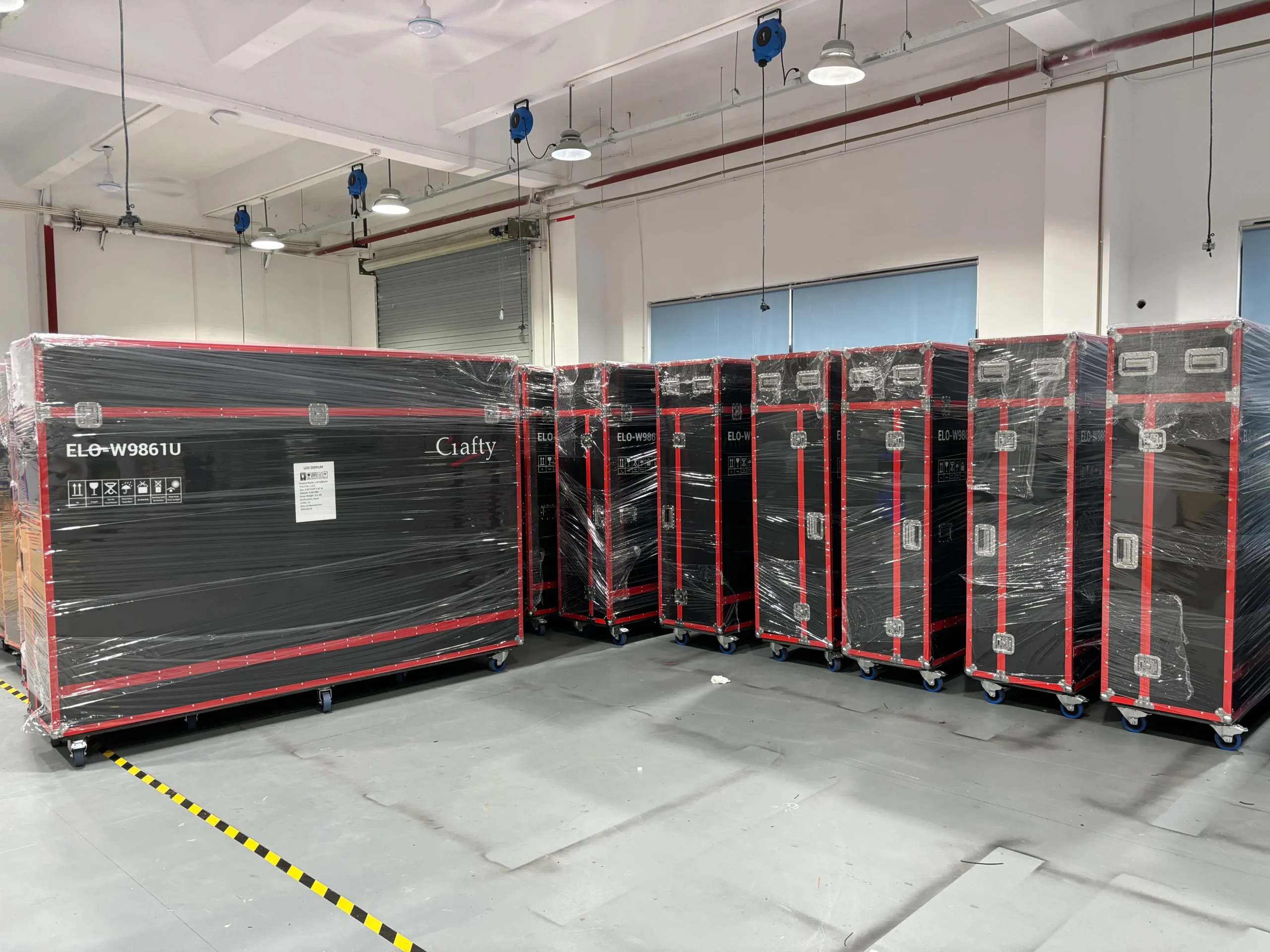
Verification Before Shipment
Inspection items are confirmed according to the selected production specification.
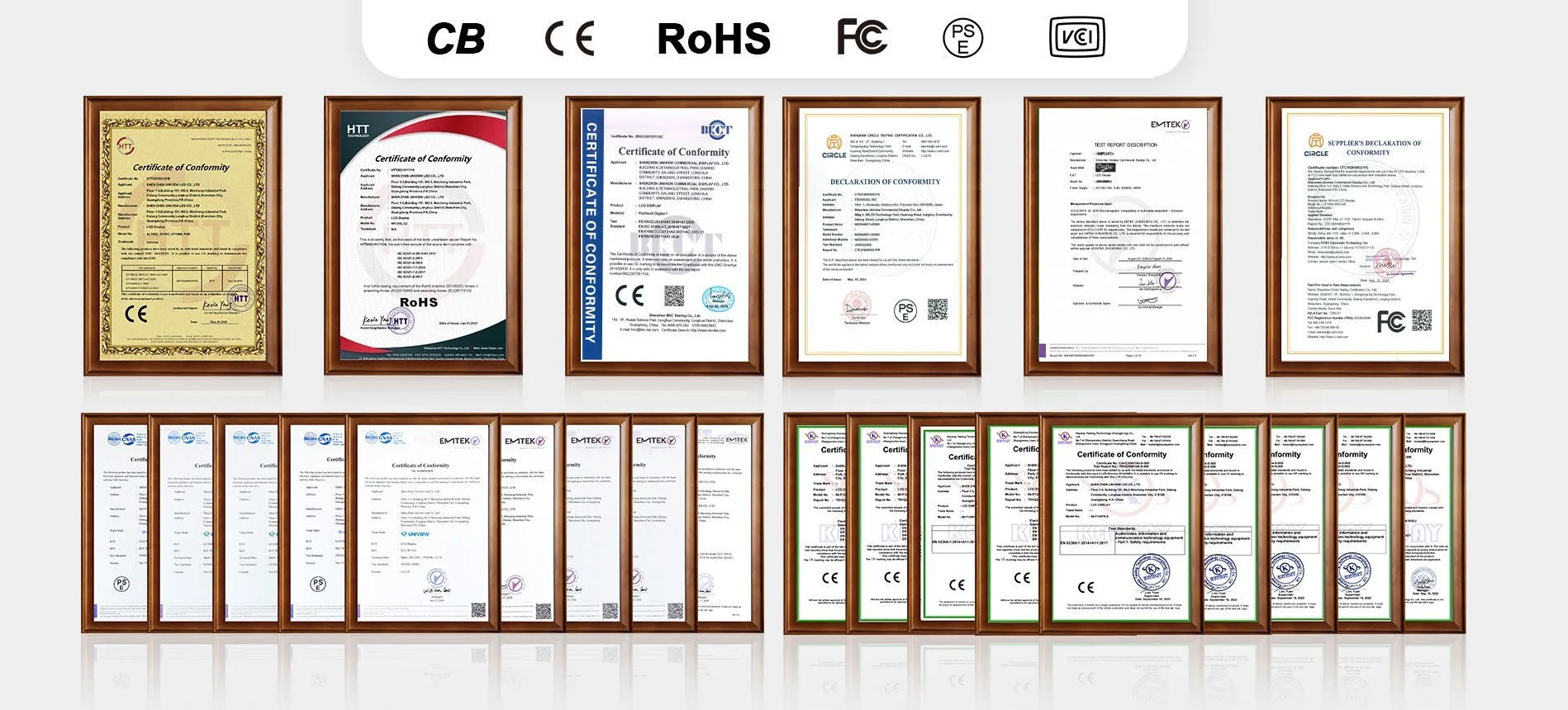
Certification Support for Different Markets
We offer compliance support backed by general company certifications including CE, FCC, PSE, VCCI, RoHS, and CB. Certification availability depends on the selected screen size, panel, touch solution, system configuration and destination market. Request the applicable documents for your IK130 project prior to ordering.
A Clear Process for Interactive Kiosk Projects
Requirement and application review
Display, touch, system and peripheral configuration
Drawing, interface and software compatibility confirmation
Sample validation
Production, inspection and shipment
What to provide for an accurate quotation:
• Intended application
• Installation environment & available floor space
• Screen size & orientation
• Viewing and interaction distance
• Resolution and brightness
• Touch requirements
• Operating system
• Application or CMS
• Network requirements
• Camera or printer requirements
• Color and logo
• Quantity & destination country
• Target schedule
Interactive Touch Screen Kiosk FAQs
What is an interactive touch screen kiosk?
Which IK130 screen sizes are available?
Can the IK130 use portrait or landscape orientation?
Should I choose capacitive or infrared touch?
How many touch points are available?
Should I choose FHD or 4K?
Which brightness level should I choose?
Which operating system options are available?
Does the IK130 include interactive kiosk software?
Can the IK130 be used for wayfinding?
Are Wi-Fi, wheels, cameras and printers available?
Can it be used as a payment or ordering kiosk?
Is the IK130 suitable for outdoor use?
Can the color, logo and enclosure be customized?
Which certifications are available?
What information is needed for a quotation?
Request an IK130 Project Quote
Share your project requirements to receive:
- Hardware configuration recommendation
- Touch solution review
- System and software compatibility check
- Optional hardware review
- Applicable specification confirmation
- Certification document check
- Quotation and lead-time confirmation