Outdoor Wall Display-WO200P

WO200P is a commercial wall-mounted outdoor LCD digital signage display designed for fixed information and advertising projects. Available in portrait 32–98-inch formats, it combines a 2,000–4,000-nit high-brightness LCD panel, weather-resistant enclosure options, protective glass, and configuration choices for local or integrated playback. It is suited to storefronts, property entrances, transportation locations, restaurants, and public-facing commercial sites where content must remain visible outdoors. WO200P is a single-panel commercial LCD display for fixed outdoor digital signage projects, rather than a modular outdoor LED video wall.

Discuss Your Project
  • 32–98 in.Screen sizes
  • 2,000–4,000Nits brightness
  • IP55/IP65Options
  • PortraitLCD display
  • 24/7Operation support
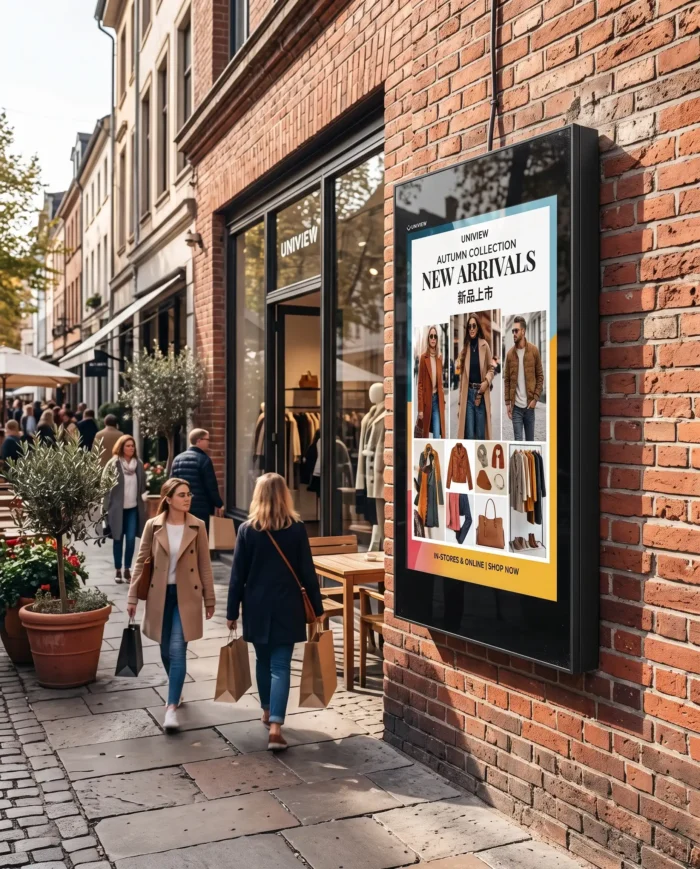
Portrait outdoor wall-mounted commercial LCD digital signage display

What Is an Outdoor Wall Display?

An outdoor wall display is a commercial LCD digital signage screen installed on an exterior wall or building structure. It gives operators a fixed, visible channel for promotions, public information, menus, wayfinding, and changing digital media. A wall-mounted format preserves valuable ground space while placing content where pedestrian and vehicle traffic can see it.

This product category differs from poster frames, bulletin boards, and modular LED walls. WO200P is a single-panel outdoor wall-mounted display using an LCD panel with LED backlight. Its portrait format supports vertical advertising and information layouts in locations with limited frontage but high visibility requirements.

Built for Bright, Exposed Locations

High-Brightness Visibility

The 2,000–4,000-nit brightness range helps project teams match panel output to ambient light and direct-sun exposure instead of using an indoor display in a demanding exterior location.

IP55/IP65 Enclosure Options

Waterproof and dust-resistant enclosure design can be specified with IP55 or IP65 protection options, helping teams align protection requirements with the proposed site.

IK10 Protective Glass

IK10 anti-reflective protective glass helps reduce reflected light and provides impact resistance for publicly accessible commercial installations.

Thermal Management Choices

Fan-cooled and air-conditioned versions allow cooling to be selected around the local operating temperature, solar exposure, and installation structure.

Slim Wall-Mounted Form

With an approximate enclosure thickness of 100 mm, the display supports a clean fixed installation where floor-standing equipment would obstruct access or circulation.

Continuous Commercial Operation

WO200P supports 24/7 operation when correctly configured for the installation environment, helping operators maintain scheduled messaging through extended business hours.

How to Choose the Right Outdoor Wall Display

A practical selection process starts with the site, not only the screen size. Review the following points with the project team before production.

  1. 1Measure viewing distance and wall space. Confirm sightlines, portrait layout, service access, and the usable installation area.
  2. 2Evaluate light exposure. Direct sun and surrounding brightness affect the required display brightness.
  3. 3Select the screen size. Choose from 32, 43, 49, 55, 65, 75, 86, and 98 inches based on content scale and audience distance.
  4. 4Choose brightness. Match the 2,000–4,000-nit range to the site’s expected ambient light conditions.
  5. 5Match cooling to climate. Select a fan-cooled or air-conditioned version according to local temperature requirements.
  6. 6Select a playback platform. Review Driver Board, Standalone, Android, or Windows based on content and integration needs.
  7. 7Confirm features. Define touch, Wi-Fi access point, Miracast, and remote monitoring requirements before configuration approval.
  8. 8Review structure and maintenance. Confirm wall structure, installation method, cable routing, and maintenance access.

Final brightness, protection rating, cooling system, and installation structure must be confirmed according to the project site.
Choose the Configuration for Your Project

Driver Board

Suitable for
External source or integrated project control.
Inputs
HDMI, VGA, DVI.
Playback
Provided through connected external equipment.
Memory and storage
No onboard storage.
Confirm
Source device, cabling, and control integration.

Standalone

Suitable for
Simple local media playback.
Inputs
HDMI, USB.
Playback
Local USB or connected HDMI source.
Memory and storage
16G listed storage option.
Confirm
Content update workflow and storage requirement.

Android

Suitable for
App-based signage or project software integration.
Inputs
HDMI, USB.
Playback
Android-based local or integrated workflow.
Memory and storage
2G + 16G or 4G + 16G.
Confirm
Required app, network design, and final configuration.

Windows

Suitable for
Windows applications and advanced integration.
Inputs
HDMI, VGA, USB.
Playback
Windows-based application workflow.
Memory and storage
From 4G + 128G to 32G + 512G.
Confirm
Application load and project hardware requirements.

Outdoor Wall Display Applications

Portrait wall-mounted outdoor digital signage at a retail storefront

Retail Storefront Advertising

Portrait outdoor wall-mounted display at a shopping mall entrance

Shopping Mall Entrances

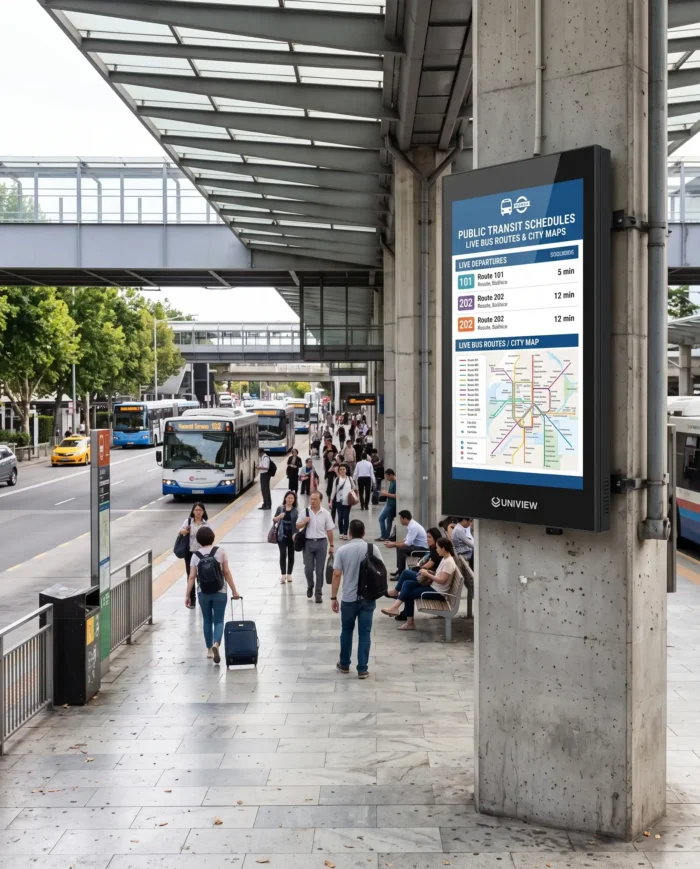
Portrait outdoor wall-mounted commercial display for public transportation information

Transportation and Public Information

Portrait outdoor wall-mounted digital menu display at a restaurant location

Restaurant and Service Locations

Technical Specifications

Product model
WO200P
Product type
Outdoor wall-mounted commercial LCD digital display
Display technology
LCD panel with LED backlight
Screen sizes
32, 43, 49, 55, 65, 75, 86, 98 inches
Resolution
1080 × 1920 or 2160 × 3840
Orientation
Portrait
Brightness
2,000–4,000 nits
Contrast ratio
1200:1 or 3000:1 depending on panel and configuration
Rated operating life
50,000–60,000 hours
Enclosure thickness
Approximately 100 mm
Protection options
IP55/IP65 enclosure options. Varies by screen size and project configuration.
Protective glass
IK10 anti-reflective protective glass
Cooling options
Fan-cooled or air-conditioned version
Operating temperature
Fan-cooled: -20°C to 45°C; air-conditioned: -30°C to 50°C
Storage temperature
-20°C to 60°C
System options
Driver Board, Standalone, Android, Windows. Varies by screen size and project configuration.
Optional touch
Capacitive touch, 10–40 touch points; USB touch interface
Installation
Wall mounting and hanging installation; selected mobile cart solutions require project confirmation.
Customization
Color, logo, Wi-Fi access point, touch, system, cooling, and project integration options

OEM and ODM Customization

Uniview LCD can evaluate a project around the intended wall location, visual requirements, operating climate, and software approach. Available directions include screen size selection, brightness configuration, enclosure protection option, cooling solution, operating system, touch integration, enclosure color, logo branding, Wi-Fi access point, and mounting or project integration.

Customization is reviewed according to the installation environment, quantity, required market certifications, and functional scope. Confirm with the project team before production.

Project Information That Helps Us Configure Correctly

  • •Installation location, wall condition, and required service access
  • •Screen size, viewing distance, and sunlight exposure
  • •Target operating temperature and enclosure protection expectation
  • •Playback platform, connectivity, touch, and remote monitoring needs
  • •Quantity, branding request, and destination market compliance needs

From Production to Shipment

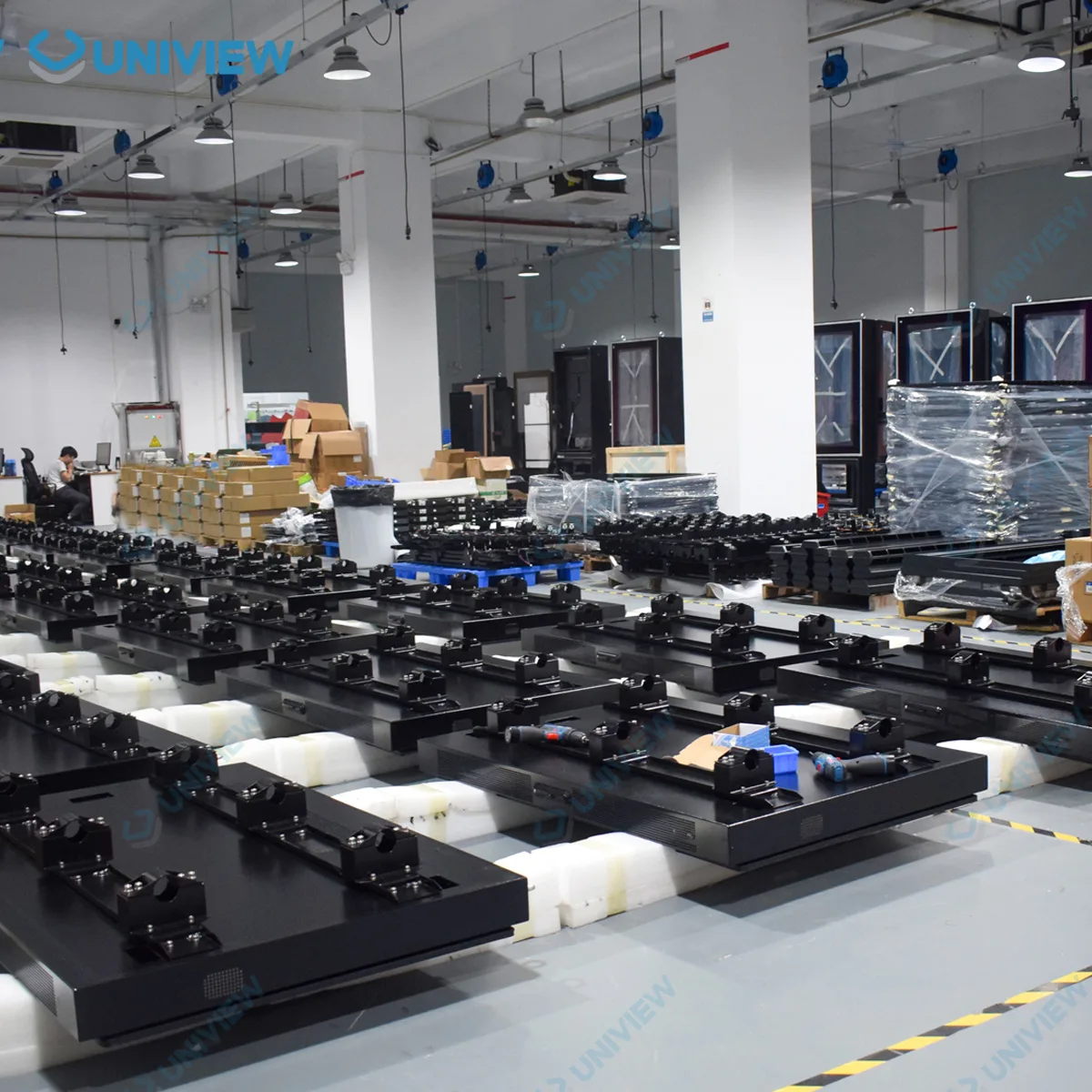
A clear production path helps keep mechanical, display, and system decisions aligned with the approved project configuration.
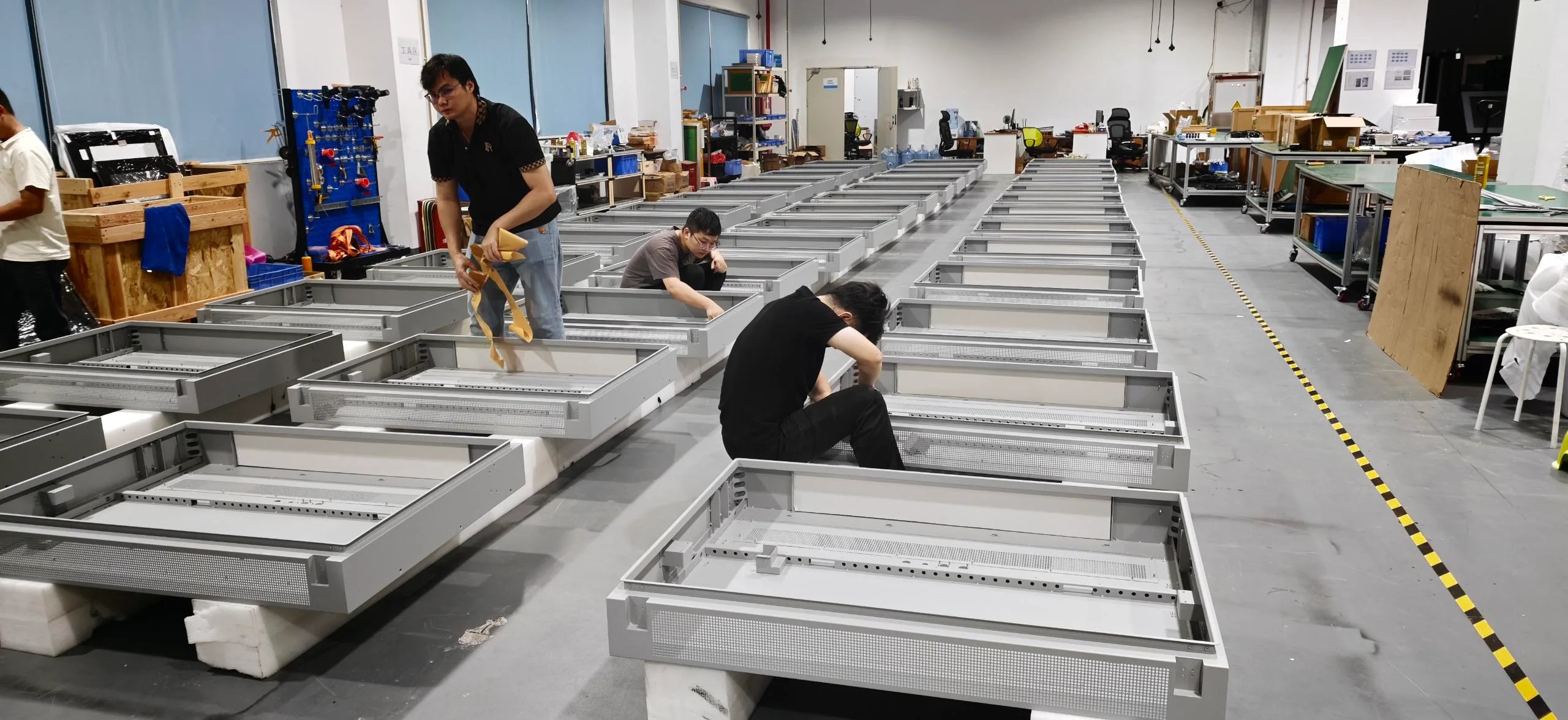
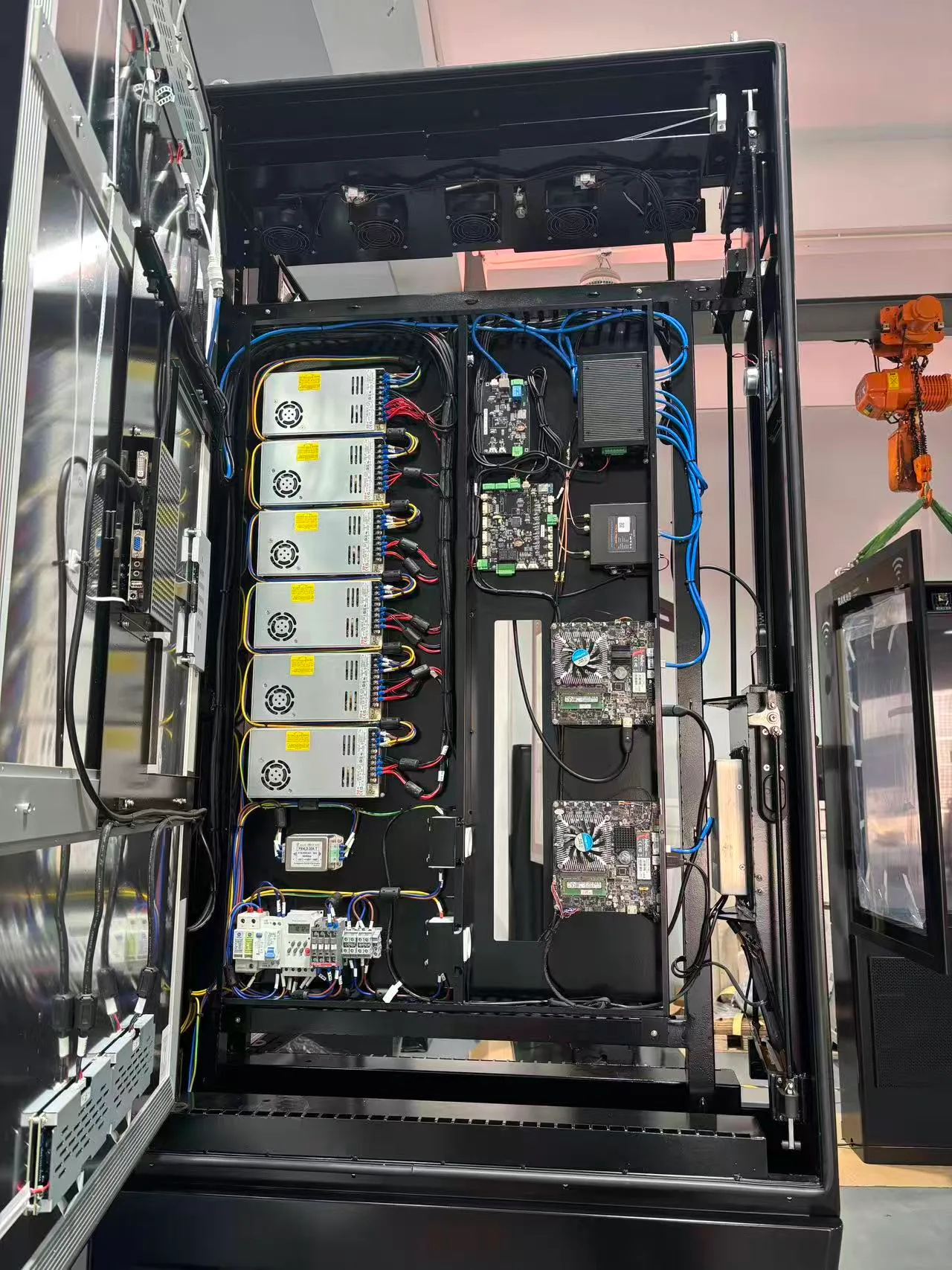
Commercial display structural and component preparation process

1. Structural and Component Preparation

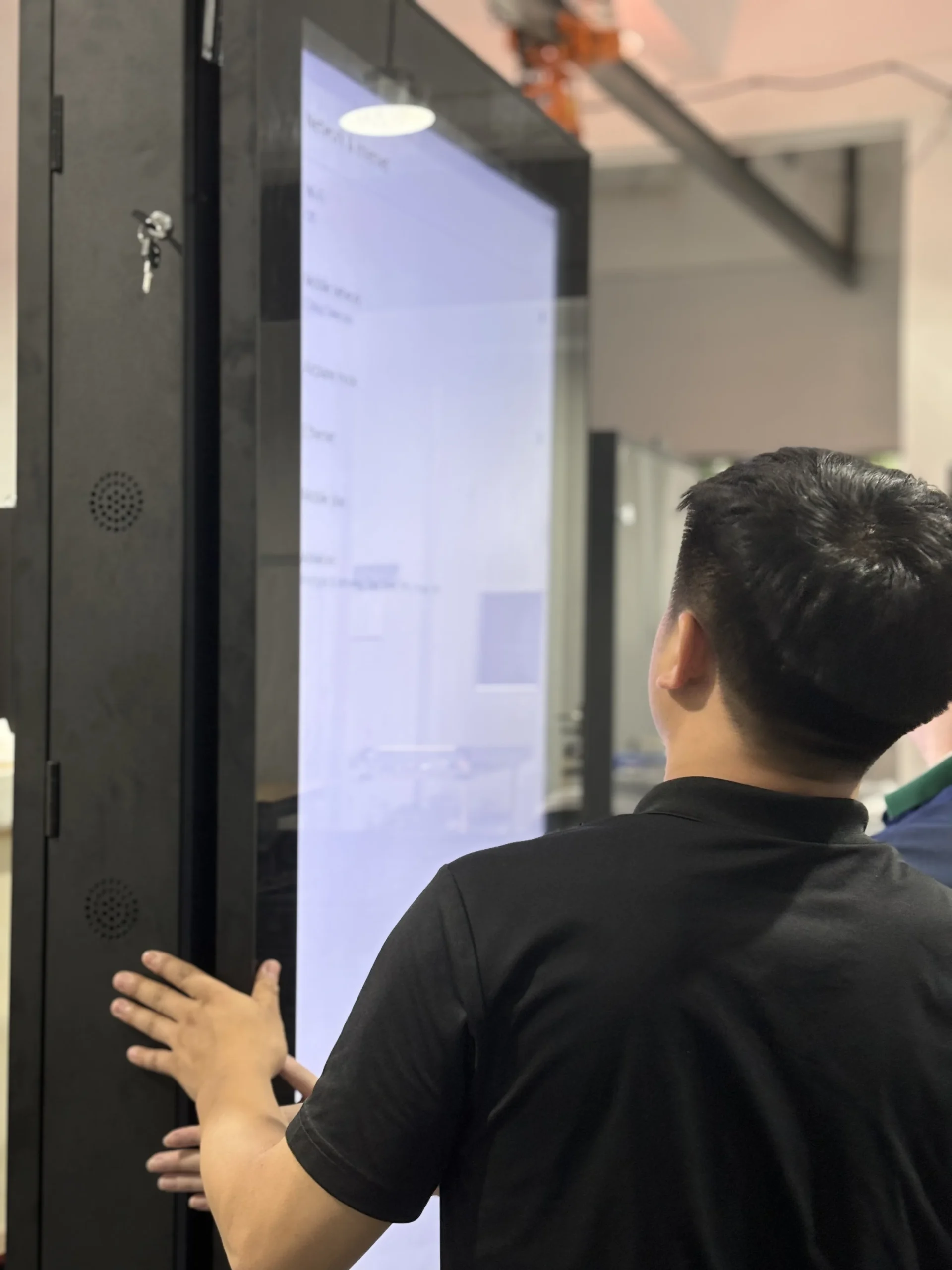
Commercial LCD display and system integration process

2. Display and System Integration

Outdoor digital signage assembly process

3. Assembly

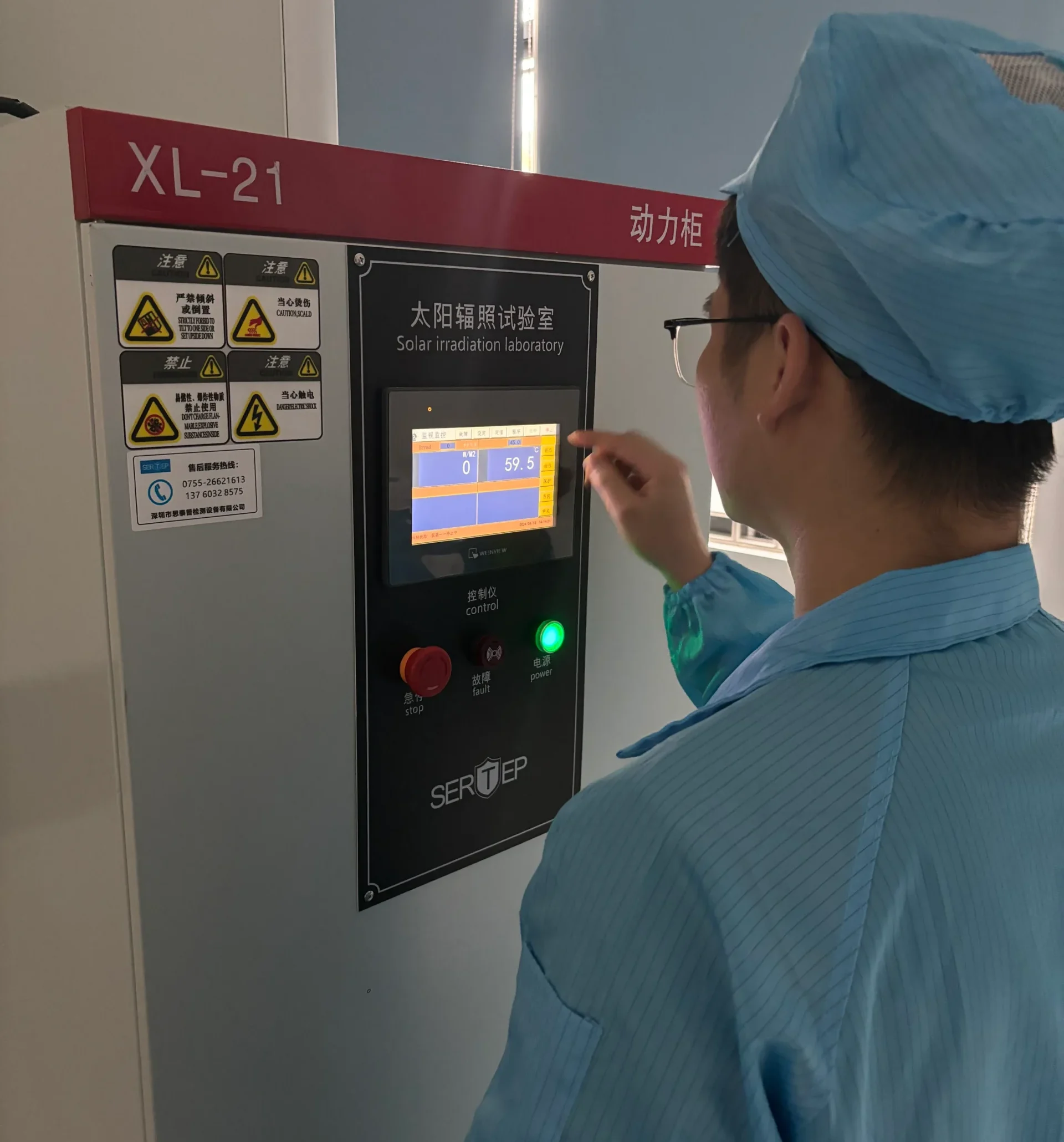
Outdoor LCD display functional testing process

4. Functional Testing

Commercial display appearance and quality inspection

5. Appearance and Quality Inspection

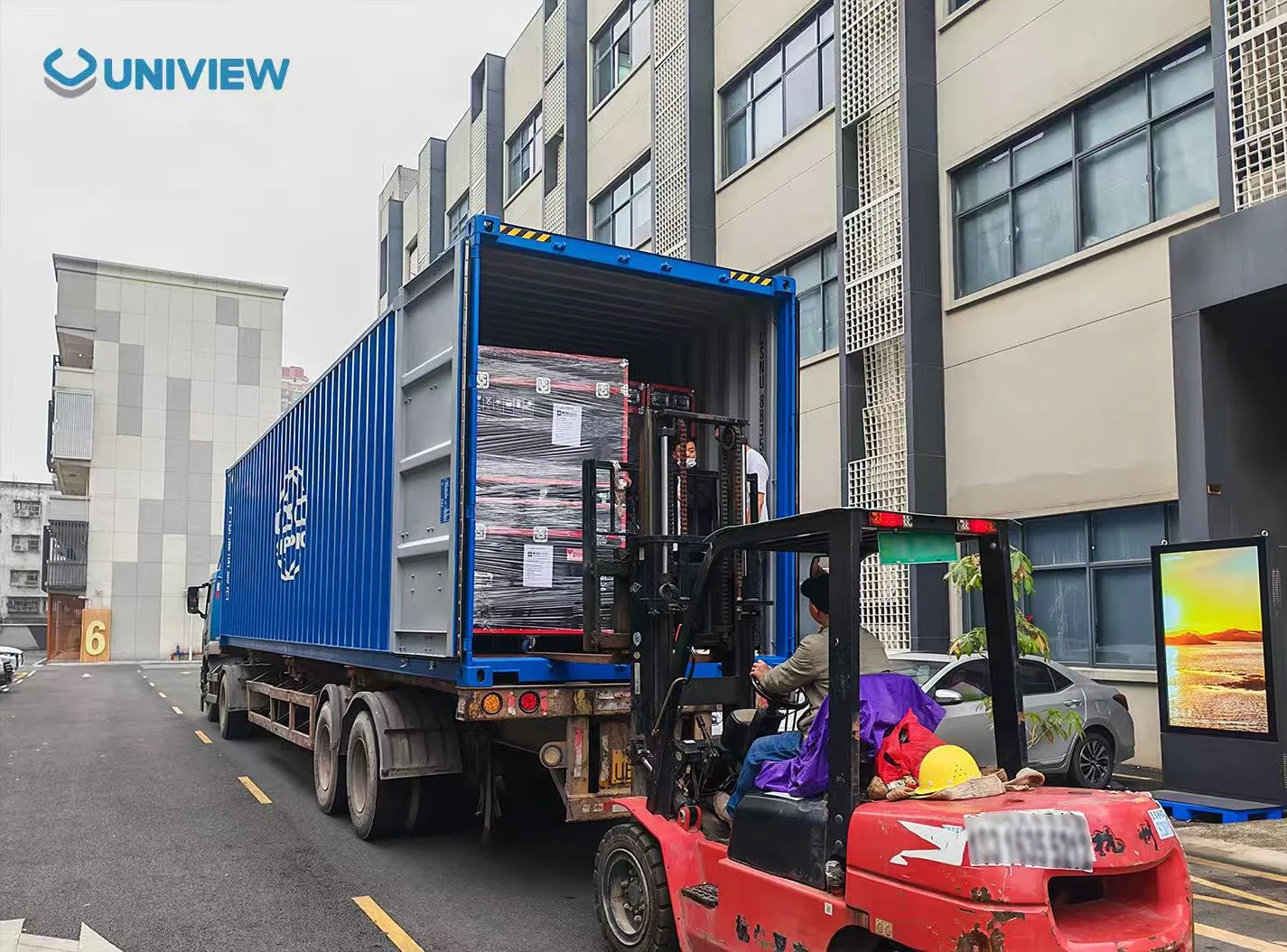
Protective packaging and shipment preparation for commercial displays

6. Protective Packaging and Shipment Preparation

From Requirement to Delivery

01

Project Requirement Review

Review location, application, content, environment, and target market.

02

Configuration Confirmation

Confirm size, brightness, cooling, protection, system, and optional features.

03

Drawing and Quotation Approval

Align approved project details before production planning.

04

Production and Quality Inspection

Build and inspect against the confirmed project configuration.

05

Packaging and Delivery Coordination

Coordinate packaging and delivery based on quantity and project requirements.

Quality Control and Certification Support

Uniview LCD can provide support for CE, FCC, PSE, VCCI, RoHS, CB, and related compliance documentation according to the product configuration and target market. Certification applicability depends on the specific configuration and sales market. Buyers should confirm the certificates and reports for the final model before placing an order.
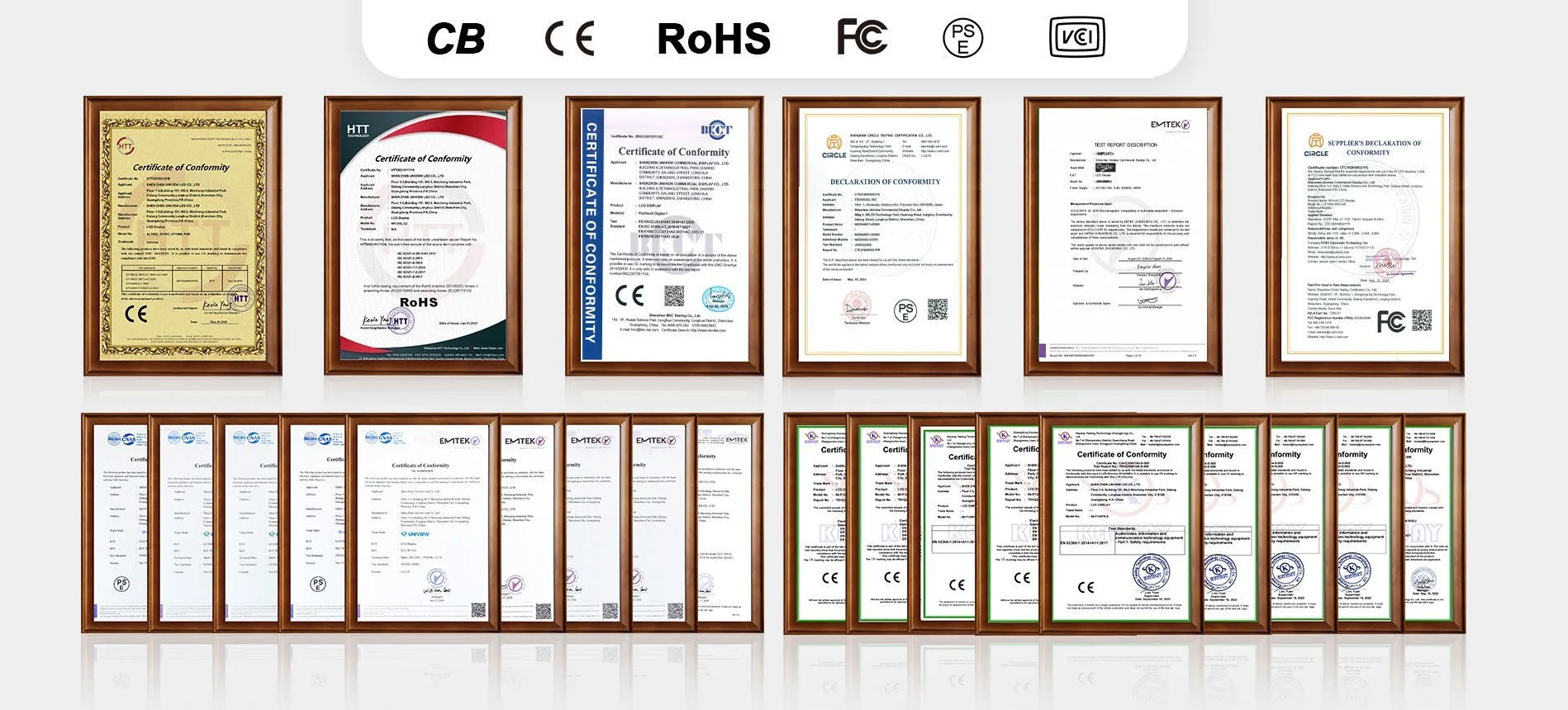
Commercial display certification and compliance documentation

Frequently Asked Questions

What is an outdoor wall display?+
It is a commercial digital signage screen fixed to an exterior wall or building structure for advertising, public information, menus, and changing digital media.
Is the WO200P readable in direct sunlight?+
WO200P uses a direct-sunlight-readable high-brightness LCD panel with 2,000–4,000-nit brightness options. Final brightness should be selected according to site exposure.
Which screen sizes are available?+
Available sizes are 32, 43, 49, 55, 65, 75, 86, and 98 inches.
Is the display waterproof?+
The enclosure has a waterproof and dust-resistant design with IP55/IP65 options. The required protection level must be confirmed for the project configuration.
What is the difference between an outdoor LCD wall display and an LED video wall?+
WO200P is a single-panel commercial LCD outdoor wall display. It is not a modular LED video wall assembled from multiple display modules.
Can it run Android or Windows?+
Yes. Android and Windows configurations are available. Final memory and storage options should be confirmed with the project team.
Is touch functionality available?+
Optional capacitive touch is available with 10–40 touch points depending on configuration and a USB touch interface.
What operating temperatures are supported?+
The fan-cooled version operates from -20°C to 45°C. The air-conditioned version operates from -30°C to 50°C. Storage temperature is -20°C to 60°C.
Can the display run continuously?+
It supports continuous 24/7 operation when correctly configured for the installation environment.
Which installation methods are available?+
Wall mounting and hanging installation are standard project directions. Mobile cart solutions may be evaluated for selected projects and must be confirmed before production.
Can the enclosure color and logo be customized?+
Custom enclosure colors and customized logos are available as project options.
What information is needed for a quotation?+
Please provide the installation location, quantity, preferred screen size, light exposure, operating environment, desired system, touch requirement, branding request, and destination market.

Request a Project Quote

Tell us about your outdoor digital signage project. Our team can review the installation environment and help confirm an appropriate display configuration.

Email: lcdsales@univiewlcd.com

Phone: +86-755-21009715

Address: Floor 1-3, Bldg 9, Delta Science and Technology Park, Dalang Street, Longhua District, Shenzhen, China