
Digital Signage Kiosks.
Choose the Right Interactive Format.

Compare touch information kiosks and self-ordering terminals. Match the screen, enclosure, installation and system to the way your customers will use it.

6Kiosk models
Floor / WallInstallation formats
OEM / ODMProject configuration

Kiosk hardware manufacturing and configuration from Uniview LCD. Software and integrations require project confirmation.

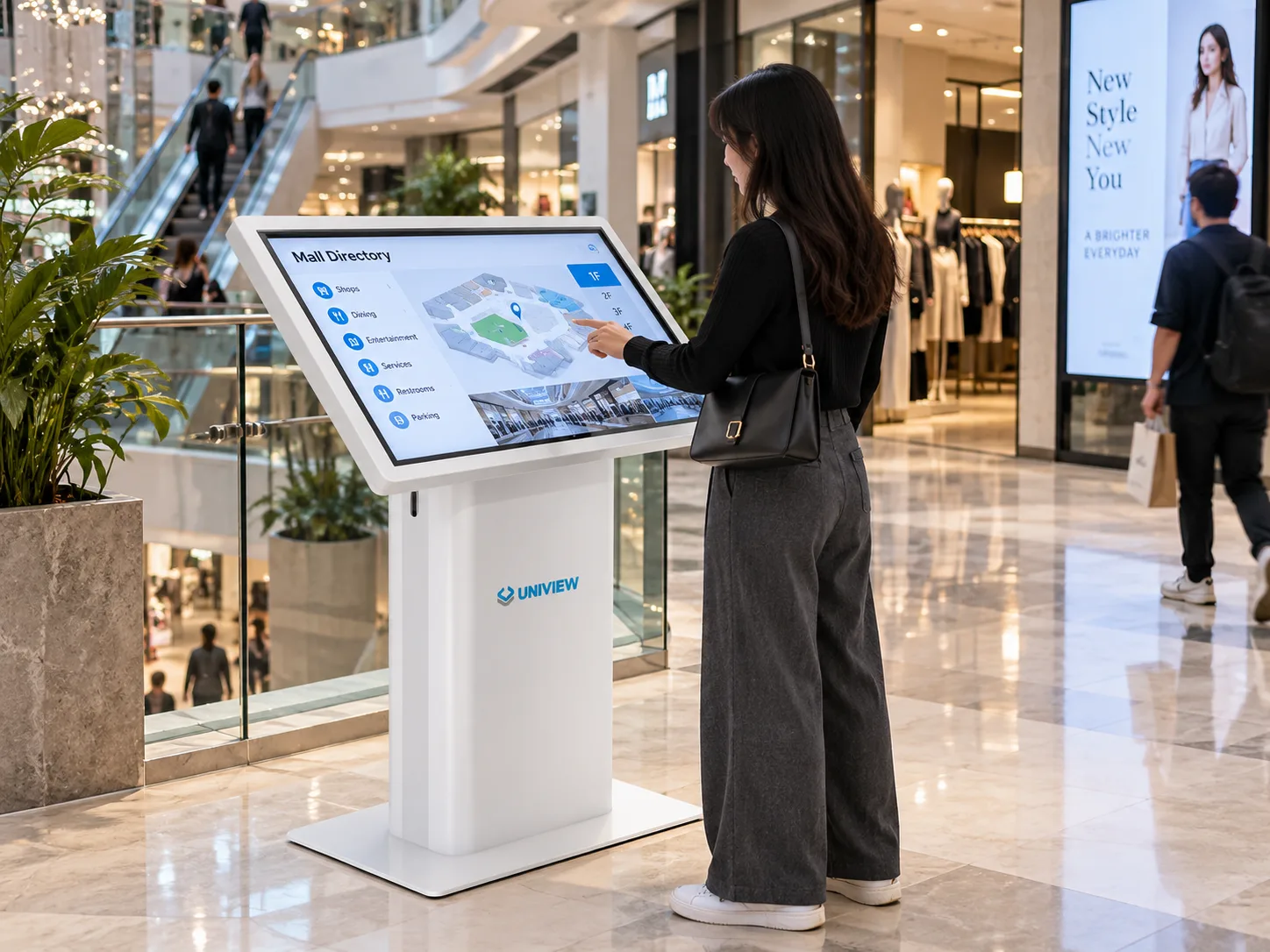
Interactive digital signage kiosk in a shopping mall

Find the Right Digital Signage Kiosk

Choose an information or ordering workflow, then review floor-standing and wall-mounted options.

Compare model specifications

6 models / All Models

Select up to 3 models to compare

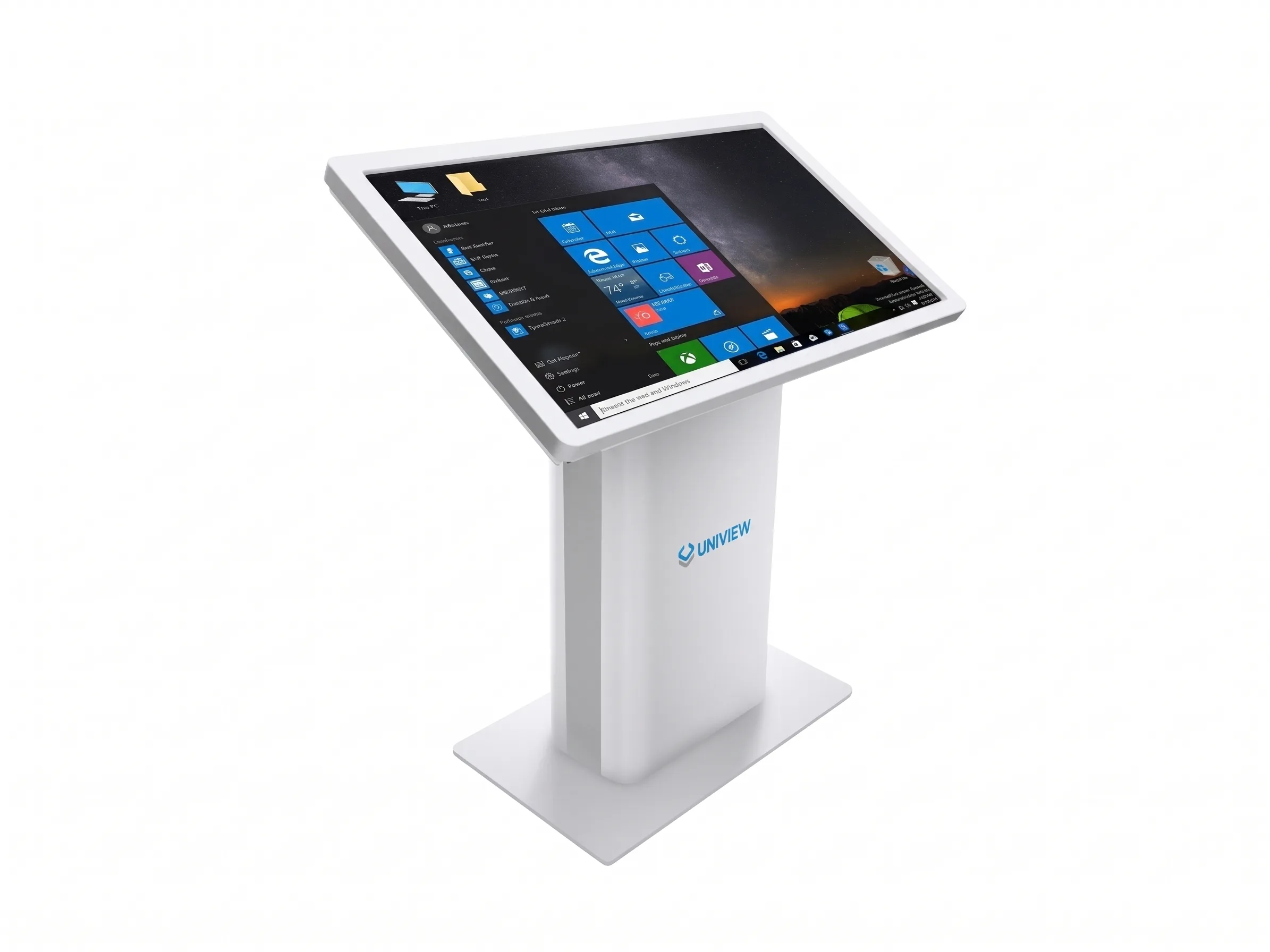
IK130 Interactive Touch Screen Kiosk product view

Interactive Touch Screen Kiosk

IK130

Build an indoor directory or information point around direct touch interaction.

Screen sizes
22 / 32 / 43 / 49 / 55 in.
Brightness
350 / 700 / 1,000 / 2,000 nits
Installation
Floor standing

Reinforced base; capacitive or infrared touch with 10–40 points.

View Details & Specs
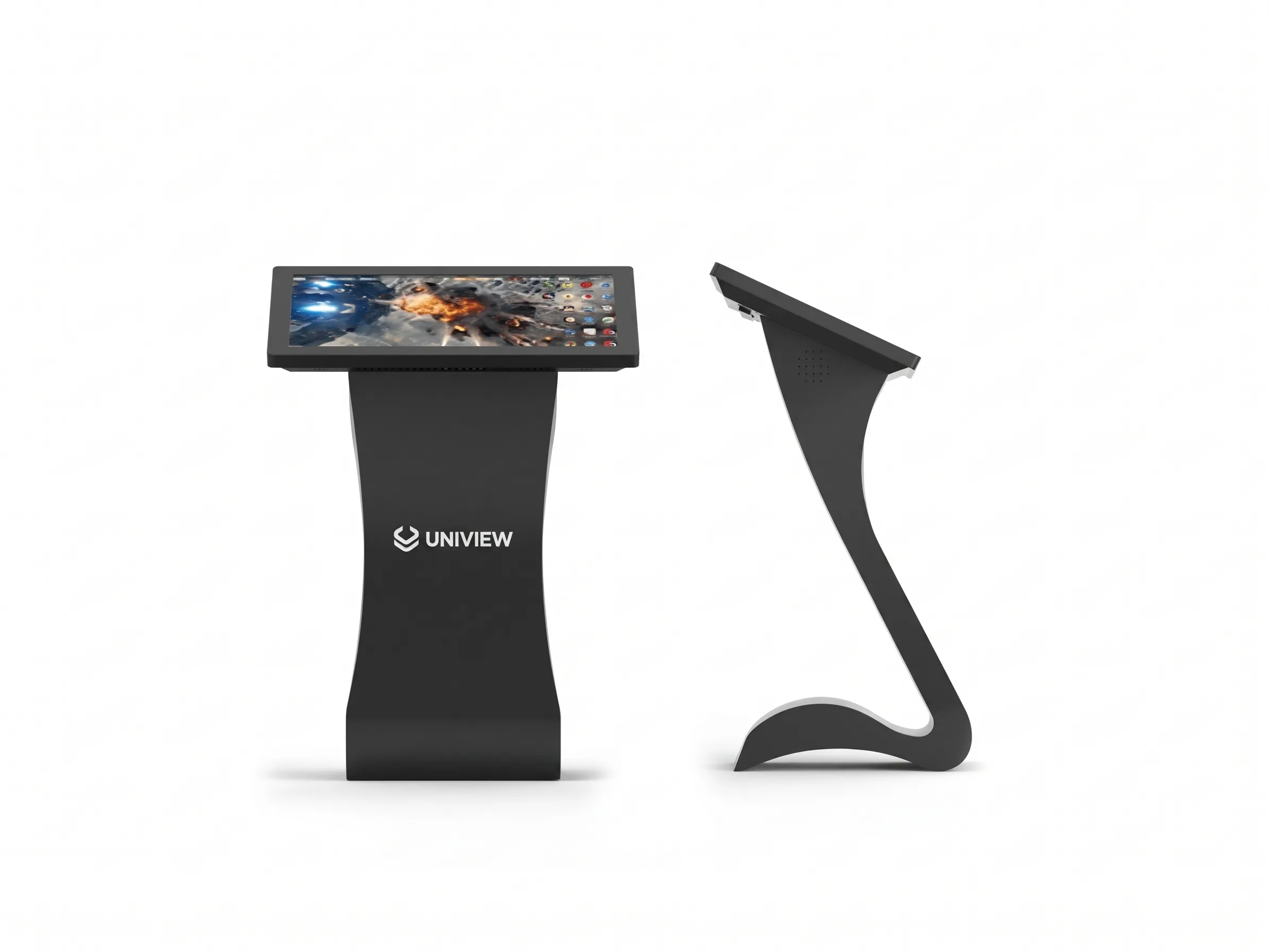
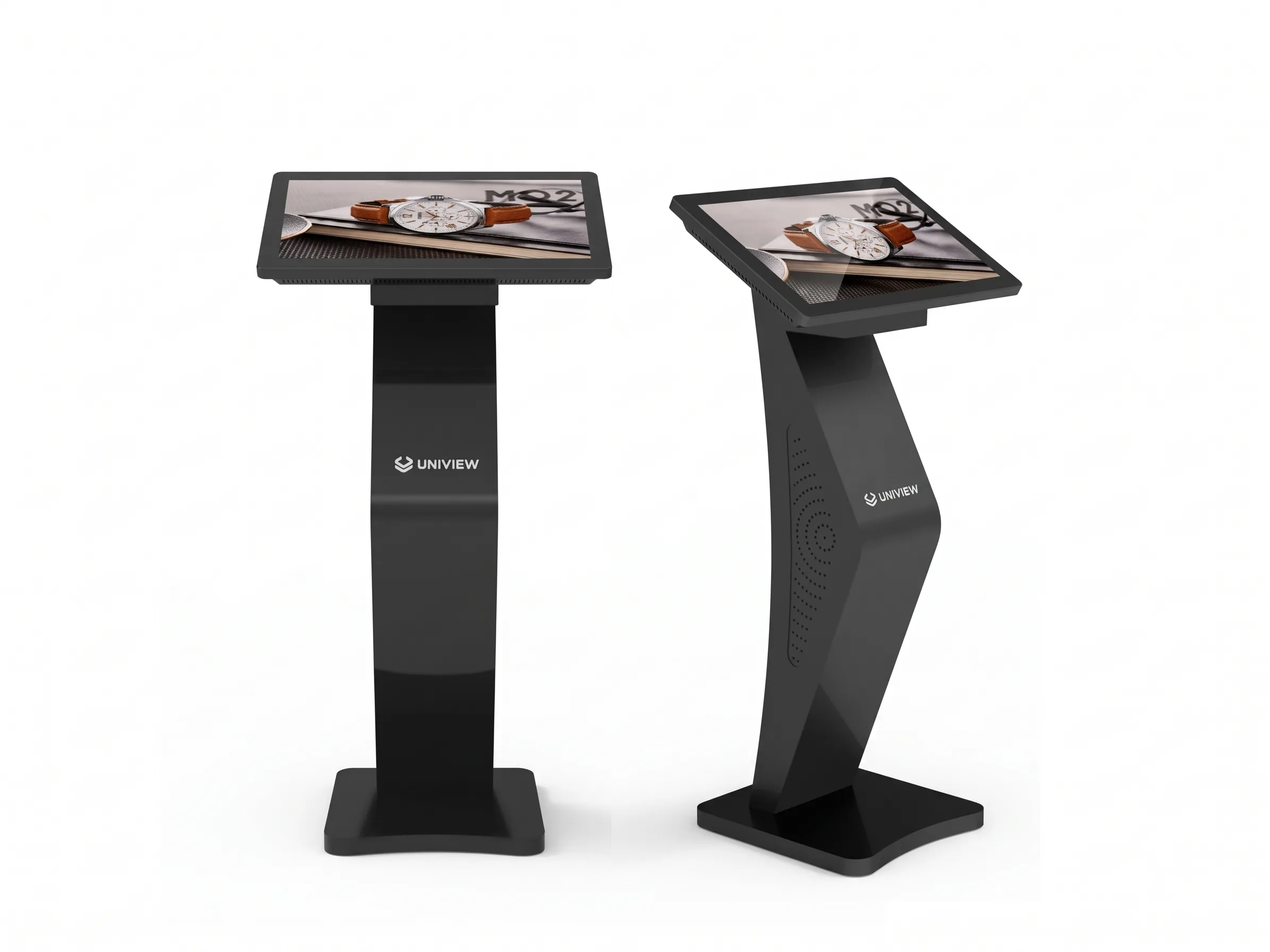
IK120 Interactive Digital Kiosk product view

Interactive Digital Kiosk

IK120

Match public-facing information and interactive content to your enclosure style.

Screen sizes
22 / 32 / 43 / 49 / 55 in.
Brightness
350 / 700 / 1,000 / 2,000 nits
Installation
Floor standing

Four exterior styles listed; optional wheels, camera and printer.

View Details & Specs
IK110 Touch Screen Information Kiosk product view

Touch Screen Information Kiosk

IK110

Plan touch-based information access and navigation for indoor visitor spaces.

Screen sizes
22 / 32 / 43 / 49 / 55 in.
Brightness
350 / 700 / 1,000 / 2,000 nits
Installation
Floor standing

Portrait or landscape options; confirm dimensions for the selected enclosure style.

View Details & Specs
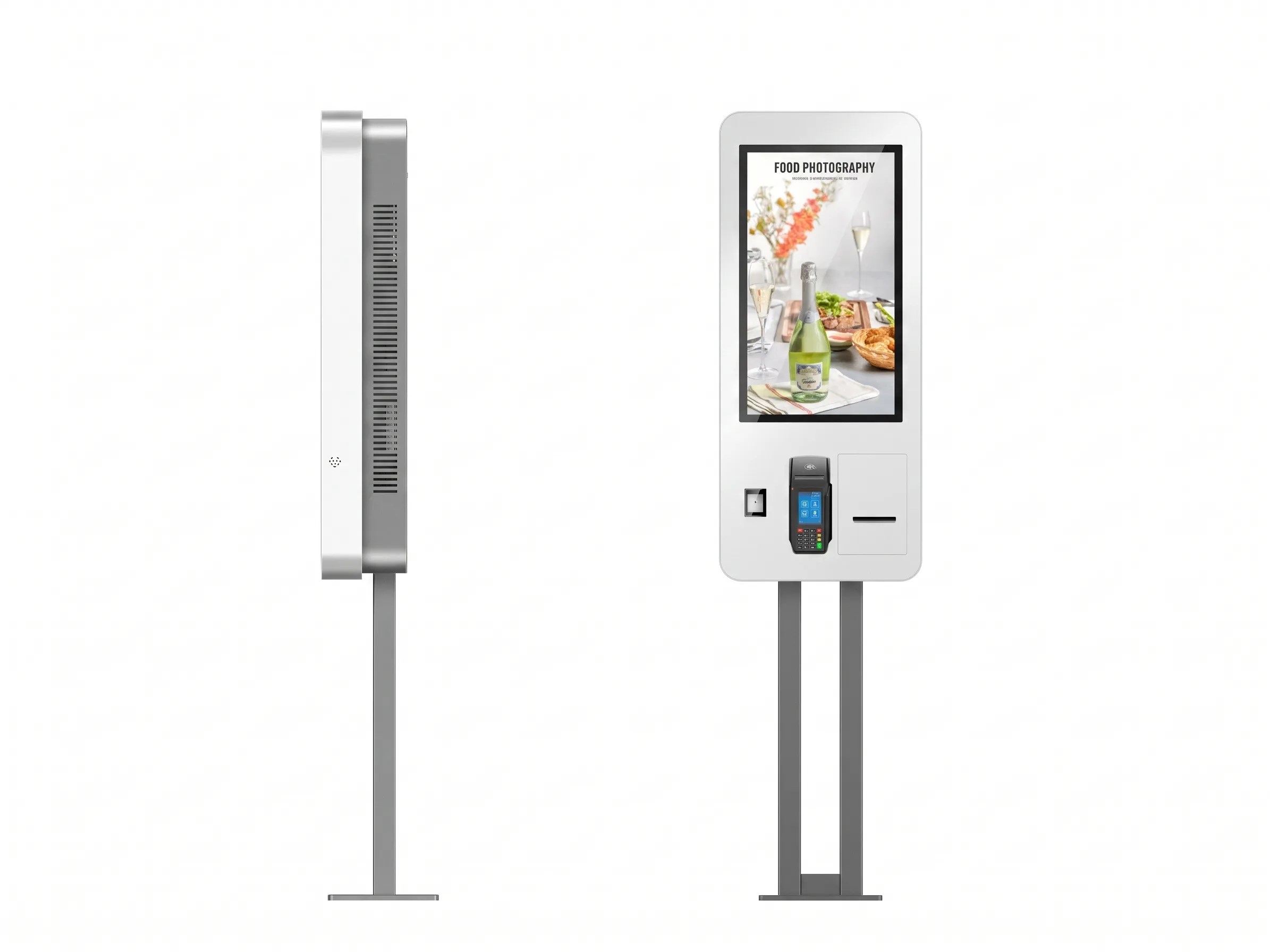
RES-F Floor-Standing Self-Ordering Kiosk product view

Floor-Standing Self-Ordering Kiosk

RES-F

Create a freestanding ordering point around your restaurant layout and workflow.

Screen sizes
27 / 32 / 43 / 49 in.
Brightness
350 / 700 / 1,000 nits
Installation
Floor standing

Optional QR scanner, thermal printer and POS/payment peripheral integration.

View Details & Specs
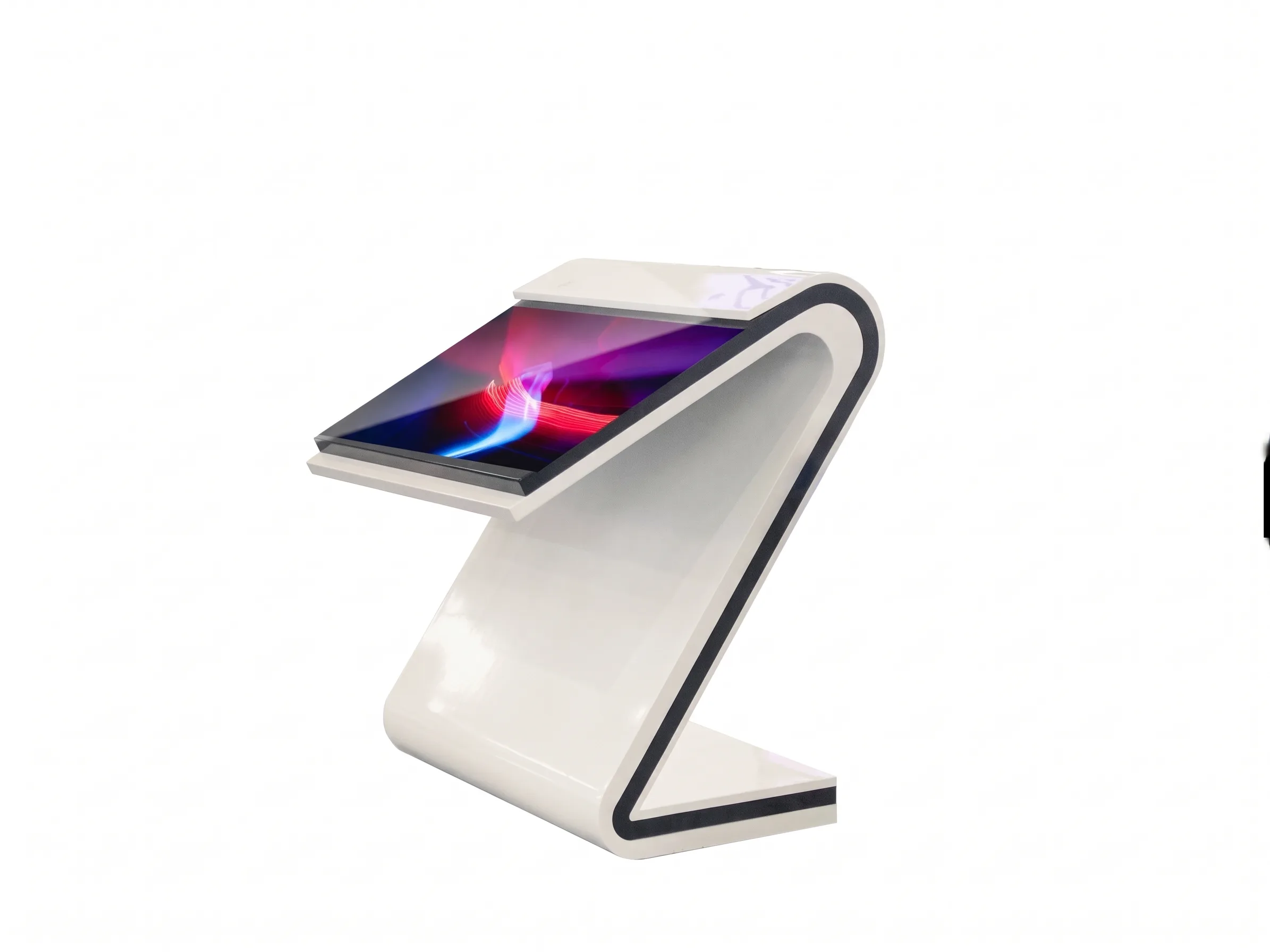
IK140 Interactive Kiosk Display product view

Interactive Kiosk Display

IK140

Configure indoor information, search or form-entry hardware for your application.

Screen sizes
22 / 32 / 43 / 49 / 55 in.
Brightness
350 / 700 / 1,000 / 2,000 nits
Installation
Floor standing

Touchscreen is configuration-dependent; optional wheels, camera and printer.

View Details & Specs
RES-W Wall-Mounted Self-Service Ordering Kiosk product view

Wall-Mounted Self-Service Ordering Kiosk

RES-W

Add a wall-positioned ordering interface where keeping floor space clear matters.

Screen sizes
27 / 32 / 43 / 49 in.
Brightness
350 / 700 / 1,000 nits
Installation
Wall mounted

Portrait wall-mounted format; confirm wall support, user height and cabling.

View Details & Specs

Application and installation filters overlap. Listed sizes and brightness are configuration options, not guaranteed combinations. The IK models share several display options; compare enclosure drawings, touch and system requirements before selecting.

Kiosk hardware is not a complete software or payment solution. Confirm application software, POS compatibility, payment devices, licensing, peripherals and integration responsibilities for your project.

Start with what your visitor needs to do.

Share the user journey, installation space and software requirements. We can help narrow the hardware and configuration.

Get Selection Advice

Compare Digital Signage Kiosk Models

Compare a product family or select two or three models to review your shortlist.

All Models — configuration overview
ModelScreen sizesBrightnessInstallationTouch optionsSelection notes
IK13022 / 32 / 43 / 49 / 55 in.350 / 700 / 1,000 / 2,000 nitsFloor standingCapacitive / infrared; 10–40 pointsReinforced base; capacitive or infrared touch with 10–40 points.
IK12022 / 32 / 43 / 49 / 55 in.350 / 700 / 1,000 / 2,000 nitsFloor standingCapacitive / infrared; 10–40 pointsFour exterior styles listed; optional wheels, camera and printer.
IK11022 / 32 / 43 / 49 / 55 in.350 / 700 / 1,000 / 2,000 nitsFloor standingCapacitive / infrared; 10–40 pointsPortrait or landscape options; confirm dimensions for the selected enclosure style.
RES-F27 / 32 / 43 / 49 in.350 / 700 / 1,000 nitsFloor standingCapacitive / infrared; 10–40 pointsOptional QR scanner, thermal printer and POS/payment peripheral integration.
IK14022 / 32 / 43 / 49 / 55 in.350 / 700 / 1,000 / 2,000 nitsFloor standingOptional capacitive / infrared; 10–40 pointsTouchscreen is configuration-dependent; optional wheels, camera and printer.
RES-W27 / 32 / 43 / 49 in.350 / 700 / 1,000 nitsWall mountedCapacitive / infrared; 10–40 pointsPortrait wall-mounted format; confirm wall support, user height and cabling.

All models are indoor products. Confirm the final specification, software environment and integration scope.

How to Choose a Digital Signage Kiosk

1

Define the User Journey

Determine whether the kiosk will primarily display interactive content, provide information, or support self-service ordering.

2

Choose the Installation Format

Evaluate the available floor space, wall space, user position, traffic flow, and required installation method.

3

Determine the Interaction Requirements

Identify whether the project requires touch interaction and whether additional input methods or accessible controls may be needed.

4

Identify Required Hardware and Integrations

Confirm whether the project requires payment devices, printers, scanners, cameras, network connectivity, content management, or third-party software integration.

5

Confirm the Project Environment

Review the installation location, expected operating conditions, screen-size requirements, usage frequency, quantity, and maintenance access.

Key Capabilities to Consider

Note: Availability depends on the selected kiosk model and project configuration.

Touch Interaction

Evaluate touch screen requirements for direct user input and navigation.

Digital Content

Plan for digital content presentation and media player compatibility.

Ordering Workflows

Assess self-service ordering interface and transaction requirements.

Installation

Choose between floor-standing and wall-mounted enclosure designs.

Integrations

Determine peripheral (printer/scanner) and software integration needs.

Customization

Review branding, enclosure customization, and accessibility planning.

Support for Digital Kiosk Projects

Our team is available to discuss your commercial display requirements and recommend appropriate hardware configurations. Contact us to review:

  • Product selection and screen-size requirements
  • Installation format considerations
  • Interface, software, and peripheral requirements
  • Appearance or branding customization options
  • Drawings, technical documentation, and quotations
Discuss Your Kiosk Project

Frequently Asked Questions

What type of digital signage kiosk should I choose?
The choice depends on the intended user journey, installation location, interaction requirements, screen size, software, peripherals, and project environment.
What is the difference between an interactive kiosk and a touch screen kiosk?
“Interactive” describes the user experience, while “touch screen” identifies a specific input method. An interactive kiosk may use touch, but the input technology must be confirmed for each model.
What is the difference between a floor-standing and wall-mounted ordering kiosk?
The primary difference is the installation method. Floor-standing units operate independently on the floor surface, while wall-mounted units require structural wall support to save floor space.
Which models have confirmed touch screens?
The IK130, IK120, IK110 and IK140 pages list capacitive or infrared touch configurations. RES-F and RES-W also list touch options. Confirm the selected technology, touch points and whether touch is included in the quotation; IK140 explicitly lists touchscreen as configuration-dependent.
Can the self-ordering kiosks support payment terminals or receipt printers?
Peripheral compatibility depends on the selected configuration and must be confirmed before ordering.
Can kiosk hardware connect to existing software?
Software and integration requirements should be reviewed for the specific project. Compatibility with any specific platform must be verified.
Can the kiosk appearance be customized?
Customization availability must be confirmed with the supplier based on the model, quantity, and project requirements.
What information is needed to request a quotation?
Please provide the installation location, application, preferred product, screen size, quantity, interaction requirements, software requirements, peripheral requirements, and expected project schedule.

Need Help Selecting a Digital Signage Kiosk?

Tell us about your application, installation location, preferred screen size, quantity, interaction requirements, and any software or peripheral needs. Our team can review the project requirements and recommend an appropriate configuration.

Email Us

lcdsales@univiewlcd.com

Call Us

+86-755-21009715

Headquarters

Floor 1-3, Bldg 9, Delta Science and Technology Park, Dalang Street, Longhua District, Shenzhen, China

Request a Quote

By submitting this form, you agree to our privacy policy. We only use this information to respond to your inquiry.

0 models selected for comparison.