Flexible Indoor Placement
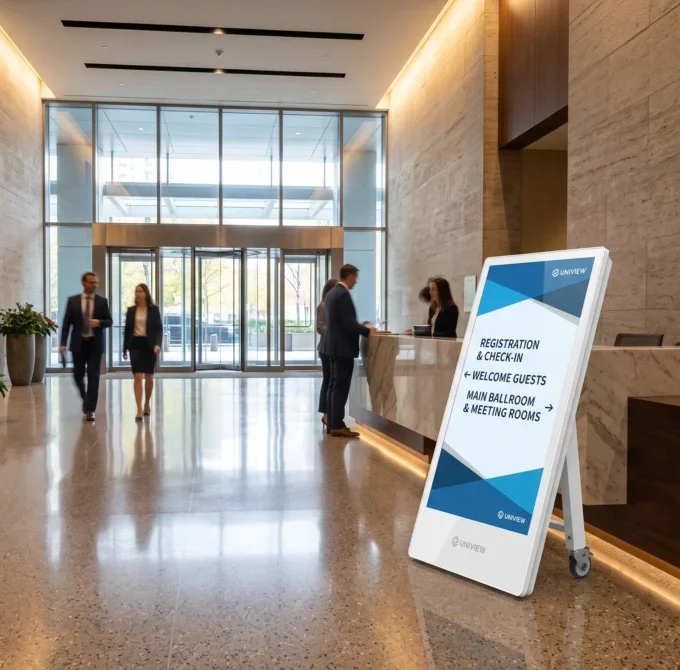
The display does not need to remain beside a fixed outlet while presenting content. A safe charging location is still required.


PRK is an indoor battery powered digital signage display designed for projects where a fixed outlet is not always available at the point of presentation. Integrated handles and a wheel configuration support repositioning across suitable indoor spaces, while screen size, brightness, resolution and system options can be evaluated for each project. Actual battery operating time depends on the final configuration and usage conditions.
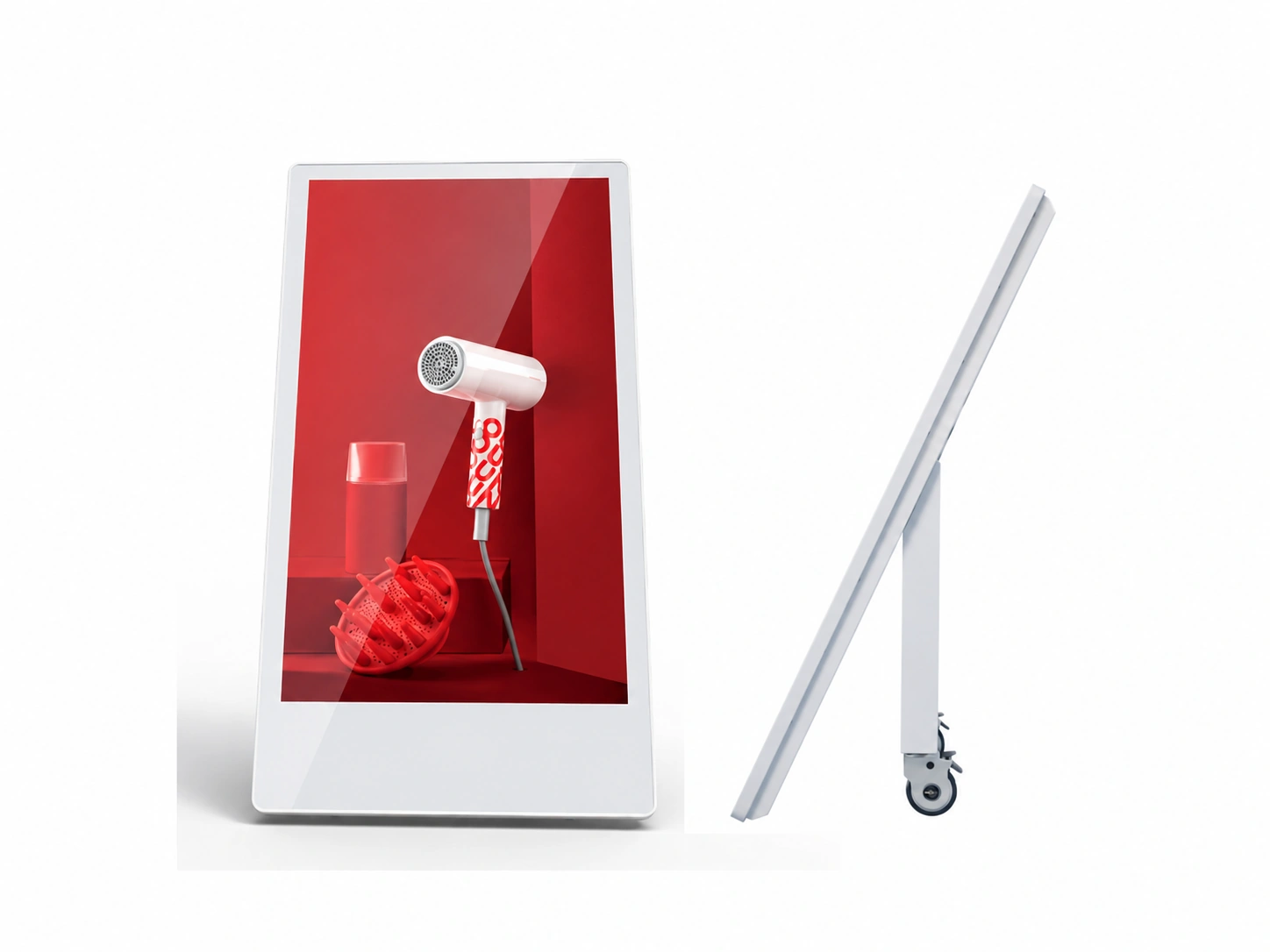
Battery powered digital signage is a commercial display supplied by a rechargeable battery for a defined operating period. Unlike a display that must remain connected to a wall outlet during use, this battery operated digital signage can be repositioned in suitable indoor areas after charging.
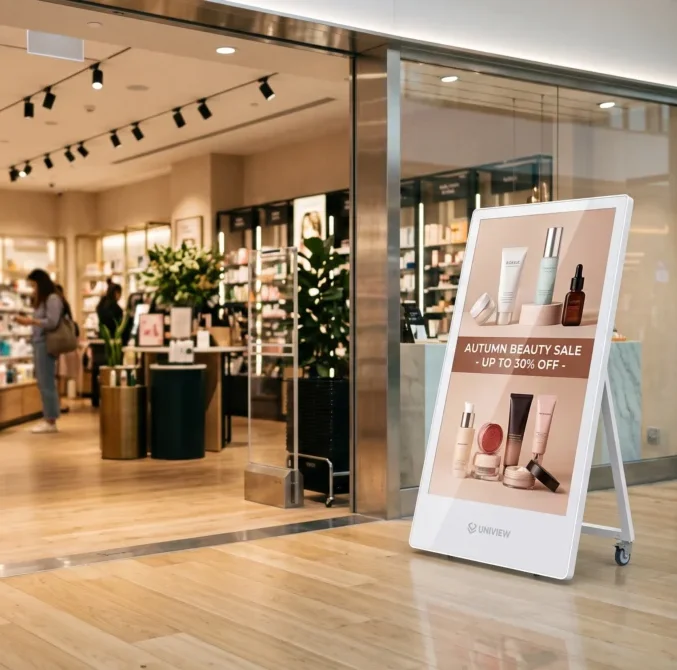
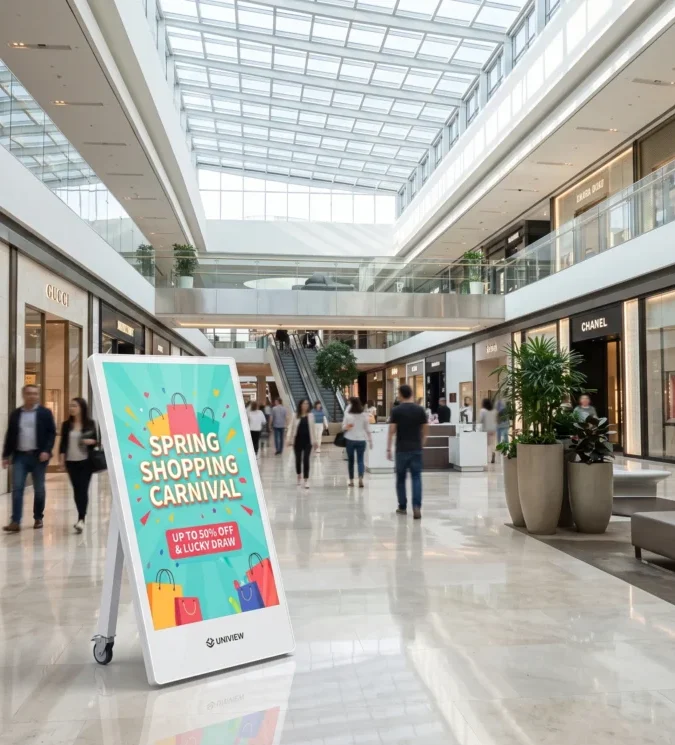
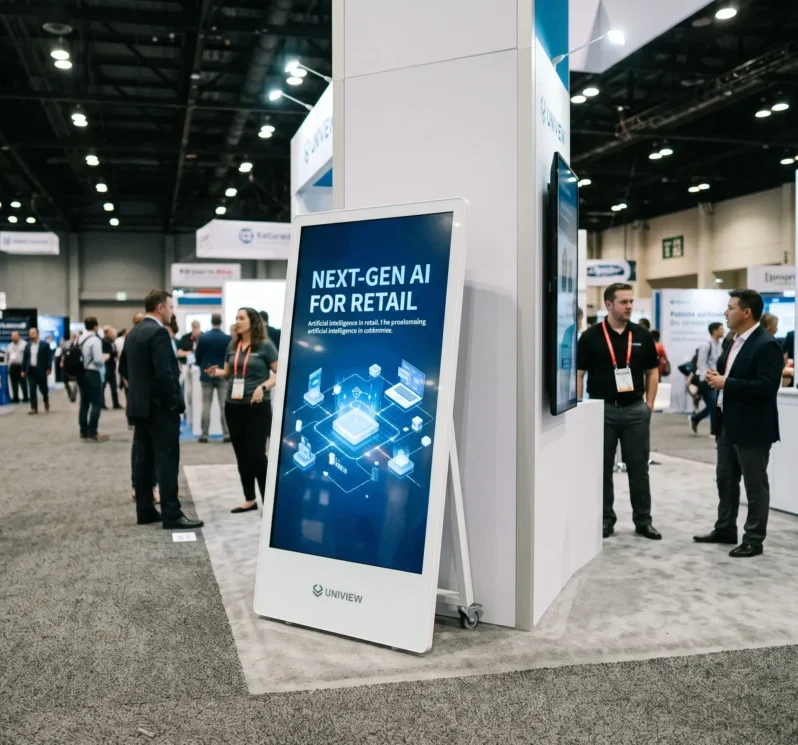
A cordless digital signage display can support temporary promotions, event information, shopping mall presentations and public communications where display points may change. It remains a portable digital signage solution that requires regular charging; it is not permanent wireless power or unlimited battery operation.
The display does not need to remain beside a fixed outlet while presenting content. A safe charging location is still required.
Integrated handles and wheel-assisted movement help teams adjust display points on level indoor floors.
Battery operation can reduce exposed power cables during a presentation, subject to venue safety planning.
Use the display across different indoor promotions or event points after charging and confirming transport conditions.
| Consideration | Battery-Powered Display | Fixed-Power Display |
|---|---|---|
| Power source | Rechargeable battery configuration | Continuous AC power connection |
| Placement flexibility | Useful where presentation points change indoors | Typically planned around a fixed outlet |
| Runtime limitations | Must be confirmed by final configuration | Suitable for longer continuous operation with power available |
| Charging requirement | Periodic charging required | No battery charging requirement for operation |
| Mobility | Wheel configuration supports repositioning | Usually installed in a fixed position |
| Continuous operation | Evaluate runtime, backup power or AC arrangements | Better suited to long fixed running schedules |
| Typical applications | Temporary displays, campaigns and indoor events | Permanent menus, information points and fixed installations |
| Installation planning | Charging and movement route planning required | Power access and fixed installation planning required |
Fixed-power displays are often the practical choice for long-term fixed operation. Battery-powered equipment is well suited to temporary indoor presentations or projects requiring position changes. Confirm battery runtime, backup power or AC supply arrangements where extended continuous operation is required.
The source product information references up to 10 hours of use and a 12-hour standby specification. Actual operating time depends on screen size, brightness, system configuration, battery option, content and usage conditions. Confirm the required runtime before ordering.


PRK combines integrated handles, wheel-assisted movement, a compact portable structure and indoor floor-standing placement. Wheel configuration supports indoor repositioning. Final wheel type, rotation and locking structure should be confirmed for the selected version.
Step 1
Choose from 43″, 49″ and 55″ based on viewing distance, floor space, readability, mobility and battery runtime requirements.
Step 2
Resolution options are 1080 × 1920 and 2160 × 3840. Confirm the required screen-size and resolution combination for the project.
Step 3
Available brightness options include 350, 700 and 1000 nits. Higher brightness can affect energy use and battery runtime.
Step 4
Select monitor, standalone, Android or Windows according to content source, playback method, software and runtime needs.
System power consumption can affect battery runtime. Confirm the final operating system, player, brightness and battery configuration together.
| Specification | Available Information |
|---|---|
| Product type | Indoor portable rechargeable LCD display |
| Model | PRK |
| Panel brand | LG or Samsung, subject to project confirmation |
| Screen sizes | 43″ / 49″ / 55″ |
| Resolution options | 1080 × 1920 / 2160 × 3840 |
| Aspect ratio | 16:9 |
| Brightness options | 350 / 700 / 1000 nits |
| Contrast ratio | 1400:1 |
| Response time | 8 ms |
| Viewing angle | 178° / 178° |
| Backlight | WLED |
| Operating life | 50,000–60,000 hours |
| Input voltage | AC 100–240V, 50/60Hz |
| Operating environment | Indoor |
| Operating temperature | 0°C to 40°C |
| Storage temperature | -10°C to 60°C |
| Humidity | 10%–80% RH, non-condensing |
| Battery information | Battery-powered operation available. Source information references up to 10 hours of use and 12 hours of standby; final runtime requires configuration confirmation. |
| 49-inch reference dimensions | 1310 × 690 × 60 mm (L × W × D). Confirm whether handles, wheels and other projecting structures are included in the measurement. |
Touch is optional and may be specified as capacitive or infrared touch with 10-point or 40-point touch and a USB touch interface. Confirm compatibility with the selected system and software.
Battery and wheel configuration are core presentation features but are listed as optional in available specification information, so each order must be confirmed. Wi-Fi access point, camera, card reader and scanner are optional, not standard.
Peripheral compatibility should be assessed according to the selected operating system, interfaces and software requirements.
As a battery powered digital signage manufacturer, Uniview LCD evaluates custom battery powered digital signage requirements around screen size, resolution, brightness, operating system, memory and storage, battery configuration, required runtime, touch technology, exterior color, wheel structure, camera, card reader, scanner, logo and branding.
Battery runtime, charging requirements, peripheral compatibility, customization feasibility, minimum order quantity and lead time must be confirmed during project evaluation.
Review the indoor application, content objective and installation conditions.
Confirm screen size, brightness, system, expected daily runtime, touch and peripherals.
Review agreed product details before production release.
Conduct configuration-specific functional inspection and testing.
Prepare packing and shipment documentation based on the confirmed order.
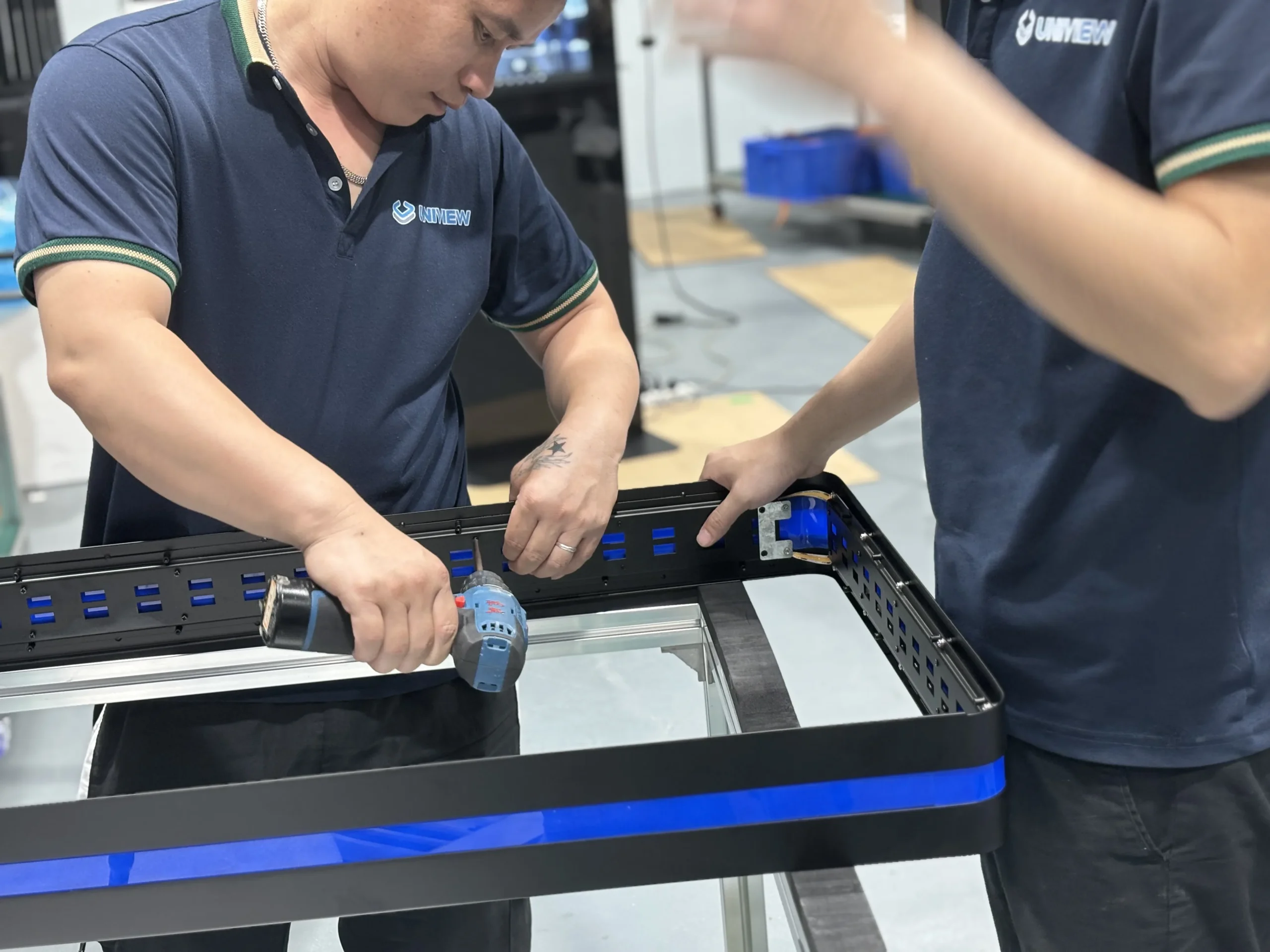
Project production can include cabinet preparation, handle and wheel assembly, LCD integration, system configuration, battery installation, charging checks, runtime testing, display and touch testing, appearance inspection, and packing preparation.
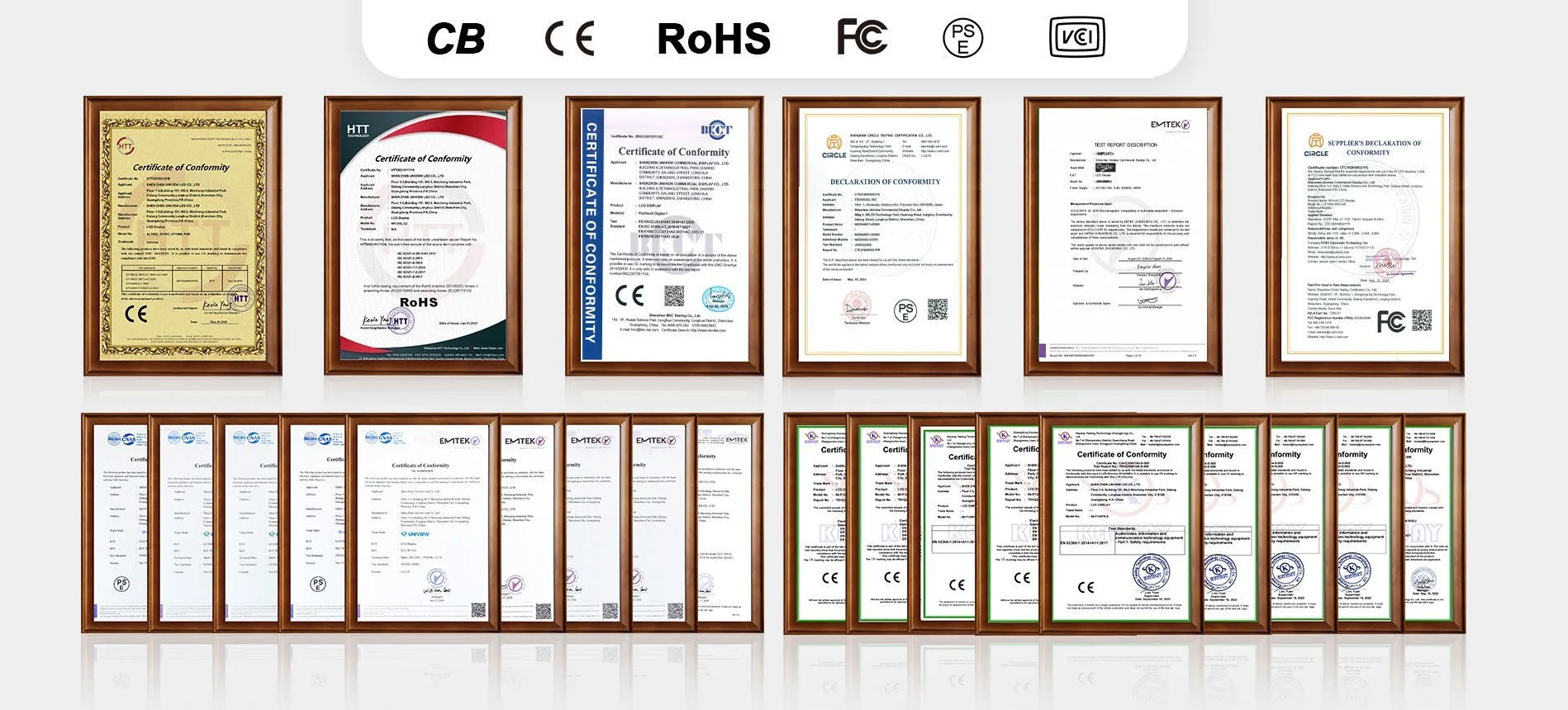
Depending on product configuration and destination market, Uniview LCD can provide support for CE, FCC, PSE, VCCI, RoHS and CB certification documentation review. Certification and battery-transport document availability depends on the selected battery, product configuration and destination market. Confirm all applicable documents before ordering and shipment.
Tell us about your indoor display project and the required PRK configuration. In Other Information, please include the required screen size, brightness, operating system, expected runtime, touch requirement, optional peripherals and estimated quantity.
Email: lcdsales@univiewlcd.com
Phone: +86-755-21009715
Address: Floor 1-3, Bldg 9, Delta Science and Technology Park, Dalang Street, Longhua District, Shenzhen, China