Digital and Printed Information Together
Combine changing screen content with literature visitors can review in person. This format supports coordinated product, brand or service information without separating the display and holder.


The BH is an indoor floor-standing display that combines a digital screen with brochure storage in one commercial enclosure. Choose from 22–32 inch series options, single-column or double-column literature-holder layouts, FHD or 4K display options, optional touch and configurable playback systems. OEM/ODM project support is available.

A digital brochure stand combines a digital display and physical literature storage within one floor-standing enclosure. The screen can present brand messages, product information, service introductions or visitor guidance, while the holder stores brochures, catalogs and other printed materials for visitors to take away. Compared with a conventional literature rack, it adds digital content that can be updated for different campaigns or locations. Compared with standard digital signage, it provides a practical place for printed information. The BH may also be described as a digital brochure holder, brochure display stand with screen or digital literature stand. Content playback and interactive capability depend on the selected system, touch option and software plan.

Combine changing screen content with literature visitors can review in person. This format supports coordinated product, brand or service information without separating the display and holder.
A floor-standing format can organize screen and printed content in one installation point. “Compact” describes the presentation concept; final dimensions and weight must be confirmed for the selected enclosure.
Choose a literature-holder direction based on the amount and variety of printed information. The final single-column or double-column structure, paper size and capacity depend on the approved cabinet design.
Available configurations cover display size, brightness, resolution, touch and playback system choices. System compatibility depends on the final hardware and software combination selected for the project.
| Format | Installation | Suitable use | Main distinction |
|---|---|---|---|
| BH digital brochure stand | Floor standing | Digital promotion plus printed literature | Integrates a portrait display with brochure storage |
| Traditional brochure rack | Floor standing or countertop | Printed materials only | No digital display |
| Standard digital signage totem | Floor standing | Digital content only | Usually has no integrated brochure shelves |
| Wall-mounted digital display | Wall installation | Digital information where floor space is limited | Requires suitable wall and mounting work |
| Outdoor digital signage | Fixed outdoor installation | Exposed outdoor locations | Requires dedicated weather and thermal protection |
BH is an indoor floor-standing device. It is not a printed-material-only rack, a standard outdoor advertising display, a desktop terminal or a payment and ordering device by default.
Suitable for projects with fewer brochure types or a preference for a narrower enclosure appearance. The actual number of shelves, paper dimensions and loading capacity must be confirmed. Standard A4, A5 or Letter compatibility is not assumed.
Suitable where more types of printed literature need to be presented at the same time. It may require a wider holder structure. Shelf count, slot quantity, load bearing and brochure dimensions must be confirmed for the final design.
Brochure dimensions, paper thickness, shelf depth and loading capacity must be confirmed before enclosure production.
Available options
22, 27 or 32 inch series displays.
Best suited for
Different viewing distances and floor-space conditions.
Confirm before production
Final screen size, panel and enclosure design.
Available options
FHD or 4K, depending on selected series configuration.
Best suited for
Content with different image and text-detail requirements.
Confirm before production
Resolution paired with the chosen screen and panel.
Available options
350 or 700 nits for indoor environments.
Best suited for
Different indoor ambient-light conditions.
Confirm before production
Installation lighting and brightness selection.
Available options
Non-touch, capacitive touch or infrared touch.
Best suited for
Passive content or interactive project workflows.
Confirm before production
Touch type, points and application compatibility.
Available options
External-source Driver Board or local-playback Standalone configuration.
Best suited for
External players or locally prepared media projects.
Confirm before production
Source device, media files and interface requirements.
Available options
Android or Windows configurations.
Best suited for
Compatible applications, network content or Windows software projects.
Confirm before production
OS version, application, software licensing and network plan.
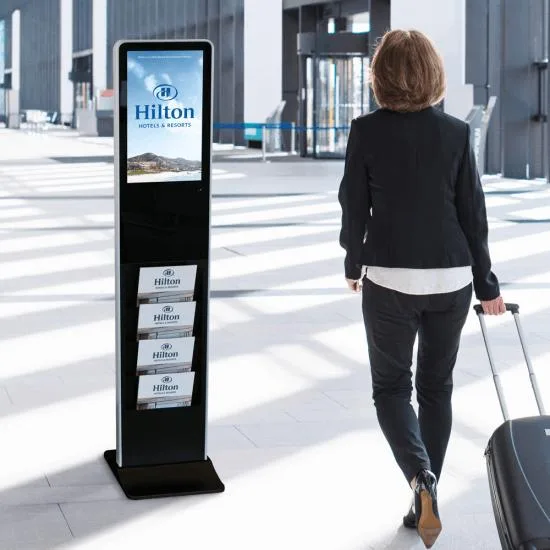
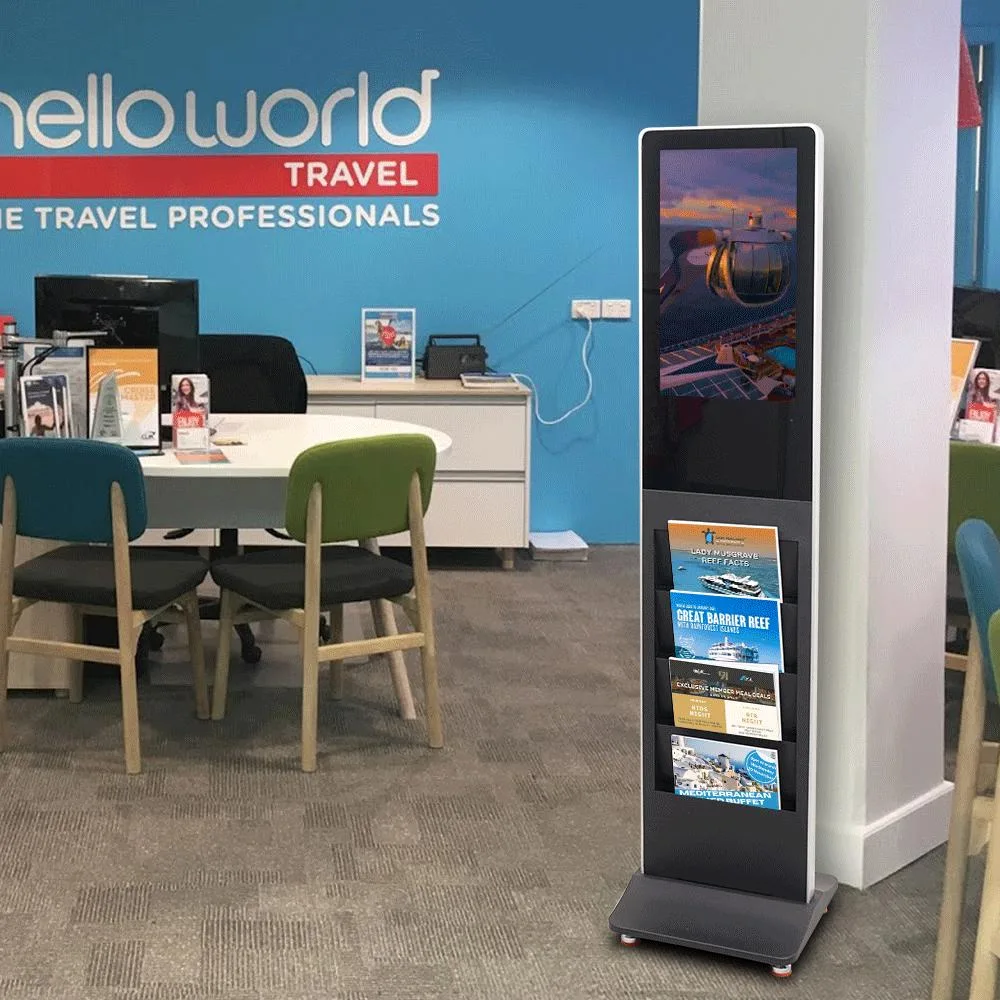
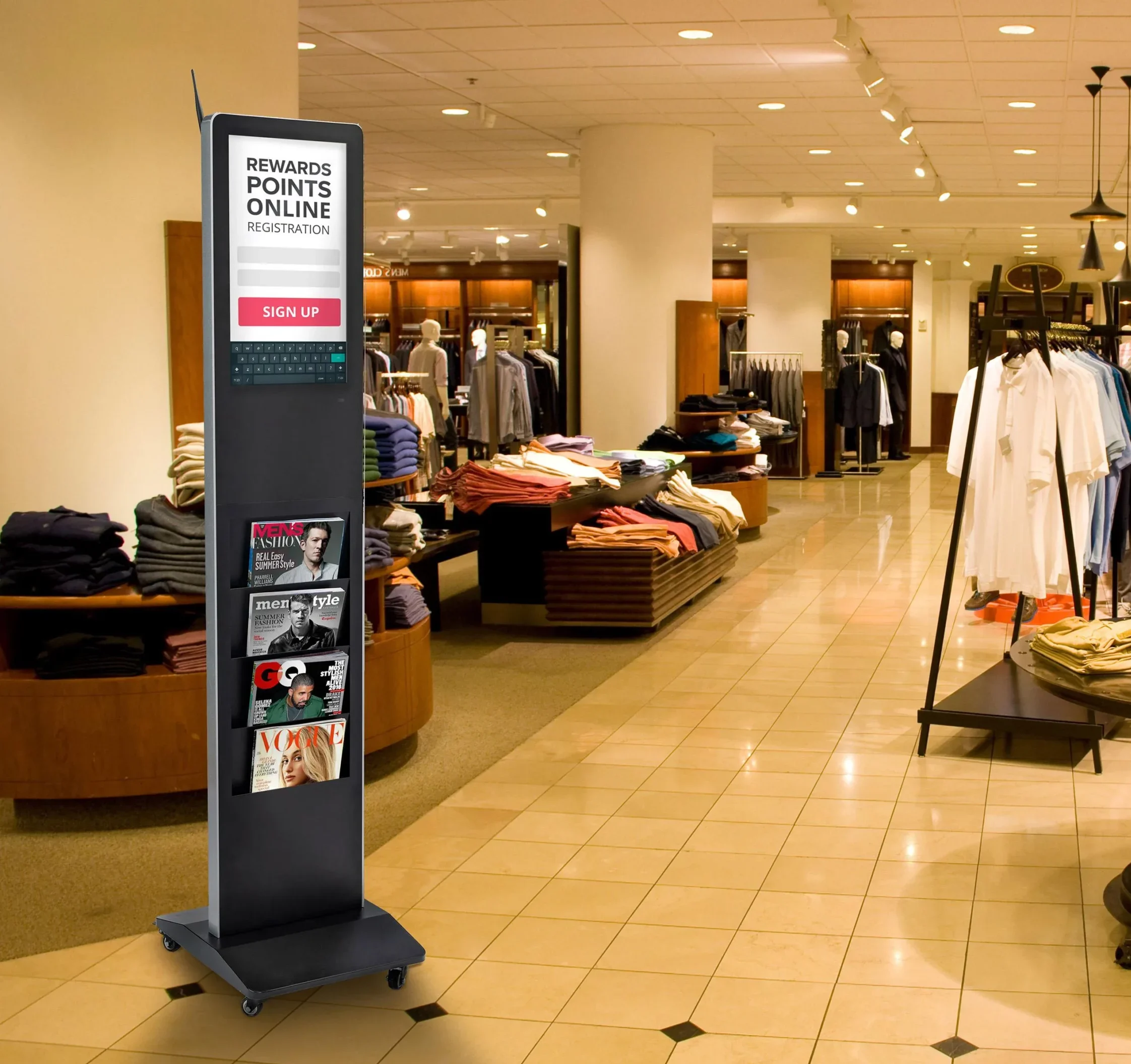
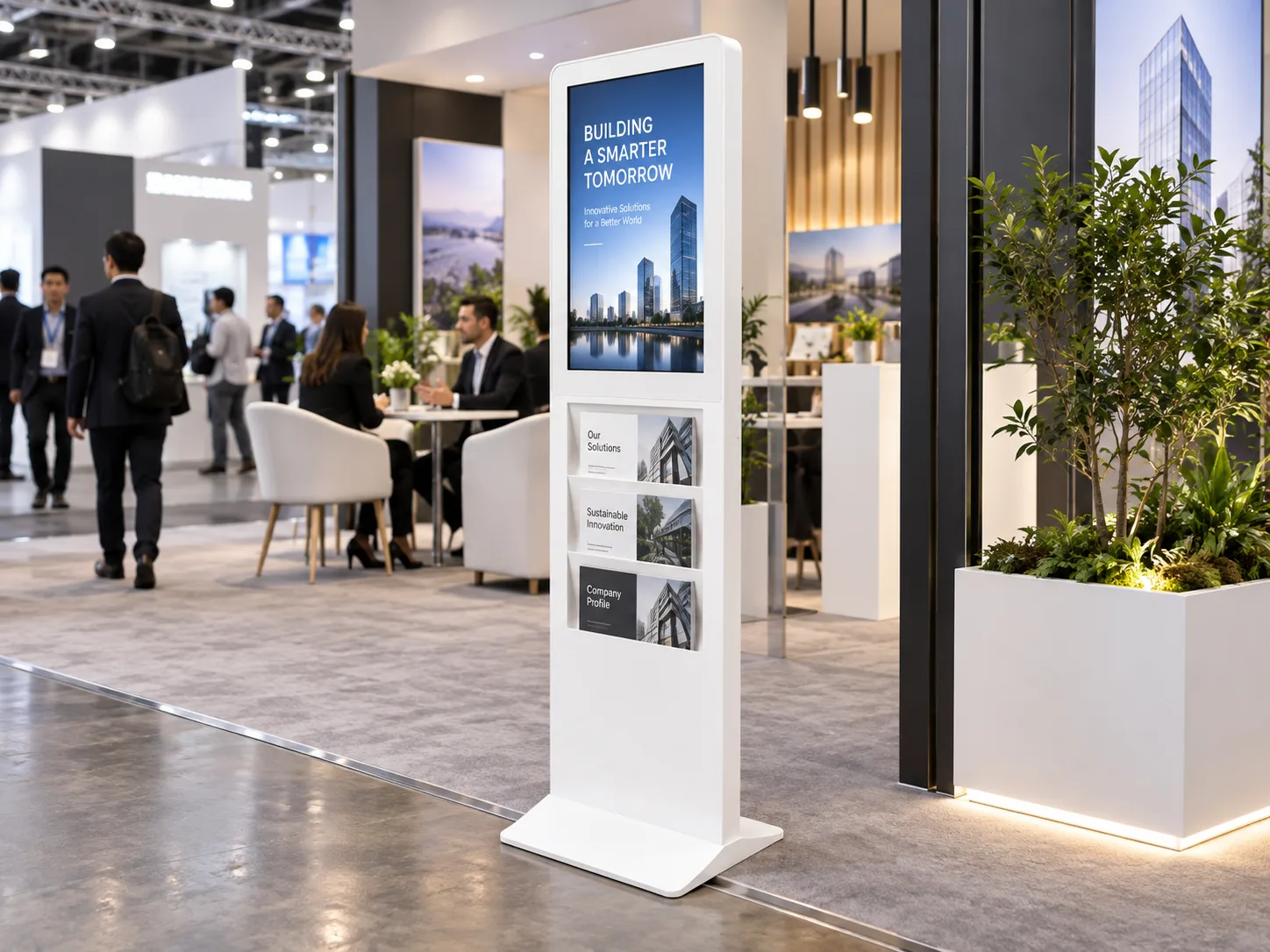
Plan the screen size, brightness, resolution, brochure-holder layout, touch choice, operating system, interfaces and optional peripherals as one connected specification.
The customer or project team should confirm content format, application, CMS, digital signage scheduling, web content, remote publishing, device management, security and API or business-system integration.
The BH does not automatically include a specific CMS, cloud platform, digital signage subscription or interactive application.
| System | Listed interfaces | Listed memory / storage | Content planning note |
|---|---|---|---|
| Driver Board | HDMI, VGA, DVI | No internal storage listed | Connect an external signal source. External player or computer must be confirmed separately. |
| Standalone | HDMI, USB | 16G configuration listed | May be used for local content playback. Supported file formats and playback features must be confirmed. |
| Android | HDMI, USB | 2G+16G or 4G+32G listed | May support compatible applications and network content. Android version, CPU and CMS are not specified. |
| Windows | HDMI, VGA, USB | 4G+120G SSD listed | May be used for Windows-environment software projects. Windows version, processor and licenses must be confirmed. |
Specifications represent available BH series configurations. Final screen size, panel, resolution, brightness, brochure-holder layout, touch solution, system, interfaces and optional hardware must be confirmed in the quotation and production specification.
| Panel brand | To be confirmed by selected panel and production specification |
|---|---|
| Screen sizes | 22 / 27 / 32 inch series options |
| Resolution / aspect ratio | FHD or 4K; final aspect ratio confirmed with selected screen |
| Brightness / contrast / response / viewing angle / backlight | 350 or 700 nits available; other panel performance values confirmed by selected panel |
| Listed operating life | Confirm by selected panel specification |
| System versions | Driver Board / Standalone / Android / Windows; version confirmation required where applicable |
| Interfaces | Driver Board: HDMI, VGA, DVI; Standalone: HDMI, USB; Android: HDMI, USB; Windows: HDMI, VGA, USB |
| Listed memory / storage | Standalone 16G; Android 2G+16G or 4G+16G; Windows 4G+120G SSD |
| Touch type / points / interface | Capacitive or infrared; 10 or 40 touch points; interface confirmed by touch selection |
| Input voltage | Confirm by final electrical configuration and destination market |
| Indoor environment | Indoor commercial spaces |
| Operating / storage temperature | Operating: 0°C to +40°C; storage temperature to be confirmed |
| Humidity | 10%–80% RH, non-condensing |
| Optional configurations | Wi-Fi access point, wheels, camera, printer, card reader and scanner, subject to confirmation |
Final enclosure dimensions: confirm by selected screen size, brochure-holder layout and enclosure design.
BH is an indoor product designed for operation from 0°C to +40°C and 10%–80% RH, non-condensing. No IP protection rating is provided. It is not suited to rain, outdoor dust, roadside conditions or direct sunlight. A 700-nit option does not change the product’s indoor use boundary. Projects exposed to outdoor conditions should use a dedicated outdoor digital signage enclosure.
22 / 27 / 32 inch displays; FHD or 4K; 350 or 700 nits; single-column or double-column layout; capacitive or infrared touch; 10 or 40 touch points; Driver Board, Standalone, Android or Windows; Wi-Fi access point, wheels, camera, printer, card reader and scanner.
OEM/ODM support, logo customization, packaging customization and sample support are available for project planning.
Final enclosure style, custom screen size, panel, brochure dimensions, shelf quantity and capacity, base lighting, touch, software, CMS, peripheral specifications, color, MOQ, lead time, warranty, certification scope, power consumption, dimensions and weight.
Uniview LCD provides coordinated production support for custom brochure display projects, from enclosure and holder preparation to display integration, inspection, packing and shipment. OEM/ODM planning aligns the final configuration with approved visual, hardware and functional requirements.
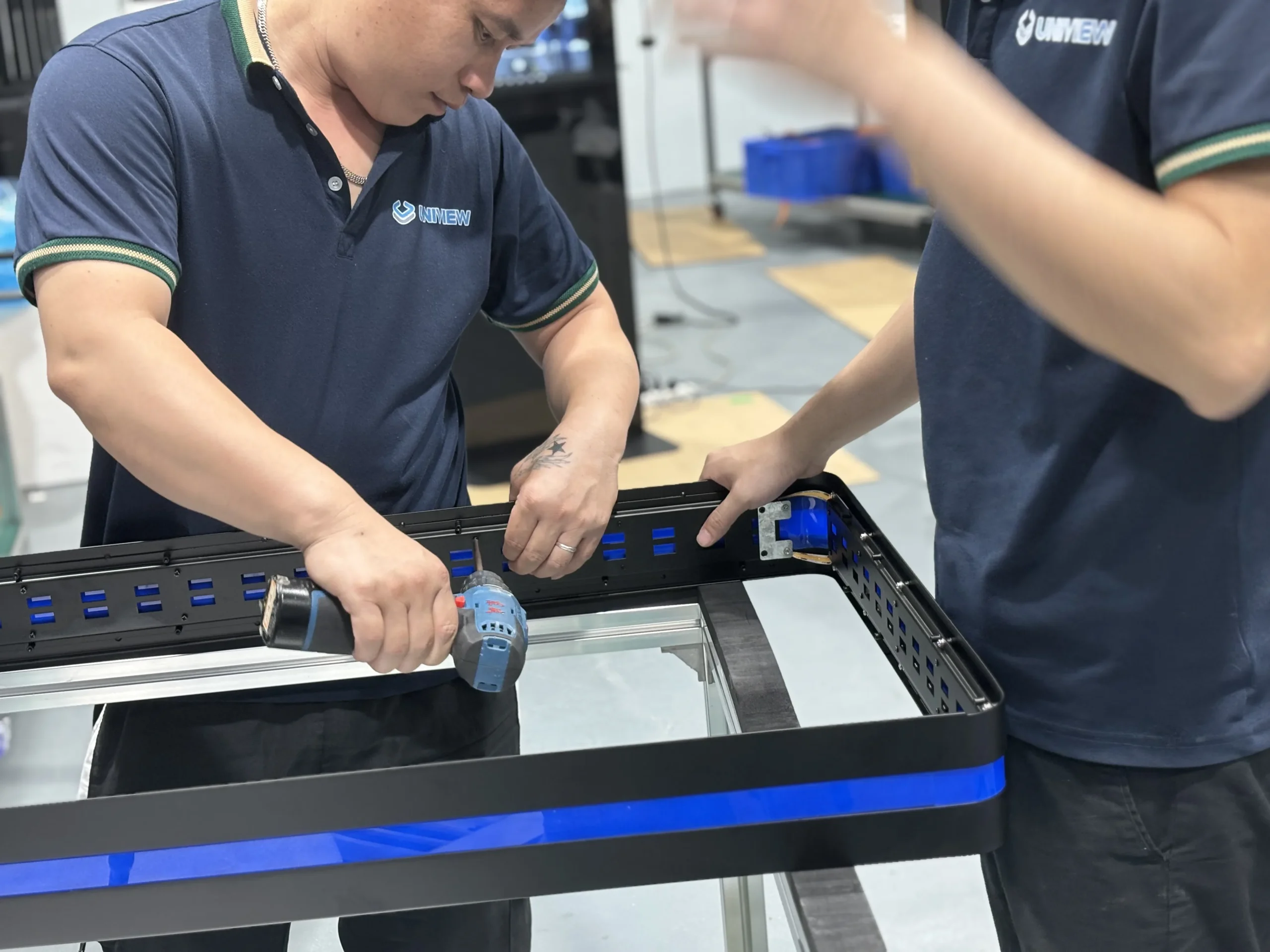
1. Enclosure preparation
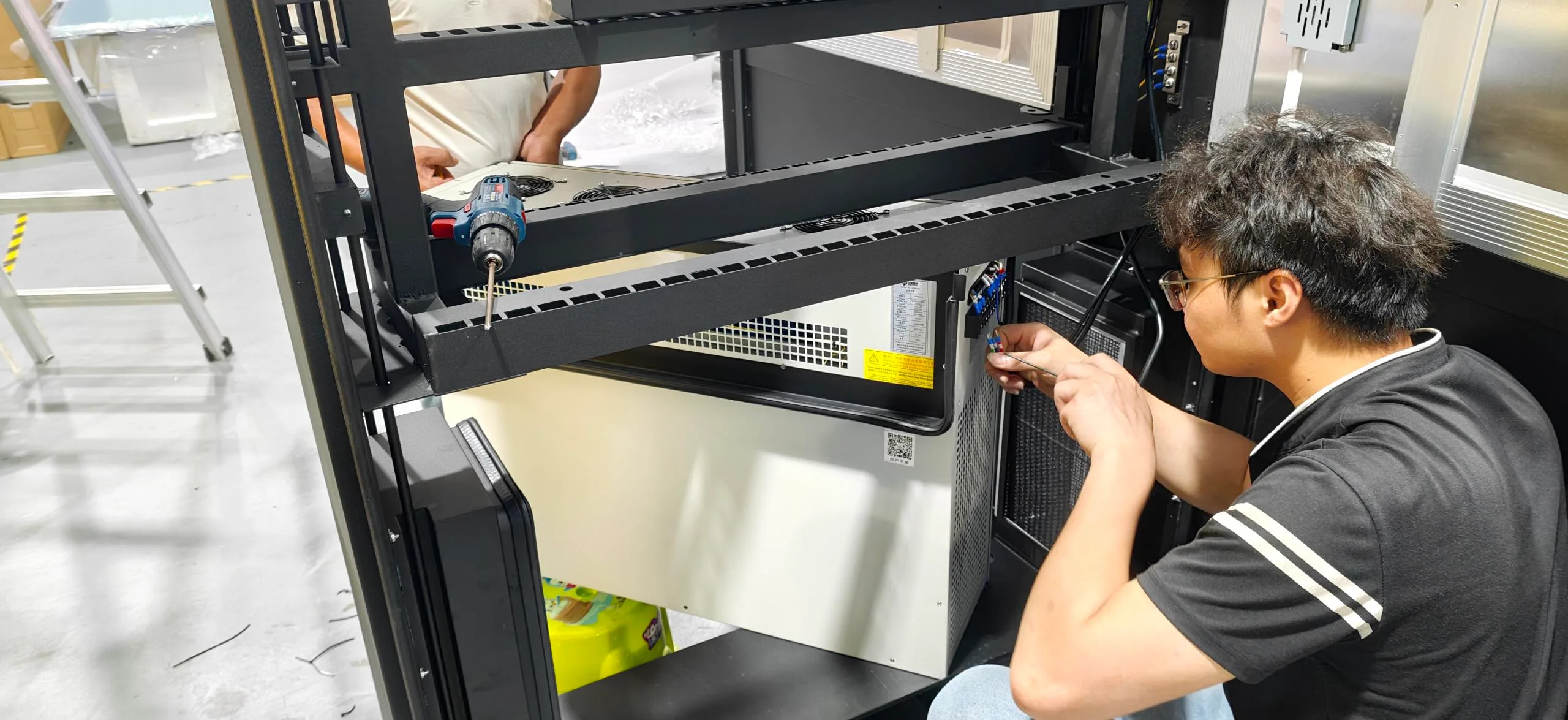
2. Holder assembly
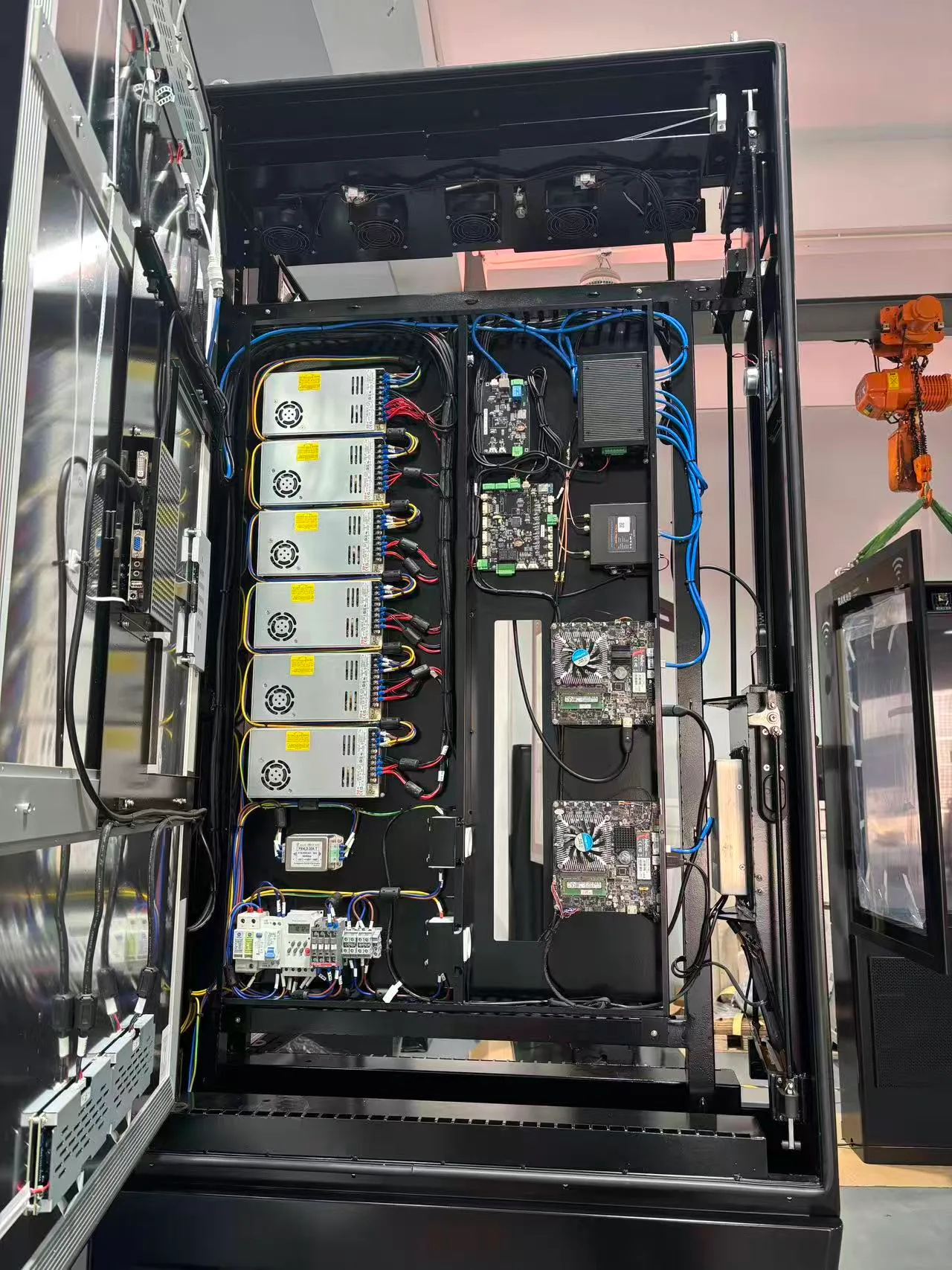
3. Display integration
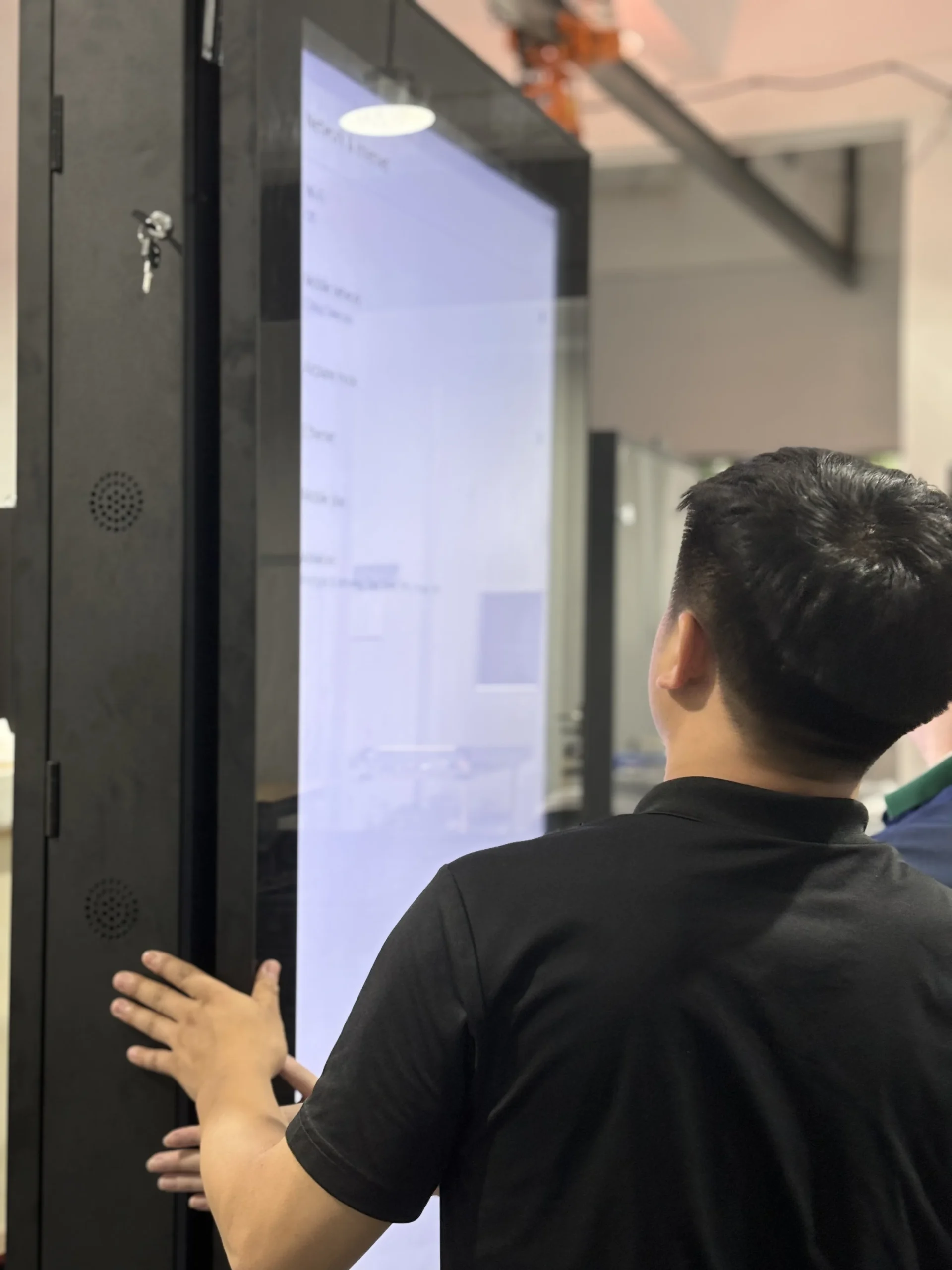
4. Functional inspection
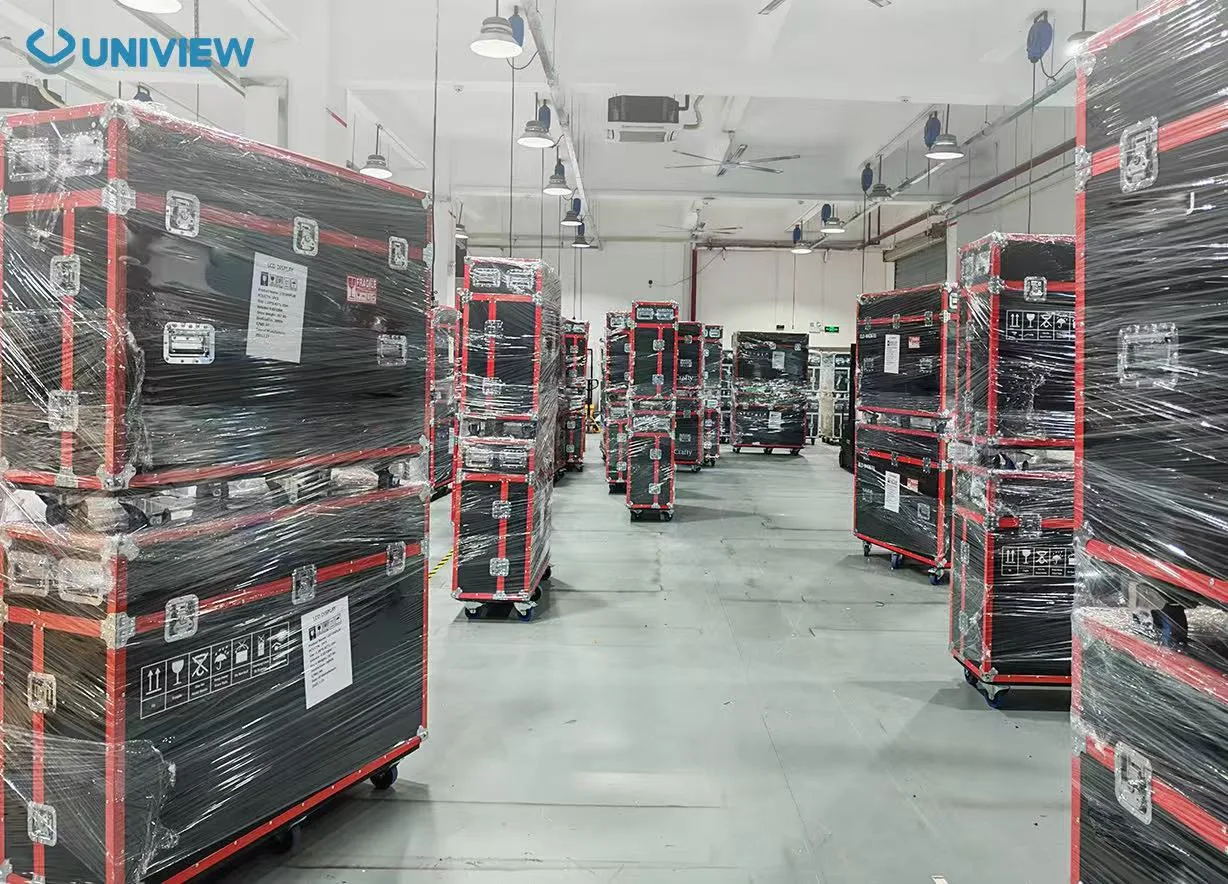
5. Packing and shipment
Enclosure appearance inspection
Base stability check
Brochure-holder alignment check
Shelf access and edge inspection
LCD appearance and display check
Brightness and color check
System startup check
Interface check
Touch response check where selected
Optional peripheral check
Final packing inspection
Inspection items are confirmed according to the selected production specification.
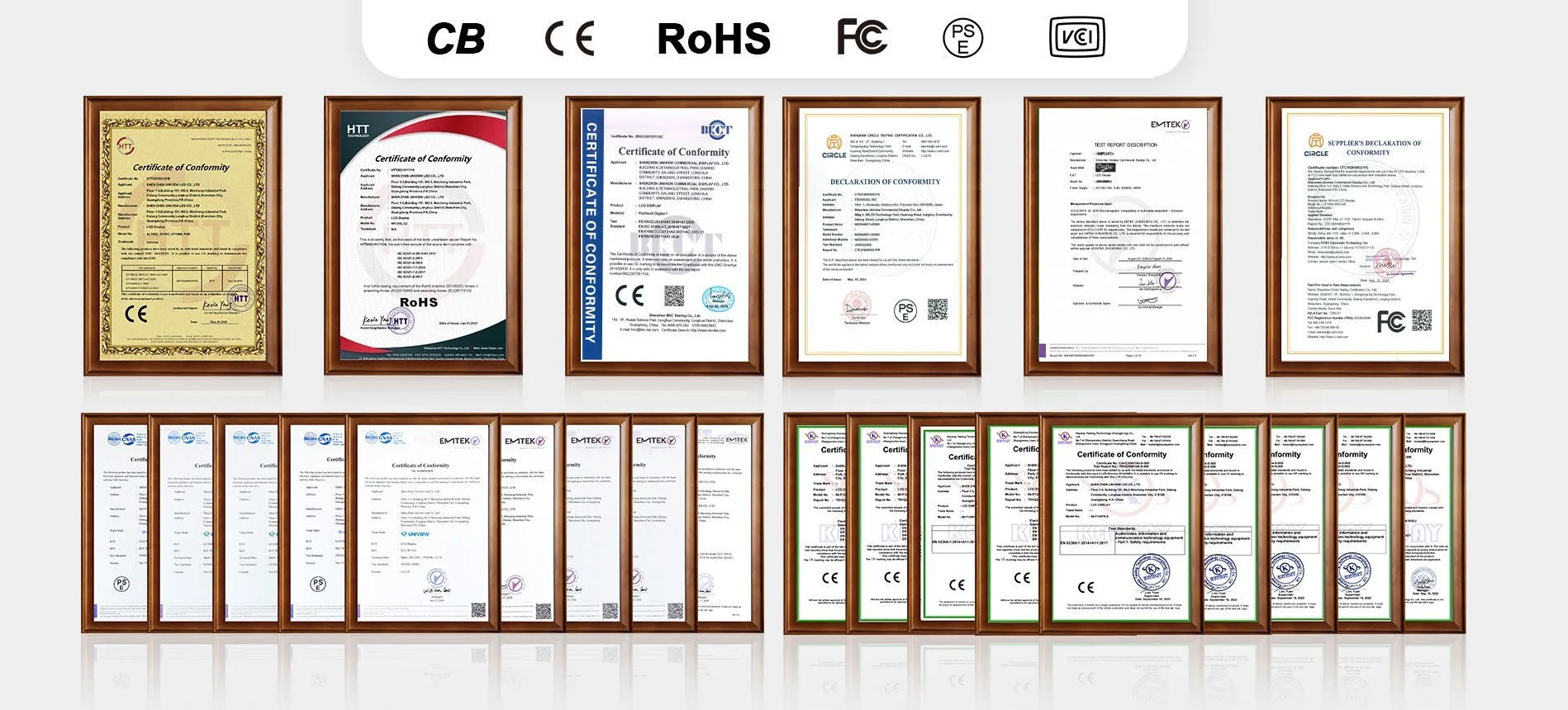
Uniview LCD can provide CE, FCC, PSE, VCCI, RoHS, and CB certification document support based on project requirements. The availability of certifications depends on the selected screen size, panel, touch solution, system configuration, and target market. Please request the relevant documents applicable to your BH project.
Requirement and application review
Screen, holder and system configuration
Drawing, interface and software compatibility confirmation
Sample validation
Production, inspection and shipment
For a faster review, prepare the intended application, installation environment, available floor space, preferred screen size, viewing distance, resolution and brightness, brochure dimensions, printed-material thickness, required brochure quantity, holder preference, touch requirements, operating system, content source or CMS, network requirements, optional hardware, color and logo, estimated quantity, destination country and target schedule.
Your project review can include:
Floor 1-3, Bldg 9, Delta Science and Technology Park, Dalang Street, Longhua District, Shenzhen, China