01
Flexible Placement
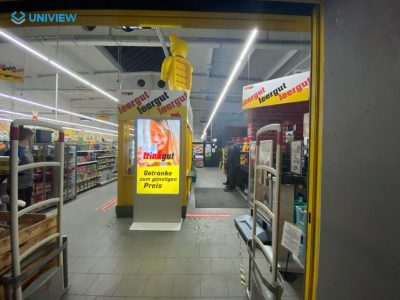
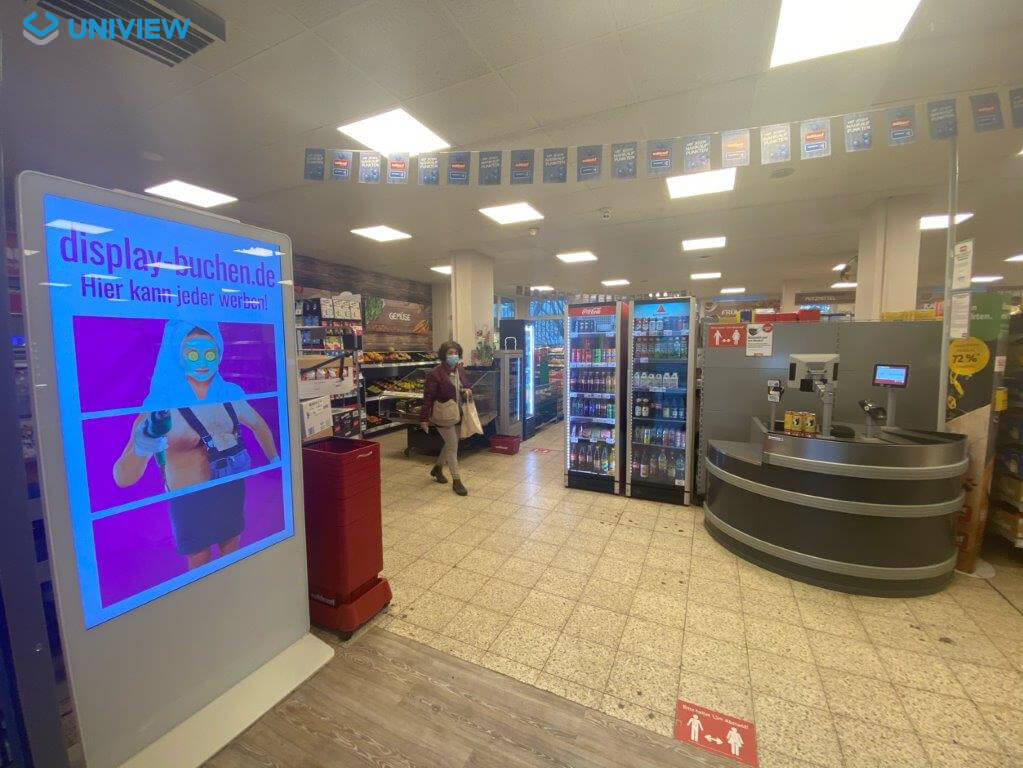
A freestanding cabinet does not depend on wall mounting, allowing placement to be planned around entrances, circulation routes and focal areas.


IS1900 is an indoor floor-standing digital signage totem designed for advertising, promotions, brand content, wayfinding and public information. This portrait LCD display supports multiple screen sizes, brightness levels and operating system configurations, with side-strip styling and an open-door maintenance structure.

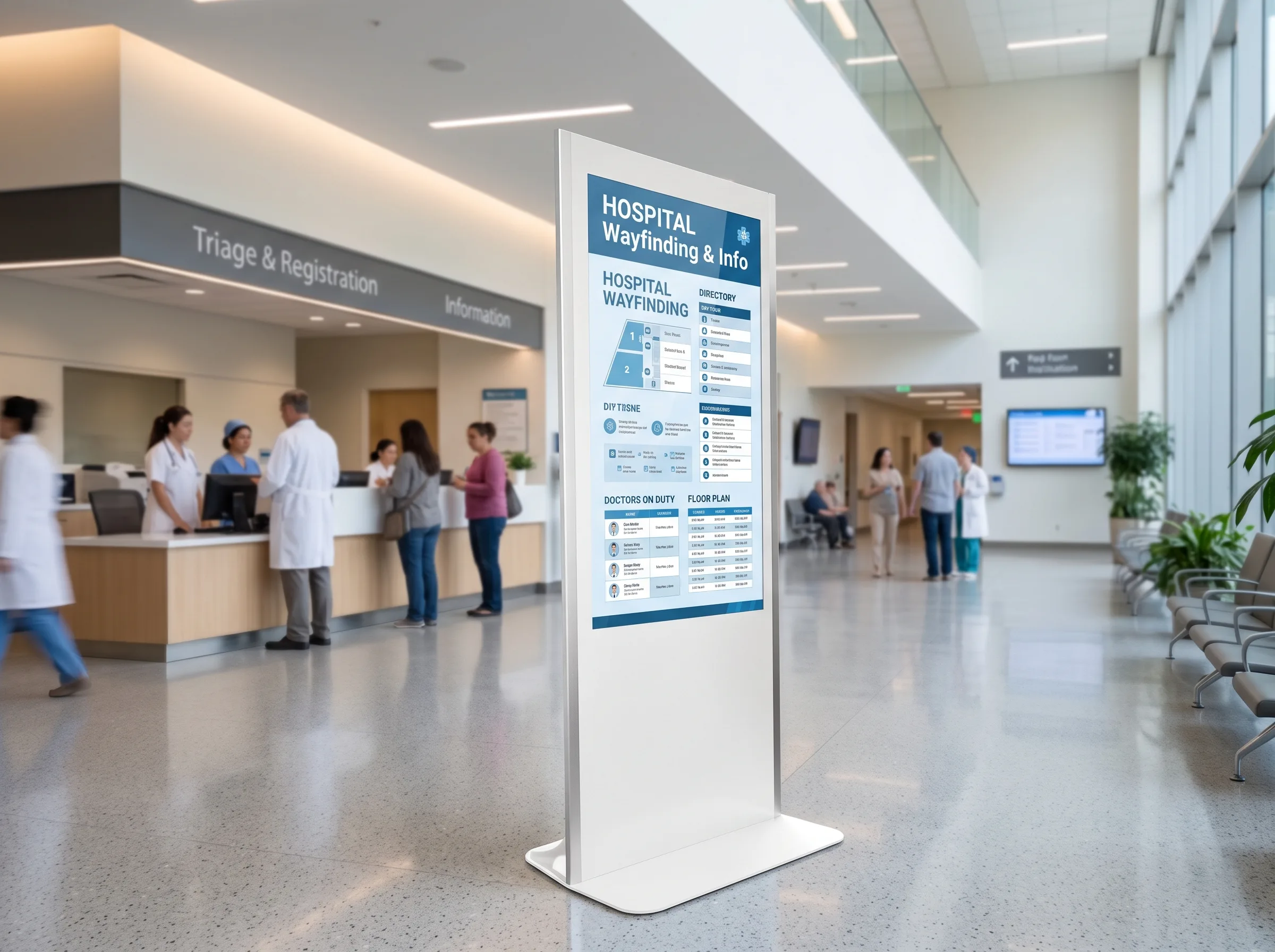
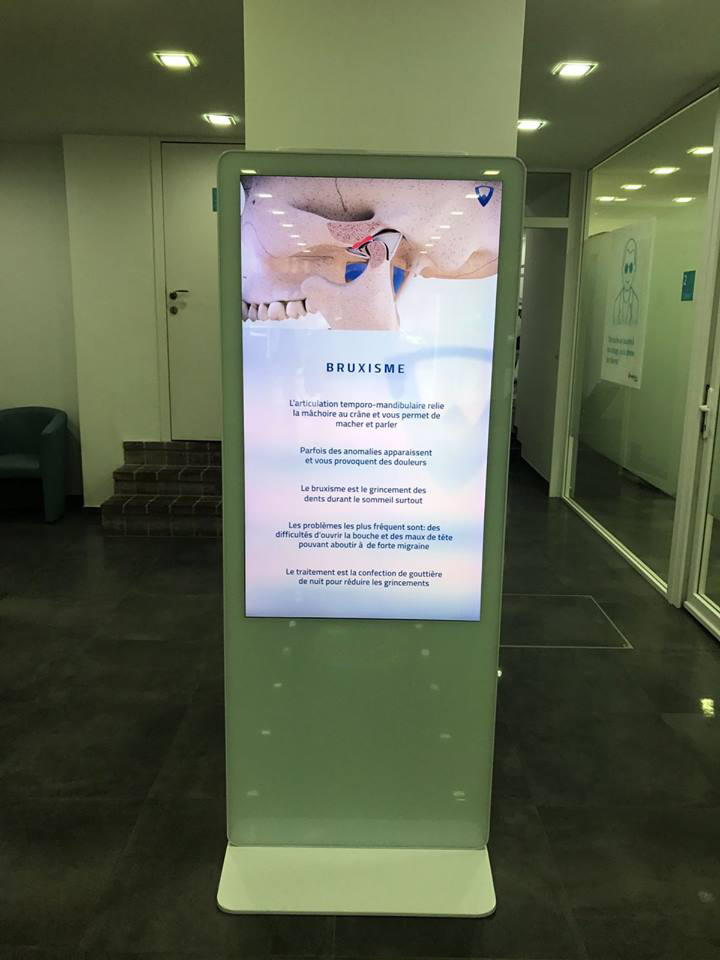
A digital signage totem is a self-contained, portrait commercial display installed on the floor rather than mounted to a wall. An indoor digital signage totem can be placed at entrances, corridors, atriums, retail floors, reception areas and other public indoor spaces to display advertising, product information, menus, announcements, wayfinding and brand content.
Unlike a fixed wall display, a floor standing digital signage totem creates a visible content point within the planned space. Projects may select a non-touch version for straightforward information display or add touch technology when an interactive use case has been properly specified.
A freestanding cabinet does not depend on wall mounting, allowing placement to be planned around entrances, circulation routes and focal areas.
The vertical format suits posters, promotions, directories, wayfinding layouts and brand-led visual communication.
Screen size, brightness, resolution and system version can be assessed against the content plan and installation environment.
The open-door structure helps service teams inspect internal components, check cabling and complete routine maintenance work.
| Comparison | Digital Signage Totem | Wall-Mounted Display | Interactive Kiosk |
|---|---|---|---|
| Installation method | Freestanding floor installation | Mounted to a wall | Freestanding task-oriented installation |
| Typical placement | Entrances, lobbies, retail floors | Fixed viewing locations | Service points and user interaction areas |
| Primary purpose | Advertising and information display | Fixed content display | User tasks and guided workflows |
| Touch requirement | Optional | Optional | Usually required |
| Mobility options | Wheels optional | Generally fixed | Depends on cabinet design |
| Peripheral integration | Optional, subject to confirmation | Limited by installation design | Commonly planned for the workflow |
| Maintenance access | Open-door cabinet access | Depends on wall installation | Depends on cabinet and peripheral layout |
Available sizes are 43″, 49″, 55″ and 65″. Review viewing distance, available floor space, content complexity and the planned installation location before selecting a screen size.
Resolution options include 1080 × 1920 and 2160 × 3840. The applicable resolution and screen-size combination should be confirmed for the project.
Brightness options include 350, 700 and 1000 nits, with up to 2000 nits subject to panel and project confirmation. Not every size supports every brightness level. A higher brightness option does not provide outdoor protection; IS1900 remains an indoor product.
Select a monitor / driver board, standalone, Android or Windows version based on content source, playback method, software requirements and peripheral compatibility.
Operating system version, processor, network capability, memory, storage and software compatibility should be confirmed before production.
| Specification | Available Information |
|---|---|
| Product type | Indoor LCD digital signage totem |
| Model | IS1900 |
| Panel type | LCD |
| Screen sizes | 43″ / 49″ / 55″ / 65″ |
| Resolution options | 1080 × 1920 / 2160 × 3840 |
| Brightness options | 350 / 700 / 1000 / up to 2000 nits |
| Contrast ratio | 1200:1 / 3000:1 |
| Operating life | 50,000–60,000 hours |
| Orientation | Portrait |
| Installation | Floor standing |
| Operating environment | Indoor |
| Operating temperature | 0°C to 40°C |
| Storage temperature | -10°C to 60°C |
| Humidity | 10%–80% RH, non-condensing |
Touch is optional. Available options may include capacitive touch or infrared touch, with 10–40 touch points and a USB touch interface, subject to project confirmation.
W1003 × H2245 × T790 mm
The listed dimensions are a reference for the 65-inch configuration. The original specification uses “T790”; the exact measurement definition and dimensions for other sizes should be confirmed before ordering.
The cabinet uses a reinforced aluminum-profile structure in a portrait floor-standing format. Side-strip design and side-strip color options can be considered as part of the exterior plan, while the open-door layout supports access for internal inspection and maintenance.
Light-bar availability, position, color and control method require project confirmation.
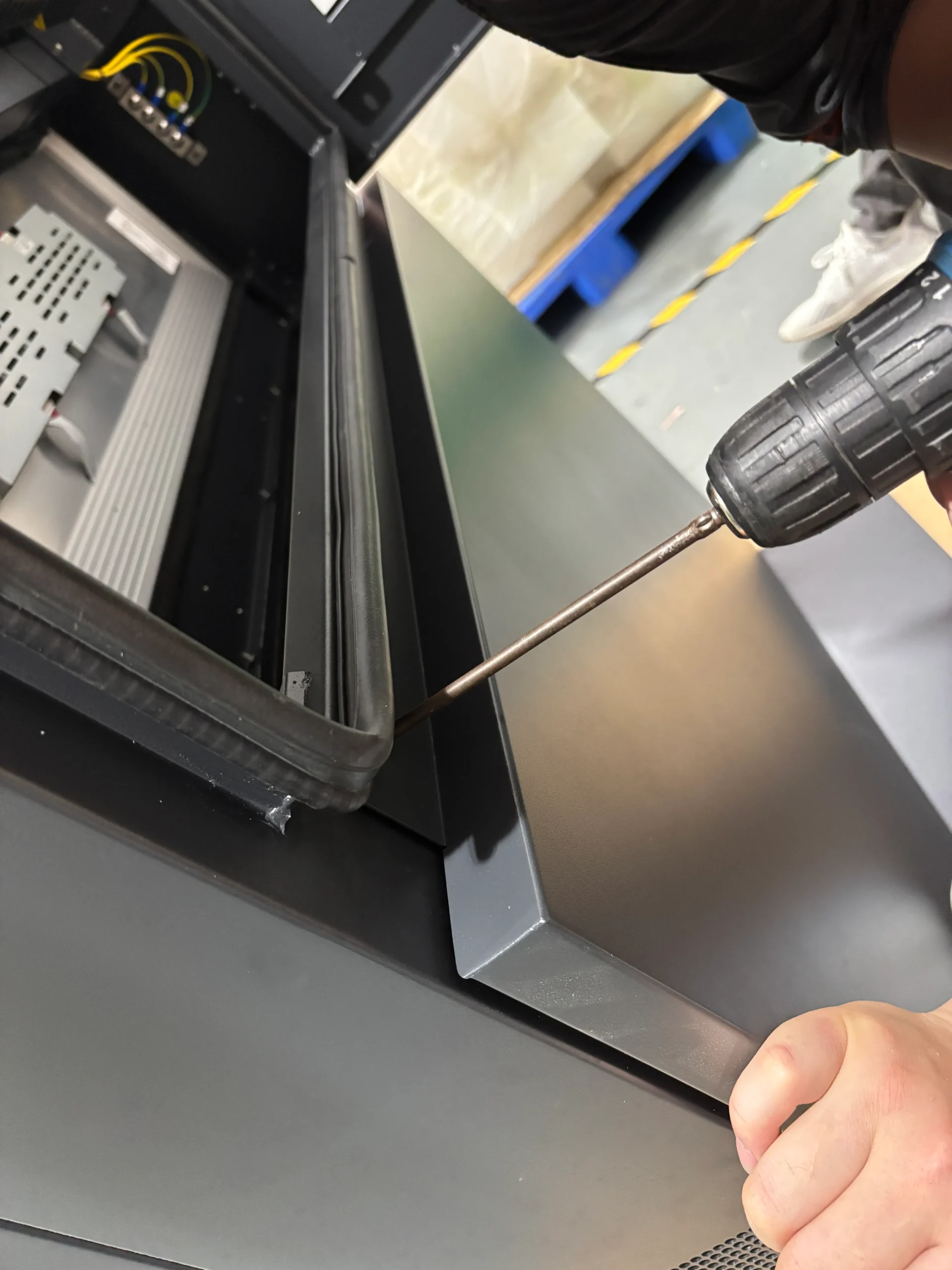
Side-strip exterior detail
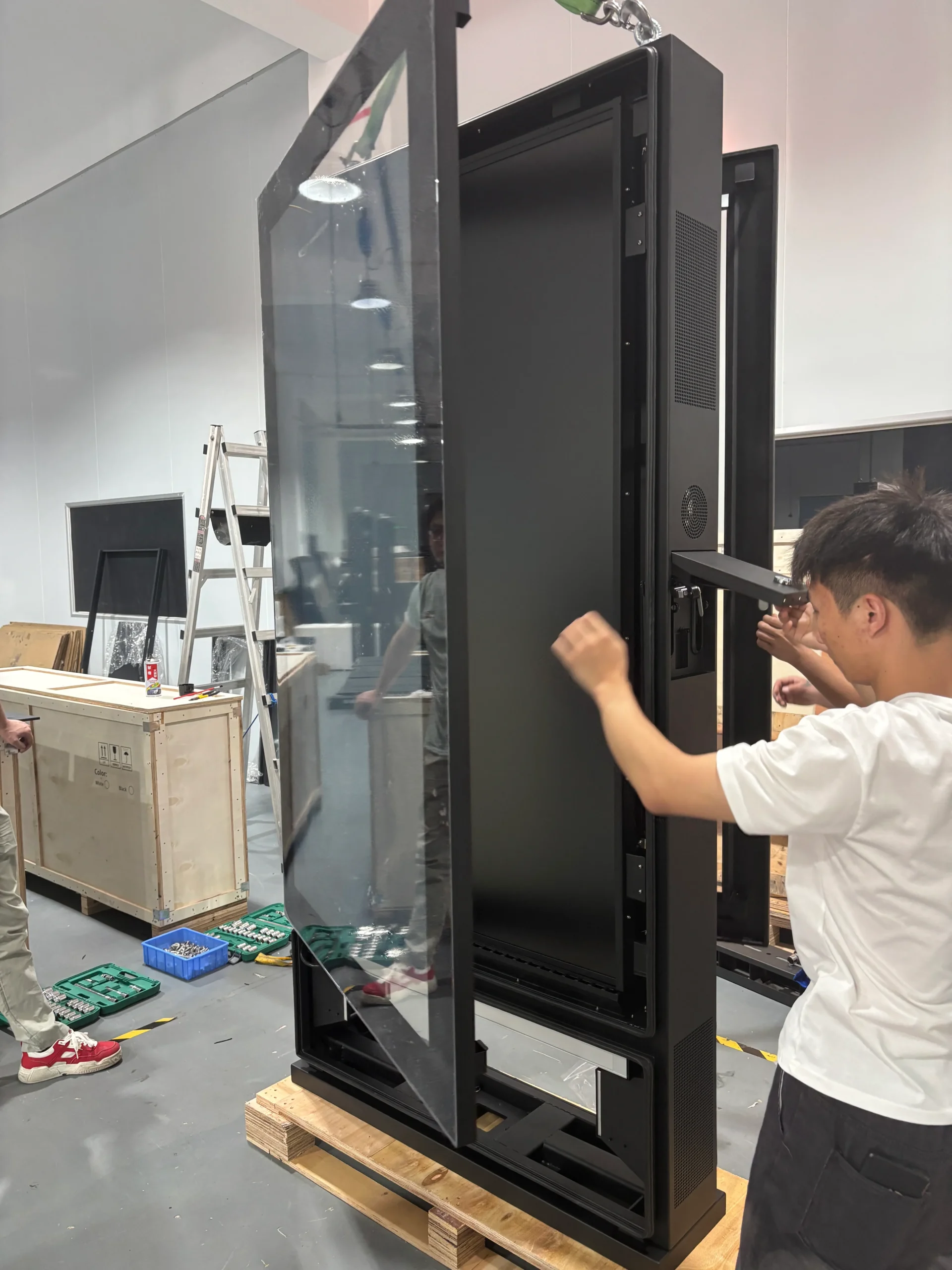
Open-door maintenance access
The following items are not standard configuration. Feasibility depends on cabinet space, interfaces, operating system and software requirements.
The presence of printer, card reader or scanner options does not mean the device includes payment, ticketing, identity verification or scanning functions by default.
As a digital signage totem manufacturer, Uniview LCD can evaluate custom digital signage totem requirements including screen size, resolution, brightness, operating system, memory and storage, touch technology, side-strip color, exterior color, logo and branding, wheels, camera, printer, card reader and scanner.
Customization feasibility, peripheral compatibility, minimum order quantity, lead time and final specifications must be confirmed during project evaluation.
01
Confirm the installation setting, display goal and requested configuration.
02
Review applicable options and prepare a project-based quotation.
03
Confirm the approved appearance and agreed technical details before production.
04
Assemble, configure and inspect units against the confirmed project requirements.
05
Complete final packing checks and prepare the order for shipment.
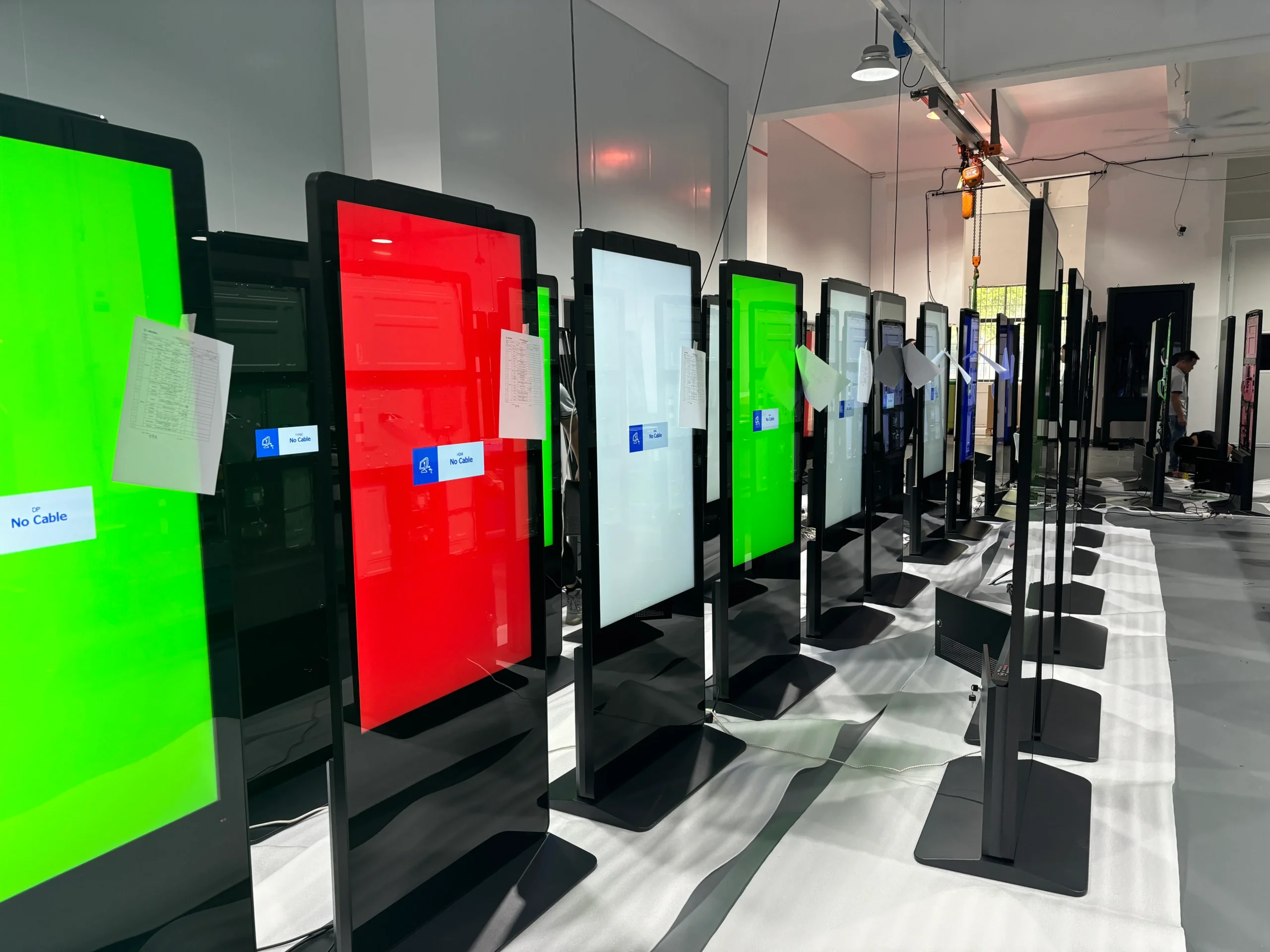
Production review covers cabinet and frame preparation, component installation, LCD integration, system configuration, display testing and shipment preparation. Inspection can include display performance, resolution and brightness configuration, interface and system startup, open-door maintenance structure, touch response where selected, peripheral compatibility where selected, and final appearance and packaging checks.
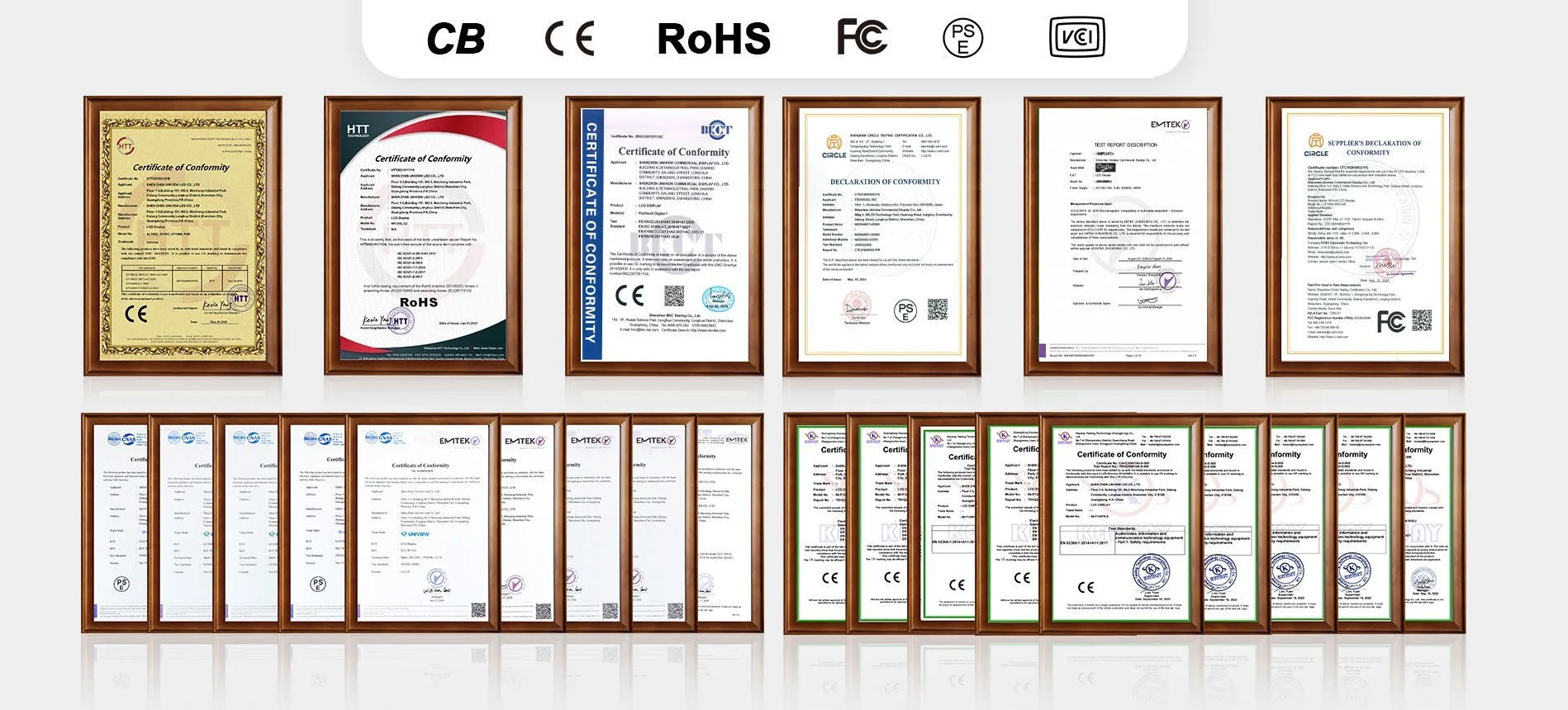
Certification documentation support for CE, FCC, PSE, VCCI, RoHS and CB may be available according to the specific product configuration and target market.
Certification availability depends on the selected configuration, product version and destination market. Please confirm the applicable certificates before ordering.
Tell us your required screen size, brightness, operating system, touch requirement, optional peripherals and estimated quantity in the Other Information field. Our team will review the configuration for your indoor project.
Email: lcdsales@univiewlcd.com
Phone: +86-755-21009715
Address: Floor 1-3, Bldg 9, Delta Science and Technology Park, Dalang Street, Longhua District, Shenzhen, China