

Digital Signage with Environmental Monitoring-F130P
This high-brightness outdoor LCD display is designed for public-information delivery and advertising, with configurable real-time environmental monitoring. It features an IP-rated enclosure and a flexible media system suitable for commercial deployment.

What Is Environmental Monitoring Digital Signage?
The F130P is a commercial outdoor floor-standing LCD digital signage kiosk. It is engineered to reliably display advertising, public announcements, and wayfinding information in outdoor environments.
What makes this product distinctive is its ability to integrate real-time environmental monitoring. Depending on the project configuration, the display can present local environmental data alongside scheduled media content, making it suitable for smart-city projects, parks, transit hubs, and other locations that combine public information with environmental awareness.
Unlike a standard indoor television or a conventional LED billboard, this digital signage display uses a purpose-built weather-resistant enclosure, a high-brightness LCD panel, and an industrial-grade thermal-management system. Its environmental monitoring function uses hardware-integrated sensors to display local physical data, which is different from software platforms that only monitor device and network status.

Dual-Core Functionality
Digital Signage Communication
As a dynamic visual communication platform, this high-brightness display clearly delivers scheduled commercial content, advertising, important public announcements, route maps, and local service information to passing audiences.
Environmental Monitoring Integration
Real-time environmental information can be integrated according to the selected sensor package. The displayed data fields depend entirely on project requirements. Sensor selection, communication interfaces, and data presentation layouts must be confirmed prior to production.
Why Outdoor Projects Require Purpose-Built Hardware
Sunlight-Readable Visibility
Features 2000–4000 nits high-brightness panels with automatic brightness control. Ensures content remains legible even under direct sunlight, avoiding the wash-out effect seen on standard screens.
Weather-Resistant Enclosure
Available with IP55 or IP65 enclosure options and IK10 anti-reflective protective glass. Designed to withstand dust ingress, rain, and physical impact in public spaces.
Temperature Management
Equipped with automatic temperature control. Choose between intelligent fan cooling or air-conditioned versions to maintain optimal operating conditions based on your local climate.
Integrated Information
Consolidates multiple functions into one kiosk. Reduces the need for separate advertising totems and environmental sensor poles, streamlining smart city infrastructure.
How to Choose the Right Configuration
Confirm the installation environment
Evaluate the site for direct sunlight exposure, shading conditions, potential rain and dust exposure, and the expected ambient temperature extremes.
Choose the screen size and orientation
Select from 43 to 98 inches based on audience viewing distance, the type of content to be displayed, available installation space, and whether a portrait or landscape configuration is preferred.
Choose brightness and resolution
Determine if 2000 to 4000 nits is necessary based on ambient light. Select Full HD (1080p) or 4K (2160p) resolution depending on the required detail for your specific content.
Choose the cooling system
Select a fan-cooled system for standard temperate environments, or opt for an air-conditioned version if the display will face extreme high temperatures or direct, intense sun load.
Define environmental monitoring and system requirements
Confirm the specific data types to be monitored, required sensor interfaces, media player OS (Android, Windows, or Standalone), optional touch functionality, and peripheral additions.
Note: Final specifications depend on the site and selected configuration. Environmental sensing requirements must be confirmed before quotation. Higher specifications are not automatically the correct choice for every project.
Available Configurations
| Configuration Parameter | Available Options / Details |
|---|---|
| Screen Size | 43″, 49″, 55″, 65″, 75″, 86″, 98″ |
| Orientation | Portrait or Landscape configuration |
| Resolution | 1080 × 1920 (FHD) or 2160 × 3840 (4K) |
| Brightness | 2,000–4,000 Nits (Configured on Request) |
| Enclosure Rating | IP55 or IP65 Options |
| Cooling Method | Smart Fans or Air Conditioning |
| Media Player / System | Standalone System, Android (e.g., 2 GB / 4 GB RAM), or Windows PC |
| Touch Options | Optional Capacitive Touch (10–40 Points) |
| Environmental Monitoring | Project-Specific; Sensor Parameters Must Be Confirmed |
| Optional Peripherals | Camera, Printer, Card Reader, Scanner, and Wi-Fi Access Point |
| Enclosure Branding | Custom Colors and Logo Application |
Environmental Monitoring Digital Signage Applications
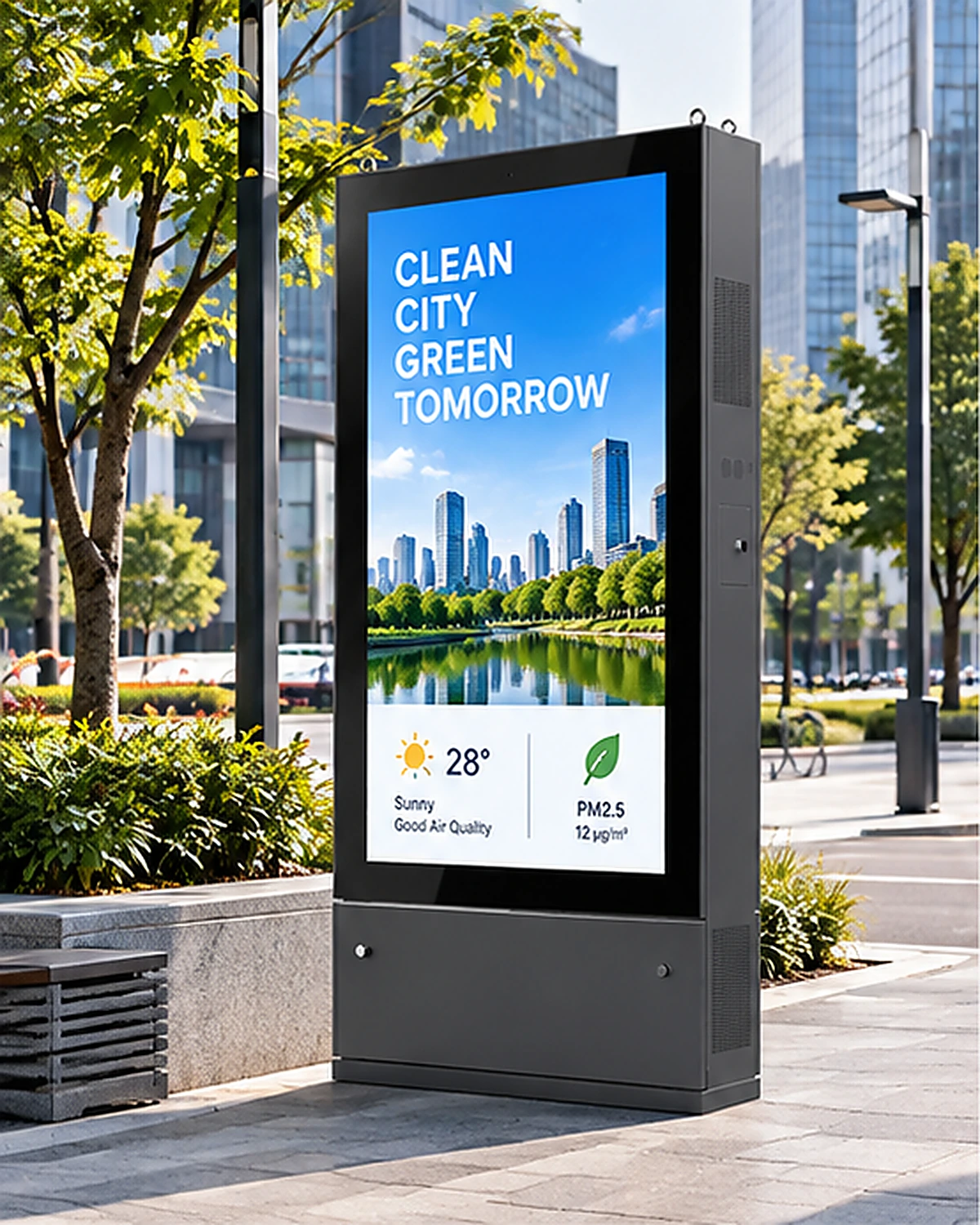
Smart Cities and Public Information
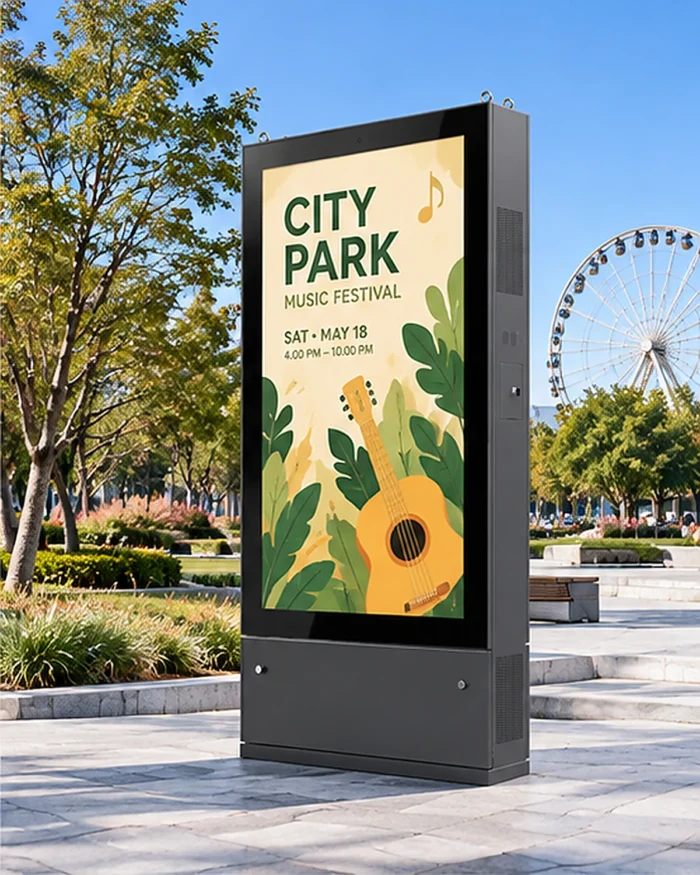
Parks and Public Squares
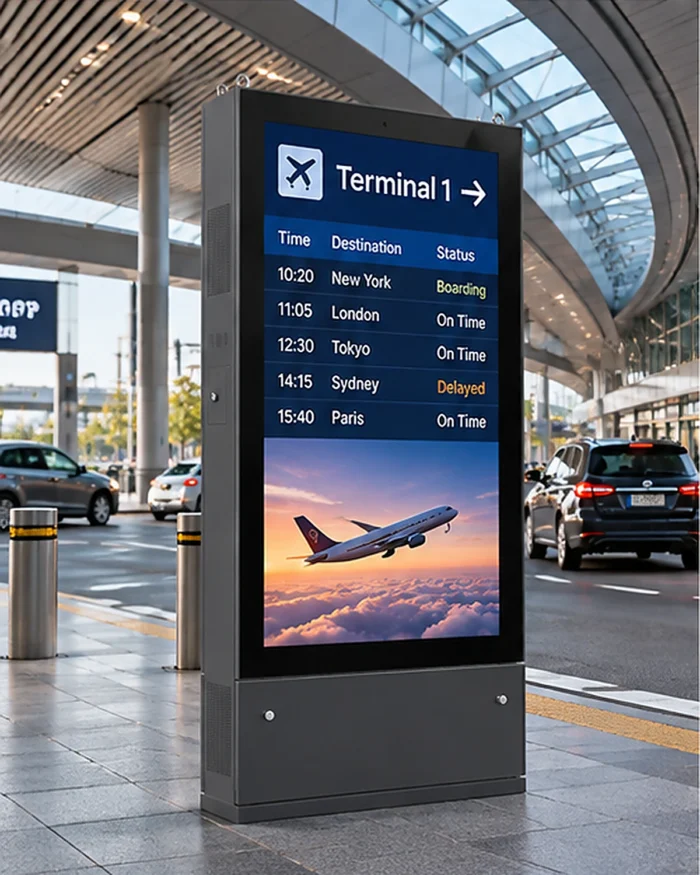
Transit Hubs
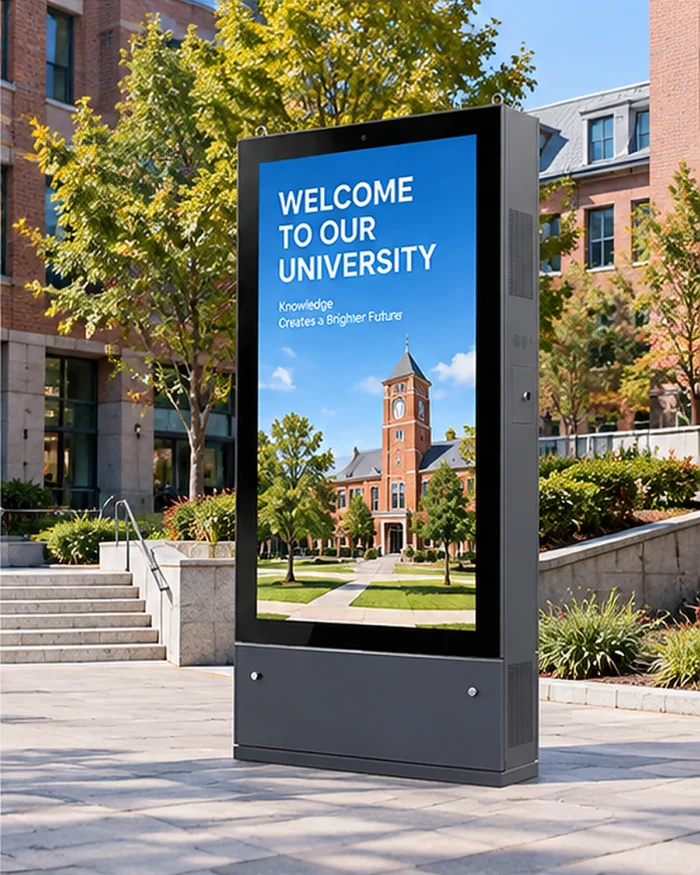
Campuses and Commercial Areas
Technical Specifications
| Product Type | Outdoor Floor-Standing Digital Signage Kiosk |
|---|---|
| Panel Type | LCD Display |
| Available Screen Sizes | 43″, 49″, 55″, 65″, 75″, 86″, and 98″ |
| Resolution Options | 1080 × 1920 or 2160 × 3840 |
| Brightness Options | 2,000–4,000 Nits |
| Contrast Ratio Options | 1200:1 or 3000:1 |
| Rated Operating Life | 50,000–60,000 Hours |
| Orientation and Installation | Portrait or Landscape / Floor Standing |
| Operating Environment | Outdoor |
| Enclosure and Protection | Optional IP55 or IP65 Protection; IK10 Anti-Glare Protective Glass; Anti-Theft Lock |
| Display Control | Ambient-Light Sensor; Automatic Brightness Control |
| Cooling Options | Fan Cooling or Air Conditioning (Automatic Temperature Control) |
| Operating Temperature (Fan Cooling) | Approximately -20°C to 45°C |
| Operating Temperature (Air Conditioning) | Approximately -30°C to 50°C |
| Storage Temperature | Approximately -20°C to 60°C |
| Driver Board Interfaces | HDMI, VGA, and DVI (Driver Board Version) |
| Standalone Media Player | HDMI and USB (Storage Specification to Be Confirmed) |
| Android Options | 2 GB + 16 GB and 4 GB + 32 GB Configurations |
| Windows Options | 4 GB + 128 GB to 32 GB + 512 GB Configurations |
| Touch Options | Optional Capacitive Touch (10–40 Touch Points, USB Interface) |
| Optional Configurations | Casters, Camera, Printer, Card Reader, Scanner, Wi-Fi Access Point, Remote Monitoring, and Miracast / Wireless Display |
| Environmental Monitoring | Configured for Each Project; Sensor Parameters and Interfaces Must Be Confirmed. |
Customization Services
Environmental Monitoring Configuration
Integrate project-specific sensor requirements, selected communication interfaces, and a custom data-display layout designed for your application.
Enclosure and Branding
Customize the enclosure color to municipal or corporate requirements, with professional logo application and any necessary structural modifications.
Media Player and System Integration
Flexible integration of Android or Windows, specified RAM and storage capacity, and optional remote device-monitoring functionality.
Touch and Peripheral Integration
The configuration can include capacitive touch, a camera, printer, card reader, scanner, or Wi-Fi access point.
From Enclosure Fabrication to Shipment
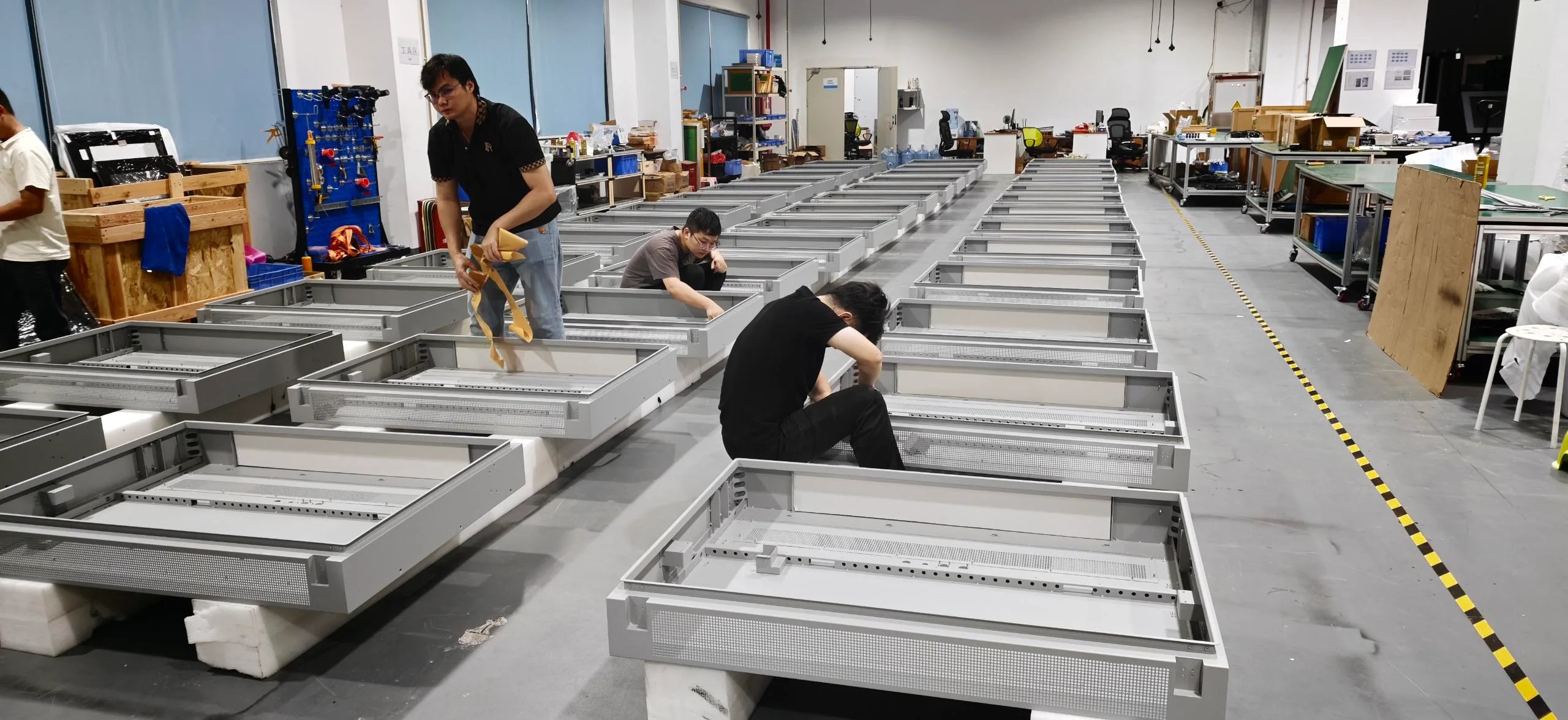
1. Metal Enclosure Fabrication
Precision cutting and bending of the outdoor kiosk chassis.
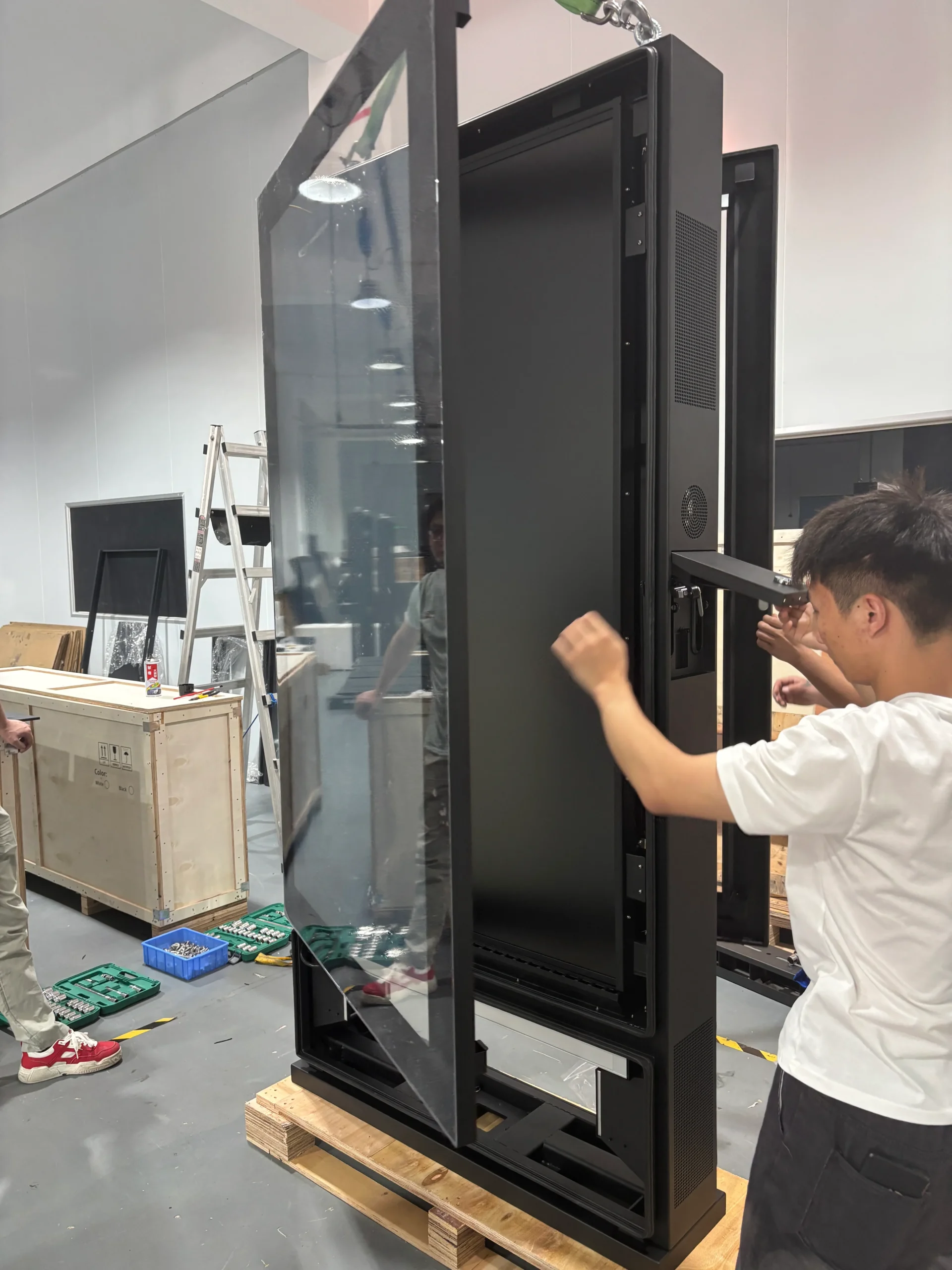
2. Surface and Glass Preparation
Weather-resistant coating and anti-glare protective-glass fitting.
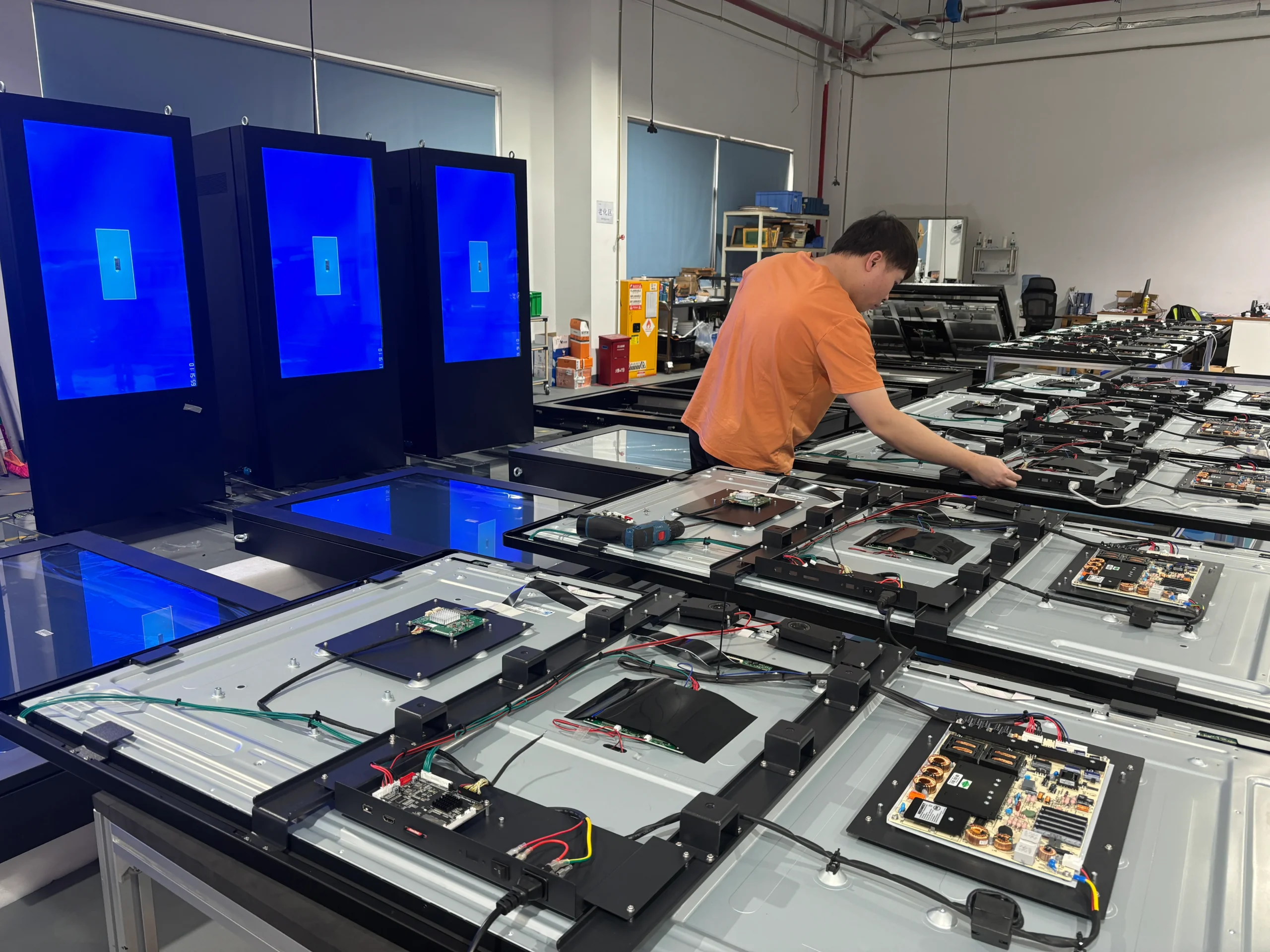
3. LCD Display and Electronic Components
Installation of the high-brightness panel and internal electronics.
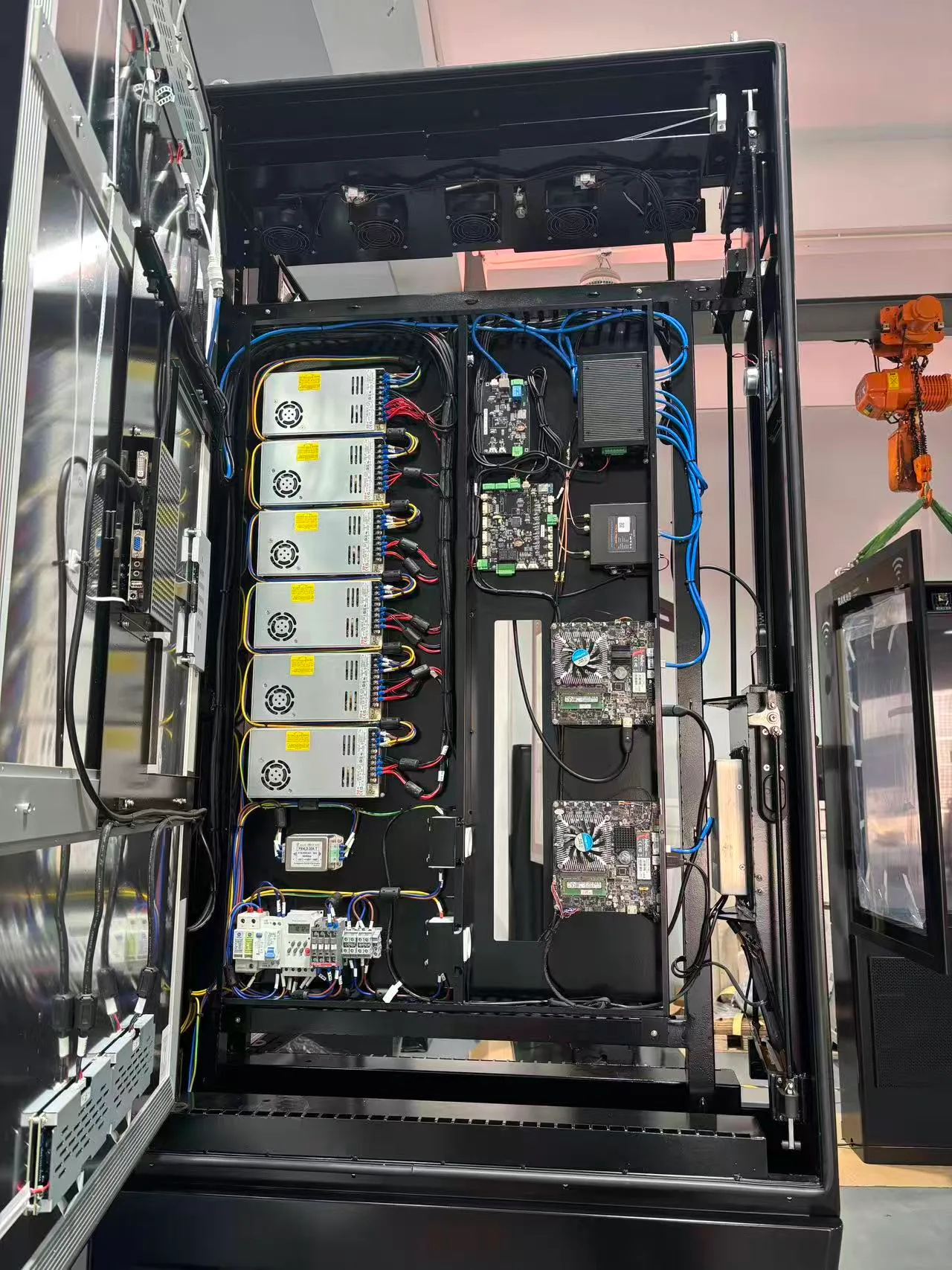
4. System Integration
Integration of the cooling system and optional environmental-monitoring module.
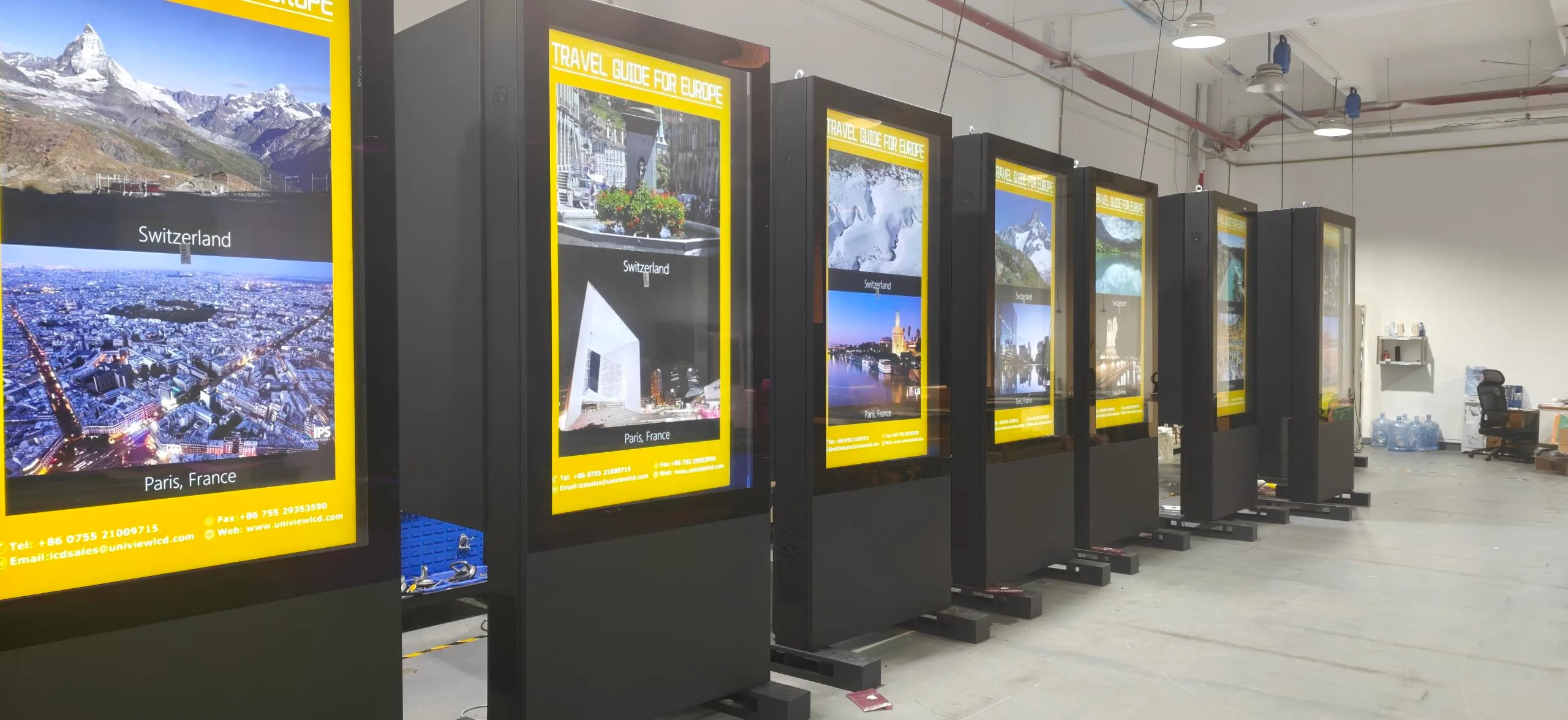
5. Testing and Inspection
Aging tests, brightness verification, and functional inspection.
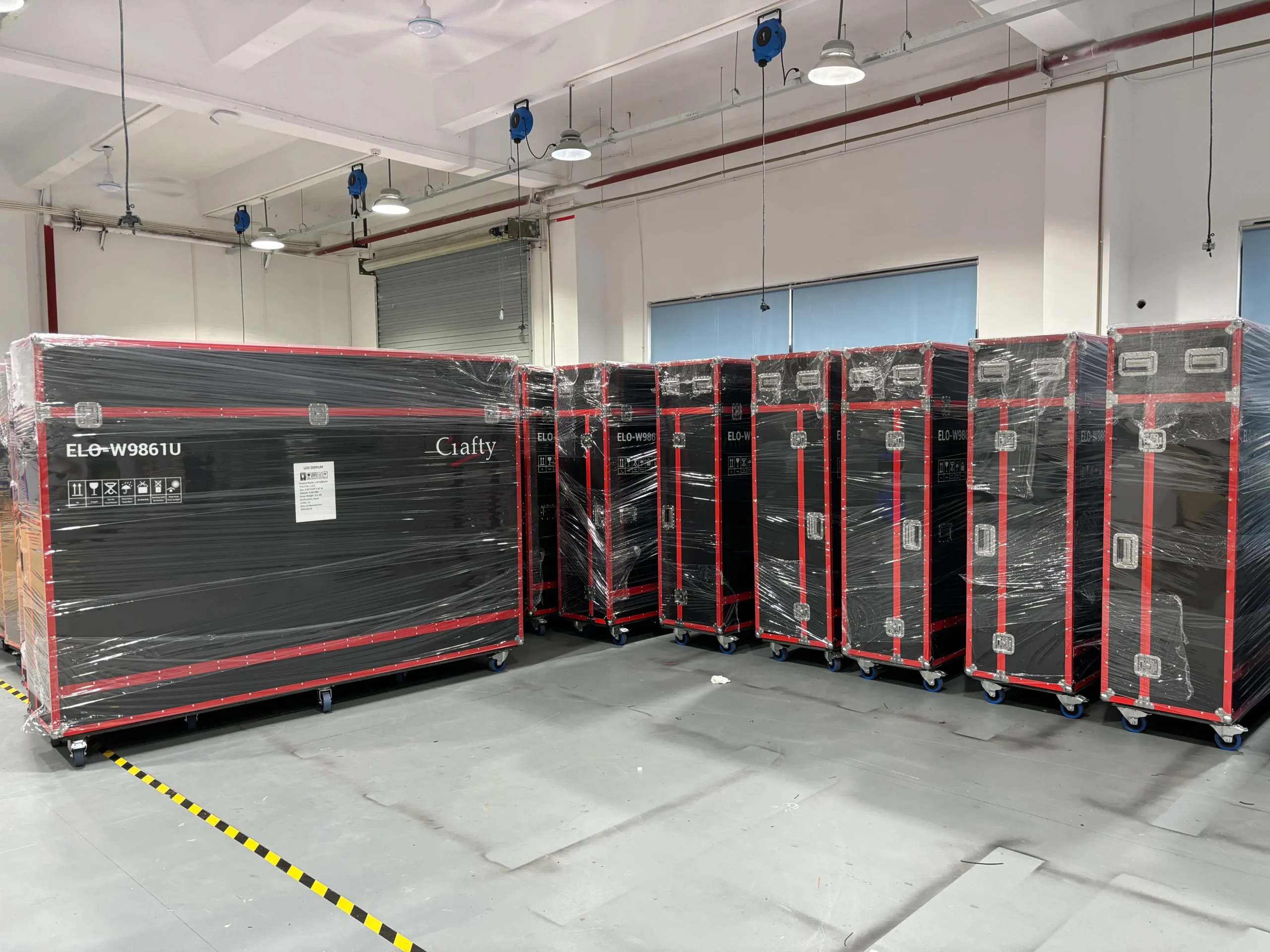
6. Packaging and Shipping
Secure protective packaging prepared for international shipment.
Project Process
Requirement Review
Site and Monitoring Confirmation
Configuration and Drawing Approval
Production and Quality Inspection
Packaging and Shipping Preparation
Manufacturing and Project Support
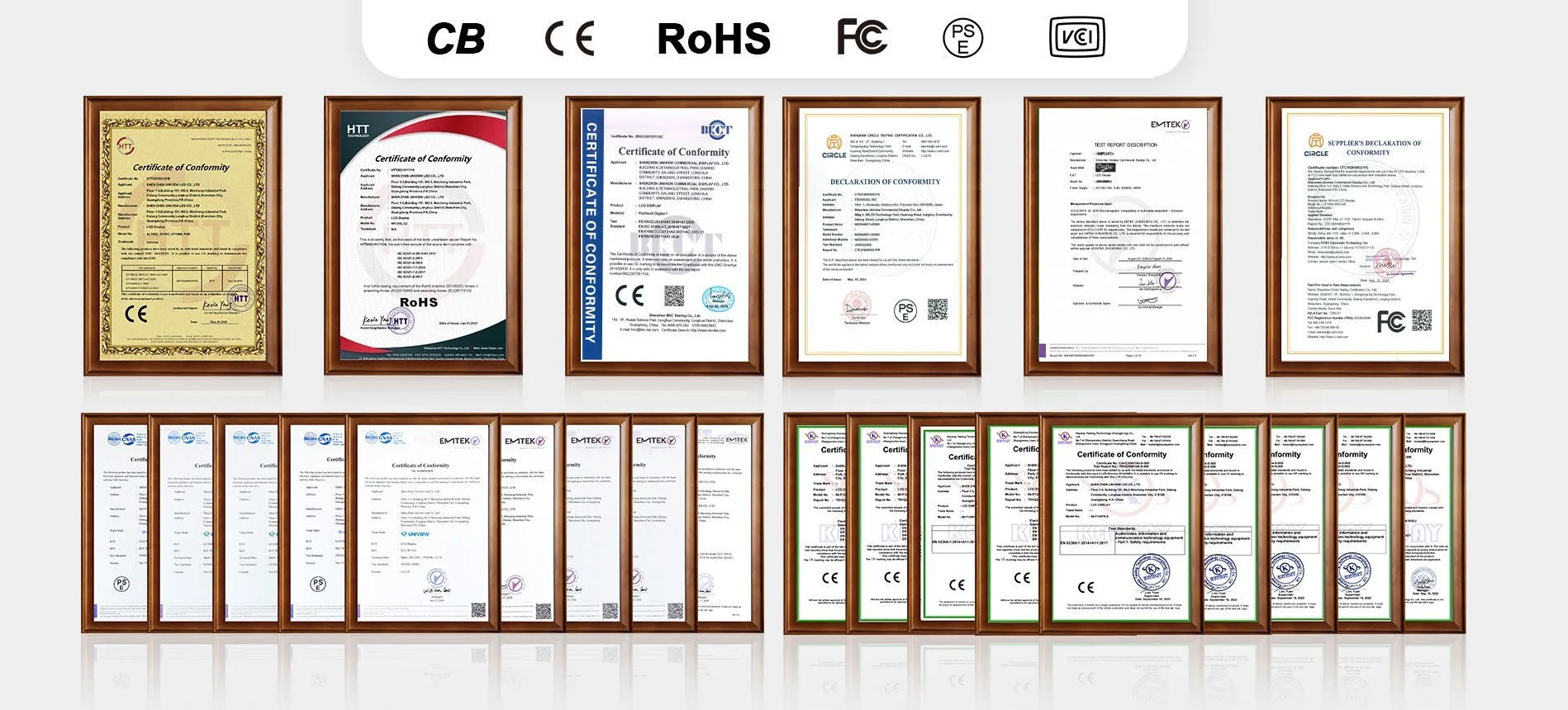
Certification Support
Compliance documents may include CE, FCC, RoHS, CB, PSE, and VCCI certifications, depending on the selected configuration and target market. Buyers should request documents that exactly match the product being ordered.
Frequently Asked Questions
What Is Environmental Monitoring Digital Signage?
How Is a Digital Signage Display Different from a Consumer TV?
What environmental parameters can the F130P monitor?
Is the display readable in direct sunlight?
What is the difference between IP55 and IP65?
How do I choose the correct screen size and brightness?
What cooling options are available?
Can it use Android, Windows or a standalone media player?
Is touch functionality available?
Can the Enclosure and Environmental Monitoring Components Be Customized?
Let's Discuss Your Project
Contact our engineering and sales teams to configure the right outdoor display for your environmental monitoring and public-information requirements.
Email Us
lcdsales@univiewlcd.comCall Us
+86-755-21009715Location
Floors 1–3, Building 9, Delta Technology Park, Dalang Subdistrict, Longhua District, Shenzhen, China
Request an F130P Project Quote
Please provide your contact details and project requirements, such as the installation environment, preferred screen size, required environmental monitoring parameters, and media system.