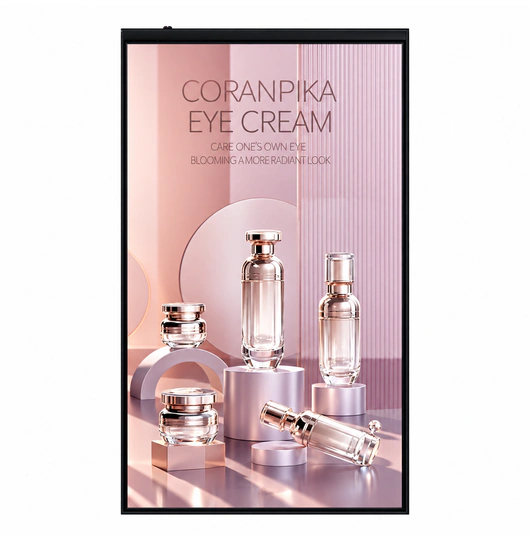

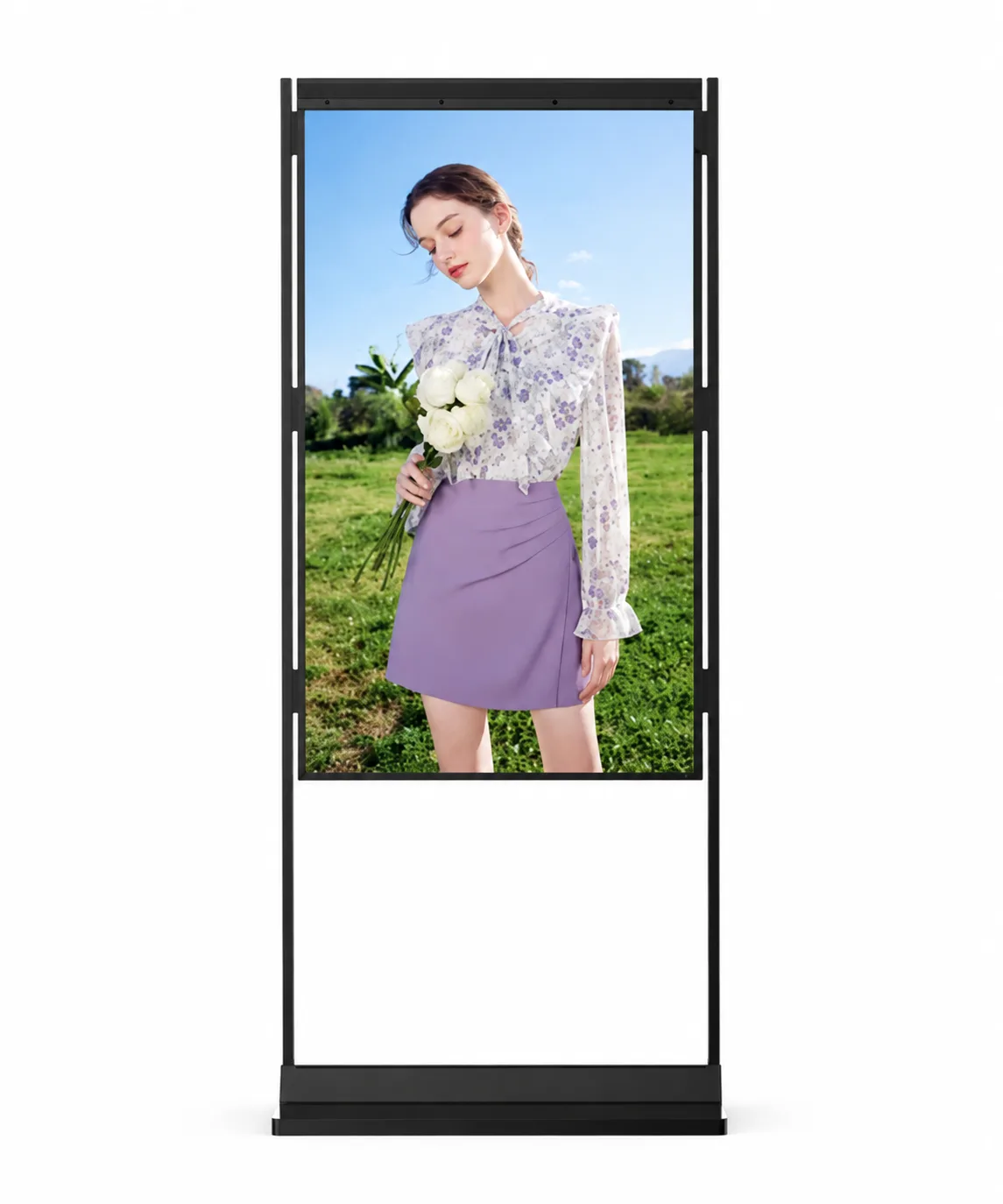
Window Digital Signage.
Make Your Storefront Seen.

Choose high-brightness displays for your storefront window. Compare single- and double-sided formats, viewing directions and installation options to find the right fit.

4Display models
Single / DualViewing formats
OEM / ODMProject configuration

For storefront advertising, in-window promotions and retail information.

Window digital signage installed inside a retail storefront

Find Your Window Display

Start with the audience you want to reach. Compare screen sizes, brightness and mounting options before you choose.

Compare model specifications

4 models All Models

Select up to 3 models to compare

U1500PD Double-Sided Window Display product view

Double-Sided Window Display

U1500PD

Reach street-side shoppers and customers inside your store.

Screen sizes
43–75 in.
Brightness
3,000 / 700 nits
Format
Dual LCD screens

3,000-nit street side; 700-nit indoor side. Listed body: 57 mm.

View Details & Specs
UW1500P Window-Facing Digital Signage product view

Window-Facing Digital Signage

UW1500P

For storefront projects using ceiling or wall installation.

Screen sizes
49–86 in.
Brightness
1,500–4,000 nits
Format
Single-sided LCD

Portrait or landscape; ceiling hanging or wall mounted.

View Details & Specs
UW1500L Landscape Window Display product view

Landscape Window Display

UW1500L

Wide-format campaigns for retail windows and shopfront walls.

Screen sizes
49–86 in.
Brightness
1,500–4,000 nits
Format
Single-sided LCD

Landscape format; ceiling hanging or wall mounted.

View Details & Specs

Brightness and resolution options depend on screen size and configuration. U1500PD lists 3,000 nits on the window-facing side and 700 nits on the indoor-facing side. Wall-mounted filtering overlaps with single-sided models.

These are window-facing / semi-outdoor displays for protected installation. High brightness does not imply waterproof protection for direct exposure to rain.

Which direction should your content face?

Tell us about your storefront, viewing direction and mounting space. We can help you narrow down the model and configuration.

Get Selection Advice

Compare the Four Window Display Models

Review the full range below, or select two or three cards to build your own shortlist.

All Models — configuration overview
ModelFormat / orientationScreen sizesBrightnessInstallationProject fit
U1500PSingle-sided LCD
Portrait
49–86 in.1,500–4,000 nitsFloor standing / hangingStreet-facing retail promotions.
U1500PDDual LCD screens
Confirm by configuration
43–75 in.3,000 / 700 nits
Street / indoor sides
Floor standing / hangingMessaging to both street and store audiences.
UW1500PSingle-sided LCD
Portrait / landscape
49–86 in.1,500–4,000 nitsCeiling hanging / wall-mountedFlexible orientation in storefront windows.
UW1500LSingle-sided LCD
Landscape
49–86 in.1,500–4,000 nitsCeiling hanging / wall-mountedWide-format storefront content.

Confirm the final size, brightness, resolution and installation drawing for your project.

Single-Sided or Double-Sided Window Display?

Single-Sided Window Display

A single-display format is suitable when content mainly needs to face one audience direction, typically outward toward the street or pedestrian walkway.

Related Products:
Viewing Direction Illustration
Outside Audience ←
Inside

Double-Sided Window Display

A double-sided format is suitable when content needs to be visible to audiences on both sides of the installation—communicating with outside pedestrians and inside customers simultaneously.

Related Product:
Viewing Direction Illustration
Outside Audience ←
→ Inside Audience

Choose the Orientation and Mounting Method

Window-Facing Digital Signage installation concept

Window-Facing Digital Signage

UW1500P supports portrait or landscape configurations with ceiling-hanging or wall-mounted installation. Select the orientation around your content, viewing direction and available mounting space.

Related Model: UW1500P
Wall-Mounted Shop Window Display installation concept

Wall-Mounted Shop Window Display

UW1500L is a landscape window display with ceiling-hanging or wall-mounted installation. Confirm the supporting structure, hardware and service clearance for the site.

Related Model: UW1500L

How to Choose a Window Digital Signage Display

Follow these four simple steps to identify the right model for your project.

1

Determine the Viewing Direction

Decide which audience should see the content:

  • Outside only
  • Inside only
  • Both outside and inside
2

Select the Display Format

Choose the display format:

  • Single display
  • Double-sided display
3

Confirm the Installation Method

Confirm the required installation method:

  • Window-facing placement
  • Wall-mounted installation
  • Another customized installation
4

Confirm Project Requirements

Share your project details:

  • Preferred screen size & quantity
  • Storefront dimensions
  • Photos or drawings
  • Ambient-light conditions
  • Content source & OS
  • Target delivery schedule

Designed for Storefront Visibility and Flexible Installation

High-Brightness Display Options

U1500P, UW1500P and UW1500L list 1,500–4,000-nit brightness options. U1500PD lists a 3,000-nit window-facing screen and a 700-nit indoor-facing screen. Confirm the selected size and configuration.

Single- and Double-Sided Formats

The product category includes both single-display formats for outward-facing communication and double-sided formats designed to reach audiences on both sides of the window.

Window-Facing Product Options

Dedicated window-facing digital signage models are available for presenting promotional and informational content directly toward the storefront audience.

Wall-Mounted Shop-Window Options

For storefronts where wall space is utilized, specific models are positioned as wall-mounted displays to integrate with the retail environment.

Solutions for Common Storefront Display Challenges

!

Storefront content may be difficult to see in bright environments.

Business Impact: Strong ambient light and window reflections may reduce the visibility of promotional or informational content.
Product Direction: Consider U1500P and U1500PD for high-brightness storefront communication. UW1500P and UW1500L also list high-brightness options.
!

A single-facing display communicates in only one direction.

Business Impact: Some commercial locations need to communicate with pedestrians outside the store and customers inside the store.
Product Direction: Consider U1500PD as the confirmed double-sided product option.
!

Storefront layouts require different installation methods.

Business Impact: Available wall space, window dimensions, and required viewing direction vary between commercial locations.
Product Direction: Consider UW1500P as the window-facing option and UW1500L as the wall-mounted option.
!

Similar model numbers can make selection difficult.

Business Impact: Buyers may not immediately understand the differences among U1500P, U1500PD, UW1500P, and UW1500L.
Product Direction: Use the comparison table and selection guide to distinguish models by format, direction, and installation.

Support for Window Display Projects

Our team is available to assist enterprise buyers and wholesalers. Services can be evaluated based on project needs and model selection. Available on request:

  • Product selection
  • Model comparison
  • Installation planning
  • Technical drawings
  • Configuration confirmation
  • Customization evaluation
  • Documentation
  • Quotation support
Discuss Your Project
Uniview LCD Logo
Address Floor 1-3, Bldg 9, Delta Science and Technology Park, Dalang Street, Longhua District, Shenzhen, China

Frequently Asked Questions

What is window digital signage?
Window digital signage refers to commercial display screens designed for installation in or near retail storefront windows to present promotional, informational, or advertising content to audiences.
Which model is suitable for a single-facing window display?
U1500P, UW1500P and UW1500L are single-sided options. Compare portrait or landscape orientation and floor-standing, hanging or wall-mounted installation before choosing.
Which model is double-sided?
The U1500PD is the confirmed double-sided high-brightness window display model in this category.
What is the difference between U1500P and U1500PD?
The U1500P is a single display format, while the U1500PD is a double-sided display format designed to show content to both inside and outside audiences simultaneously.
Is UW1500P designed for window-facing applications?
Yes, the UW1500P is explicitly positioned as a window-facing digital signage display.
Which model is wall-mounted?
Both UW1500P and UW1500L support wall-mounted or ceiling-hanging installation. UW1500P lists portrait and landscape configurations; UW1500L lists landscape orientation.
Does "1500" in the model number mean 1500-nit brightness?
No. U1500P, UW1500P and UW1500L list 1,500–4,000-nit options. U1500PD lists 3,000 nits for the window-facing screen and 700 nits for the indoor-facing screen. The model number is not a complete brightness specification.
What screen sizes are available?
U1500P, UW1500P and UW1500L list 49, 55, 65, 75 and 86-inch sizes. U1500PD lists 43, 49, 55, 65 and 75-inch sizes. Confirm resolution and brightness support for the selected screen.
Can both sides of U1500PD display different content?
Content-control capabilities depend on the selected configuration and should be confirmed during quotation.
What information is needed to request a quotation?
To request an accurate quotation, please provide your preferred screen size, estimated quantity, storefront dimensions, viewing direction, installation method, and any specific project requirements.

Need Help Selecting a Window Digital Signage Model?

Tell us which direction the content should face, how the display will be installed, your preferred screen size, and the estimated project quantity. Our team will help identify the appropriate model for further technical confirmation.

Our team will review your requirements and respond promptly.