Responsive Multi-Touch Options
Choose capacitive or infrared touch according to the intended interface and environment. Final touch-point count and supported input behavior are confirmed per configuration.


The IK110 is an indoor floor-standing information kiosk series available from 22 to 55 inches, with capacitive or infrared multi-touch and FHD or 4K options. Choose portrait or landscape configurations, Driver Board, Standalone, Android or Windows systems for information access, wayfinding and project-specific interactive applications with OEM/ODM support.

A touch screen information kiosk combines an LCD display, touch interface and optional computing system in a floor-standing enclosure. Users can tap, browse and select on-screen information for directories, wayfinding, product information and public information access. Unlike standard digital signage that repeatedly plays scheduled content, touch results are determined by the installed software and content design. The IK110 offers different screen sizes, orientations, touch technologies and system choices. Actual functionality depends on the selected system, software and optional hardware.
Choose capacitive or infrared touch according to the intended interface and environment. Final touch-point count and supported input behavior are confirmed per configuration.
The enclosure format presents a clean, integrated appearance for customer-facing indoor areas. Final style is matched to the selected size and orientation.
A reinforced base supports floor-standing placement in planned indoor locations. Site layout and equipment positioning should be reviewed before installation.
Driver Board, Standalone, Android and Windows options support different content sources. Compatibility depends on the final hardware, operating system, application and peripheral combination.
| Format | Installation | Suitable use | Main distinction |
|---|---|---|---|
| IK110 floor-standing kiosk | Floor standing | Indoor directories, information access and interactive content | Integrated large-format touch display with reinforced base |
| Wall-mounted touch display | Wall installation | Locations with limited floor space | Requires a suitable wall and mounting work |
| Countertop kiosk | Counter or desk | Shorter or more private interactions | Smaller format and different working height |
| Standard digital signage | Floor standing or wall mounted | One-way promotional content | Touch and interactive workflow may not be included |
| Outdoor touch kiosk | Fixed outdoor installation | Exposed outdoor areas | Requires dedicated weather and thermal protection |
IK110 is an indoor floor-standing device, not a wall-mounted screen, countertop terminal or outdoor touch kiosk. Landscape or portrait availability must be confirmed for the specific model and size.
Suitable for finger-based interfaces and precise touch experiences. Actual glass construction, supported gestures and touch-point count must be confirmed.
Infrared touch detects input through an infrared frame. Actual bezel design, supported input objects and touch-point count must be confirmed for the selected model.
Available: 22–55 inch; portrait or landscape.
Best suited for: Space and content layout.
Confirm: Enclosure and orientation combination.
Available: FHD or 4K.
Best suited for: Content detail and viewing distance.
Confirm: Panel and content resolution.
Available: 350 / 700 / 1000 / 2000 nits.
Best suited for: Indoor ambient light.
Confirm: Installation lighting conditions.
Available: Capacitive or IR.
Best suited for: Interface workflow.
Confirm: Touch points and bezel design.
Available: External source or local playback.
Best suited for: Existing AV workflows.
Confirm: Signal and touch system compatibility.
Available: Android or Windows.
Best suited for: Compatible applications.
Confirm: OS version, software and interfaces.
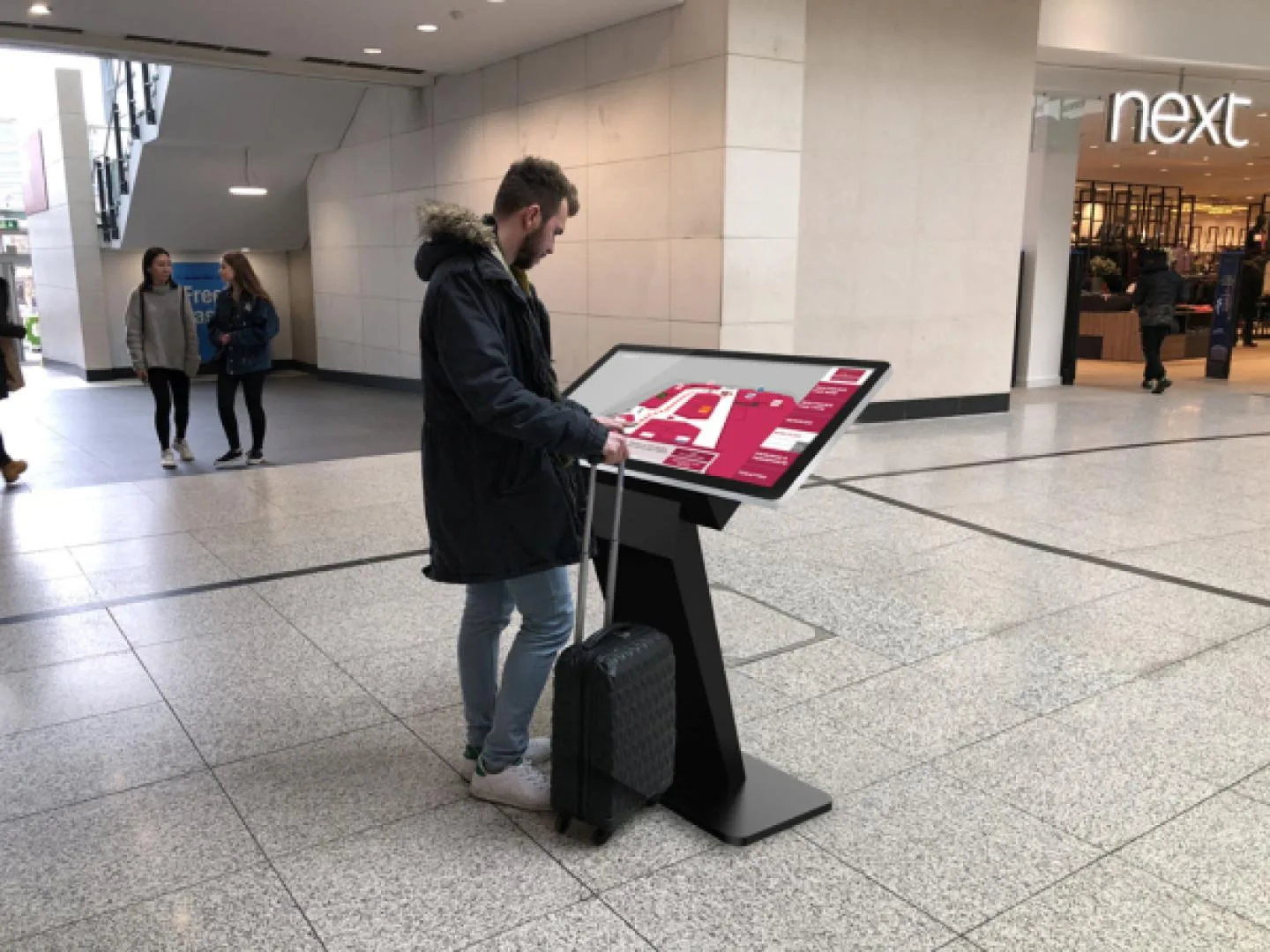
Interactive wayfinding, floor directories and promotional content.
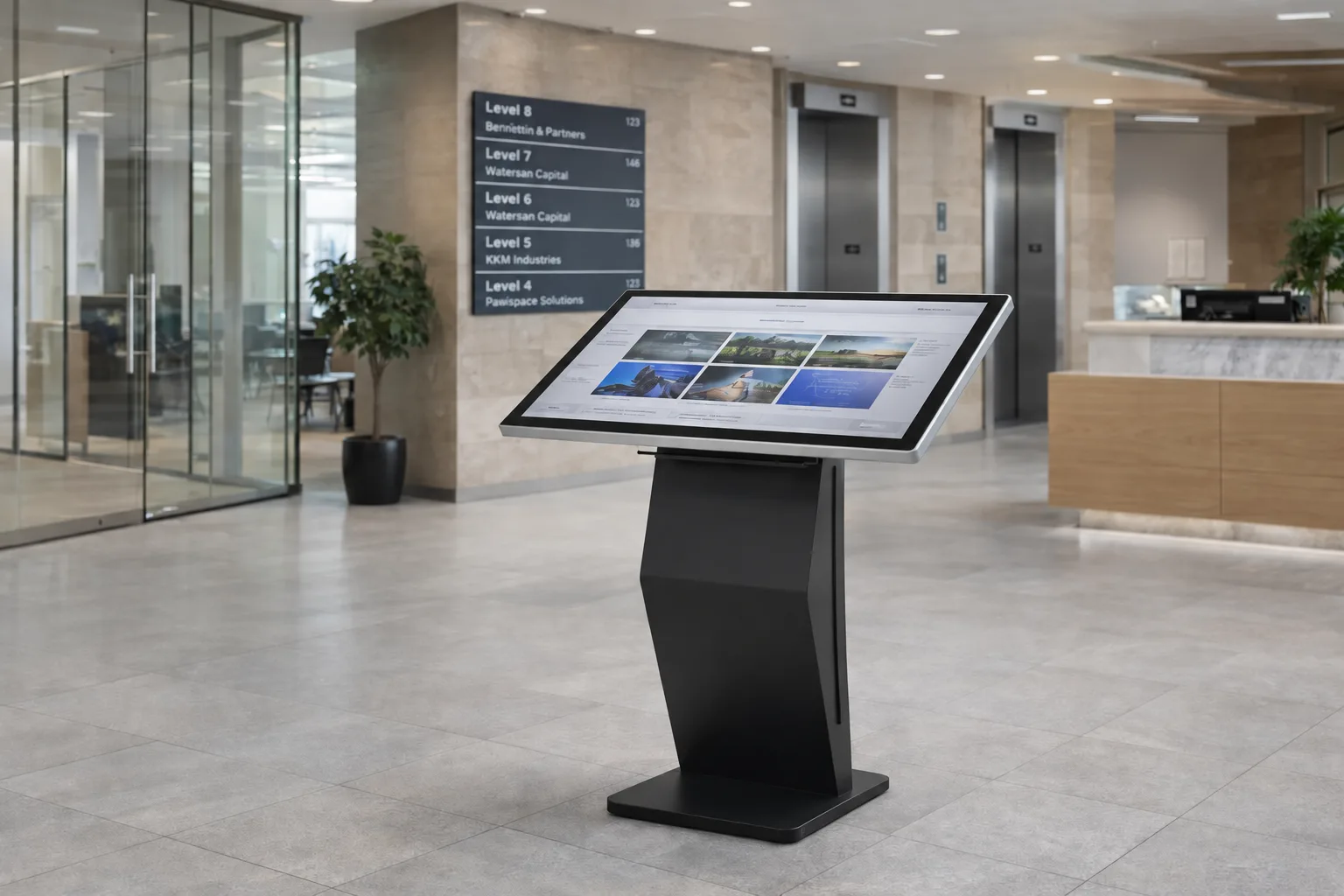
Visitor information and department directory access.
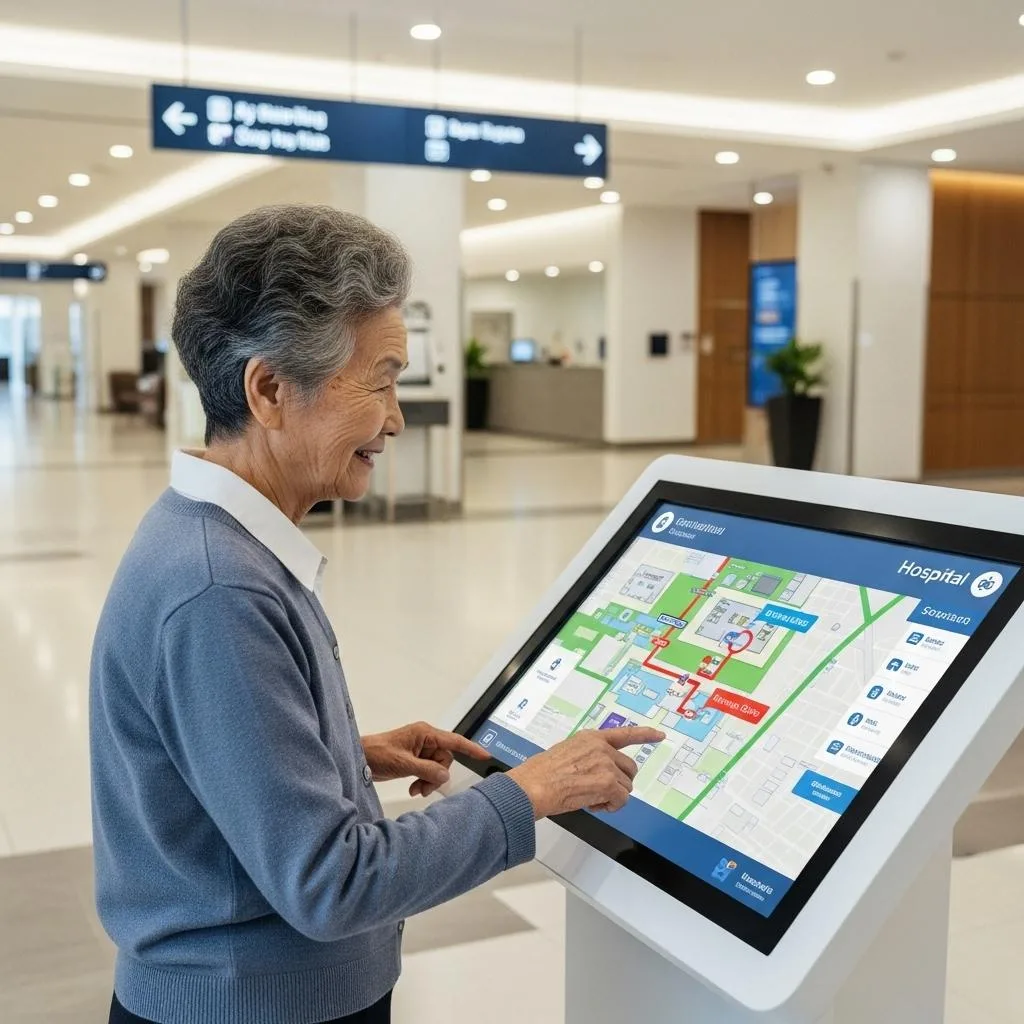
Service information, department information and navigation.
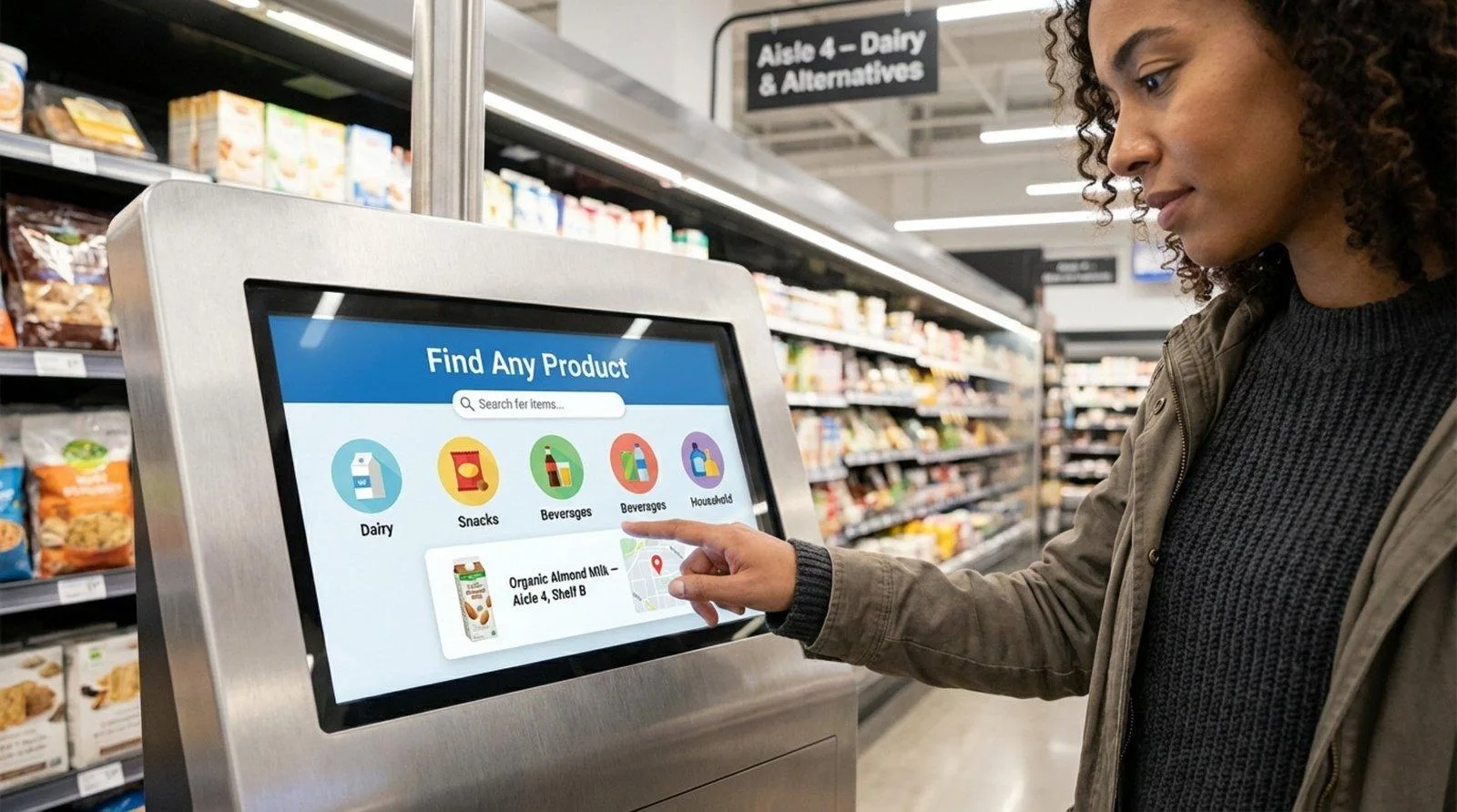
Product browsing and compatible promotional content.
Check-in, booking, queue management, ordering, printing and data collection require compatible software and peripheral hardware.
Review screen size, orientation, touch type, touch points, system, interfaces and optional peripherals as one connected specification.
Confirm user interface, application, CMS, web content, wayfinding and directory databases, device management, security, kiosk lockdown and API or business-system integration.
The IK110 does not automatically include a specific CMS, wayfinding platform, directory system, ordering system or payment application.
| System | Interfaces | Listed memory/storage | Planning notes |
|---|---|---|---|
| Driver Board | HDMI, VGA, DVI | No listed storage | External signal source; touch and applications require a separate compatible system. |
| Standalone | HDMI, USB | Listed 16G | Suitable for local playback; supported file formats must be confirmed. |
| Android | HDMI, USB | 2G+16G, 4G+16G, 4G+32G | For compatible apps and network content; version and application compatibility must be confirmed. |
| Windows | HDMI, VGA, USB | 4G+128G, 32G+512G | For Windows software environments; version and software compatibility must be confirmed. |
Specifications represent available IK110 series configurations. Final screen size, orientation, panel, brightness, touch solution, system, interfaces and optional hardware must be confirmed in the quotation and production specification.
Panel type: Confirm by selected configuration
Screen sizes: 22 / 32 / 43 / 49 / 55 inch
Resolution: FHD or 4K
Brightness: 350 / 700 / 1000 / 2000 nits
Contrast ratio / operating life: Confirm by panel
Orientation: Portrait or landscape, subject to model
Installation: Indoor floor standing
Touch: Capacitive or infrared; 10–40 points
Touch interface: Confirm by solution
Operating systems: Driver Board, Standalone, Android, Windows
Interfaces: HDMI / VGA / DVI / USB by system
Optional configurations: Wi-Fi, wheels, camera, printer, color
Environment: 0°C to +40°C; 10%–80% RH non-condensing
Final enclosure dimensions: confirm by selected screen size, orientation and enclosure style.
IK110 is an indoor product with listed operating temperatures of 0°C to +40°C, storage temperatures of -10°C to +60°C and 10%–80% RH non-condensing humidity. No IP protection rating is provided. It is not intended for rain, outdoor dust, roadside exposure or direct sunlight. A 2000-nit option does not change its indoor product classification; select a dedicated outdoor touch kiosk for exposed projects.
Touch screen information kiosk price is typically affected by screen size, resolution, brightness, enclosure style, portrait or landscape design, touch technology, touch points, operating system, memory/storage, camera or printer options, Wi-Fi or wheels, color and logo customization, quantity, certification requirements, destination and shipping terms.
A final price requires a confirmed production specification and order quantity.
22 / 32 / 43 / 49 / 55 inch; FHD or 4K; 350 / 700 / 1000 / 2000 nits; portrait or landscape; capacitive or infrared touch; 10–40 points; Driver Board, Standalone, Android or Windows; custom colors, Wi-Fi access point, wheels, camera and printer.
OEM/ODM support, logo customization, packaging customization and sample support.
Enclosure style, size/orientation, panel, touch points, application, CMS, integration, peripherals, MOQ, lead time, warranty, certification scope, power consumption, dimensions and weight.
With 14+ years of industry experience, Uniview LCD coordinates enclosure preparation, display and touch integration, system installation, assembly, functional inspection, packing and shipment for information kiosk projects. OEM/ODM coordination begins with the selected hardware and intended application, then continues through sample evaluation and production specification review. The production approach supports practical alignment between enclosure, display, touch, system and optional hardware before shipment planning.
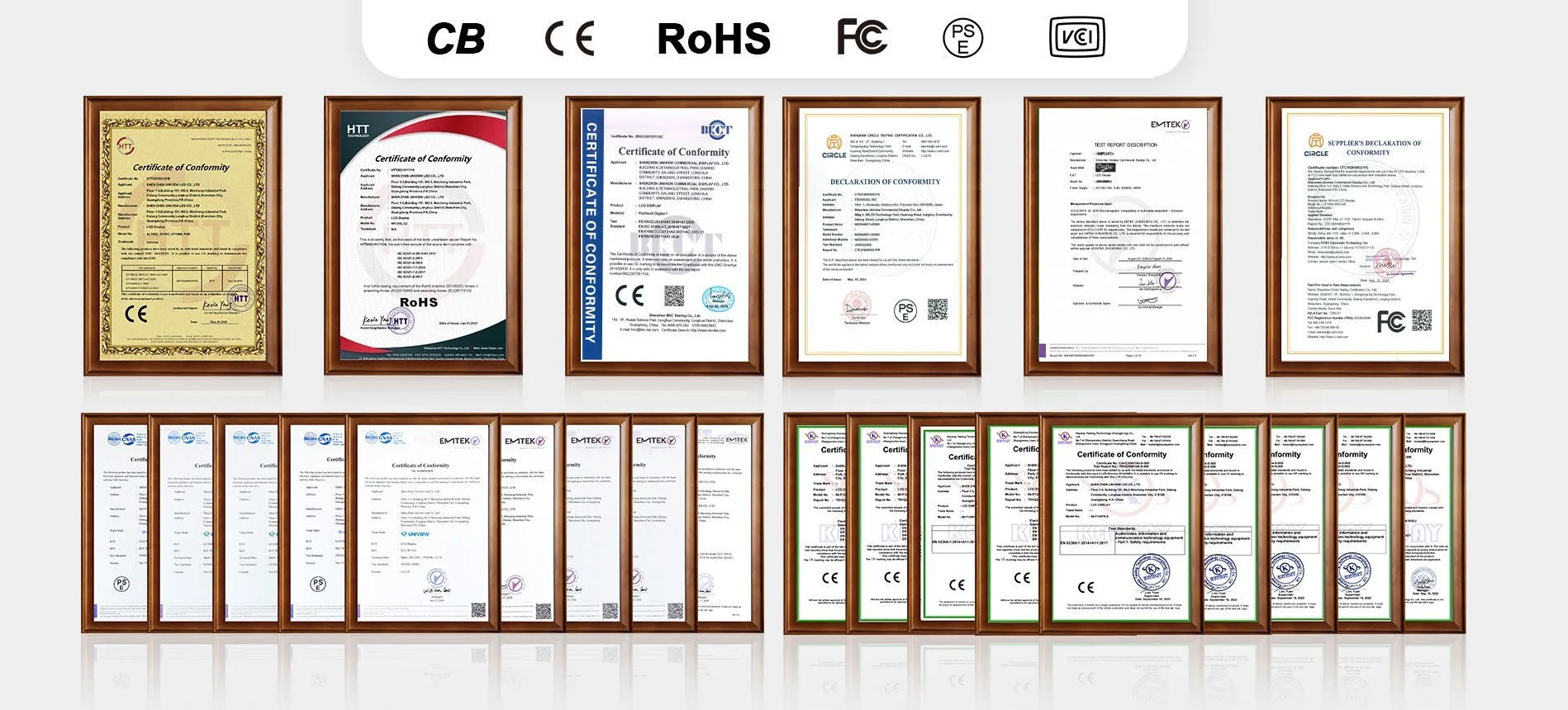
Uniview LCD can provide CE, FCC, PSE, VCCI, RoHS and CB certification document support where applicable. Certification availability depends on the selected screen size, panel, touch solution, system configuration and destination market. Request the applicable documents for your IK110 project.
For quotation preparation, share the intended application, installation environment, available floor space, screen size, orientation, viewing and interaction distance, resolution, brightness, touch requirements, operating system, application or CMS, network requirements, camera or printer needs, color/logo, quantity, destination country and target schedule.
Email: lcdsales@univiewlcd.com
Phone: +86-755-21009715