21:9 Wide Visual Format
A wider commercial canvas supports panoramic storytelling, wide brand visuals and multi-region information layouts.


UW219 is an indoor 21:9 ultra wide digital signage display for commercial communication and professional presentation environments. Available in 81-, 92- and 105-inch options, it combines a native 5120 × 2160 canvas with Android, Windows and OPS-ready configurations.
Floor-standing, wall-mounted and ceiling-hung installations are available, with optional touch, Local Dimming and Wi-Fi access point configurations subject to project requirements.


Ultra wide digital signage uses a wider visual format than a conventional 16:9 commercial screen. UW219 combines a 21:9 aspect ratio with native 5120 × 2160 resolution for panoramic brand content, multi-zone information layouts and wide-format presentations on one LCD panel.
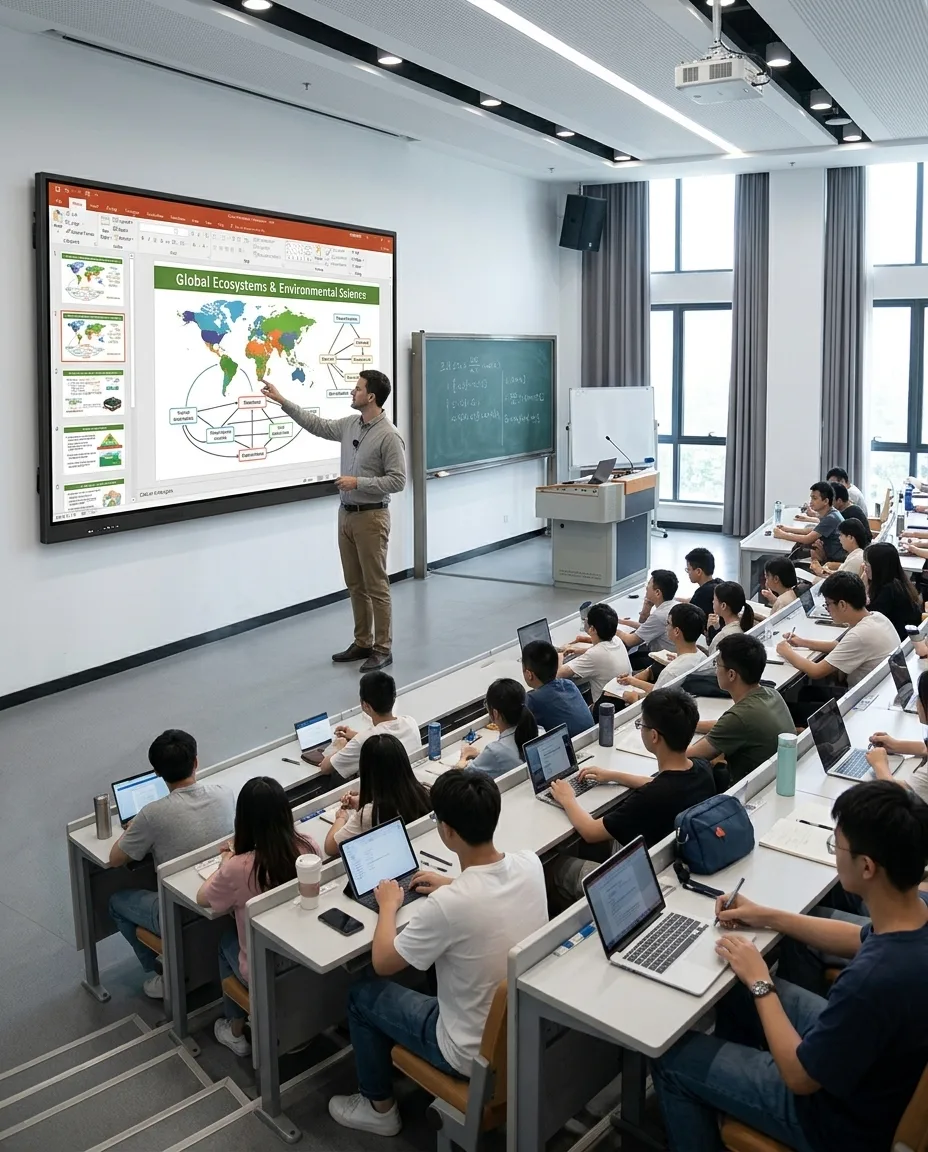
The display is designed for indoor meeting rooms, showrooms, retail spaces, hotel lobbies and professional presentation environments. Content and signal sources should be planned for the 21:9 canvas to avoid unwanted stretching or unused image areas.
A wider commercial canvas supports panoramic storytelling, wide brand visuals and multi-region information layouts.
5120 × 2160 provides detailed presentation space for large text, graphics and carefully prepared 21:9 content.
Select IPS or VA LCD configurations with DLED or optional Local Dimming according to the project.
Android, Windows and OPS structure options support different playback, presentation and commercial software needs.
| Display Type | Structure | Best Fit | Planning Notes |
|---|---|---|---|
| 21:9 Ultra Wide Digital Signage | Single ultra-wide LCD panel, 5120 × 2160 native resolution | Panoramic content, multi-zone layouts and wide presentations | No panel seam; UW219 belongs to this category |
| Standard 16:9 Commercial Display | Conventional commercial display format | Standard advertising, menus and information pages | More common content resources, less horizontal canvas |
| Stretched Bar LCD Display | Narrower elongated display proportions | Shelves, aisles and constrained spaces | Different size and resolution category from UW219 |
| LCD Video Wall or LED Wall | Multiple LCD panels or LED modules | Very large scalable display areas | Requires additional control and installation structure; LCD walls may have seams |
A practical option for more limited meeting rooms, boutique retail stores and medium-sized presentation areas.
Well suited to medium meeting rooms, corporate display areas, classrooms and commercial halls.
Designed for larger meeting spaces, hotel lobbies, exhibition areas and high-impact brand environments.
These are application-oriented selection suggestions rather than fixed installation rules. Confirm available wall width, viewing distance, room depth, audience size, content layout, installation structure, maintenance access, and signal and power locations before final selection. Final mechanical dimensions should be requested for the selected configuration.
Lower brightness can suit controlled meeting and presentation spaces. Medium brightness can fit malls, hotels and typical commercial halls. Higher brightness can be considered for bright indoor showrooms or areas near glass. Not every size necessarily offers the complete brightness range, and 2500 nits does not mean outdoor waterproof use.
IPS configurations are commonly selected where multi-angle viewing is important. VA configurations can be selected where contrast performance is prioritized. QLED color-enhancement technology may be combined with the selected IPS or VA LCD structure. Confirm the final panel configuration for each screen size.
DLED backlight is available. Local Dimming is an optional configuration, not a standard feature on every UW219 display.
The stated 1200:1–100000:1 contrast range is not a fixed value shared by every model. Actual contrast depends on the selected IPS or VA panel, backlight structure and whether an optional Local Dimming configuration is selected. The 100000:1 figure should not be interpreted as native static contrast for all UW219 configurations. Final specifications must be confirmed after display size and configuration are selected.
The native 21:9 content canvas is 5120 × 2160. Stretching standard 16:9 content to full screen can distort the image, while preserving its original ratio may create unused areas. Plan purpose-built 21:9 content or multi-zone layouts, and retain safe margins around important text and logos. Meeting systems, presentation computers and signage players need a compatible 5K output path.
Cables, interfaces, players, OPS modules and graphics hardware should be confirmed against the required resolution and refresh requirement. Final signal-chain compatibility is subject to the selected configuration.
Suitable for digital signage applications, local content playback or project-level Android software requirements.
Suitable for corporate applications, browser-based tools, meeting software and Windows project environments.
The OPS structure supports plug-in integration for compatible computing modules and can reduce external device cabling.
OPS structure does not mean an OPS computer is included by default. Android and Windows versions, CPU, GPU, memory, storage and software licensing are not confirmed here. Compatibility with meeting platforms, CMS software and wireless casting systems must be reviewed for the chosen project. Final OPS and system specifications should support the required 5120 × 2160 output path.
Optional infrared touch integration is available after technical evaluation.
Optional capacitive touch can be discussed according to the selected size and project requirements.
An optional Wi-Fi access point can be considered as part of a configured solution.
Split-screen layouts, wireless casting, remote-control functions and security hardware should be confirmed according to the selected operating system, OPS module and project requirements.
Suitable for indoor projects where wall mounting is unavailable or an independent support structure is needed.
Appropriate for meeting rooms, brand walls, corporate lobbies and commercial presentation spaces.
Suitable for selected public spaces, exhibition environments and transport information projects.
Installation structures must be designed for the selected screen size and site conditions. Confirm whether brackets are included in the quotation, verify wall, floor or suspended structure load capacity, and obtain final mechanical drawings and installation instructions before installation.



| Product Type | Indoor 21:9 ultra-wide commercial LCD display |
|---|---|
| Model | UW219 |
| Panel Type | IPS LCD / VA LCD |
| Screen Size | 81″ / 92″ / 105″ |
| Aspect Ratio | 21:9 |
| Native Resolution | 5120 × 2160 |
| Display Color | 8-bit |
| Brightness | 350–2500 nits |
| Contrast Ratio | 1200:1–100000:1, depending on configuration |
| Backlight | DLED / Optional Local Dimming |
| QLED Technology | Available according to selected panel configuration |
| Speakers | 8Ω, 15W × 2 |
| Installation | Floor-standing / Wall-mounted / Ceiling-hung |
| Touch | Optional infrared or capacitive touch |
| Wi-Fi Access Point | Optional |
| Operating System | Android / Windows |
| OPS Structure | Supported |
| Operating Environment | Indoor, 0°C to 50°C |
• Required screen size
• Available wall or floor space
• Viewing distance
• Audience size
• Indoor lighting conditions
• Required brightness
• IPS or VA panel preference
• DLED or Local Dimming
• Touch requirement
• Android, Windows or OPS
• 5K content source
• Software requirement
• Installation method
• Speaker requirement
• Wi-Fi requirement
• Quantity
• Destination market
• Maintenance access
Before quotation and production, confirm the final panel, brightness, contrast, backlight, system, OPS module, touch, bracket and 5K signal chain.
Screen size and brightness — subject to panel availability.
IPS or VA panel and QLED configuration — subject to technical evaluation.
DLED or Local Dimming — available based on project requirements.
Housing appearance, color, logo and brand graphics.
Android, Windows, OPS module, memory and storage configuration.
Touchscreen integration and interface requirements.
Installation structure, packaging and project documentation.
Final configuration must be confirmed before production.
Review installation space, viewing distance, environment and intended content.
Confirm size, brightness, panel type and backlight approach.
Review Android, Windows or OPS needs and test the 5K signal source.
Confirm touch, installation structure and project drawings or samples.
Proceed with manufacturing, assembly and project-specific inspection.
Prepare protective packaging and delivery arrangements after final checks.
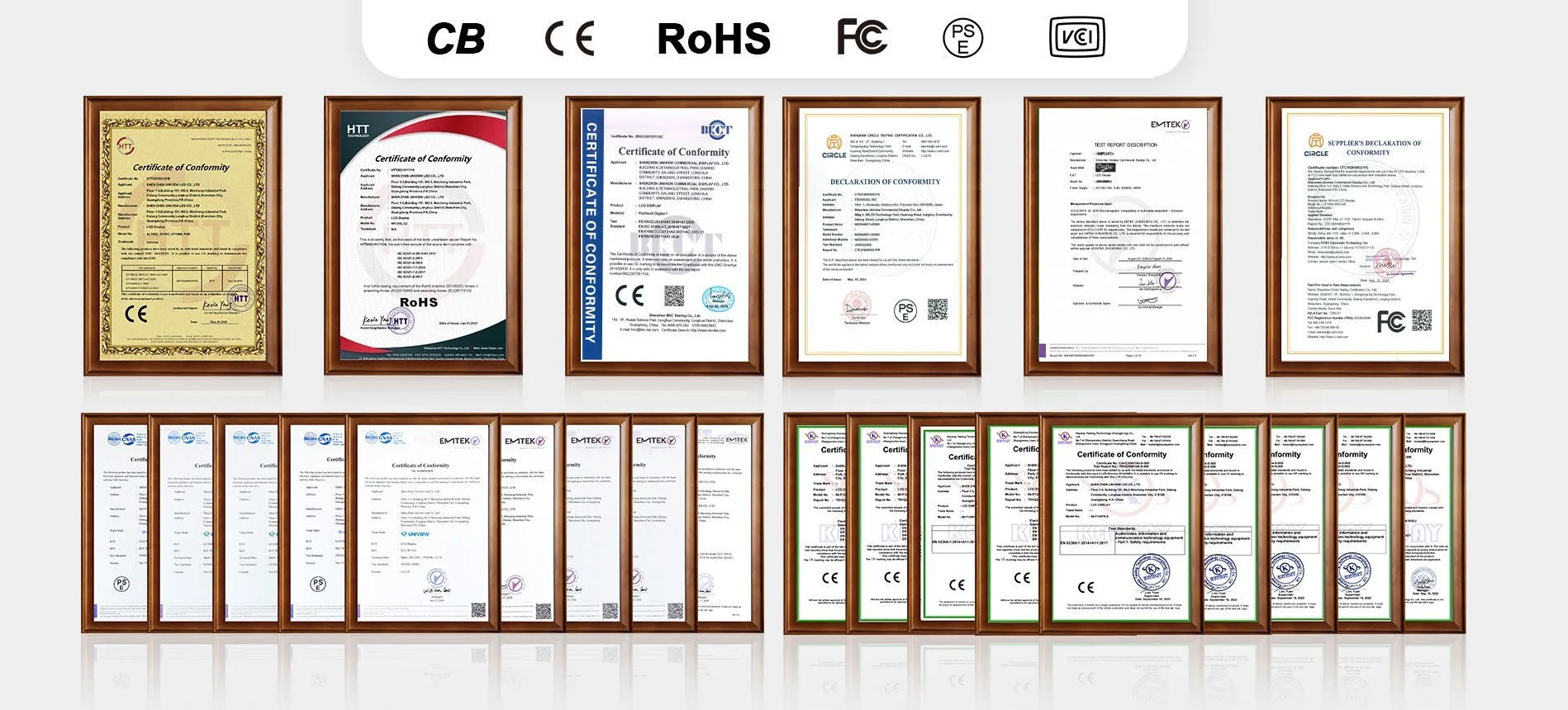
Production review can include panel inspection, housing preparation, QLED or LCD module integration, backlight assembly, Local Dimming configuration when selected, OPS and system integration, speaker installation, 5K signal testing, touchscreen testing when selected, appearance inspection, aging test, protective packaging and shipment preparation.
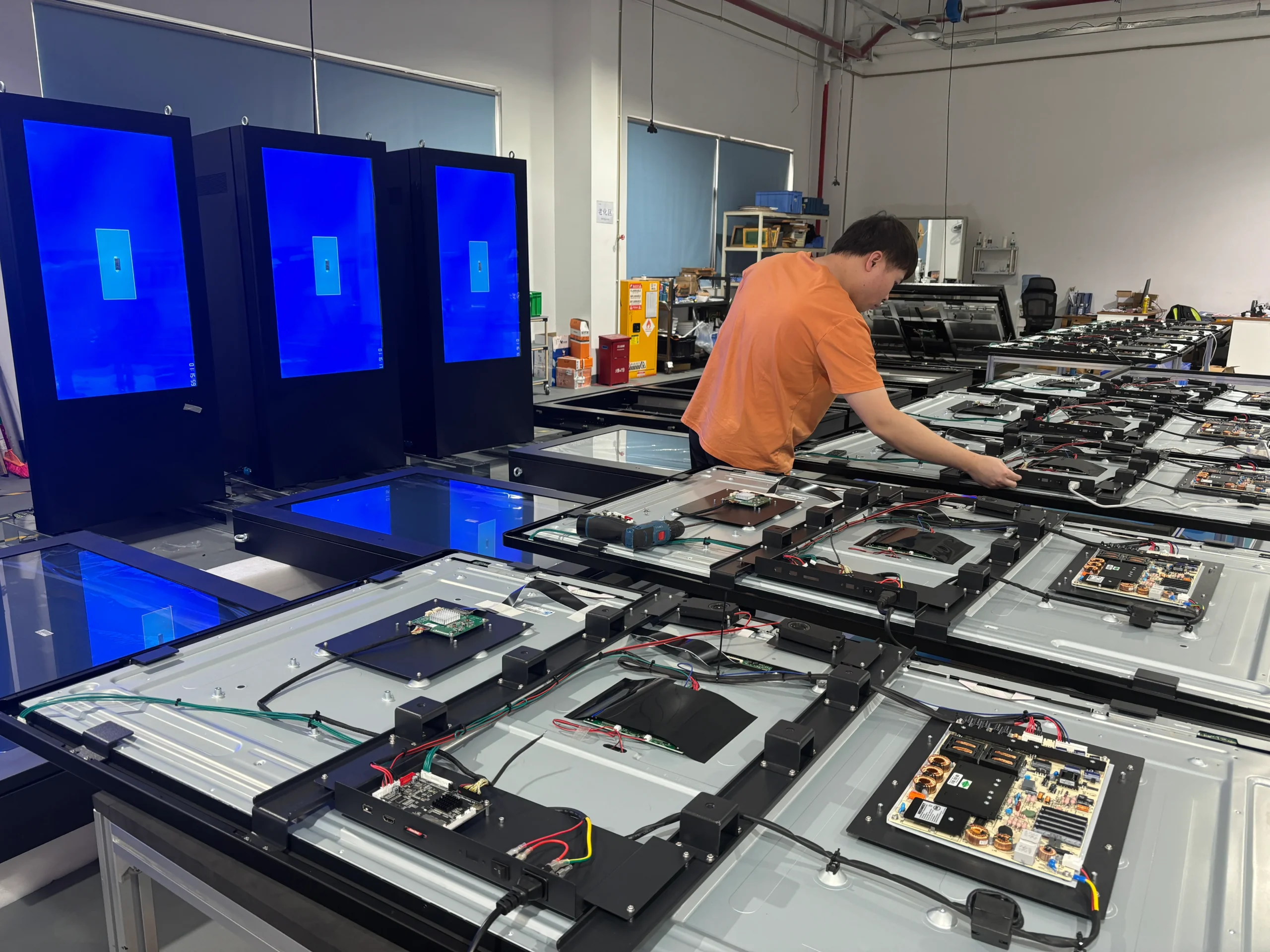
Certification documents can be prepared or matched according to the selected screen size, panel configuration, operating system and destination-market requirements. Available certification support may include CE, FCC, PSE, VCCI, RoHS and CB documentation. Please confirm the applicable model, configuration and certificate scope before ordering.
Share your intended application, required screen size, quantity, viewing distance, indoor lighting conditions, brightness requirement, IPS or VA preference, Local Dimming requirement, Android, Windows or OPS requirement, touch requirement, 5K content source, installation method and destination market.
Email: lcdsales@univiewlcd.com
Phone: +86-755-21009715
Address: Floor 1-3, Bldg 9, Delta Science and Technology Park, Dalang Street, Longhua District, Shenzhen, China